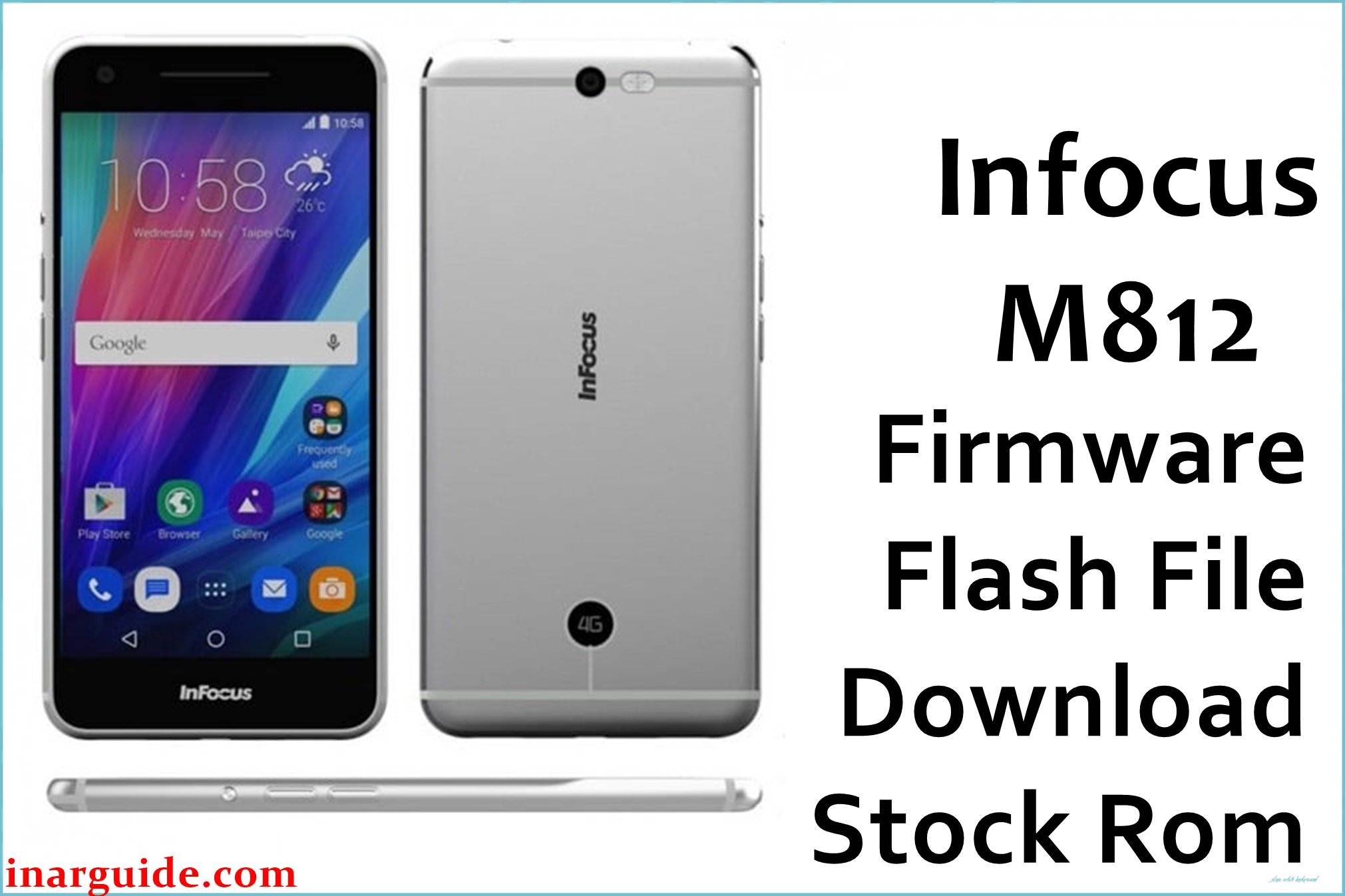
The Infocus M812 is a premium mid-range smartphone with robust hardware, but users commonly encounter overheating, battery drainage, sluggish UI, and being stuck on the boot logo. Many have experienced camera app crashes, low speaker output, and screen scratches. Following failed system updates or heavy multitasking, some devices may brick or enter boot loops. Flashing the official firmware can resolve most of these issues, bringing your M812 back to life with stable and smooth performance.
Both firmware files below are verified for the Infocus M812 series. Use them if your phone suffers from these errors, or you want to restore lost peak performance. These files also help bypass software faults and fix system glitches after malware attacks or incomplete upgrades.
Infocus M812 Firmware Details
| Device Name | Infocus M812 |
| Model | M812 |
| Chipset | Qualcomm Snapdragon 801 (MSM8974AC), Quad-core 2.5GHz |
| GPU | Adreno 330 |
| Android Version | 5.0.2 Lollipop (InLife UI) |
| RAM / Storage | 3GB RAM / 16GB ROM (+microSD up to 128GB) |
| Display | 5.5-inch IPS FHD, 1080×1920 pixels, Gorilla Glass 3 |
| Camera | 13MP rear (dual-tone flash), 8MP front |
| Battery | 2900 mAh (non-removable) |
| SIM | Duo SIM (micro+hybrid) |
| Firmware Versions | VN2-429C-0-00WW-A03 / VN2-6130-0-00WW-A04 |
| File Sizes | 1.38GB / 1.49GB |
| File Types | ZIP (with official update/flashable files) |
| Flashing Tool | Fastboot / QFIL / ADB Sideload (Qualcomm/Stock recovery) |
⚠ Warning: Always use firmware that matches your specific device version. Flashing the wrong file can cause permanent data loss or device bricking. Back up all important files, as the process will erase phone data.
Download Official Firmware for Infocus M812
Select the firmware version you need. Both help resolve:
- System stuck at logo/boot loop
- Overheating and app crash bugs
- Broken UI and performance lags
- Camera or network malfunctions
📄 Filename: Infocus_M812_VN2-429C-0-00WW-A03.zip
📦 Size: 1.38GB
🗓️ Date: Nov 28, 2016
🔢 Version: VN2-429C-0-00WW-A03
⬇️ Download Link: MediaFire (Direct Download)
📄 Filename: Infocus_M812_VN2-6130-0-00WW-A04.zip
📦 Size: 1.49GB
🗓️ Date: June 22, 2017
🔢 Version: VN2-6130-0-00WW-A04
⬇️ Download Link: MediaFire (Direct Download)
How to Flash the Firmware
Here are the 5 essential steps for safe Infocus M812 flashing:
- Extract the downloaded ZIP and install Qualcomm USB drivers on your PC.
- Open QFIL (Qualcomm Flash Image Loader) or use official updater depending on ZIP content.
- Power off the phone, connect it to PC in download mode (Volume Up + Volume Down, or as required).
- Load the update/flash file, then start the flashing process.
- Wait for process completion (Finish/Success message), then reboot the phone.
For complete step-by-step instructions with images and troubleshooting, follow this QFIL flashing guide.





