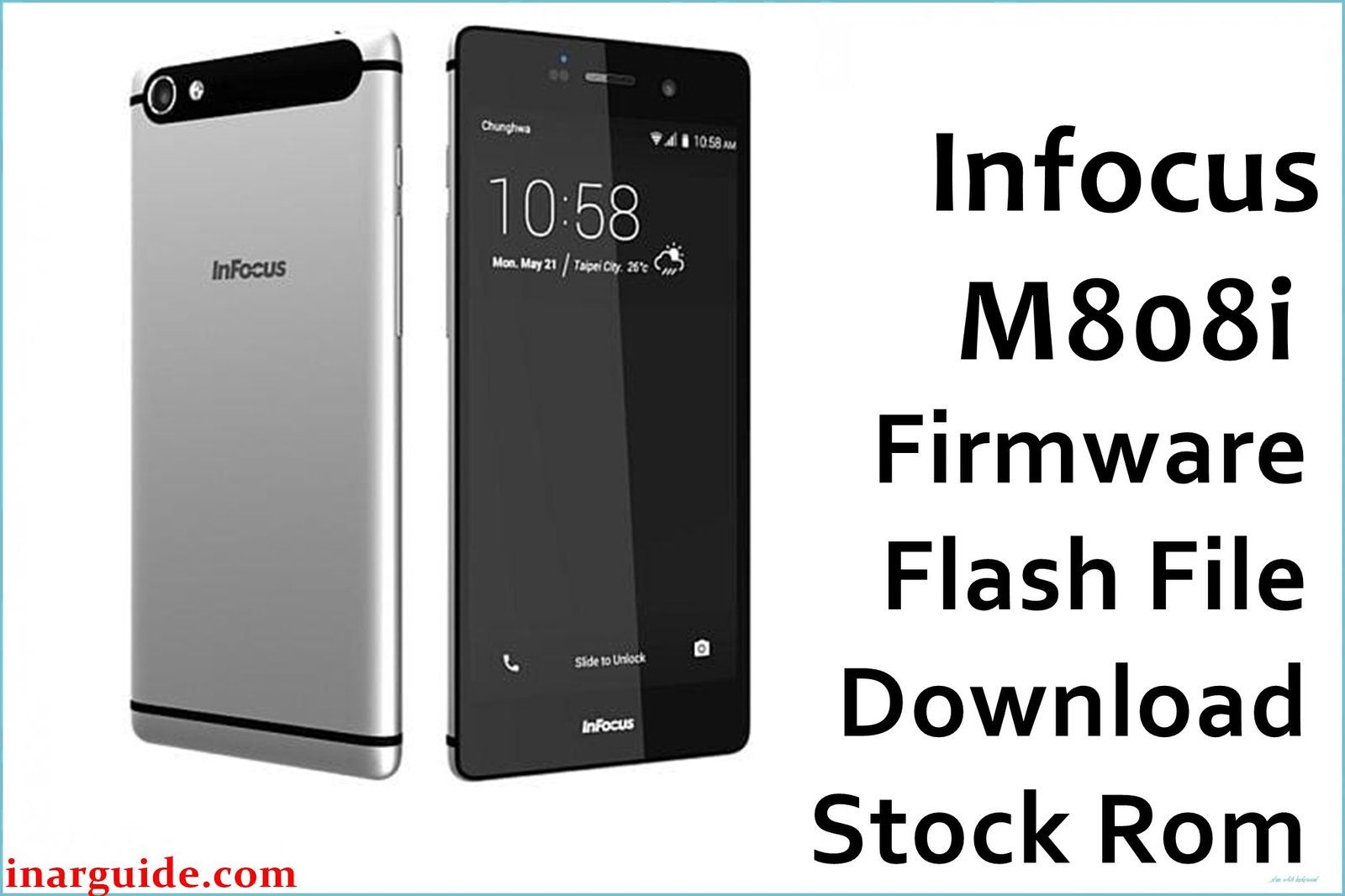
The Infocus M808i is a stylish mid-range smartphone powered by a MediaTek MT6735 processor and optimized for 4G/VoLTE. While it sports a premium metal build and crisp 5.2-inch full-HD display, users have encountered overheating, buggy UI, frequent app crashes, camera blue hue, and bootloop issues—sometimes leading to a dead device or unresponsive buttons. Official firmware restores the OS, fixes deep glitches, and resets your phone safely.
Infocus M808i Firmware Details
| Device Name | Infocus M808i |
| Model | M808i (MT6735) |
| Chipset | MediaTek MT6735 (Quad-core) |
| GPU | Mali-T720 MP2 |
| Android Version | Android 5.1 Lollipop |
| Firmware Version | 11052015_5.1 |
| Build Date | 11-May-2015 |
| File Size | 1.48 GB |
| File Type | ZIP (SP Flash Tool Compatible) |
| Flashing Tool | SP Flash Tool |
| Device Specifications | 5.2-inch FHD Display, 2GB RAM, 16GB ROM, Dual SIM, 13MP Rear, 5MP Front, 2450mAh battery |
⚠️ Warning: Flashing an incorrect or corrupted file can brick your Infocus M808i permanently. Only use official MT6735 firmware for your variant. Always fully charge your battery and never interrupt the process while flashing.
Download Official Firmware for Infocus M808i MT6735
Use the verified ROM below to fix unresponsive devices, resolve overheating, or clear bootloop errors.
📄 Filename: Infocus_M808i_MT6735_11052015_5.1.zip
📦 Size: 1.48 GB
🗓️ Build Date: 11-May-2015
🔢 Build Version: 5.1 Lollipop
🤖 Android Version: 5.1
⬇️ Download Link: Download from Mediafire
How to Flash the Firmware
Safely install the official ROM by following these steps:
- Extract the firmware zip file onto your computer.
- Download and install SP Flash Tool and required MediaTek USB drivers.
- Open SP Flash Tool and load the included scatter.txt file from the firmware folder.
- Turn off your phone and connect via USB cable.
- Click the Download button to begin flashing and wait for the green checkmark.
For illustrated step-by-step instructions, see this guide: MediaTek SP Flash Tool tutorial.





