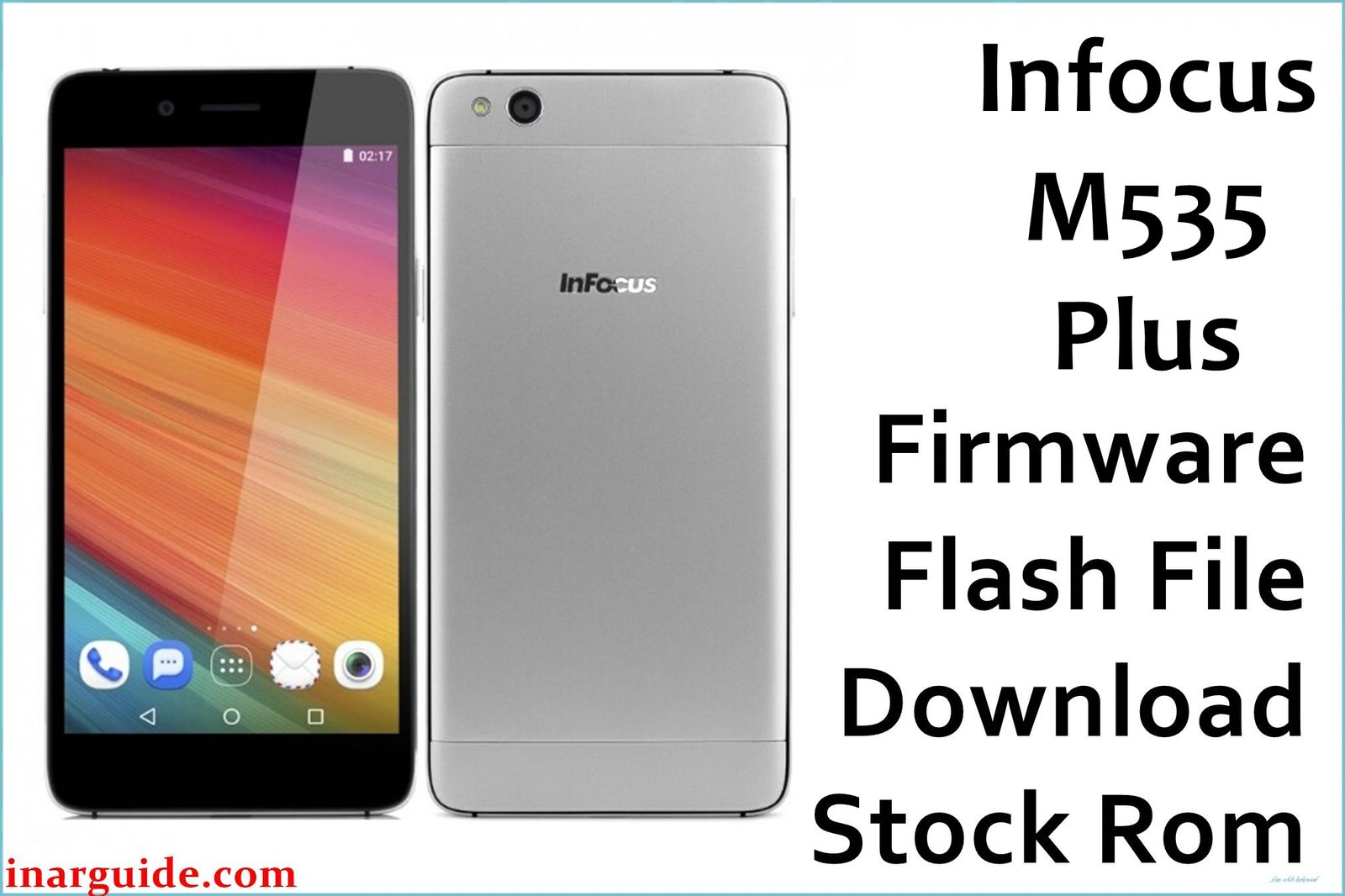
The Infocus M535 Plus is an Android smartphone released in 2016 featuring a stylish design and robust build for its segment. However, over the years, users have reported frequent software glitches including unreliable back touch functionality, display lag, battery drain, slow performance with multiple apps, and rare camera app crashes.
This official stock firmware (G42-627A-0-00WW-A04) is designed to resolve persistent software issues such as malfunctioning touch buttons, bootloops after OTA updates, system lag, and accidental bricking from failed software experiments. Flashing it restores your phone to factory condition, which can breathe new life into your M535+ and fix most user-reported bugs and errors.
Infocus M535 Plus Firmware Details
| Device Name: | Infocus M535 Plus |
| Model: | M535 Plus (G42) |
| Chipset: | MediaTek MT6753 |
| CPU/GPU: | 8x 1.3GHz Cortex-A53 / Mali-T720 MP3 |
| RAM: | 3GB |
| Storage: | 16GB (expandable to 64GB via microSD) |
| Display: | 5.5″ Full HD (1920×1080), IPS LCD |
| Rear Camera: | 13MP with LED Flash |
| Front Camera: | 13MP |
| Battery: | 2600mAh (non-removable) |
| Operating System: | Android 6.0 Marshmallow (upgradeable) |
| Firmware Version: | G42-627A-0-00WW-A04 |
| Build Date: | 2017-06-22 |
| File Size: | 1.6GB |
| File Type: | .zip (factory flash package) |
| Flashing Tool: | SP Flash Tool (for MediaTek/MTK) |
Warning: Flashing the wrong firmware or using the wrong version for your Infocus M535 Plus may lead to permanent device bricking, total touch panel failure, or network issues. Always double-check the model and backup your data. If possible, charge your battery to above 70% before flashing.
Download Official Firmware for Infocus M535 Plus
Below you will find the only verified official firmware package for the Infocus M535 Plus. This build can be used to recover a dead or bootlooped device, solve most persistent software flaws, or reset the device before a resale. This package includes all necessary partitions to restore your phone to factory settings. As of this release, there are no newer Android updates available for this model.
📄 Filename: Infocus_M535_Plus_G42-627A-0-00WW-A04.zip
📦 Size: 1.6GB
🗓️ Build Date: 2017-06-22
🔢 Build Version: G42-627A-0-00WW-A04
🤖 Android Version: 6.0 Marshmallow
⬇️ Download Link: MediaFire (Direct)
How to Flash the Firmware
- Extract Infocus_M535_Plus_G42-627A-0-00WW-A04.zip to your PC.
- Install or update MediaTek VCOM drivers on your system.
- Open SP Flash Tool and load the extracted scatter file.
- Connect your Infocus M535 Plus (turned off) to your computer via USB cable.
- Click “Download” on SP Flash Tool to initiate firmware flashing and wait for completion.
For a complete step-by-step guide with screenshots and video walkthrough, click here to see the full flashing process.





