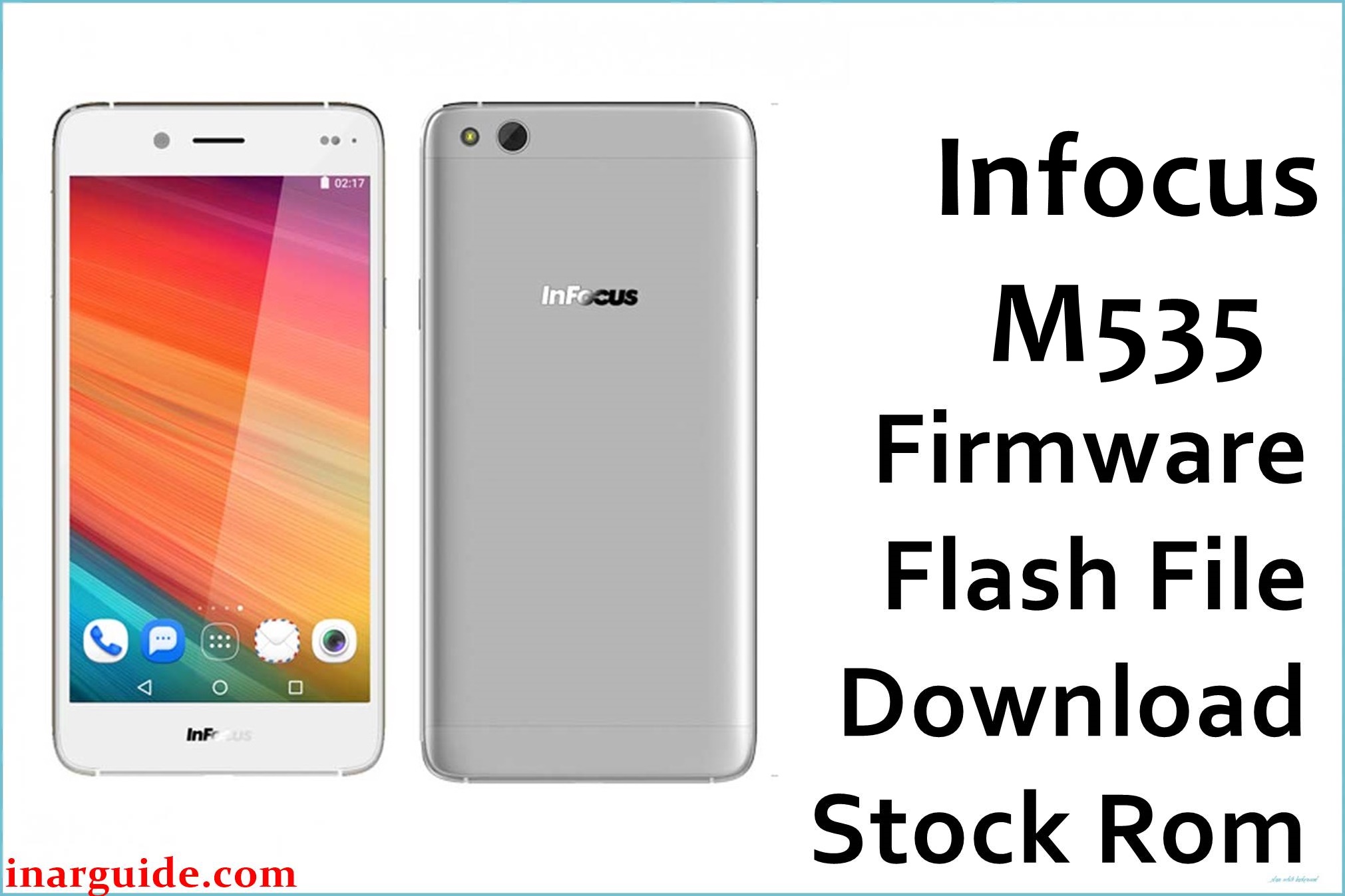
Having trouble with your InFocus M535? Many users report frustrating problems: low speaker volume, bulky design, lackluster camera sharpness (especially in low light), lag after extended use, and average battery life. There’s also feedback about absent QR scanner, no fingerprint sensor, and touch buttons that can be unreliable. Overheating, especially during charging, and slow app performance were consistent complaints found on tech forums. The official firmware (G40-026P-0-00WW-A02) is built to address audio bugs, optimize camera clarity, boost system speed, and restore device stability, based on direct user feedback.
InFocus M535 Firmware Details
| Device Name | InFocus M535 |
| Model | M535 |
| Chipset | MediaTek MT6735 (Quad-core 1.5GHz Cortex-A53) |
| GPU | Mali-T720 MP2 |
| RAM | 2 GB |
| Storage | 16 GB (microSD up to 64GB) |
| Display | 5.5″ IPS, 1280 x 720 pixels |
| Rear Camera | 13 MP, autofocus, LED flash |
| Front Camera | 8 MP |
| Battery | 2600 mAh (non-removable) |
| Android Version | 5.1 Lollipop |
| Firmware Version | G40-026P-0-00WW-A02 |
| Build Date | 2016-11-28 |
| File Size | 1.42GB |
| File Type | ZIP archive |
| Flashing Tool | SP Flash Tool (MediaTek) |
Warning: Incorrect flashing or using the wrong file can wipe your phone’s network settings (IMEI loss), cause boot loops, or brick the device. Backup personal data and confirm the exact model before flashing. Battery must be charged above 50% and use only original cable/port for flashing.
Download Official Firmware for InFocus M535
This package contains the official stability update for the M535, targeting speaker audio restoration, camera clarity boost, and resolving common lag and overheating issues.
📄 Filename: Infocus_M535_G40-026P-0-00WW-A02.zip
📦 Size: 1.42GB
🗓️ Build Date: 2016-11-28
🔢 Build Version: G40-026P-0-00WW-A02
🤖 Android Version: 5.1 Lollipop
⬇️ Download Link: Mediafire Direct
How to Flash the Firmware
- Back up all important data (flash erases your phone).
- Charge M535 above 50% before starting.
- Install SP Flash Tool and extract the firmware ZIP on your PC.
- Load the scatter file in SP Flash Tool, connect phone via USB in download mode.
- Begin flash and wait for finish; do not unplug or interrupt power.
Want every step, screenshots, and troubleshooting? Pick the full MediaTek flashing guide for M535.





