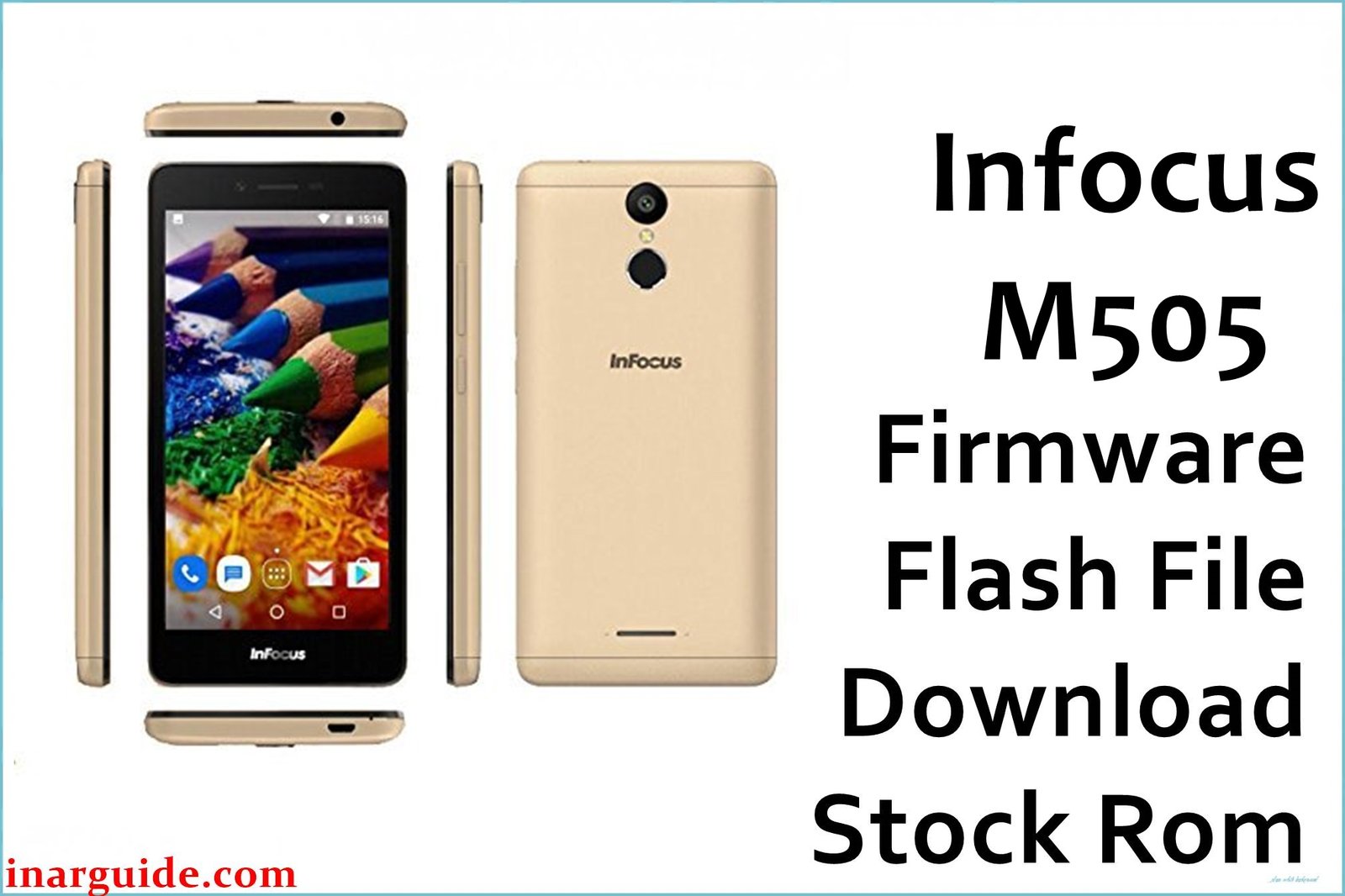
The Infocus M505 is a budget-friendly smartphone built on the reliable MediaTek MT6737M platform. Users have noted common problems such as battery draining faster than expected, sluggish performance during multitasking, heating while gaming, and occasional system crashes or app force-closes. Some devices have also experienced network drops and bootloop issues after failed updates. Downloading and flashing the official firmware can resolve most of these software-related faults and return your phone to smooth operation.
This firmware restores the device to its original factory state, providing fixes for bugs, lag, and boot failures. It is strongly recommended if your M505 is stuck at the logo, suffering from continuous restarting, or plagued by performance lags.
Infocus M505 Firmware Details
| Device Name | Infocus M505 |
| Also Known As | Infocus A1s M505 Dual SIM TD-LTE |
| Model | M505 |
| Chipset | MediaTek MT6737M (4×1.25 GHz Cortex-A53) |
| GPU | Mali-T720 |
| Android Version | Android 7.0 (Nougat) |
| RAM / Storage | 1GB RAM / 8GB ROM |
| Display | 5.0-inch TN-TFT, 484×854 pixels |
| Rear/Front Camera | 5 MP / 2 MP |
| Battery Capacity | 2,200 mAh (non-removable) |
| SIM slot | Dual SIM (Micro + Mini) |
| Firmware Version | 130A_00WW_A01_12062017 |
| Build Date | June 12, 2017 |
| File Size | 1.48GB |
| File Type | ZIP (Scatter File Included) |
| Flashing Tool | SP Flash Tool |
| Supported Region | India, Asia |
⚠ Warning: Always confirm your exact device model before proceeding. Flashing the wrong firmware can cause IMEI loss, signal problems, or complete phone brick. Keep a backup of all your data, as flashing will erase everything.
Download Official Firmware for Infocus M505
This firmware will fix:
- Bootloop and stuck at logo screen
- Fast battery drainage
- System lag and slow response
- App crashes and update failures
- Network signal drops
📄 Filename: Infocus_M505_MT6737M_130A_00WW_A01_12062017.zip
📦 Size: 1.48GB
🗓️ Build Date: June 12, 2017
🔢 Version: 130A_00WW_A01_12062017
🤖 Android Version: 7.0 Nougat
⬇️ Download Link: MediaFire (Direct Download)
How to Flash the Firmware
To flash the Infocus M505, follow these summarized steps:
- Extract the downloaded firmware ZIP on your computer.
- Install MediaTek USB VCOM drivers and download the latest SP Flash Tool.
- Open SP Flash Tool and load the included scatter file.
- Switch off your phone and connect it to your PC via USB while holding volume down.
- Click “Download” in SP Flash Tool, then wait for the green success checkmark before disconnecting.
For a complete guide with images and troubleshooting, check this MediaTek flashing tutorial.





