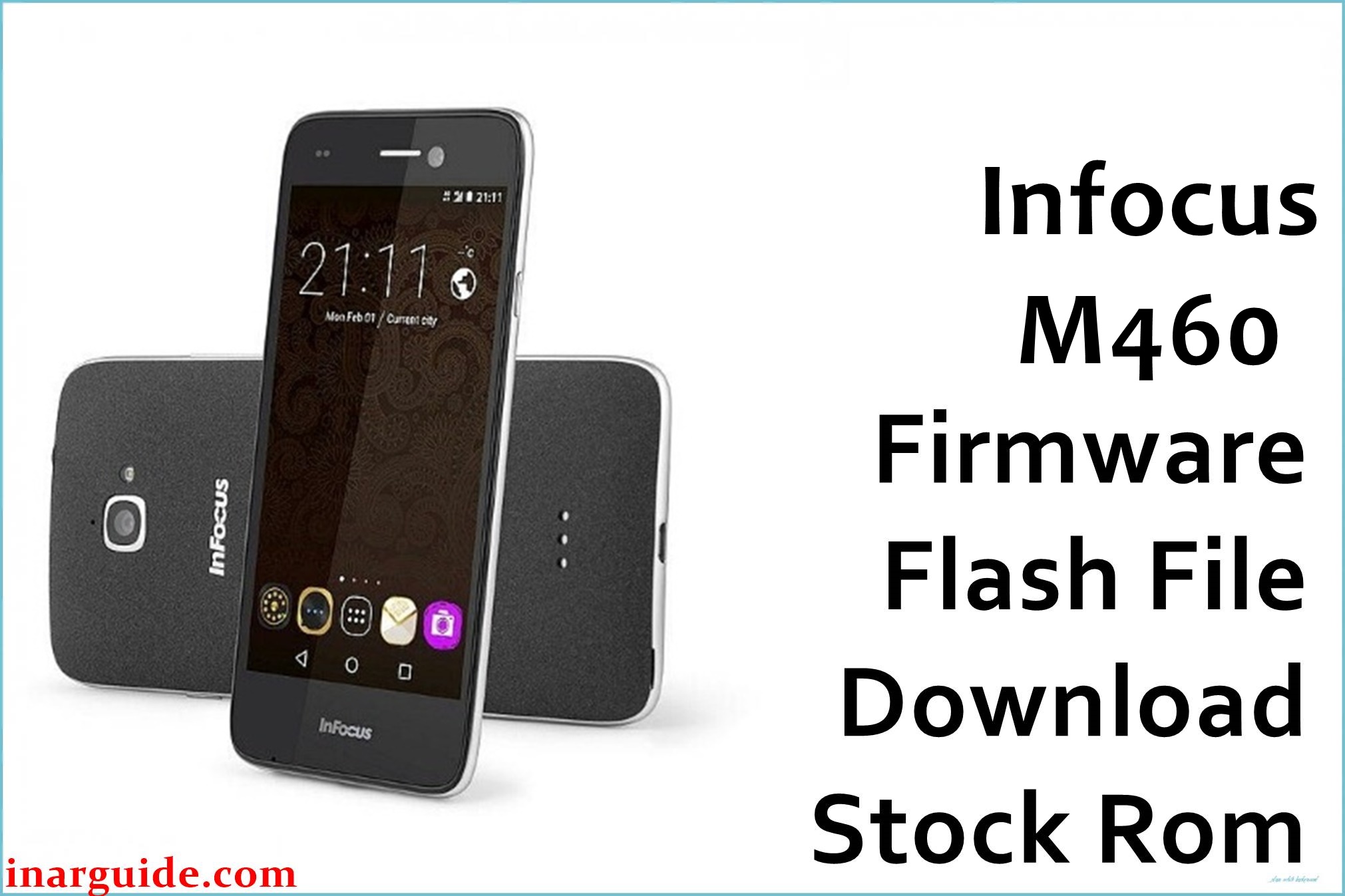
Are you facing lag, poor touch response, camera issues, display glitches, or random freezing on your InFocus M460 (Bingo 50)? Many users reported frustrating bugs, low-light camera performance, lagging system UI, battery drain, and occasional OS crashes with this model. Some also mention network drops or touchscreen unresponsiveness after updates. The official firmware (G3T-2270-0-00WW-A05) is designed to restore the phone, fix bootloop or crash problems, and provide a stable, snappy Android 6.0 experience.
InFocus M460 Firmware Details
| Device Name | InFocus M460 (Bingo 50) |
| Model | M460 |
| Chipset | MediaTek MT6735 (Quad-core 1.3GHz, Cortex-A53) |
| GPU | Mali-T720 |
| RAM | 3 GB |
| Storage | 16 GB (expandable to 64 GB) |
| Display | 5″ IPS HD, 720×1280 px |
| Rear Camera | 8 MP, LED flash, autofocus |
| Front Camera | 8 MP |
| Battery | 2500 mAh Li-Ion |
| Android Version | 6.0 Marshmallow (InLife UI) |
| Firmware Version | G3T-2270-0-00WW-A05 |
| Build Date | 2017-06-21 |
| File Size | 1.48 GB |
| File Type | ZIP archive |
| Flashing Tool | SP Flash Tool (Mediatek) |
Warning: This model is particularly sensitive to incorrect firmware/or flashing errors. Flashing the wrong file or disconnecting during the process can result in total loss of network (IMEI null), dead boot, or unresponsive touchscreen. Only use the exact firmware for the M460 and verify your model before flashing.
Download Official Firmware for InFocus M460 (Bingo 50)
Here is the official stock firmware for the InFocus M460 (Bingo 50). Installing this resolves most system freezes, unresponsive screen issues, lag, and battery bugs known for this device.
📄 Filename: Infocus_M460_G3T-2270-0-00WW-A05.zip
📦 Size: 1.48 GB
🗓️ Build Date: 2017-06-21
🔢 Build Version: G3T-2270-0-00WW-A05
🤖 Android Version: 6.0 Marshmallow
⬇️ Download Link: Mediafire Direct
How to Flash the Firmware
- Backup all data from your phone as flashing erases everything.
- Charge the device above 50% to prevent shutdowns.
- Install the SP Flash Tool on your PC and extract the firmware ZIP.
- Load the scatter file in SP Flash Tool and connect the phone in download mode.
- Click ‘Download’ and wait as the process completes – do not disconnect or power off.
See every flashing step, screenshots, and troubleshooting in this complete M460 MediaTek flash guide.





