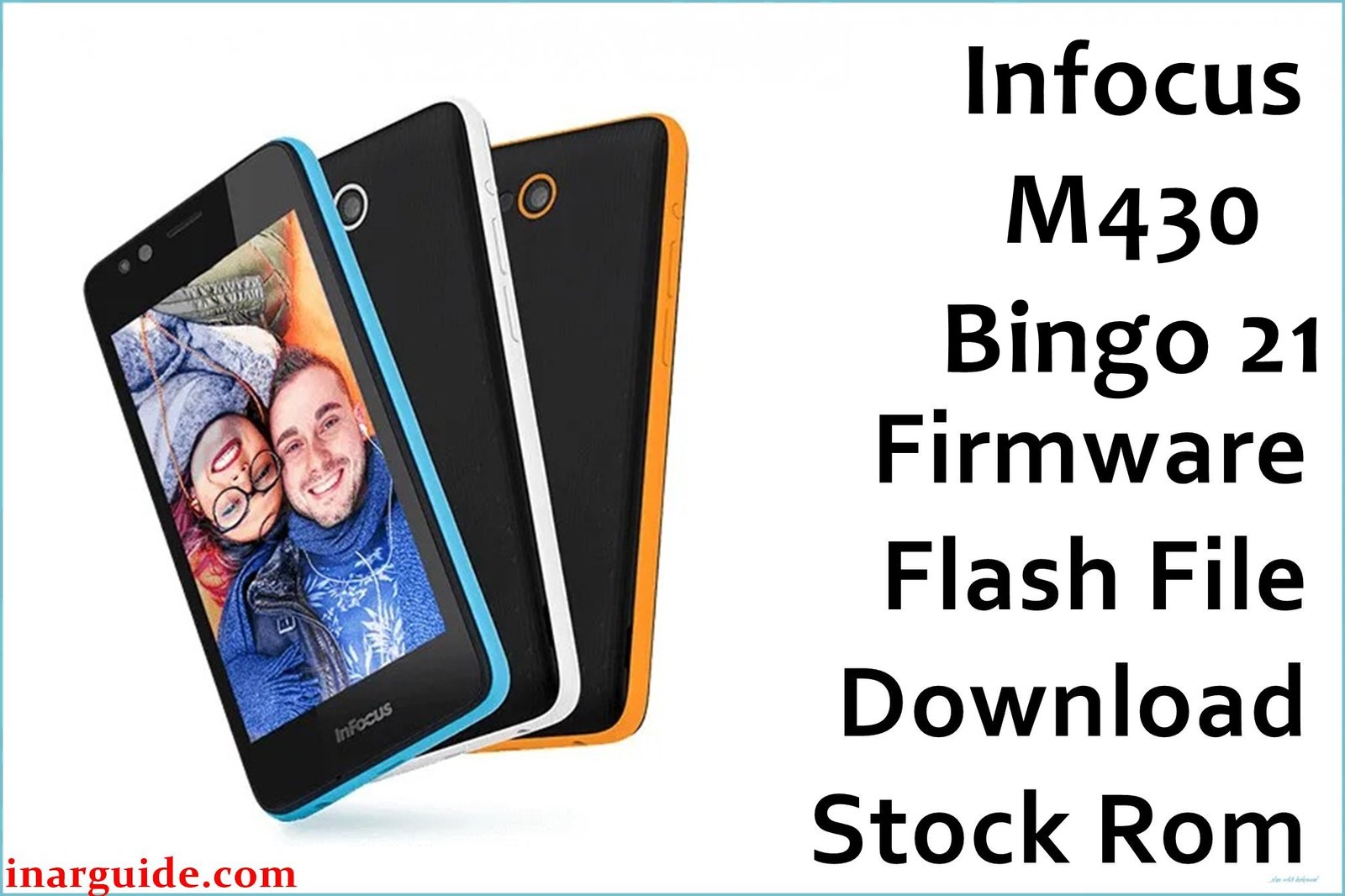
Infocus Bingo 21 (M430) is a popular low-budget Android smartphone designed for entry-level users. Many owners have reported frequent problems with slow system speed, low usable storage, poor sunlight display, occasional overheating during gaming, battery drain if used intensively, and random boot hang (stuck on logo). Users also mention sluggish or unresponsive cameras, lag when switching apps, and unreliable power button placement.
Flashing this original firmware (HGO_1130_0_00WW_A02) to your device can help you solve bootloop, unresponsive device, restore all system files to original factory settings, and reclaim lost performance. It is also the only way to fix many brick states after failed rooting or custom ROM installations.
Infocus Bingo 21 M430 Firmware Details
| Device Name: | Infocus Bingo 21 |
| Model: | M430 |
| Chipset: | Spreadtrum SC9830 (32-bit Quad-Core 1.5GHz) |
| GPU: | Mali-400 MP2 |
| RAM: | 2GB |
| Storage: | 8GB (about 3.5GB usable, expandable via microSD) |
| Display: | 4.5″ IPS LCD, 480×854 (FWVGA) |
| Rear Camera: | 8MP, autofocus, single LED flash |
| Front Camera: | 5MP, LED flash |
| Battery: | 2300mAh (removable) |
| Connectivity: | Dual SIM, 4G LTE, Wi-Fi, Bluetooth, FM Radio |
| Operating System: | Android 5.1 Lollipop (stock) |
| Firmware Version: | HGO_1130_0_00WW_A02 |
| Build Date: | 2017-06-22 |
| File Size: | 1.25GB |
| File Type: | .zip (factory flash archive) |
| Flashing Tool: | SPD Upgrade Tool (Spreadtrum devices) |
Warning: Incorrect firmware flashing on Infocus M430 can permanently corrupt the system or erase IMEI. Always back up your data, verify compatibility, and use a fully charged battery. Do not flash this file to other Infocus models to avoid permanent brick.
Download Official Firmware for Infocus Bingo 21 M430
Below is the only verified official firmware for Infocus Bingo 21 (M430). Use this package to fix stuck logo, unresponsive software, restore lost storage, and bypass update errors.
No manufacturer changelogs are available; this is the final stable release for the model.
📄 Filename: Infocus_M430_HGO_1130_0_00WW_A02.zip
📦 Size: 1.25GB
🗓️ Build Date: 2017-06-22
🔢 Build Version: HGO_1130_0_00WW_A02
🤖 Android Version: 5.1 Lollipop
⬇️ Download Link: MediaFire (Direct)
How to Flash the Firmware
- Extract Infocus_M430_HGO_1130_0_00WW_A02.zip on your PC.
- Install the latest Spreadtrum (SPD) drivers compatible with your Windows system.
- Open SPD Upgrade Tool and load the .pac firmware file from the extracted folder.
- Turn off your device, disconnect the battery (if possible), reconnect, and connect to PC via USB.
- Click “Download” in SPD Tool to start flashing, wait for the “Passed” message before unplugging or powering on.
Want a detailed, stepwise SPD firmware flashing tutorial (with images and videos)? See this full SPD firmware guide here.





