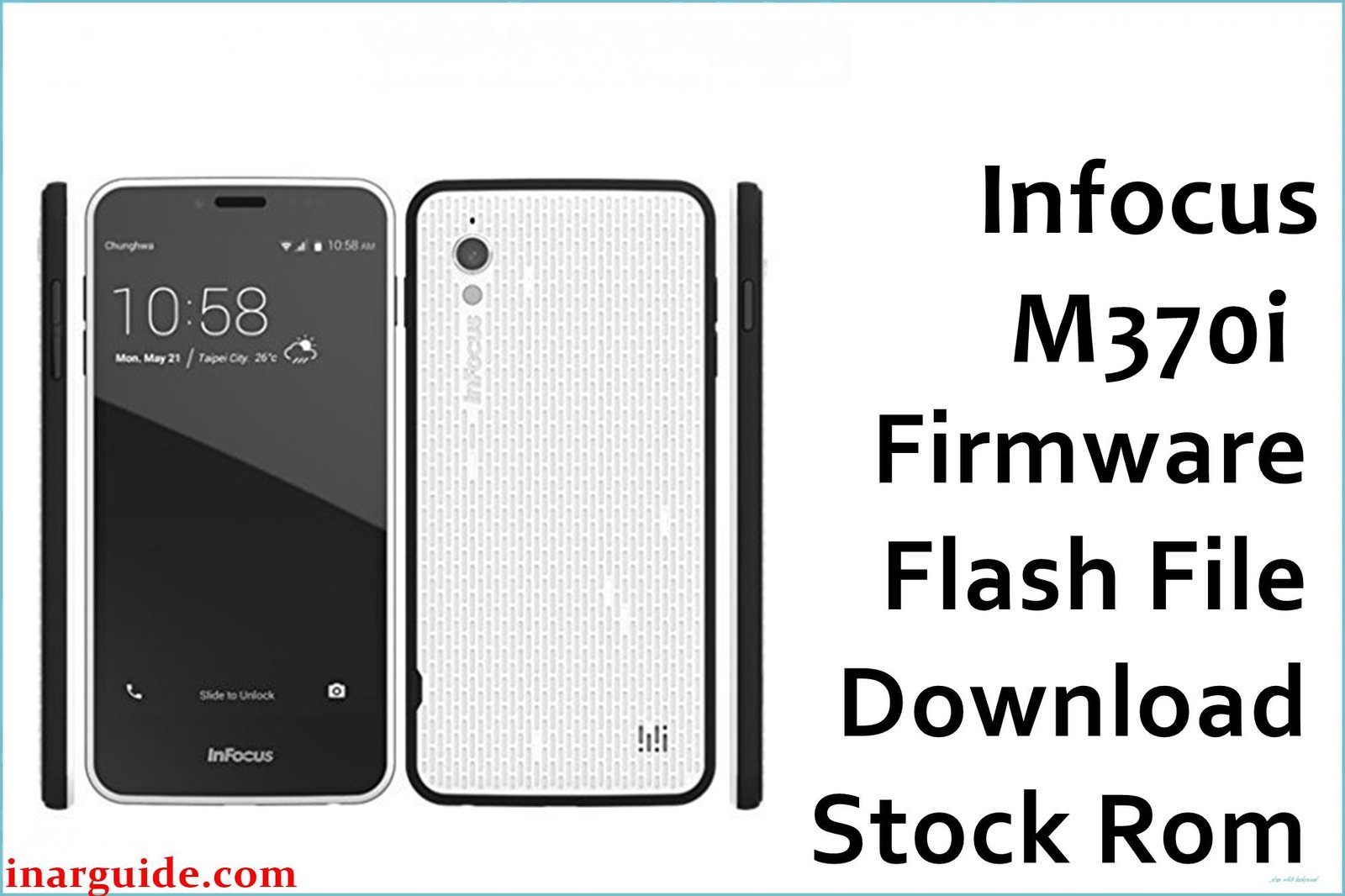
Experiencing lag, random crashes, heating, or a black screen on the InFocus M370i? Many users have reported frustrating issues like frequent app crashes, performance slowdowns, overheating during use, and occasional screen failures. Camera quality complaints, hybrid SIM slot limitations, and dissatisfaction with low RAM were also widespread among owners. This official firmware file (FAO-1160-0-00WW-A01) addresses bugs and glitches to restore your phone to proper working condition. Installing the stock ROM can resolve crashes, fix black screens, and bring back higher stability and compatibility, as noted by the InFocus user community online.
InFocus M370i Firmware Details
| Device Name | InFocus M370i |
| Model | M370i |
| Chipset | Qualcomm Snapdragon 210 MSM8909 (Quad-core 1.1GHz Cortex-A7) |
| GPU | Adreno 304 |
| RAM | 1/2 GB |
| Storage | 8/16 GB |
| Display | 5″ IPS, 720x1280px |
| Rear Camera | 8MP |
| Front Camera | 2MP |
| Battery | 2230 mAh removable |
| Android Version | 5.0 Lollipop |
| Firmware Version | FAO-1160-0-00WW-A01 |
| Build Date | 2017-06-21 |
| File Size | 1.35 GB |
| File Type | ZIP archive |
| Flashing Tool | QFIL (Qualcomm Flash Image Loader) / microSD update |
Warning: Flashing the wrong file or interrupting the process can permanently brick your InFocus M370i or cause malfunctioning. This model is sensitive to corrupted firmware or partial flashes, which may lead to an unrecoverable boot loop, loss of IMEI, or dead touchscreen. Ensure your battery is over 50% charged, and use only the exact firmware for the “M370i” (not M370, M370s, etc.).
Download Official Firmware for InFocus M370i
Only one official version (FAO-1160-0-00WW-A01) is available for direct download. Changelog: official InFocus stock Android 5.0 OS, bug fixes, restores full device stability, fixes bootloop, crash, and major heating issues reported by users.
📄 Filename: Infocus_M370i_5.0_FAO-1160-0-00WW-A01.zip
📦 Size: 1.35 GB
🗓️ Build Date: 2017-06-21
🔢 Build Version: FAO-1160-0-00WW-A01
🤖 Android Version: 5.0
⬇️ Download Link: Mediafire Direct
How to Flash the Firmware
- Back up all your data since this process erases your phone.
- Charge your InFocus M370i to at least 50% before proceeding.
- Extract the firmware ZIP and install QFIL or use a microSD card, as required.
- Follow the tool’s prompts to load the firmware and begin flashing.
- Wait for the process to complete; do not disconnect the device or interrupt power.
Want complete step-by-step instructions and videos for flashing? See the full InFocus M370i flashing guide with pictures.





