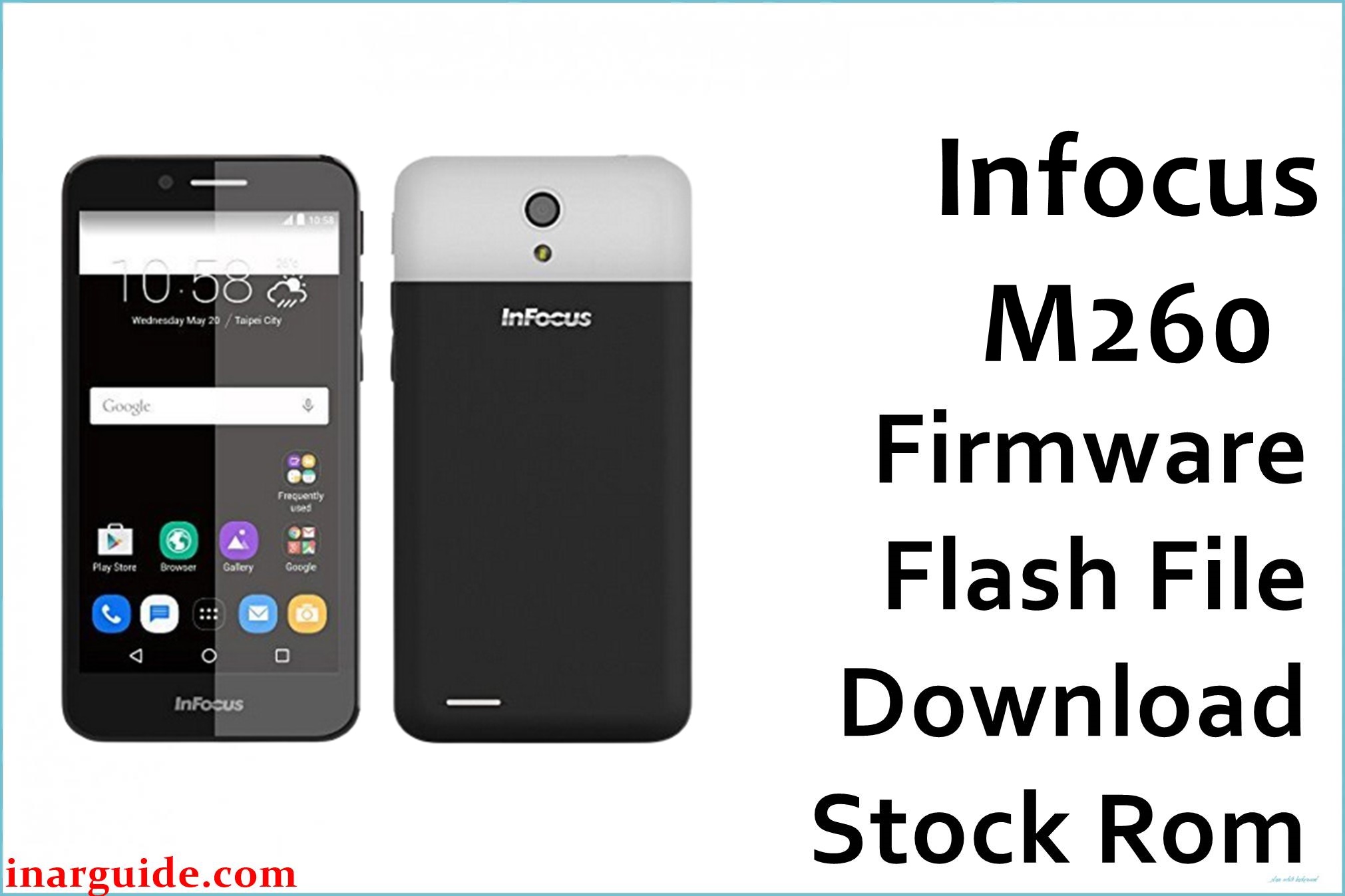
The InFocus M260 is a cost-effective 4.5-inch Android smartphone powered by MediaTek MT6582, often praised for its reliable 3G, removable battery, and handy dual-SIM feature. Common complaints include slow app performance, lack of updates, call bugs, and bootloops after failed installs. The official firmware below addresses system stability, app crashes, and unbricking issues.
InFocus M260 Firmware Details
| Device Name | InFocus M260 |
| Model | M260 (ZL2) |
| Chipset | MediaTek MT6582 (1.3GHz quad-core) |
| Firmware Versions | ZL2-524H-0-00WW-A02 / MT6582_5.0.2_V1.15_FIH6582.WT.NJ.L_P3 |
| Build Dates | 22 June 2017 / 4 July 2017 |
| File Sizes | 1.2GB (Scatter ROM), 1.22GB (Update ROM) |
| File Types | ZIP (SP Flash Tool/Scatter), ZIP (Update) |
| Flashing Tools | SP Flash Tool, System Update/Recovery |
| Device Specifications | |
|---|---|
| Display | 4.5-inch IPS TFT, 480×854 (218ppi) |
| Processor | 1.3GHz quad-core MT6582 |
| RAM | 1GB |
| Storage | 8GB (expandable via microSD up to 32GB) |
| Rear Camera | 5MP, LED flash, 2584x1938px |
| Front Camera | 2MP |
| Battery | 2000 mAh (removable, Li-Ion) |
| SIM Type | Dual SIM (microSIM + microSIM) |
| Connectivity | 3G, WiFi b/g/n, Bluetooth 4.0, GPS, FM, microUSB v2.0 |
| Sensors | Accelerometer, Proximity |
| Body | 132.87 × 67.8 × 10.48 mm, 155g, Colors: Orange/Yellow/White |
Warning: Confirm that your model is InFocus M260 ZL2 (MT6582) before proceeding. Interruptions or using the wrong firmware version can cause permanent damage. Back up your files and ensure more than 50% battery charge.
Download Official Firmware for InFocus M260
Select the correct firmware version for your situation. Use the scatter ROM for full system restore or unbrick. Use the Update ROM for incremental upgrades or minor fixes. Both files can fix bootloops, restore factory settings, and correct call bugs:
- ZL2-524H-0-00WW-A02.zip (SP Flash Tool):
📦 Size: 1.2GB
🗓️ Build Date: 22 June 2017
🤖 Android Version: 5.0.2 Lollipop
🔧 Use for: Full flash/unbrick, remove bootloop, fresh restore.
⬇️ Download from MediaFire - MT6582_5.0.2_V1.15_FIH6582.WT.NJ.L_P3.zip (Update ROM):
📦 Size: 1.22GB
🗓️ Build Date: 4 July 2017
🤖 Android Version: 5.0.2 Lollipop
🔧 Use for: Software update using stock recovery.
⬇️ Download from MediaFire
How to Flash the Firmware
Quick 5-step guide:
- Download and extract your preferred firmware file.
- For SP Flash Tool: Install MTK drivers, load “scatter.txt” in SP Flash Tool, click “Download,” connect powered-off device.
- For update ROM: Place ZIP file on SD card, boot to recovery (Power + Volume Up), select “apply update from SD card,” and select the file.
- Wait for flashing to complete and reboot.
- First startup may take extra time; be patient.
For full instructions with pictures and video, see the step-by-step MediaTek guide.





