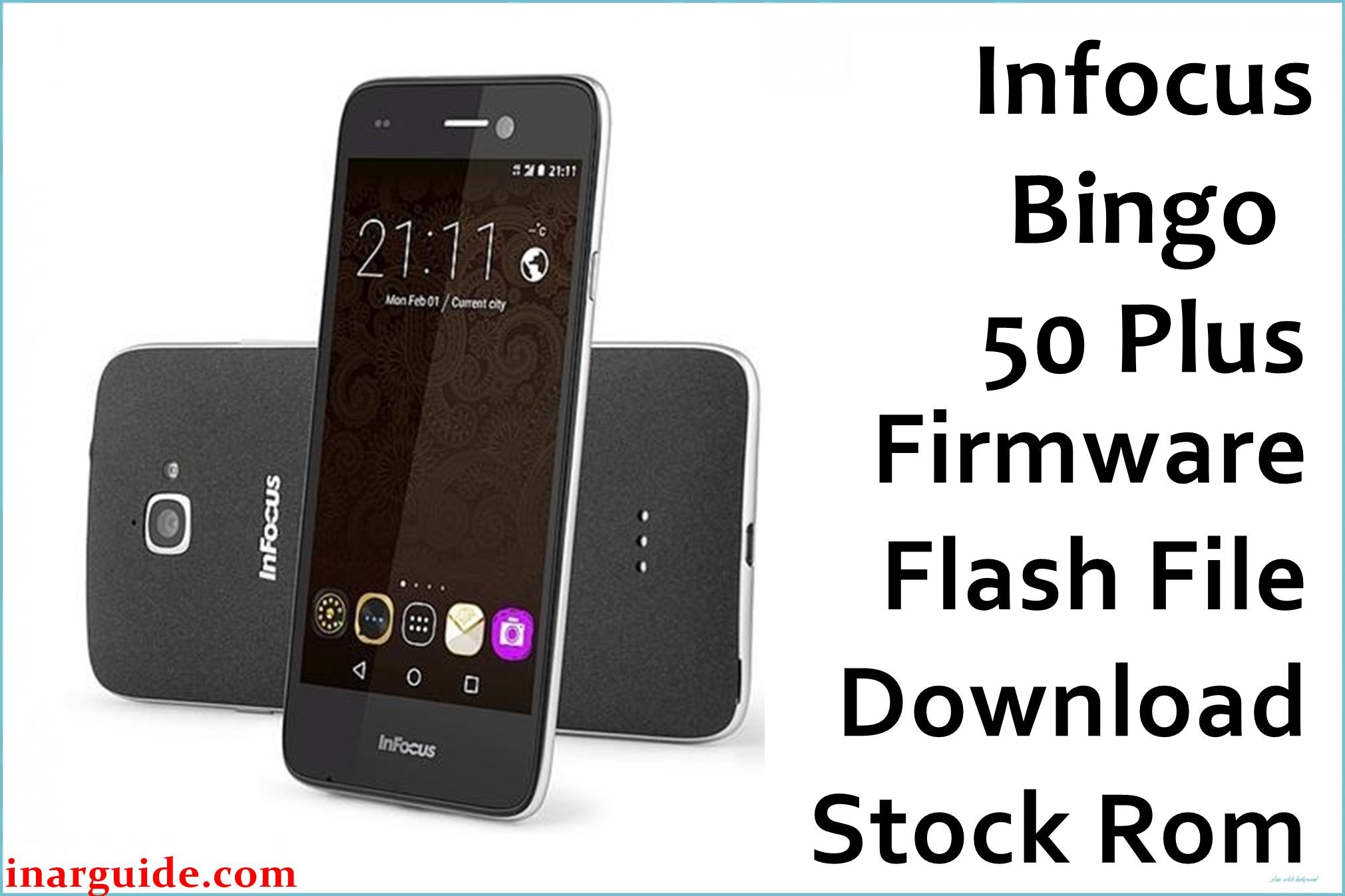
The Infocus Bingo 50 Plus, released in late 2016, is a budget-friendly smartphone with a 5.5-inch display, metal body, and octa-core MediaTek MT6753 processor. While praised for its ergonomic design and camera, many users have reported issues such as app crashes, sluggish performance, persistent bootloops, and software glitches especially after system updates. Flashing the official firmware below restores the device’s stability, fixes random system errors, and improves device performance.
Infocus Bingo 50 Plus Firmware Details
| Device Name | Infocus Bingo 50 Plus |
| Model | Bingo 50 Plus (G40) |
| Chipset | MediaTek MT6753 (1.3GHz Octa-core) |
| Android Version | Android 6.0 Marshmallow |
| Firmware Version | G40-627A-0-00WW-A04 |
| Build Date | 27 May 2017 |
| File Size | 1.55 GB |
| File Type | ZIP Package (Scatter firmware) |
| Flashing Tool | SP Flash Tool |
| Device Specifications | |
|---|---|
| Display | 5.5-inch IPS LCD, 1280 × 720 pixels (~267 ppi) |
| Processor | Octa-core 1.3GHz MT6753 |
| RAM | 3 GB |
| Storage | 16 GB (expandable microSD up to 64 GB) |
| Rear Camera | 13 MP with LED flash, 1080p video |
| Front Camera | 8 MP |
| Battery | 2600 mAh (non-removable) |
| SIM Type | Dual Nano-SIM (GSM+GSM/CDMA) |
| Connectivity | 4G LTE, Wi-Fi 802.11 b/g/n, Bluetooth 4.1, microUSB 2.0, FM Radio |
| Sensors | Accelerometer, Gyroscope, Compass |
| Body | Metal build, 156 × 76.8 × 7.25 mm, Weight: ~155g, Colors: Gold, Silver |
Warning: Ensure your device is Infocus Bingo 50 Plus (G40) with MT6753 chipset before proceeding. Flashing the wrong firmware or abrupt USB disconnection can permanently brick your device. Always back up important data prior to flashing.
Download Official Firmware for Infocus Bingo 50 Plus
This is the official stock ROM for Infocus Bingo 50 Plus (G40). Use it to fix system errors, unbrick, and revert custom ROMs. It’s safe for both upgrades and downgrades.
📄 Filename: Infocus_Bingo_50_Plus_G40-627A-0-00WW-A04.zip
📦 Size: 1.55 GB
🗓️ Build Date: 27 May 2017
🔢 Build Version: G40-627A-0-00WW-A04
🤖 Android Version: 6.0 Marshmallow
⬇️ Download Link: Download from MediaFire
How to Flash the Firmware
To flash the Infocus Bingo 50 Plus stock firmware, follow these quick steps:
- Download and extract the firmware ZIP file onto your computer.
- Install MediaTek VCOM USB drivers.
- Launch SP Flash Tool and open the “scatter.txt” from the extracted firmware folder.
- Click on “Download” and connect your powered-off phone via USB cable.
- Wait for the flashing process to complete until a green check mark appears, then unplug and turn on your device.
For a detailed step-by-step guide with images, click here for the full MediaTek flashing tutorial.





