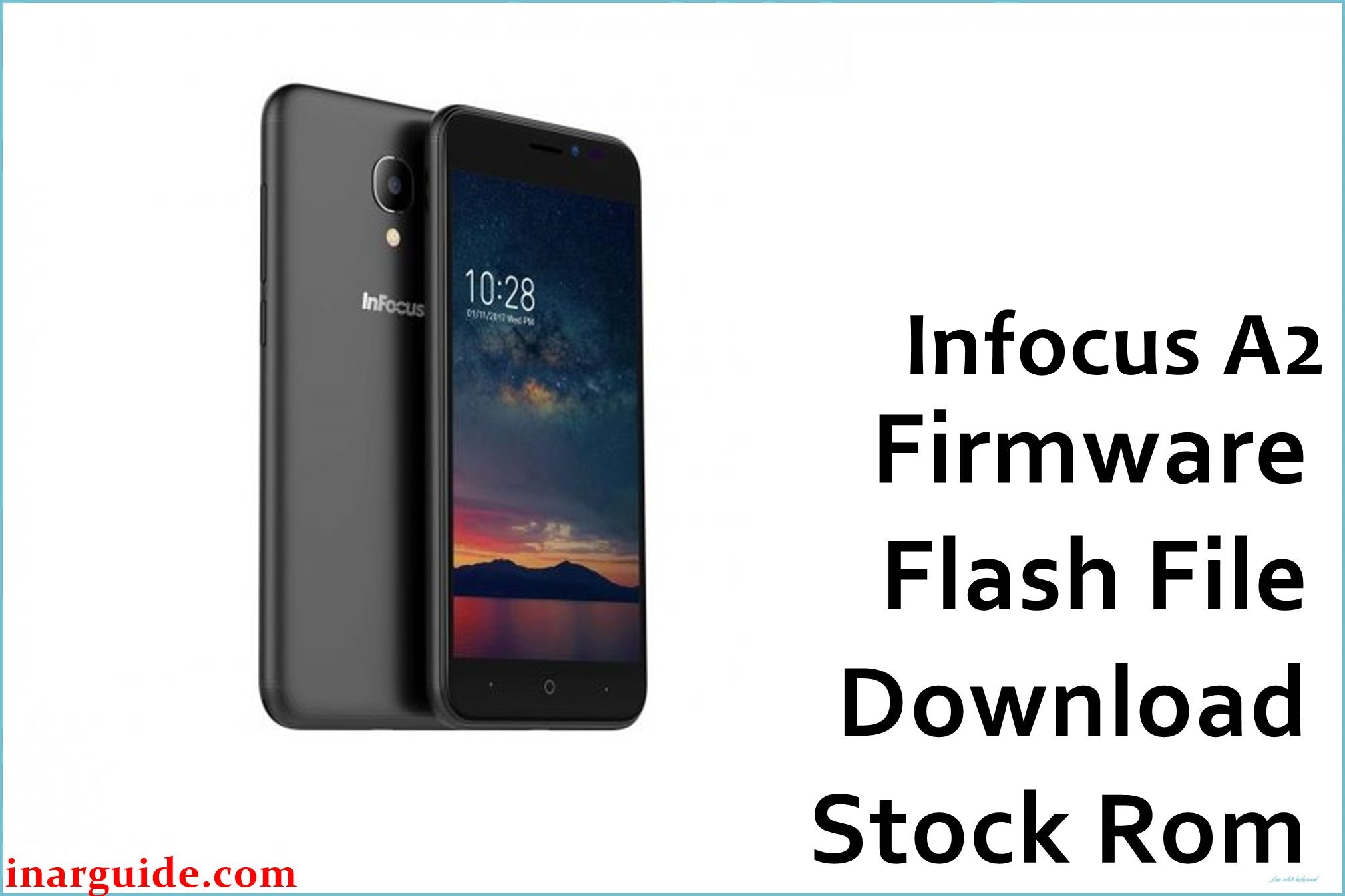
The Infocus A2 is an entry-level Android smartphone powered by Foxconn and launched globally in early 2018. It comes in 1GB/8GB and 2GB/16GB variants, both packed with the Spreadtrum SC9832A quad-core chipset and Android 7.0 Nougat (360UI skin). Over time, users have experienced issues like slow performance, invalid IMEI numbers, app crashes, touchscreen lag, and bootloop errors after failed updates. These issues can be completely resolved by flashing the official Infocus A2 firmware files listed below.
The official Infocus A2 firmware collections (QGDP format) for A01 and A02 versions restore complete factory performance. These firmwares fix Android crashes, null network issues, restore IMEI, and boost performance. Flashing any of the below ROMs will repair corrupted partitions and return the device to stock factory condition.
Infocus A2 Firmware Details
| Device Name | Infocus A2 |
| Model | Infocus A2 (1G/8G & 2G/16G variants) |
| Chipset | Spreadtrum SC9832A (Quad-Core, 1.3 GHz) |
| GPU | Mali-400 MP2 |
| Android Version | Android 7.0 Nougat with 360UI |
| Firmware Type | Official Factory Firmware (QGDP Format) |
| Flashing Tool | QGDP Tool (UNISOC/Spreadtrum) |
| Display | 5-inch HD IPS, 720 × 1280 pixels |
| RAM | 1 GB / 2 GB LPDDR3 |
| Storage | 8 GB / 16 GB (expandable up to 64 GB) |
| Rear Camera | 5 MP with LED flash |
| Front Camera | 5 MP fixed focus |
| Battery | Li-Ion 2400 mAh removable |
| SIM Slots | Dual SIM (GSM/LTE) |
| Connectivity | 4G LTE, Wi-Fi 802.11 b/g/n, Bluetooth 4.1, FM, GPS |
| Dimensions | 143.9 × 71.7 × 8.9 mm (180 g) |
| Manufacturer | Foxconn (InFocus Corporation) |
⚠️ Firmware Flashing Warning
Always ensure the firmware version matches your exact Infocus A2 variant (1GB/8GB or 2GB/16GB). Incorrect firmware flashing can lead to device malfunction or IMEI corruption. Fully charge your phone to 80% before proceeding and back up all user data since flashing deletes everything.
Download Official Firmware for Infocus A2
Infocus A2 1GB/8GB Versions
📄 Filename: Infocus_A2_1G_8G_0030_00IN_A01_QGDP.zip
📦 Size: 1.4 GB
🗓️ Build Version: A01
⬇️ Download Link: MediaFire Cloud Storage
📄 Filename: Infocus_A2_1G_8G_0030_00IN_A02_QGDP.zip
📦 Size: 1.4 GB
🗓️ Build Version: A02 (improved baseband stability)
⬇️ Download Link: MediaFire Cloud Storage
Infocus A2 2GB/16GB Version
📄 Filename: Infocus_A2_2G_16G_109B_00IN_A01_QGDP.zip
📦 Size: 1.42 GB
🗓️ Build Version: A01 (optimized RAM management)
⬇️ Download Link: MediaFire Cloud Storage
Firmware Highlights
- Fixes bootloop and startup freeze issues
- Restores lost or invalid IMEI numbers
- Improves 4G LTE call and signal stability
- Optimizes 360UI and reduces system lag
- Improves camera focus speed and low-light clarity
- Fixes Wi-Fi disconnection and Bluetooth pairing bugs
- Enhances battery usage and charging speed
How to Flash the Firmware
Flashing the Infocus A2 firmware requires the QGDP Tool. Here are 5 quick steps:
- Download and extract the
Infocus_A2_1G_8G_0030_00IN_A01_QGDP.zipor appropriate variant to your computer. - Install Spreadtrum/Unisoc USB drivers and QGDP Tool.
- Power off the phone completely and connect via USB.
- Open QGDP Tool and load the .cpb firmware file.
- Click Start Download and wait for the process to finish.
For a complete visual flashing guide and detailed steps with images, visit the QGDP (YGDP) Tool Firmware Flashing Guide.
Disclaimer
This firmware is provided “as-is” without any warranty. The author and publisher are not responsible for damage, data loss, or device malfunction caused by improper flashing. Always confirm your phone’s hardware version before flashing. For professional help, visit an authorized Infocus service center or certified technician. Community users are welcome to leave comments or report firmware experiences below.





