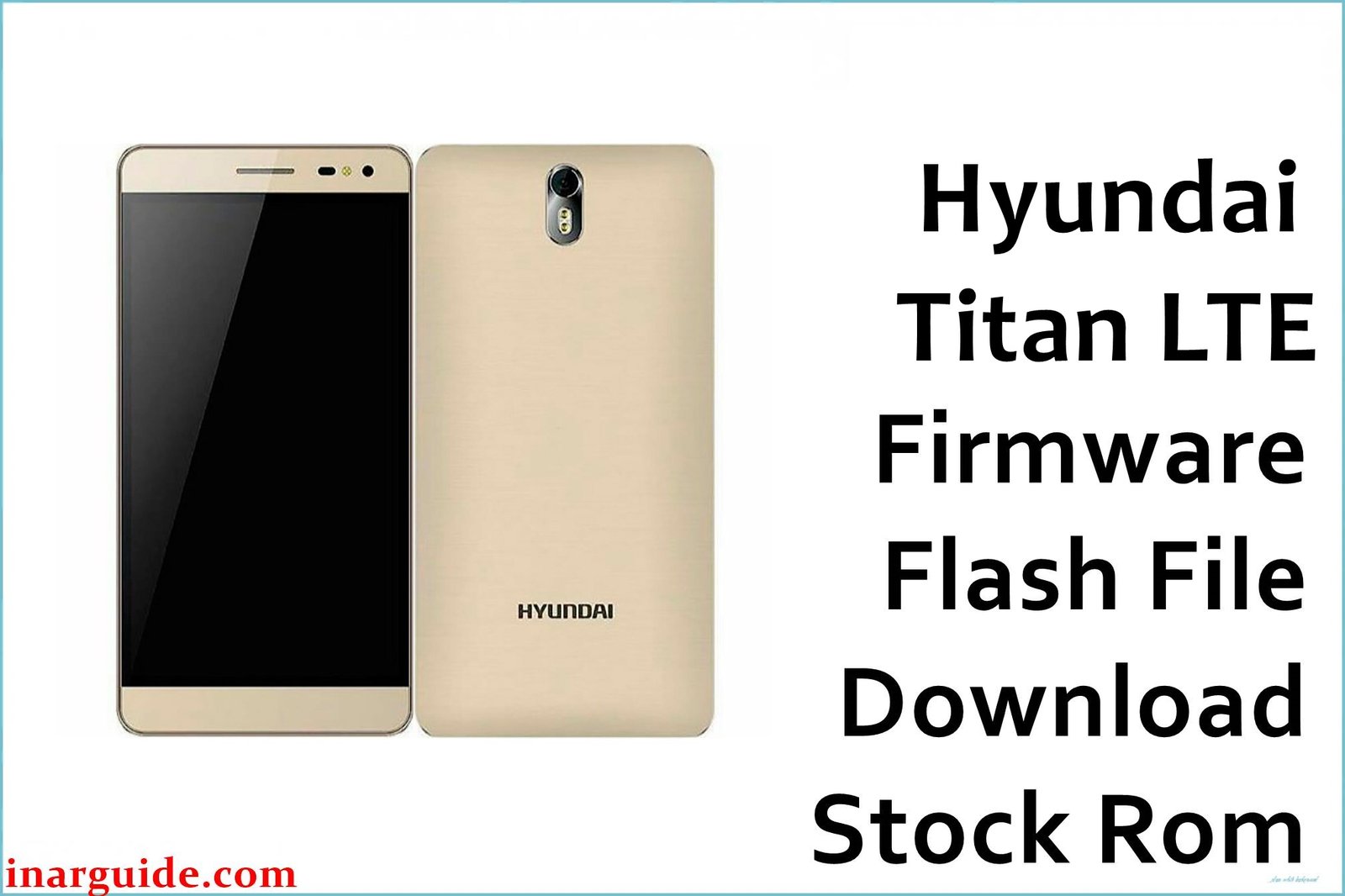
The Hyundai Titan LTE SS is an entry-level Android smartphone running on the reliable MediaTek MT6735M chipset. Common issues reported by users include software crashes, bootloops, IMEI invalid errors, and frequent app lag. Some users have encountered hanging screens, and others report poor touch calibration after failed system updates. Installing or re-flashing the correct firmware file helps resolve these problems by restoring the phone to its factory default software configuration.
Hyundai Titan LTE SS MT6735M Firmware Details
| Device Name | Hyundai Titan LTE SS |
| Model | Hyundai_Titan_LTE_SS_MT6735M |
| Chipset | MediaTek MT6735M |
| Android Version | Android 5.1 (Lollipop) |
| Firmware Version | 07042017 |
| Build Date | 07-April-2017 |
| File Size | 709 MB |
| File Type | ZIP (SP Flash Tool Compatible) |
| Flashing Tool | SP Flash Tool |
| Device Specs (Overview) | 1GB RAM / 8GB ROM, 5.0-inch Display, Dual SIM, 2000mAh Battery |
⚠️ Warning: Flashing incorrect firmware may permanently brick your Hyundai Titan LTE. Always ensure the scatter file matches your device’s MT6735M chipset before proceeding. Incorrect flashing or power disruption during flashing may render the device unusable.
Download Official Firmware for Hyundai Titan LTE SS MT6735M
Select the tested and verified firmware package below to restore your device’s performance or fix serious software malfunctions.
📄 Filename: Hyundai_Titan_LTE_SS_MT6735M_07042017.zip
📦 Size: 709MB
🗓️ Build Date: 07-Apr-2017
🔢 Build Version: Android 5.1 Lollipop
🤖 Android Version: 5.1
⬇️ Download Link: Download from Mediafire
How to Flash the Firmware
Follow these quick steps to safely flash or reinstall the firmware on your Hyundai Titan LTE SS device:
- Download and extract the firmware package on your computer.
- Launch SP Flash Tool and load the scatter file from the firmware folder.
- Connect your powered-off device via USB cable.
- Click the Download button to begin flashing.
- Wait for the green checkmark confirming successful flashing.
To view complete step-by-step instructions with images on flashing MediaTek devices (SP Flash Tool guide).





