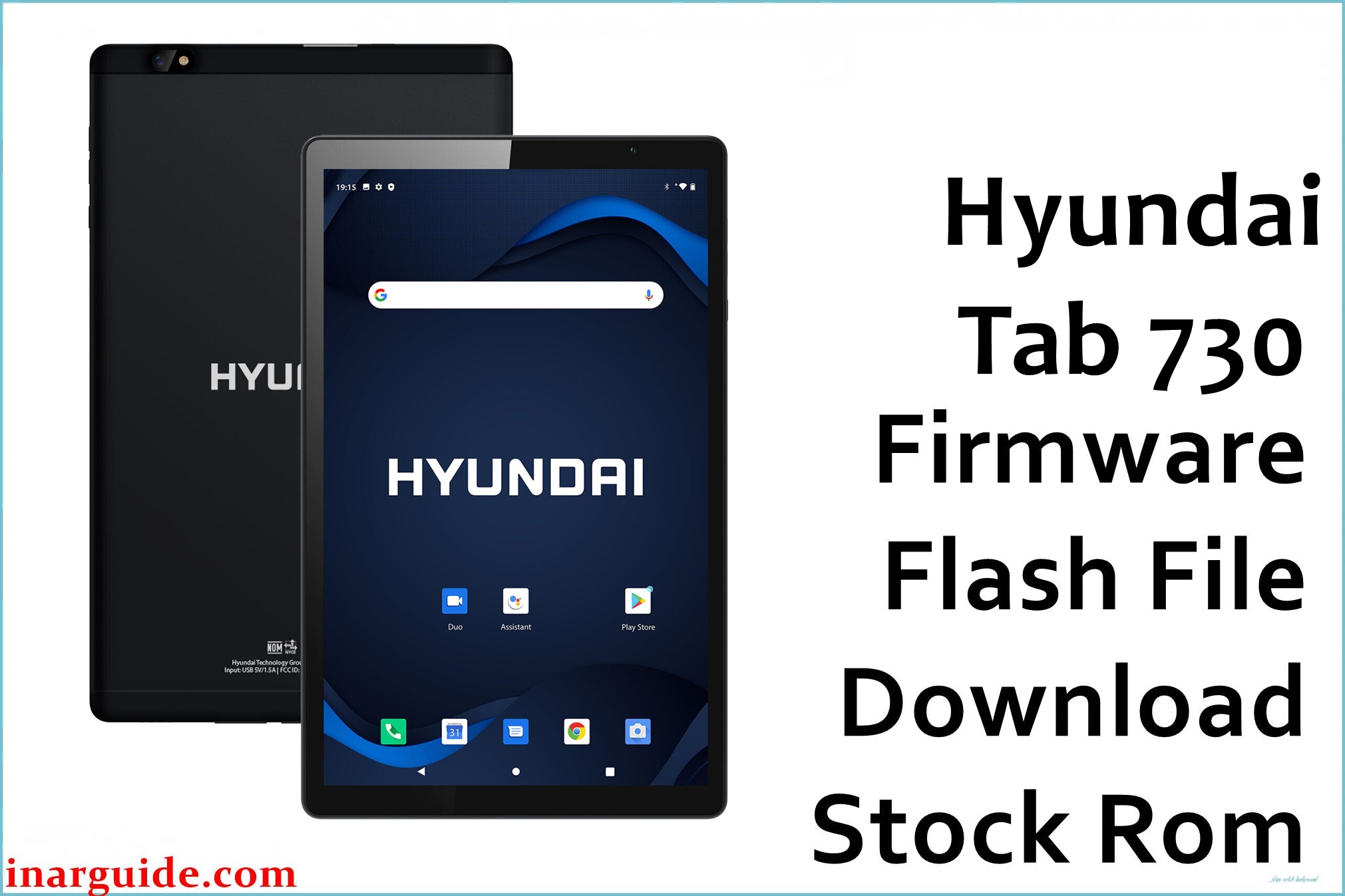
The Hyundai Tab 730 is a 7-inch Android tablet built for everyday tasks, but users have reported persistent issues such as poor Wi-Fi reception, random shutdowns, stuck-on-logo bootloops, slow performance, battery draining too fast, and unresponsive charging ports. There are also frequent “App has stopped” errors and sound issues after extended use. Flashing the official stock firmware helps revive dead or frozen tablets, fix charging connection failures, and boost general stability for a smoother experience.
Hyundai Tab 730 Firmware Details
| Device Name | Hyundai Tab 730 |
|---|---|
| Model | Tab 730 |
| Chipset | MediaTek MT6580 |
| CPU | Quad-core 1.3 GHz Cortex-A7 |
| GPU | Mali-400 MP2 |
| RAM | 1 GB |
| Storage | 16 GB (expandable with microSD card) |
| Display | 7.0″ IPS, 1024×600 pixels |
| Main Camera | 5 MP |
| Front Camera | 2 MP |
| Battery | 2800 mAh |
| Android Version | 5.1 Lollipop |
| Firmware Version | 081116 |
| Build Date | 2016-11-08 |
| File Size | 754 MB |
| File Type | ZIP (scatter format for SP Flash Tool) |
| Flashing Tool | SP Flash Tool (MediaTek) |
Warning: Using the wrong firmware or unplugging the Tab 730 during the flash can make the tablet permanently unusable. Please ensure the chipset and model match perfectly, and back up data before proceeding.
Download Official Firmware for Hyundai Tab 730
This is the official stock firmware for Hyundai Tab 730 MT6580 (Android 5.1). The file repairs software issues such as failed updates, black screen, random restarts, and dead boot. It’s ideal for full device restoration.
📄 Filename: Hyundai_Tab_730_MT6580_081116_5.1.zip
📦 Size: 754 MB
🗓️ Build Date: 2016-11-08
🤖 Android Version: 5.1 Lollipop
⬇️ Download Link: Download from Google Drive
How to Flash the Firmware
- Extract the downloaded firmware on your computer.
- Install SP Flash Tool and MediaTek USB drivers.
- Launch SP Flash Tool, then load the included scatter.txt file.
- Connect your powered-off tablet via USB and click “Download.”
- Wait until flashing completes, then disconnect and reboot.
For step-by-step photos and video tutorials, read the full SP Flash Tool guide for MediaTek devices.
Disclaimer: Flashing firmware carries risk. Proceed carefully—this website bears no responsibility for data loss or device damage. If you encounter errors, drop a comment with your issue for assistance.





