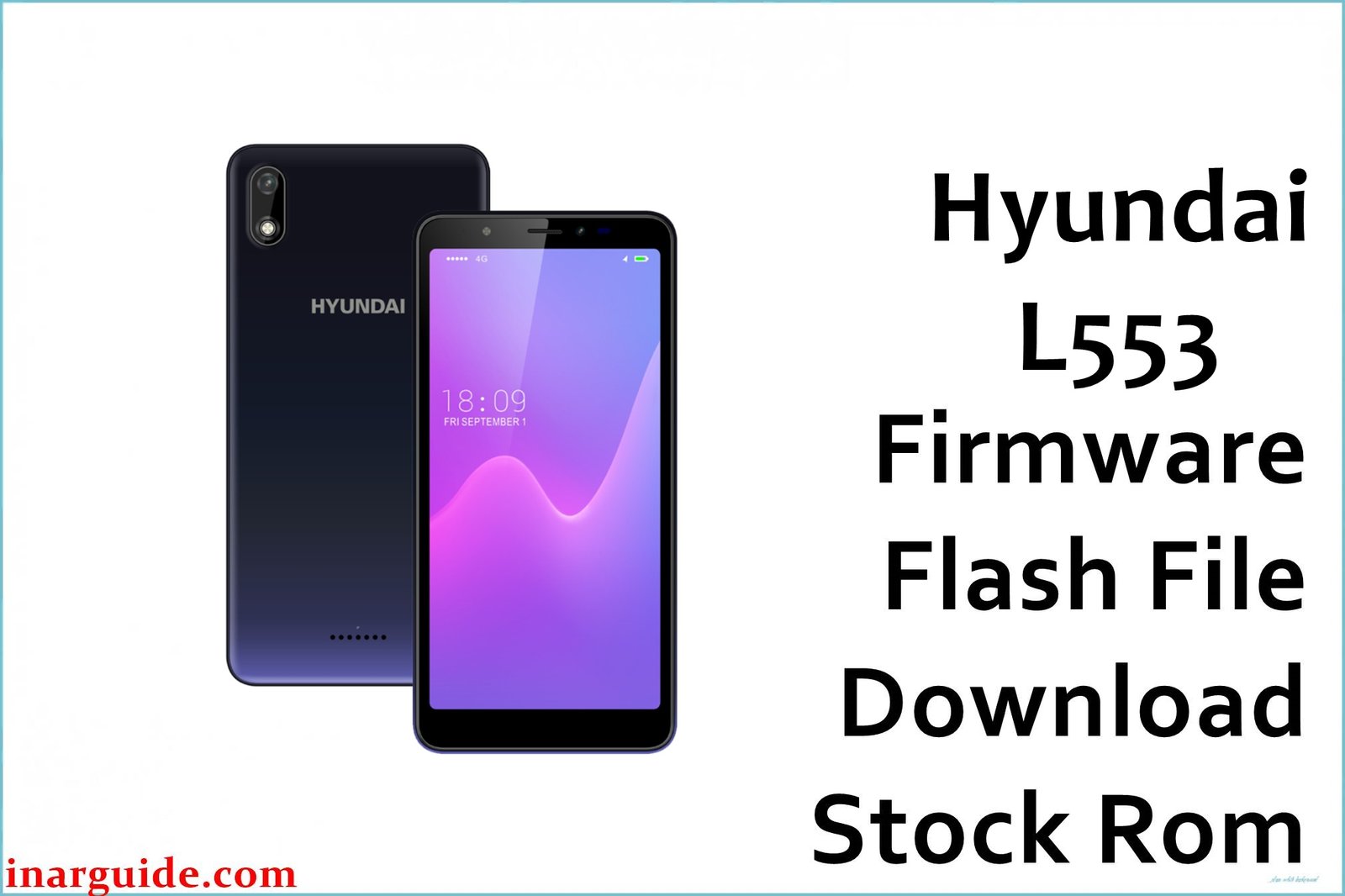
The Hyundai L553 is an entry-level smartphone designed for daily tasks. However, as an Android 9.0 device running on the MT6739 chipset, it’s common for users to experience software issues over time. The most frequent problems include the phone getting stuck on the Hyundai loading logo (bootloop), severe system-wide lag that makes the phone frustrating to use, and apps that freeze or crash unexpectedly. These issues are often caused by system file corruption or a full storage partition.
The most effective solution to fix all of these problems is to re-flash the official stock firmware. The file provided here is the official Android 9.0 (Pie) build for the Hyundai L553. This process will completely restore your phone to its original factory condition, eliminating all software bugs, lag, and bootloop issues.
Hyundai L553 Firmware Details
| Device Name | Hyundai L553 |
| Model | L553 |
| Chipset | MediaTek MT6739 |
| Android Version | 9.0 (Pie) |
| Firmware Version | 181008 |
| Build Date | 08-10-2018 |
| File Size | 849MB |
| File Type | ZIP (Scatter) |
| Flashing Tool | SP Flash Tool |
Warning: This firmware is specifically for the Hyundai L553 (MT6739). Do not attempt to flash this file on any other device, as it will cause a hard brick. Flashing this firmware will erase all your personal data, including photos, contacts, and apps. Please back up your important files if your phone is accessible.
Download Official Firmware for Hyundai L553
This is the official stock ROM package for the Hyundai L553. No official changelog is available for this build version.
- 📄 Filename: Hyundai_L553_MT6739_181008_9.0.zip
- 📦 Size: 849MB
- 🗓️ Build Date: 08-10-2018
- 🔢 Build Version: 181008
- 🤖 Android Version: 9.0
- ⬇️ Download Link: Google Drive
How to Flash the Firmware
To install this firmware on your Hyundai L553, you will need a Windows computer, the SP Flash Tool, and the correct MediaTek VCOM drivers. This is a scatter file and must be flashed using the tool.
- Download and extract the
Hyundai_L553...zipfile to a new folder on your PC. - Download and install the MediaTek VCOM USB drivers on your computer and restart if required.
- Download and launch the SP Flash Tool application.
- Click the “Scatter-loading” button and select the
MT6739_Android_scatter.txtfile from the extracted firmware folder. - Power off your Hyundai L553 completely. Click the “Download” button in SP Flash Tool, then connect your phone to the PC with a USB cable to begin flashing.
For a complete, in-depth guide that includes all necessary downloads, pictures, and troubleshooting steps, please see our full tutorial here.
Disclaimer: This procedure is performed entirely at your own risk. We are not responsible for any data loss, bricked devices, or other issues that may arise from flashing this firmware. By proceeding, you acknowledge that you are solely responsible for any consequences. If you encounter any problems, feel free to ask for help in the comments section below.





