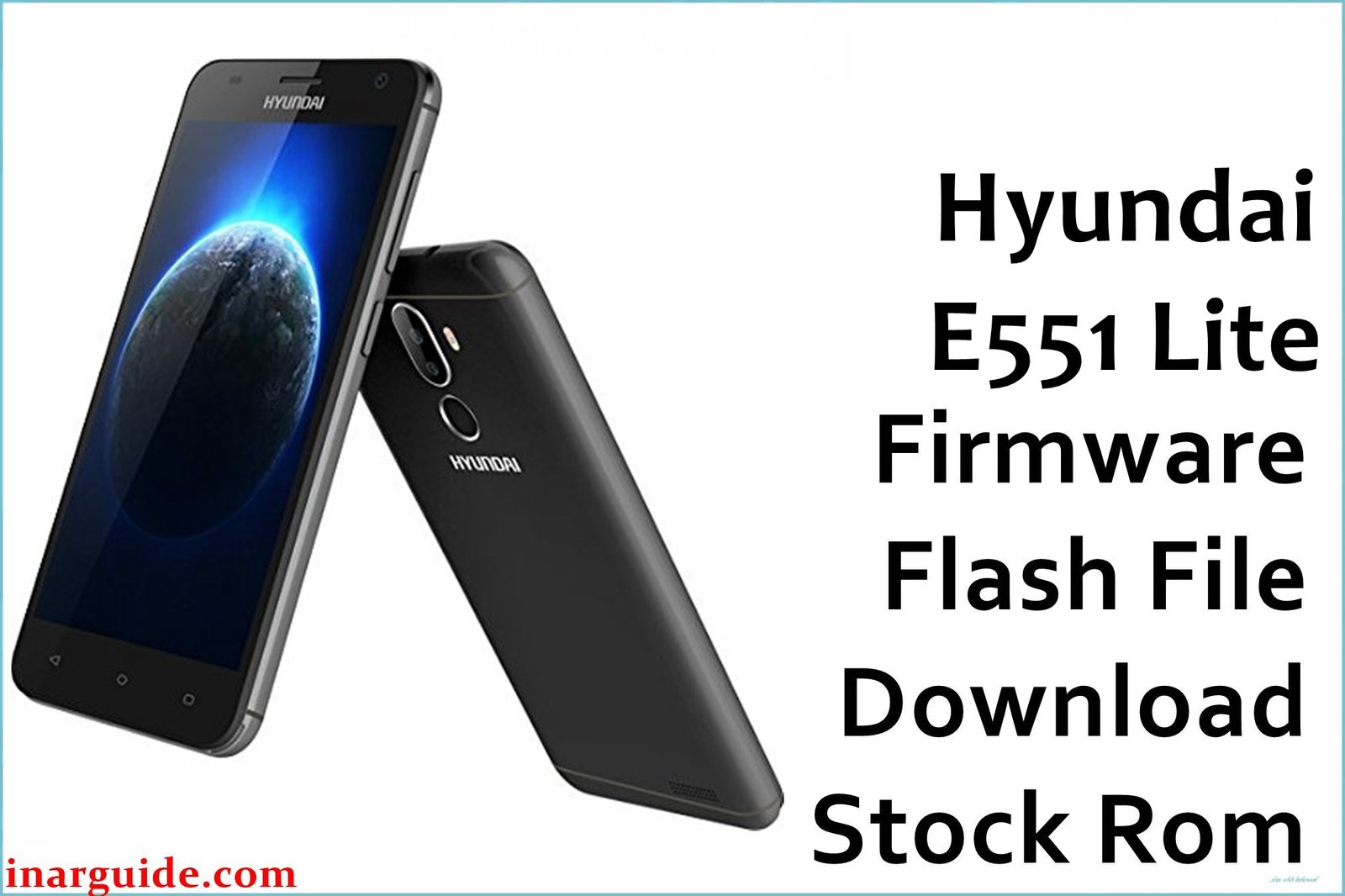
Did a routine system update go horribly wrong, leaving your Hyundai E551 Lite unresponsive, stuck in a continuous bootloop, or displaying nothing but a black screen of death? This is a common and terrifying scenario for owners of this model, often caused by a corrupted system partition during an incomplete update. The official Hyundai_E551_Lite_MT6580_V07 firmware provided here is your essential recovery tool. This full stock ROM is designed to be flashed in a low-level state, allowing you to completely rewrite the corrupted software and resurrect your “bricked” phone, bringing it back to a fully functional state running a stable Android 7.0.
Hyundai E551 Lite Firmware Details
| Detail | Information |
|---|---|
| Device Name | Hyundai E551 Lite |
| Model | E551 Lite |
| Chipset | MediaTek MT6580 |
| Android Version | Android 7.0 Nougat |
| Firmware Version | V07 |
| Build Date | November 16, 2017 (Interpreted from 171116) |
| File Size | 1.16 GB |
| File Type | Scatter-loading Firmware |
| Flashing Tool | SP Flash Tool for MediaTek |
Warning: When recovering a bricked device, the risk of permanent damage is at its highest. If your Hyundai E551 Lite is already in a bootloop or has a black screen, its internal storage might be partially corrupted. An unstable USB connection or a PC that goes to sleep during this critical flash process can worsen the corruption, potentially damaging the preloader and making the device completely undetectable by any flashing tool—a true “hard brick” with no easy path to recovery.
Download Official Firmware for Hyundai E551 Lite
This is the official V07 stock firmware for the Hyundai E551 Lite, specifically intended for emergency system recovery and unbricking.
- 📄 Filename: Hyundai_E551_Lite_MT6580_V07_171116_7.0.zip
- 📦 Size: 1.16 GB
- 🗓️ Build Date: 16 November 2017
- 🔢 Build Version: V07
- 🤖 Android Version: Android 7.0 Nougat
- ⬇️ Download Link: MediaFire
How to Flash the Firmware
To restore your bricked Hyundai E551 Lite, you will need to use SP Flash Tool, as it communicates directly with the MediaTek MT6580 chipset, even in a semi-functional state.
- Download the firmware file and a reliable version of SP Flash Tool on your PC. Install the MediaTek USB VCOM drivers—this is critical for detection.
- Extract the 1.16 GB ZIP file. Locate the “MT6580_Android_scatter.txt” file inside the extracted folder.
- Open SP Flash Tool and load the scatter file. For a bricked device, use “Format All + Download” to ensure a clean slate (warning: erases everything).
- With the phone completely powered off (remove and reinsert the battery if possible), click “Download” in SP Flash Tool.
- Connect your bricked phone to the PC via a high-quality USB cable. If the drivers are correct, the tool will detect it and begin the resurrection process.
For a complete, step-by-step guide with pictures and videos on how to flash the firmware using SP Flash Tool for MediaTek phones, go here to see the detailed tutorial.
Disclaimer: The firmware files and flashing instructions provided on this website are for advanced device recovery and unbricking purposes only. We are not responsible for any permanent damage that occurs to your Hyundai E551 Lite, including a hard brick that renders the device completely inoperable, total data loss, or any other consequence of the flashing process. Attempting to recover a bricked device is the highest-risk procedure and is undertaken solely at your own risk. If you face detection issues or other errors, please leave a comment describing the problem.





