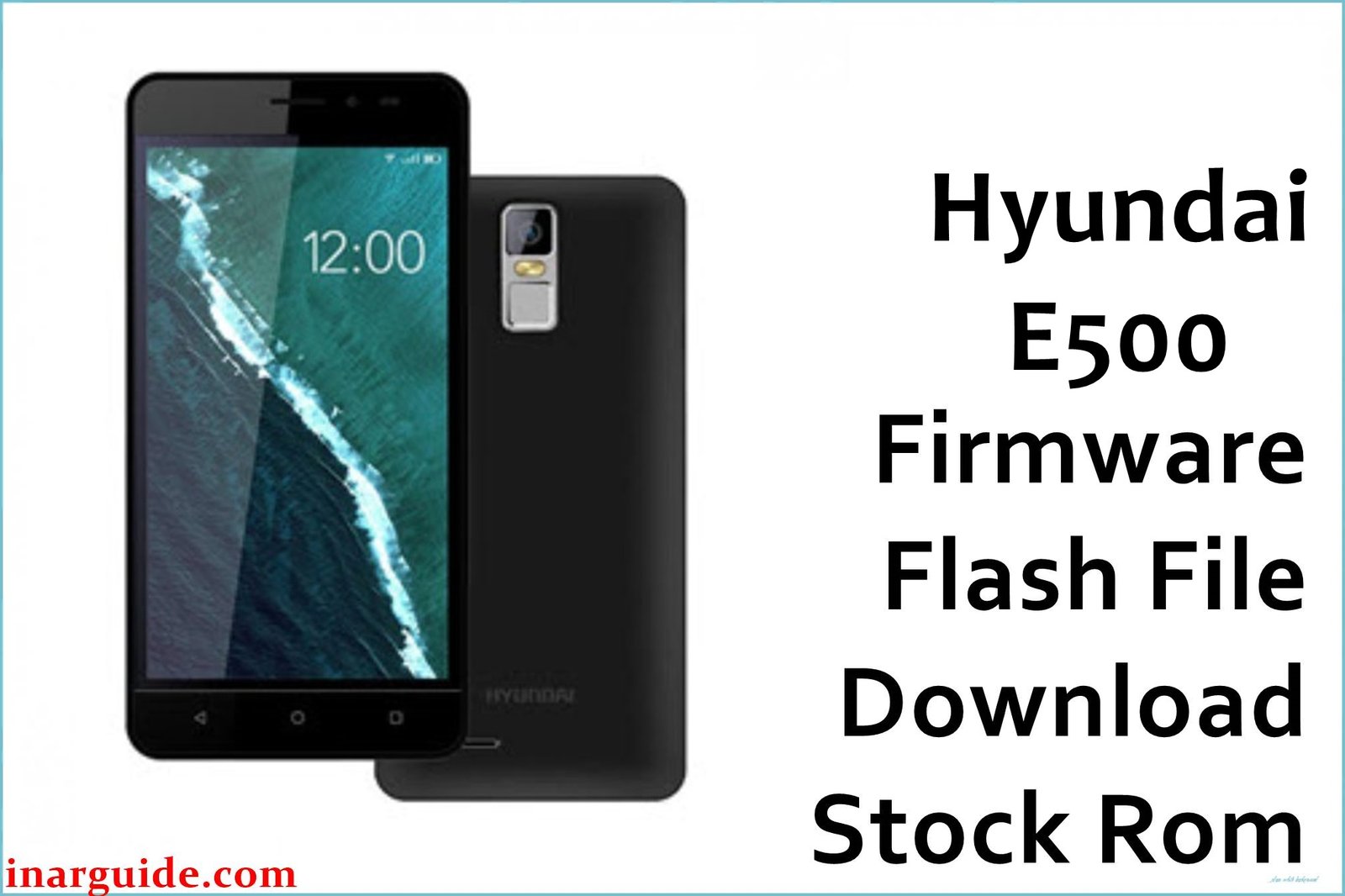
The Hyundai E500 is an entry-level smartphone that, due to its modest hardware, often runs into software problems that can make it nearly unusable. The most common issues reported by users include the phone being stuck on the Hyundai logo during startup (bootloop), severe lag that causes the interface to freeze, and frequent error messages saying “Unfortunately, an app has stopped.” If your device is facing these problems, the most effective solution is to perform a clean installation of the official stock firmware. This process will restore your phone to its original factory condition, eliminating all software bugs and glitches.
Hyundai E500 Firmware Details
| Device | Hyundai E500 |
| Model | E500 |
| Chipset | MediaTek MT6580 |
| Android Version | 6.0 (Marshmallow) |
| Firmware Version | MT6580_140417 |
| Build Date | 2017-04-14 |
| File Size | 666MB |
| File Type | .zip (Scatter Firmware) |
| Flashing Tool | SP Flash Tool |
Warning: Flashing new firmware onto your Hyundai E500 will completely erase all of your personal data, including photos, contacts, and installed applications. It is crucial to back up your important information before you start this process. Any error, such as a disconnected cable or power loss during flashing, can permanently brick your phone. Proceed at your own risk.
Download Official Firmware for Hyundai E500
Here is the official stock ROM package for the Hyundai E500. This file contains the full software necessary to perform a complete system restore on your device.
📄 Filename: Hyundai_E500_MT6580_140417_6.0.zip
📦 Size: 666MB
🗓️ Build Date: 2017-04-14
🔢 Build Version: MT6580_140417
🤖 Android Version: 6.0 Marshmallow
⬇️ Download Link: Download from MediaFire
How to Flash the Firmware
The Hyundai E500 runs on a MediaTek (MTK) processor, which means you will need to use the SP Flash Tool on a Windows PC to install the firmware. Here is a quick guide on the main steps:
- Download and install the required MediaTek VCOM USB drivers on your computer to ensure your phone is detected.
- Download the firmware ZIP file from the link above and extract all its contents into a single folder on your PC.
- Download and extract the SP Flash Tool, then double-click `flash_tool.exe` to run the application.
- Inside the SP Flash Tool, click the “Scatter-loading” button and select the `MT6580_Android_scatter.txt` file from the folder where you extracted the firmware.
- Turn your Hyundai E500 off completely. Click the “Download” button in the SP Flash Tool, then immediately connect your powered-off phone to the computer via a USB cable to begin flashing.
If you want to see all the steps with pictures and videos on how to flash the firmware, you should go here to see that: How to Flash Stock Firmware to MediaTek (MTK) Smartphones.
Disclaimer: We will not be responsible if anything happens to your phone in the process of flashing the phone using the firmware files we provided above. This action is performed entirely at your own risk. You can drop a comment on the thread if you experience any problems.





