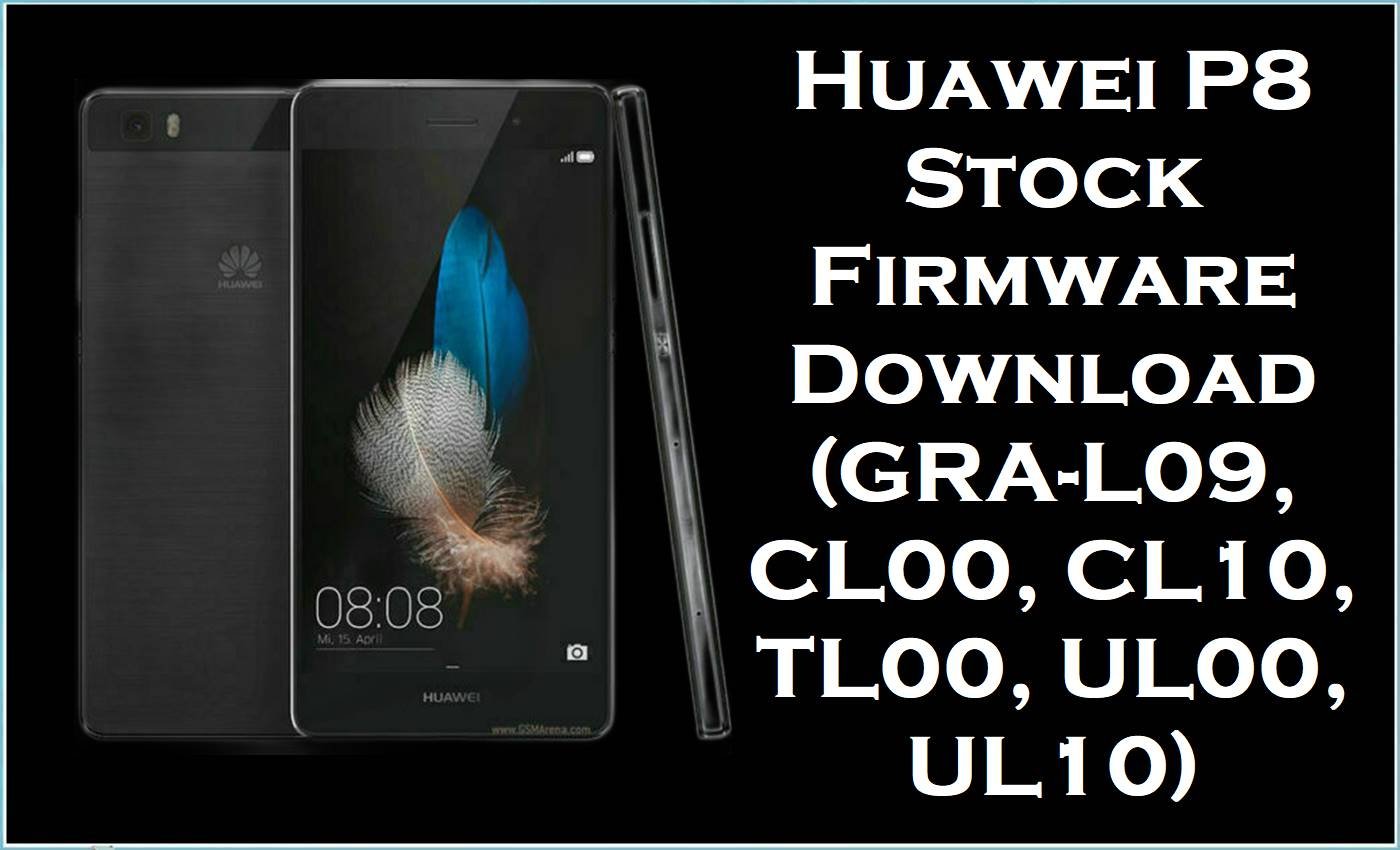
The files below belong to the Huawei P8 GRA family, covering international, Chinese carrier, and regional branches built around the same 5.2-inch Huawei P8 platform.
This is the kind of set usually needed for bootloop repair, failed OTA recovery, stock restore, or cleaning up the mess after the wrong region was flashed. Pick the exact GRA model first. Then worry about build number.
Firmware Details
| Device Name | Huawei P8 |
|---|---|
| Model Identifier | GRA-L09, GRA-CL00, GRA-CL10, GRA-TL00, GRA-UL00, GRA-UL10 |
| Codename | Grade |
| Chipset / Platform | HiSilicon Kirin 930 / Kirin 935 platform family, depending on branch and edition |
| Launch Android Version(s) | Android 5.0 / 5.0.2 with EMUI 3.1 on the original stock line |
| Current Firmware Line | This file set includes Android 5.0.1 / EMUI 3.1 builds and Android 6.0 / EMUI 4.0.x upgrades. |
| Firmware Type | Huawei full stock firmware archives, including dload-labelled packages and standard update archives. |
| Flashing Tool | Huawei dload / local update workflow for the normal stock packages; extract first and follow the package structure that is actually inside. |
| Region / Branch Notes | C432 Europe, C185 Middle East, C92 China Telecom, C01 China Mobile branch, C00 China branch, and C900 general packages appear in this set. |
| Typical File Size Range | About 865MB to 1.8GB in this batch. |
Flashing Risks & Disclaimer
The real risk here is branch mismatch, not raw file size. A GRA-L09 package on a CL00 or UL10 is how update verification fails, radio behavior goes sideways, or the phone boots into a half-correct system that creates more work.
Also, not every archive in this list should be treated the same way. The dload-labelled files are the easy ones. The rest need to be extracted before choosing the route.
Download Table
This package is an original stock ROM mirrored for preservation, as the manufacturer no longer provides public downloads for this model.
| Region / Variant | Filename | Build / Version | Android / Firmware Version | File Type | Build Date | File Size | Download Link |
|---|---|---|---|---|---|---|---|
| Europe / GRA-L09 / C432 | Huawei_P8_GRA-L09_C432B222_Firmware_CEE_Nordic_European_Channel-Others_Andriod5.0.1_EMUI3.1_05012XMN_Dload.zip | C432B222 | Android 5.0.1 / EMUI 3.1 | Dload zip | 1.56GB | Google Drive mirror Download | |
| General / GRA-L09 / C900 | Huawei_P8_GRA-L09_V100R001C900B151_BeST.rar | V100R001C900B151 | Stock firmware rar | 1.34GB | Google Drive mirror Download | ||
| China Telecom / GRA-CL00 / C92 | HUAWEI P8 GRA-CL00 (V100R001C92B141).zip | V100R001C92B141 | Stock firmware zip | 1.34GB | TeraBox mirror Download | ||
| China Telecom / GRA-CL00 / GRA-CL10 / C92 | GRA-CL00_CL10_EMUI3.1_Android5.0_C92B230.zip | C92B230 | Android 5.0 / EMUI 3.1 | Stock firmware zip | 1.53GB | Baidu Pan mirror Download | |
| China Telecom / GRA-CL00 | GRA-Cl00-B366.zip | B366 | Stock firmware zip | 1.01GB | Baidu Pan mirror Download | ||
| China Telecom / GRA-CL00 | GRA-CL00 EMUI4.0 B370-wanmei.zip | B370 | EMUI 4.0 | Stock firmware zip | 1.02GB | Baidu Pan mirror Download | |
| China Telecom / GRA-CL00 / C92 | GRA-CL00_C92B363_6.0.rar | C92B363 | Android 6.0 | Stock firmware rar | 1.13GB | Baidu Pan mirror Download | |
| China Telecom / GRA-CL10 | GRA-CL10_B370_71231Lx.zip | B370 | Stock firmware zip | 880MB | Baidu Pan mirror Download | ||
| China Telecom / GRA-CL10 | GRA-CL10_B366_71226Lx.zip | B366 | Stock firmware zip | 865MB | Baidu Pan mirror Download | ||
| Middle East / GRA-UL00 / C185 | HUAWEI_P8_Firmware_GRA-UL00(GRA-L03)_C185B361_middle East.zip | C185B361 | Stock firmware zip | 1.57GB | Google Drive mirror Download | ||
| China / GRA-TL00 / C00 | GRA-TL00_GRA-C00B230_5.0.1.rar | C00B230 | Android 5.0.1 | Stock firmware rar | 1.1GB | Baidu Pan mirror Download | |
| China / GRA-TL00 / C01 | GRA-TL00_C01B364_Android6.0_EMUI4.0_05012QKS.rar | C01B364 | Android 6.0 / EMUI 4.0 | Stock firmware rar | 1.38GB | Baidu Pan mirror Download | |
| China / GRA-TL00 / C01 | GRA – TL00 _C01B358_Android6.0_EMUI4.0_05012QKS.rar | C01B358 | Android 6.0 / EMUI 4.0 | Stock firmware rar | 1.34GB | Baidu Pan mirror Download | |
| China / GRA-TL00 / C01 | Huawei_P8_GRA-TL00_C01B376_Firmware_6.0.0_R1_EMUI4.0_05012QKS_Dload.zip | C01B376 | Android 6.0 / EMUI 4.0 | Dload zip | 1.57GB | Google Drive mirror Download | |
| China / GRA-UL00 | Huawei_P8_GRA-UL00_30092015_5.0.1.zip | 2015.09.30 package | Android 5.0.1 | Stock firmware zip | 2015-09-30 | 1.3GB | Google Drive mirror Download |
| China Unicom / GRA-UL00 / C00 | GRA-UL00_C00B370_Firmware_China_中国联合网络通信有限公司_Android6.0_EMUI4.0.2_05012QKX.zip | C00B370 | Android 6.0 / EMUI 4.0.2 | Stock firmware zip | 1.7GB | Baidu Pan mirror Download | |
| General / GRA-UL00 & GRA-UL10 / C900 | Huawei P8 GRA-UL00&UL10 V100R001C900B141 Firmware general Android 5.0 EMUI 3.1 05012WQE.zip | V100R001C900B141 | Android 5.0 / EMUI 3.1 | General firmware zip | 1.68GB | Google Drive mirror Download | |
| China / GRA-UL10 | GRA-UL10_B370_81003Lx.zip | B370 | Stock firmware zip | 904MB | Baidu Pan mirror Download | ||
| Europe / GRA-UL10 / C432 | GRA-UL10C432B520_Firmware_Android 6.0_EMUI 4.0.3_05013CXP.zip | C432B520 | Android 6.0 / EMUI 4.0.3 | Stock firmware zip | 1.8GB | Google Drive mirror Download |
Flashing Requirements
- Match the exact GRA model before anything else. GRA-L09 is not GRA-UL10, and CL00 is not TL00.
- Extract the archive first. If it contains dload and UPDATE.APP, stay with the Huawei dload path.
- If the phone still boots and the package structure supports a normal stock update route, start there. It is less messy.
- Use a good microSD card for dload work.
- Charge the battery properly before flashing.
- Back up user data if Android is still accessible.
- Do not jump across region codes just because the build number is higher.
That last one matters more than people think.
How to Flash
Method 1: Standard stock update for a phone that still boots
Start here if the device opens Android and the job is just to get back to clean stock.
- Download the package that matches the exact GRA model and branch.
- Extract the firmware archive fully.
- Check the extracted contents and keep the original folder structure.
- If the package is meant for the normal Huawei stock update route, place the required files exactly where that package expects them.
- Run the update from the phone’s stock update path and wait for the reboot.
- After setup, test network, Wi-Fi, cameras, and sensors before handing the phone back.
Method 2: Dload recovery for failed OTA, bootloop, or stuck-on-logo
This is the usual recovery lane for the clearly labelled dload packages in this set, especially the GRA-L09 C432B222 and GRA-TL00 C01B376 files.
- Extract the firmware package.
- Confirm that the archive contains dload and UPDATE.APP, or the expected Huawei dload structure.
- Copy the dload folder to a microSD card.
- Insert the card into the phone.
- Trigger the Huawei forced update key combo and let the phone verify and flash the package.
- Wait through the first boot. It can take a while.
Method 3: When not to force it
If the phone is detected, still boots recovery, or only needs stock cleanup, do not jump straight to random cross-region archives. The C900 general packages are useful in the right case, but they are not a free pass to ignore model and branch matching.
- Read the exact model from the label or current system first.
- Match branch code second.
- Use the same Android line when possible before attempting a major jump to Android 6.0.
- If extraction does not reveal a dload structure, stop and inspect the package instead of improvising.
Main guide: Huawei dload / eRecovery guide
Secondary guide: OTA / local update guide
FAQ
Can GRA-L09 firmware be flashed on GRA-UL10?
No. They sit in the same Huawei P8 family, but they are different branches and some UL10 / CL10 variants also sit on the Kirin 935 side of the lineup.
What is the safest file to try first on a phone that still boots?
The matching stock package for the same model and region branch. Do not begin with a different region just because the build number looks newer.
Why are some CL10 and CL00 files much smaller than the C432 or C185 packages?
Because this list mixes different packaging styles and update lines. Size alone does not tell the whole story.
Is the GRA-TL00 C01B376 package a dload file?
Yes. It is labelled that way in the filename, which makes it the straightforward choice for a dload recovery workflow.
What about the C900 builds?
Those are general packages, not a license to ignore branch compatibility. Use them only when they actually match the phone and the recovery situation.





