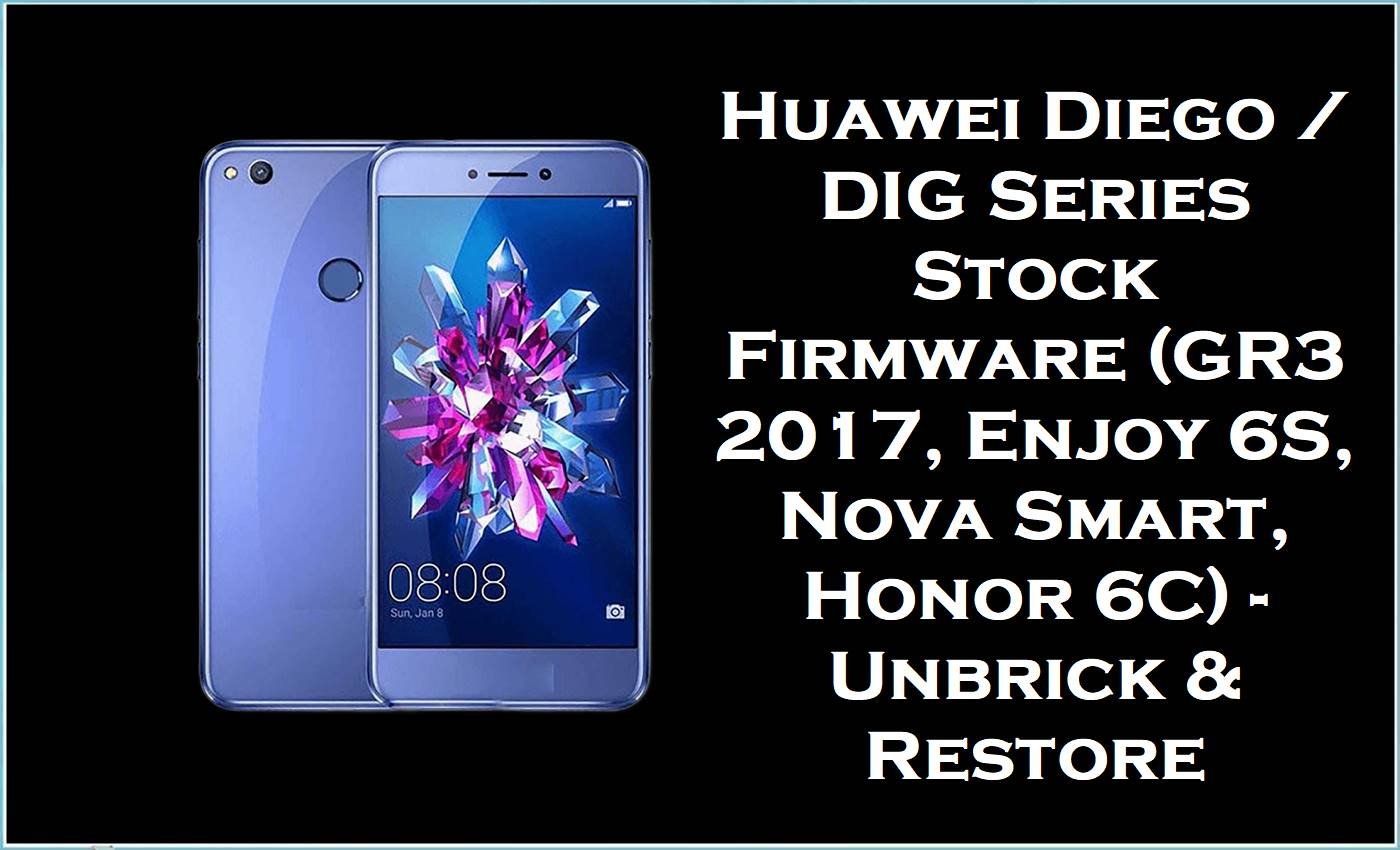
The files below cover Huawei’s Diego / DIG board family – GR3 2017, Honor 6C / Nova Smart variants, Latin Diego‑L23, and the Chinese Enjoy 6S DIG‑AL00 – all running Android 6.0 / EMUI 4.1 and used daily for bootloop repair, failed OTA recovery, and soft‑brick fixes.
Firmware Details
| Device Name | Huawei GR3 2017 / Huawei Nova Smart / Honor 6C / Huawei Enjoy 6S (DIG series) |
| Model Identifier | DIG‑L21, DIG‑L21HN, DIG‑L01, DIG‑AL00, Diego‑L23, Diego‑TL10 |
| Codename | Diego (DIG board platform) |
| Chipset / Platform | Qualcomm Snapdragon 435 (MSM8940) Diego board |
| Launch Android Version(s) | Android 6.0 / 6.0.1 with EMUI 4.1 |
| Current Firmware Line | 6.0.x EMUI 4.1 stock; no official Android 7 / EMUI 5 track on these Diego builds |
| Firmware Type | Official Huawei stock board firmware (dload / eRecovery / authorized fastboot) |
| Flashing Tool | Huawei dload method, eRecovery, and OEM fastboot/board tools (no generic SP/Unisoc tools) |
| Bootloader Requirement | Bootloader unlock not required for dload/eRecovery; only signed Huawei Diego images work |
| Region / Branch Notes | Russia (hw ru), China Mobile (C01), China generic (C00 / C432), Latin America (C469); cross‑branch flashing risks modem / OTA issues |
| Typical File Size Range | ~1.4 GB (board set) up to ~4.5 GB (full multi‑file service packs) |
Flashing Risks & Disclaimer
Diego / DIG devices are Qualcomm‑based but behave like classic Huawei: wrong region (C10 vs C432 vs C469 vs C00) or wrong product (DIG‑AL00 vs DIG‑L21 vs Diego‑L23) can leave you with broken radio, non‑functional eRecovery, or a phone that refuses future OTAs rather than a clean “flash failed” error.
Use these packages strictly for stock repair: bootloops after OTA, stuck‑on‑logo, soft‑bricks from a failed mod, or devices that only boot to eRecovery. They will not fix hardware faults, battery failures, liquid damage, or baseband/IMEI problems caused by earlier board‑level work. Data wipe is effectively guaranteed once a full board flash completes.
Download Table
| Region / Variant | Filename | Build / Version | Android / Firmware Version | File Type | Build Date | File Size | Download Link |
|---|---|---|---|---|---|---|---|
| Russia – GR3 2017 DIG‑L21 (hw ru) | Huawei+GR3+2017+DIG-L21+hw+ru+Diego-L21C10B123+Firmware+6.0.0+r1+EMUI4.1+05014MKG.rar | Diego‑L21C10B123 | Android 6.0.0 r1, EMUI 4.1 | Full stock dload / eRecovery package | 6.0.0 base line (r1) | 1.7 GB | Download |
| China Mobile – Diego‑TL10 | Diego-TL10_C01B131_Firmware_China_中国移动通信集团公司_Android 6.0_EMUI 4.1_05014AVN.zip | C01B131 | Android 6.0, EMUI 4.1 | China Mobile dload stock ROM | Not specified in name | 2.56 GB | Download |
| Latin America – Diego‑L23 (CNT Ecuador etc.) | Diego-L23_C469B101_Firmware_Nonspecific_Corporacion Nacional de Telecomunicaciones_Android 6.0_EMUI 4.1.zip | C469B101 | Android 6.0, EMUI 4.1 | Latin “nonspecific” dload firmware | Not specified in name | 2.56 GB | Download |
| Russia / China Export – GR3 2017 DIG‑L01 | Huawei_GR3_2017_DIG-L01_Diego-L01C55B123_Firmware_6.0.0_r1_EMUI4.1_05014LMD.rar | Diego‑L01C55B123 | Android 6.0.0 r1, EMUI 4.1 | Full stock pack (multi‑file service) | 6.0.0 r1 base | 4.5 GB | Download |
| China – Enjoy 6S DIG‑AL00 (service “线刷包”) | A_华为畅享6S_DIG-AL00线刷包B201救砖原厂固件不开机定屛反复重启变砖修复教程方法.zip | B201 (DIG‑AL00) | Android 6.0, EMUI 4.1 | Service unbrick package (board flash set) | Not specified in name | 2.13 GB | Download |
| China – DIG‑AL00 generic | Huawei_DIG-AL00_DIG-AL00_C00B165_6.0.zip.rar | C00B165 (DIG‑AL00) | Android 6.0, EMUI 4.1 | Stock firmware archive (board set) | Not specified in name | 1.4 GB | Download |
| China – Diego‑AL00 | Diego-AL00_C00B153_Firmware_China_Nonspecific_Android 6.0_EMUI 4.1_05014AVM.zip | C00B153 | Android 6.0, EMUI 4.1 | China nonspecific dload firmware | Not specified in name | 2.55 GB | Download |
| China Mobile – Diego‑TL10 (duplicate mirror) | Diego-TL10_C01B131_Firmware_China_中国移动通信集团公司_Android 6.0_EMUI 4.1_05014AVN.zip | C01B131 | Android 6.0, EMUI 4.1 | China Mobile dload stock ROM | Not specified in name | 2.6 GB | Download |
| Europe / C432 – DIG‑L21HN | DIG-L21HN-Diego-L21HNC432B127-Firmware-6.0.0-r1-EMUI4.1-05014LML.rar | C432B127 | Android 6.0.0 r1, EMUI 4.1 | European dload / board firmware | 6.0.0 r1 base | 3.83 GB | Download |
| Latin America – Diego‑L23 (mirror copy) | Diego-L23_C469B101_Firmware_Nonspecific_Corporacion Nacional de Telecomunicaciones_Android 6.0_EMUI 4.1.zip | C469B101 | Android 6.0, EMUI 4.1 | Latin “nonspecific” dload firmware | Not specified in name | 2.55 GB | Download |
This package is an original stock ROM mirrored for preservation, as the manufacturer no longer provides public downloads for this model.
Flashing Requirements
- Windows PC with Huawei USB drivers installed and reliable USB cable; unstable cables are a common cause of half‑written Diego flashes.
- Battery charge above roughly 40% before starting any dload or eRecovery update.
- Correct region and product: match DIG‑AL00 vs DIG‑L21 vs DIG‑L21HN vs Diego‑L23 vs Diego‑TL10 exactly; mixing C432/C10/C469/C00 builds is risky.
- Full backup if the phone still boots to Android; once the board update is triggered, user data is usually unrecoverable.
How to Flash
On Diego / DIG devices, dload and eRecovery are the primary safe routes. Fastboot‑only packs exist, but board repair is usually done via the Huawei update mechanism bundled inside these archives.
- Identify the exact model and customisation: check back label or fastboot info for DIG‑L21, DIG‑L21HN, DIG‑L01, DIG‑AL00, Diego‑L23, or Diego‑TL10 and the C‑code (C10, C432, C469, C00, C01).
- Download the matching firmware from the table and extract the archive until you see the dload/update structure or the main UPDATE.APP / board image set.
- For dload method: place the dload folder or UPDATE.APP on an SD card or internal storage in the expected Huawei path, then use the key combo (Vol+ Vol‑ Power, or as specified for this device) to trigger local update.
- If the phone boots only to eRecovery: connect to Wi‑Fi and, where supported, use “update from SD card / external storage” to point eRecovery at the same extracted package.
For service “线刷包” styled DIG‑AL00 packs (like B201) that include board‑level scripts or Huawei flashing helpers, follow the included Chinese instructions carefully; these sets often rewrite more partitions than a simple OTA‑style package and are aimed at hard bootloops and “no display but detectable” cases.
Detailed Huawei dload / eRecovery walkthrough (generic but applicable to Diego / DIG series):
Huawei dload & eRecovery Flash Guide
FAQ
Q: Phone is DIG‑AL00 on boot logo loop – which file should be used?
For a typical bootloop or failed update on Enjoy 6S, start with the closest stock branch: C00B165 for general DIG‑AL00 units, or the B201 “线刷包” when the device no longer enters normal recovery and needs a deeper unbrick set.
Q: Can Diego‑L23 Latin firmware be flashed on a DIG‑L21 European unit?
No. Diego‑L23 C469 builds are tuned for Latin carriers and bands; putting them on a C432/C10 GR3 2017 can cause radio issues, break VoLTE/IMS profiles, and kill OTAs even if the phone boots.
Q: Device shows DIG‑L21HN C432 but only Russian C10 firmware is available – is it safe to cross‑flash?
Crossing C10 and C432 on Diego is a last resort only. Treat this as a board‑level recovery move, not an “update”; if you must do it, assume OTAs and some carrier features may be gone afterwards.
Q: Why do some archives (like DIG‑L01C55B123) have much larger size?
The larger multi‑gigabyte sets usually include extra repair content – multiple images, board‑level files, sometimes region‑specific components – intended for deeper service work rather than a light in‑place update.
Q: Is it possible to move Diego / DIG devices to Android 7 or a different EMUI line with these files?
These firmware builds all sit on Android 6.0 / EMUI 4.1. Diego platform did not receive a clean public EMUI 5 line for these product codes, so forcing foreign builds is more likely to soft‑brick the device than give a stable upgrade.





