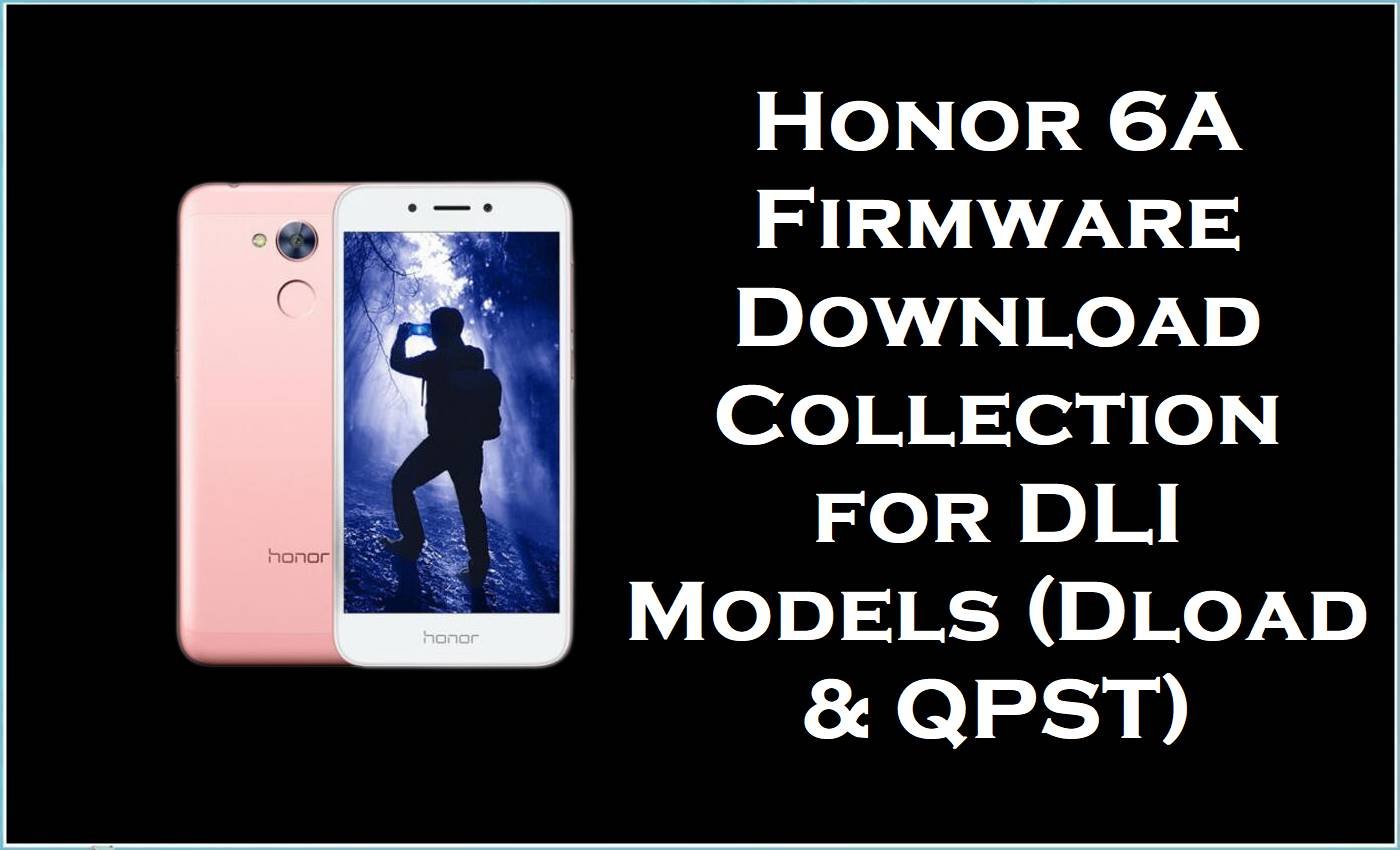
The Honor 6A family, known by the Delhi codename, is built on the Qualcomm Snapdragon 430 (MSM8937) platform, and verified device references for this line include DLI-L22 and DLI-TL20 variants under the same Honor 6A / Delhi family.
On the standard retail line, the phone shipped with Android 7.0 and EMUI 5.1, while the firmware packages listed here span both Android 6.0 / EMUI 4.1 and Android 7.0 / EMUI 5.1 branches depending on the exact build.
This collection is useful when the device is stuck after a failed update, needs a clean stock restore, or only shows Qualcomm emergency mode for 9008 service recovery instead of booting normally.
Because the Honor 6A was positioned as a budget handset, surviving units are often still used as secondary or family devices, which makes accurate stock-package matching more important than chasing the newest build number.
Honor 6A Firmware Details
| Device Name | Honor 6A |
|---|---|
| Model Identifier | DLI-AL10, DLI-TL20, DLI-L22, DLI-L42 |
| Codename | Delhi / huawei-delhi |
| Chipset / Platform | Qualcomm Snapdragon 430 (MSM8937) |
| Launch Android Version(s) | Android 7.0 Nougat with EMUI 5.1 on the stock line; this collection also includes Android 6.0 / EMUI 4.1 packages. |
| Current Firmware Line | C00B170, C00B160, C636B121, C432B129, plus Qualcomm 9008 service packages |
| Firmware Type | Mixed stock restore set: Huawei dload update packages and Qualcomm 9008 service firmware. |
| Flashing Tool | Huawei dload method for Dload packages; QPST for 9008/QPST service packages. |
| Region / Branch Notes | This set includes China C00 packages, a Malaysia / Southeast Asia C636 package, and C432 branch files that should be matched exactly by model string. |
| Typical File Size Range | 1.25GB to 2.40GB |
⚠️ Flashing Risks and Disclaimer
On the Delhi family, the real risk is mixing DLI variants or flashing the wrong branch through a Qualcomm 9008 workflow, because those packages are tied to low-level service recovery rather than a casual over-the-air style update path.
The dload packages are safer only when the model and branch already match, and the firmware remains the property of its original manufacturer and is referenced here strictly for restore or service use on legally owned devices.
Download Official Firmware for Honor 6A
This package is an original stock ROM mirrored for preservation, as the manufacturer no longer provides public downloads for this model.
| Region / Variant | Filename | Build / Version | Android / Firmware Version | File Type | Build Date | File Size | Download Link |
|---|---|---|---|---|---|---|---|
| China / DLI-AL10 | Honor_6A_DLI-AL10_C00B170_Firmware_Android_6.0_EMUI_4.1_05014MMR_05014MMS_Dload.zip | C00B170 | Android 6.0 / EMUI 4.1 | ZIP | 05014MMR / 05014MMS | 1.98GB | Download C00B170 build (Google Drive mirror) |
| China / DLI-AL10 | Huawei-Delhi-AL10-DLI-AL10-C00B160_all_cn_China_7.0_5.1_Factory_Stock_Firmware_Update.rar | C00B160 | Android 7.0 / EMUI 5.1 | RAR | — | 1.25GB | Download C00B160 build (Google Drive mirror) |
| China / DLI-TL20 | Honor_6A_DLI-TL20_9008_QPST.zip | 9008 service package | Qualcomm service firmware | ZIP | — | 1.96GB | Download DLI-TL20 9008 build (Google Drive mirror) |
| DLI-L42 | Honor_6A_DLI-L42_9008_QPST.zip | 9008 service package | Qualcomm service firmware | ZIP | — | 1.96GB | Download DLI-L42 9008 build (Google Drive mirror) |
| Malaysia / DLI-L42 | Huawei-Delhi-L42-DLI-L42-C636B121_hw_spcseas_Malaysia_7.0_5.1_Factory_Stock_Firmware_Update.rar | C636B121 | Android 7.0 / EMUI 5.1 | RAR | — | 2.40GB | Download C636B121 build (Google Drive mirror) |
| DLI-L22 / C432 | Honor_6A_DLI-L22_C432B129_QPST.zip | C432B129 | QPST service firmware | ZIP | — | 1.5GB | Download C432B129 build (Google Drive mirror) |
| Delhi-L22 / C432 | Honor_6A_Delhi-L22_C432B129_QPST.zip | C432B129 | QPST service firmware | ZIP | — | 1.6GB | Download Delhi-L22 C432B129 build (Google Drive mirror) |
Flashing Requirements
- Match the package to the exact model string first: DLI-AL10, DLI-TL20, DLI-L22, and DLI-L42 are not interchangeable service targets.
- For 9008/QPST packages, prepare the correct Qualcomm driver stack and QPST-compatible service environment before connecting the phone in emergency mode.
- For Dload packages, extract the archive fully and use the dload-style update path only with the matching branch package.
- Expect a full data wipe from 9008 service flashing and from most factory restore workflows; these files are for stock recovery, not guaranteed data preservation.
- Check both the model code and branch suffix before flashing, especially when choosing between C00, C432, and C636 builds.
How to Flash the Firmware
- Choose the exact Honor 6A package for the phone in hand, because DLI-AL10, DLI-TL20, DLI-L22, and DLI-L42 are separate targets even though they belong to the same Delhi family.
- Set up the correct workflow before connecting the device: QPST and the proper Qualcomm drivers for the 9008 packages, or the Huawei dload package structure for the Dload archive.
- Boot into the right mode for the package being used, which means Qualcomm 9008 / EDL for the QPST service files or the dload update path for the Dload firmware.
- Run the flash only with the matching tool family, because the 9008 packages are service firmware while the Dload package follows Huawei’s update-style restore method.
- Allow extra time on first boot after flashing; if the phone keeps returning to recovery, stays in 9008, or remains stuck on the logo well past the normal first-boot delay, stop and re-check the exact DLI variant and branch code.
For the main 9008/QPST packages in this collection, use this guide: flashguidehub.com
Frequently Asked Questions
Can DLI-L22 firmware be flashed on DLI-L42 or DLI-TL20?
No. The listed firmware is split across distinct model identifiers, and that match should be treated as mandatory before any restore attempt.
What does the 9008 label mean on these Honor 6A files?
It points to Qualcomm emergency download mode, which is the service path typically used when the phone cannot boot normally and must be recovered through a low-level flashing tool.
What is the difference between the Dload package and the QPST packages here?
The Dload archive is an update-style Huawei stock package, while the QPST files are Qualcomm service firmware intended for 9008 recovery workflows.
Are the C00, C432, and C636 branches interchangeable?
No. These branch strings should be matched exactly to the device and its current software family, especially on a model line that already splits into AL10, TL20, L22, and L42 variants.
Will flashing erase user data?
In practice, service flashing on this family should be approached as a wipe operation, particularly with the 9008 packages and factory restore archives.
Are these official Huawei download servers?
No. The links provided here are Google Drive mirrors of preserved stock packages, not active vendor-hosted download endpoints.





