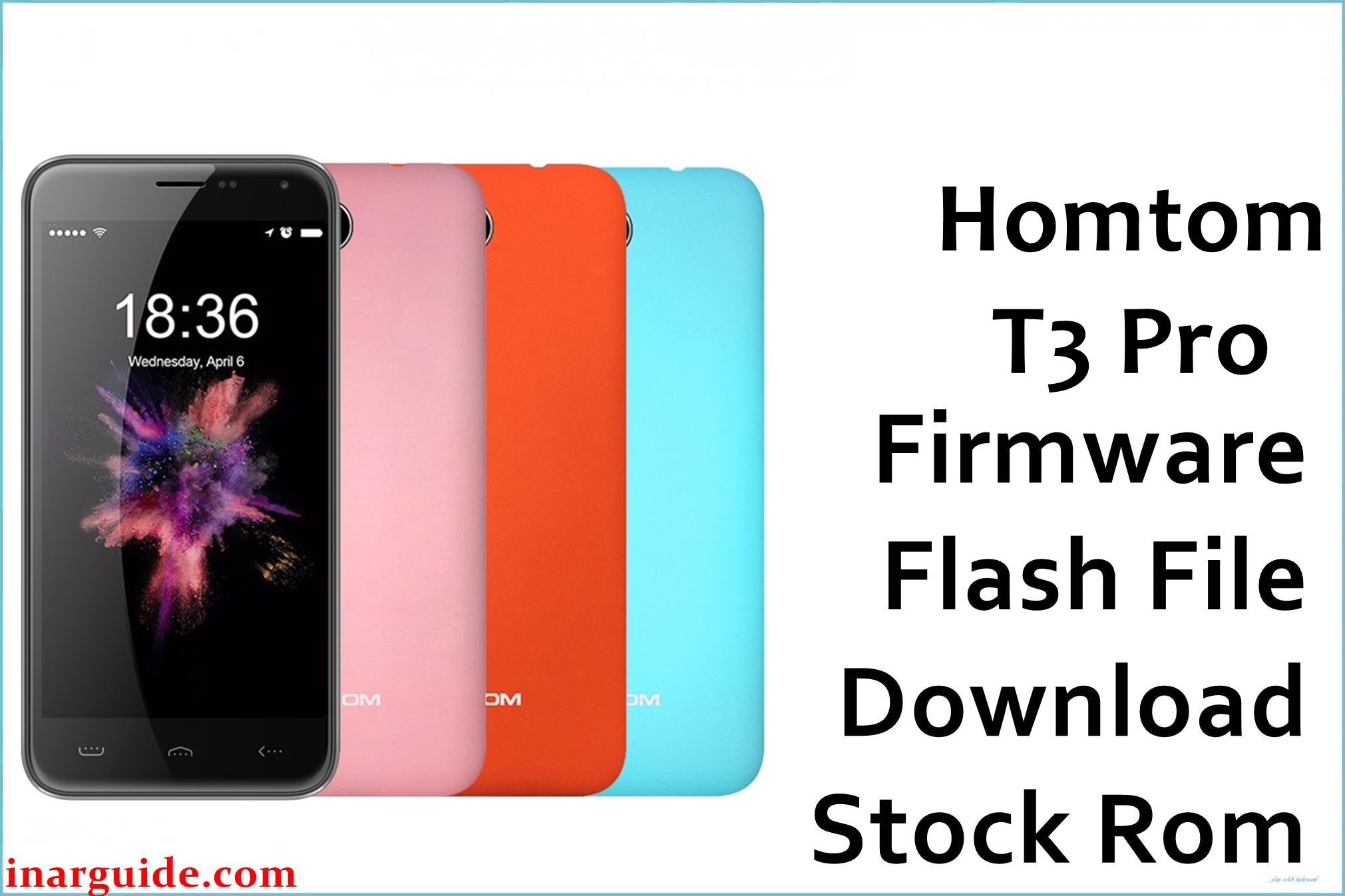
The Homtom T3 Pro is an entry-level Android smartphone built on the 64‑bit MediaTek MT6735/MT6735M quad‑core Cortex‑A53 platform, typically paired with Android 5.1 Lollipop and modest RAM/storage configurations. As with many low-cost MTK devices, heavy use, low free storage, or interrupted OTA updates can lead to bootloops, recovery boot only, or persistent system instability that a full stock ROM reflash can help reverse.
Flashing the preserved firmware package below can restore a non‑booting system, remove problematic modifications, or return this model to a clean factory software state, provided that the hardware is the correct MT6735‑based Homtom T3 Pro.
Homtom T3 Pro Firmware Details
| Device Name | Homtom T3 Pro smartphone |
| Model Identifier | Homtom T3 Pro, MT6735/MT6735M 4G variant (Android 5.1) |
| Codename | MT6735 / MT6735M board project (often shared with HT3 Pro‑class devices) |
| Chipset / Platform | MediaTek MT6735 series, quad‑core ARM Cortex‑A53 with Mali‑T720 GPU and integrated LTE modem. |
| Launch Android Version(s) | Android 5.1 Lollipop 32‑/64‑bit on MT6735 platform |
| Current Firmware Line | Android 5.1 stock ROM, build line 1.0.x (HT3 Pro / T3 Pro series, e.g. V1.0.8/V1.0.9 era) |
| Typical File Size Range | Roughly 500–800 MB for full MT6735 scatter‑based firmware archives |
| Firmware Type | Scatter‑based stock ROM (system, boot, recovery, etc.) intended for SP Flash Tool on MT6735 devices. |
| Flashing Tool | SP Flash Tool (MediaTek download mode flashing utility). |
| Bootloader Requirement | Standard MTK preloader/download mode; secure‑boot efuses may enforce signed DA on some MT6735 boards, but user “OEM unlock” is typically not required for stock service flashes. |
| Region / Branch notes | Designed for the Homtom T3 Pro / HT3 Pro‑class LTE handset; not suitable for other Homtom MT6735 phones unless explicitly marked for the same board and modem configuration. |
⚠️ Flashing Risks & Disclaimer
On MT6735, the preloader, lk, and modem partitions are tuned to specific DRAM, display, and RF front‑end characteristics, so flashing a scatter or images from another MT6735/MT6735M model can cause hard boot failure, black screen, or permanent network loss on this device.
Incorrectly formatting nvram or writing a mismatched modem image may wipe IMEI and calibration values stored in efuses and NVRAM, leading to “invalid IMEI” errors and missing LTE/3G connectivity that are difficult to repair without backups.
The ROM linked below is an original Homtom T3 Pro stock package mirrored on a third‑party host for long‑term preservation, as official download links for this specific build are no longer publicly maintained. All firmware components remain the property of their respective owners, and the mirror is provided strictly for recovery and service purposes without any modification, repackaging, or endorsement of the underlying software.
Download Official Firmware for Homtom T3 Pro
This package is an original stock ROM mirrored for preservation, as the manufacturer no longer provides public downloads for this model.
| Region / Variant | Filename | Build / Version | Android / Firmware Version | File Type | Build Date | File Size | Download Link |
|---|---|---|---|---|---|---|---|
| Global (Homtom T3 Pro / HT3 Pro MT6735) | Homtom_T3_Pro_MT6735_20170424_1.0.8.zip | HT3 Pro / T3 Pro V1.0.8 series build for MT6735/MT6735M board (Android 5.1, 2017 line). | Android 5.1 Lollipop stock ROM | ZIP archive containing SP Flash Tool scatter‑based firmware (system, boot, recovery, etc.). | 24 April 2017 (20170424) | ≈ 590 MB (MediaFire reports 589.74 MB) | Download Homtom T3 Pro stock ROM (preserved mirror) |
Flashing Requirements
- A Windows PC (Windows 7 or newer) with administrator access to install MediaTek VCOM / Preloader USB drivers that support MT6735 devices.
- SP Flash Tool (v5.x or later) compatible with MT6735/MT6735M scatter files, either bundled with another Homtom package or downloaded separately.
- The full Homtom_T3_Pro_MT6735_20170424_1.0.8.zip archive downloaded and extracted so the MT6735 scatter and all partition images are available in a dedicated folder.
- A known‑good USB data cable and stable USB port, as unstable connections in preloader download mode increase the risk of incomplete writes on this phone.
- Battery charge preferably above 40% to reduce the chance of shutdown mid‑flash on the MT6735 platform.
- Backup of personal data wherever possible, since “Firmware Upgrade” or “Format + Download” operations typically wipe apps, settings, and may erase internal storage on this model.
- Verification that the handset is indeed a Homtom T3 Pro / HT3 Pro‑class LTE phone using MT6735(M) (for example by checking the original box, label, or previous spec listing) before loading this scatter.
How to Flash the Firmware
- Download the Homtom_T3_Pro_MT6735_20170424_1.0.8.zip package to the PC and extract it, then confirm that the MT6735 scatter file and images for the Homtom T3 Pro are present in the firmware directory.
- Install the MediaTek VCOM / Preloader drivers, launch SP Flash Tool, and load the MT6735 scatter from the extracted folder so the tool lists system, boot, recovery, and modem partitions for this model.
- Select a suitable flashing mode such as “Download Only” for a basic repair or “Firmware Upgrade” if updating within the same Android 5.1 line and the package is known to match the installed partition layout.
- Power off the Homtom T3 Pro completely, connect it to the PC via USB, and allow SP Flash Tool to detect the device in preloader download mode and start writing the selected partitions to the MT6735 storage.
- When SP Flash Tool reports a successful operation, disconnect the cable, boot the phone, and wait longer than usual for the first Android 5.1 startup as the system rebuilds caches and optimizes apps on this 64‑bit Cortex‑A53 platform.
For an extended walkthrough of SP Flash Tool usage with MediaTek firmware, see: How to flash MediaTek firmware with SP Flash Tool.
Frequently Asked Questions (FAQs)
Is this ROM suitable for both Homtom T3 Pro and HT3 Pro variants?
The package targets the MT6735/MT6735M T3 Pro / HT3 Pro‑class board, but only firmware explicitly matching the same board ID and modem configuration should be used; mixing with other MT6735 Homtom models can cause issues.
What happens if a different MT6735 firmware is flashed on this device?
Using a scatter or images built for another MT6735 phone may result in a non‑booting system, wrong display drivers, or broken LTE/3G due to mismatched preloader, lk, and modem partitions.
Does flashing this stock ROM erase user data on the Homtom T3 Pro?
“Firmware Upgrade” or “Format + Download” in SP Flash Tool will normally wipe user apps, settings, and often internal storage, while a carefully limited “Download Only” flash may preserve data but is less reliable on badly corrupted systems.
Can this build help when the phone is stuck at the Homtom logo after an OTA or app crash?
Reinstalling the complete V1.0.8 stock firmware can replace damaged system and boot partitions, which can help recover devices stuck at the logo due to failed updates or severe software corruption, assuming there is no hardware damage.
Is the mirrored file considered an official update channel?
The archive is an original Homtom stock ROM but hosted on a third‑party mirror for archival purposes, so it functions as a service firmware rather than an official, actively supported OTA channel.





