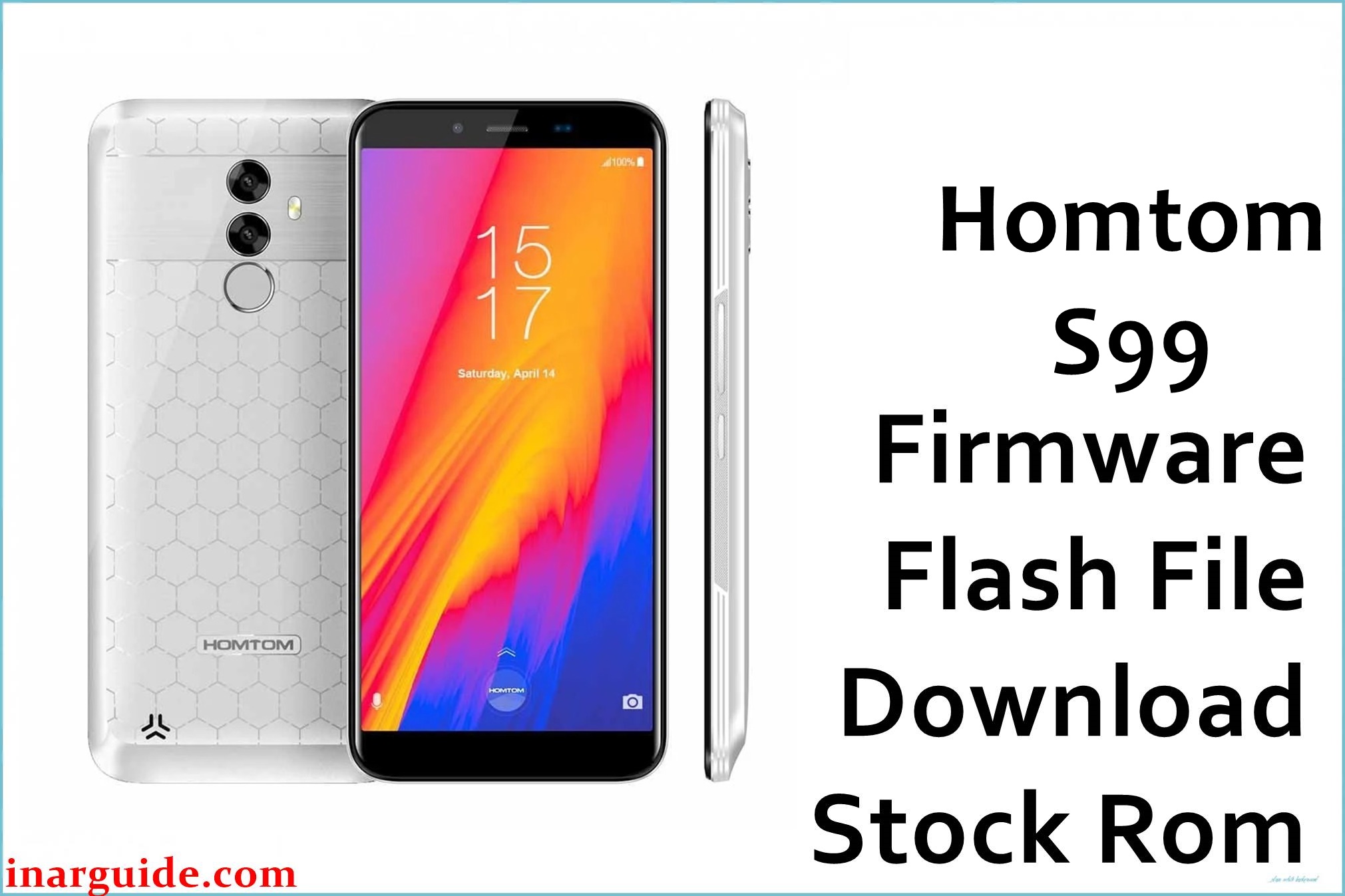
The Homtom S99 (MT6750 platform) is a 5.5‑inch Android 8.0 smartphone powered by a MediaTek MT6750/MT6750T octa‑core chipset with 4 GB of RAM and 64 GB of internal storage running Android 8.0 Oreo out of the box. On this model, software issues such as bootloops after a failed modification, soft‑brick from incorrect root attempts, or instability after OTA updates are common reasons to revert to stock firmware.
Installing the official Android 8.0 scatter package listed below can help restore the phone to a working state, return it to stock software, or downgrade/refresh the system when troubleshooting software‑level faults.
Homtom S99 Firmware Details
| Device Name | Homtom S99 |
|---|---|
| Model Identifier | HOMTOM‑HTS99 (Android 8.0 series builds such as R08 20180604) |
| Codename | Not officially published; MediaTek MT6750‑based Homtom S99 variant. |
| Chipset / Platform | MediaTek MT6750 / MT6750T, octa‑core 1.5 GHz with ARM Mali‑T860 MP2 GPU. |
| Launch Android Version | Android 8.0 Oreo. |
| Current Firmware Line | Official Android 8.0 stock ROM builds (e.g. HOMTOM‑HTS99‑Android_8.0‑R08‑20180604_20180623). |
| Typical File Size Range | Approximately 1.1–1.3 GB for full SP Flash Tool packages (example: ~1.19–1.20 GB ZIP). |
| Firmware Type | Scatter‑based stock firmware (flash file) for MediaTek, packaged as ZIP containing system images and MT6750 scatter file. |
| Flashing Tool | SP Flash Tool (MediaTek scatter flashing utility). |
| Bootloader Requirement | Typically flashes via preloader with locked bootloader using SP Flash Tool; no OEM fastboot unlock is required for stock restores. |
| Region / Branch Notes | Single global Android 8.0 line is common; builds such as R08 and R12 differ in date and patch level, and cross‑downgrade can change security patch and sometimes display behavior. |
⚠️ Flashing Risks & Disclaimer
Flashing this MT6750‑based device with SP Flash Tool carries several platform‑specific risks that must be understood beforehand. On MediaTek phones like the Homtom S99, incorrect use of the scatter package (for example, flashing an incompatible preloader or mismatched build) can lead to a deep brick where the phone is no longer detected over USB, requiring hardware‑level recovery. Changing between earlier and later HOMTOM‑HTS99 Android 8.0 builds (such as R08 and newer R12 releases) may also downgrade security patches or alter calibration data, which can result in issues like touch or display anomalies if an unsuitable firmware is used.
Flashing stock firmware may erase user data, overwrite custom recoveries and root modifications, and can affect warranty policies depending on the seller or region. Always verify the exact model string on the device, ensure that the scatter file is intended for the Homtom S99 MT6750, and avoid interrupting the flashing process once started to reduce the chance of permanent damage.
Download Official Firmware for Homtom S99
| Region / Variant | Filename | Build / Version | Android / Firmware Version | File Type | Build Date | File Size | Download Link |
|---|---|---|---|---|---|---|---|
| Global (HOMTOM‑HTS99 MT6750) | Homtom_S99_MT6750_20180604_8.0.0.zip | HOMTOM‑HTS99‑Android_8.0‑R08‑20180604_20180623 (official ROM) | Android 8.0.0 Oreo stock firmware for Homtom S99. | ZIP package with MT6750 scatter + images for SP Flash Tool. | 04 June 2018 base build, published late June 2018. | ≈ 1.19–1.20 GB (compressed ZIP) | Download Global build (MediaFire mirror) |
This package is intended for the Homtom S99 running a MediaTek MT6750/MT6750T chipset and should not be used on other Homtom models such as HT50, HT70, or S‑series variants.
Flashing Requirements
- PC and OS: A Windows PC (Windows 7/8/10 or later) with administrator rights is recommended for running SP Flash Tool and installing MediaTek USB drivers.
- Tools: SP Flash Tool compatible with MT6750 devices, plus the appropriate MTK VCOM/Preloader USB drivers so the phone is detected in flashing (preloader) mode.
- Bootloader state: For this model, stock ROM flashing via SP Flash Tool usually works with the bootloader locked because the tool communicates with the preloader rather than relying on fastboot OEM unlock.
- Data backup: A full backup of internal storage is strongly recommended because typical “Download Only” or “Firmware Upgrade” operations can wipe user data, applications, and configuration; NVRAM/IMEI partitions should not be erased unless following a specific repair guide.
- Device verification: Before flashing, confirm that the device identifies as Homtom S99 (HOMTOM‑HTS99) in system settings or on the label, and check that the scatter file explicitly references MT6750 to avoid cross‑flashing firmware built for other chipsets.
- Battery level: Aim for at least 40–50% battery charge to reduce the risk of power loss during flashing on this large‑battery model.
How to Flash the Firmware
- Download the Homtom S99 Android 8.0 stock package (for example, Homtom_S99_MT6750_20180604_8.0.0.zip) and extract it on the PC to reveal the MT6750 scatter file and image contents for SP Flash Tool.
- Install the MediaTek VCOM/Preloader USB drivers, then launch SP Flash Tool and use the “Scatter‑loading” option to select the MT6750 scatter file included in the firmware directory for this device.
- In SP Flash Tool, choose an appropriate mode such as “Download Only” for a basic system restore or “Firmware Upgrade” if explicitly required, ensuring only partitions intended for flashing are ticked and that the preloader is left enabled or disabled according to the chosen guide.
- Power off the phone completely, disconnect and reconnect the USB cable, then connect the Homtom S99 to the PC while off so that SP Flash Tool can detect the device in preloader mode and start the flashing process when the Download button has been pressed.
- Wait until SP Flash Tool shows a green success indicator, then disconnect the cable and boot the phone; the first boot after installing this Android 8.0 stock ROM can take several minutes while the system optimizes apps and rebuilds caches.
For a detailed walkthrough of SP Flash Tool usage on MediaTek firmware, refer to the following external guide: How to flash MediaTek firmware with SP Flash Tool (flashguidehub.com).
Frequently Asked Questions (FAQs)
1. Is this firmware compatible with all Homtom S99 units?
This Android 8.0 scatter package is intended for the Homtom S99 based on the MT6750/MT6750T platform and the HOMTOM‑HTS99 Android 8.0 line; it should not be used on different Homtom models or on MT6739/MT6753 devices.
2. What happens if a different region or build (R08 vs R12) is flashed?
On this model, moving between earlier and later HOMTOM‑HTS99 Android 8.0 builds such as R08 (20180604) and R12 can change security patch level and other system components, and users have reported that downgrading from a newer build to an older one may introduce issues like altered display behavior or different screen tuning.
3. Can this firmware be used to recover from a bootloop after rooting?
Re‑installing the stock Android 8.0 ROM via SP Flash Tool can help recover a Homtom S99 that is soft‑bricked or stuck in a bootloop due to failed root, custom recovery, or modification attempts, by restoring all system partitions to their factory state.
4. Will flashing erase user data on the Homtom S99?
Depending on the chosen SP Flash Tool mode, flashing this firmware may wipe user data and internal storage; a clean installation that replaces system and userdata is common when recovering from serious software corruption on this device.
5. Does the bootloader need to be unlocked before using SP Flash Tool?
For the Homtom S99 MT6750, SP Flash Tool communicates with the preloader and typically does not require an unlocked bootloader, so stock firmware can usually be installed even if the bootloader remains locked.
6. Can this ROM be used as an update instead of OTA?
This package is a full stock ROM rather than an incremental OTA, so flashing it replaces existing system partitions instead of applying a small delta; it is suitable for manual update or downgrade scenarios where OTA fails or is unavailable.
7. What common SP Flash Tool errors occur with MT6750 devices?
Typical issues on MT6750 phones include BROM errors related to drivers, authentication, or preloader mismatch, often caused by incorrect drivers or selecting a scatter not intended for the Homtom S99.
8. Will IMEI or network configuration be affected?
Some Homtom stock packages note that IMEI or NVRAM may need to be restored after flashing in certain repair scenarios, so it is important to avoid formatting NVRAM unless necessary and to use only the original IMEI assigned to the device if restoration tools are required.





