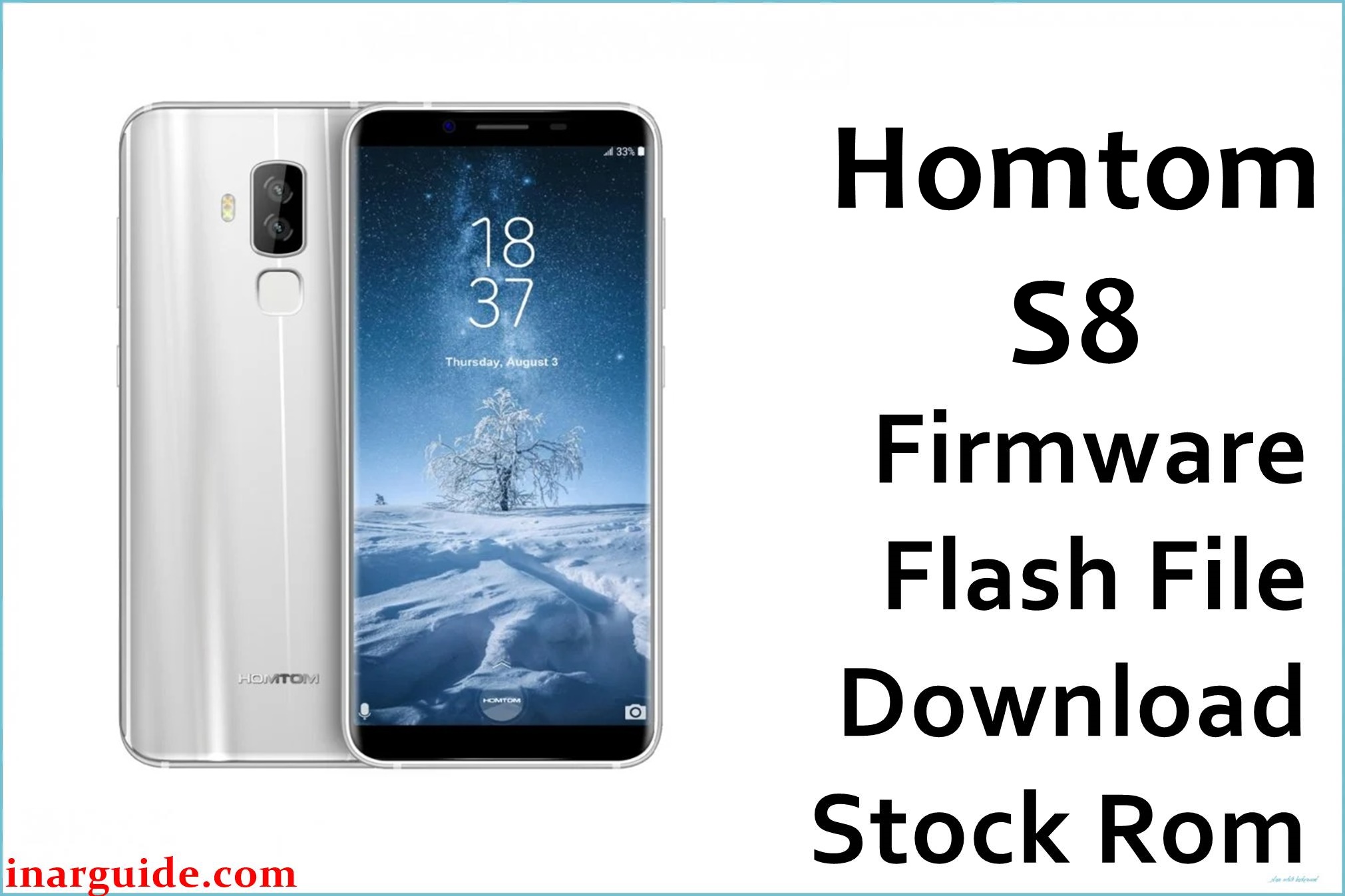
The HomTom S8 is a mid‑range Android smartphone with an 18:9 5.7‑inch display, 4 GB RAM, 64 GB storage, and an octa‑core MediaTek MT6750/MT6750T chipset running Android 7.0 Nougat. This device is frequently used as a daily driver and secondary media phone, so interrupted OTAs, aggressive app installs, and rooting attempts can lead to bootloops, FRP issues, or unstable performance.
Installing the correct stock firmware build (HOMTOM‑HTS8‑Android_7.0‑R10‑20171012) can help recover from software corruption, restore the original system, and resolve issues such as stuck boot animation, failed updates, or soft-bricks, though results are not guaranteed in all cases.
HomTom S8 Firmware Details
| Field | Details |
|---|---|
| Device Name | HomTom S8 (bezel‑reduced 18:9 Android smartphone) |
| Model Identifier | HomTom S8, 4 GB RAM / 64 GB storage variant |
| Codename | Commonly referenced as HTS8 / full_hct6750_66_n in firmware build strings (HOMTOM‑HTS8‑Android_7.0‑R10‑20171012) |
| Chipset / Platform | MediaTek MT6750 / MT6750T, octa‑core Cortex‑A53 with Mali‑T860 MP2 GPU |
| Launch Android Version | Android 7.0 Nougat |
| Current Firmware Line | Stock Android 7.0 Nougat ROM line, official R10 build dated 2017‑10‑12 (HOMTOM‑HTS8‑Android_7.0‑R10‑20171012) |
| Typical File Size Range | Approx. 500–650 MB compressed for full SP Flash Tool packages; this package is about 534–535 MB. |
| Firmware Type | Scatter‑based stock ROM for SP Flash Tool (MT6750 platform, full partition images) |
| Flashing Tool | SP Flash Tool (Smart Phone Flash Tool) for MediaTek devices (Windows / Linux) |
| Bootloader Requirement | Flashes via MTK preloader interface; generally works with the standard locked bootloader and does not require fastboot OEM unlock. |
| Region / Branch Notes | Single global hardware family with MT6750/MT6750T; cross‑flashing other MT6750 models (e.g., BL7000, non‑HomTom devices) is unsafe due to different modem, camera, and display drivers. |
⚠️ Flashing Risks & Disclaimer
Flashing this model is not risk‑free because the HomTom S8 uses an MT6750/MT6750T platform with tightly coupled display, touchscreen, camera, and modem drivers in the stock ROM. Using firmware intended for a different MT6750 device or for another HomTom model can result in a black screen, non‑functional cameras, loss of LTE bands, or a device that will not boot.
On this phone, SP Flash Tool operations such as “Format all + Download” can erase NVRAM, IMEI, and radio calibration data, which may cause “invalid IMEI” errors and total loss of network until those values are restored with appropriate tools. Unstable USB connections, low battery, or interrupting the flash while preloader or boot partitions are written can leave the device in a hard‑to‑recover state that may require multiple attempts or specialist repair.
The firmware package referenced here is intended solely to restore original software on the HomTom S8 for legitimate owners of this device. All ROM images, trademarks, and related assets remain the property of their respective rights holders, and no modification or unauthorized redistribution of copyrighted content is implied or endorsed.
Download Official Firmware for HomTom S8
This package is an original stock ROM mirrored for preservation, as the manufacturer no longer provides public downloads for this exact build.
| Region / Variant | Filename | Build / Version | Android / Firmware Version | File Type | Build Date | File Size | Download Link |
|---|---|---|---|---|---|---|---|
| Global HomTom S8 (MT6750) | Homtom_S8_MT6750_20171012_7.0.zip | HOMTOM‑HTS8‑Android_7.0‑R10‑20171012 (official R10 stock build for S8) | Android 7.0 Nougat stock ROM for HomTom S8 (MT6750/MT6750T) | Compressed SP Flash Tool scatter package (.zip; includes firmware images, scatter file, and tool/driver resources) | 12 October 2017 firmware build; mirrored upload date 07 April 2018 | ≈ 534–535 MB (compressed archive) | Download HomTom S8 stock ROM (MediaFire mirror) |
Flashing Requirements
- PC & Operating System: A Windows PC (Windows 7 or newer recommended) with administrator access to install MTK USB VCOM drivers for the HomTom S8.
- Drivers & Tools: Install MediaTek USB VCOM/Preloader drivers and download a compatible SP Flash Tool release that supports MT6750 devices.
- Correct Firmware Package: Use only ROMs explicitly marked for HomTom S8 (HOMTOM‑HTS8‑Android_7.0‑R10‑20171012 / Homtom_S8_MT6750_20171012_7.0.zip); do not flash firmware for BL7000, other MT6750 phones, or different HomTom models.
- Bootloader & Modes: SP Flash Tool communicates with the preloader, so the standard locked bootloader is usually sufficient; the device must be powered off and allowed to enter preloader mode when connected.
- Battery & Cable: Charge the phone to at least 40–50% and use a reliable USB cable and PC port to reduce the risk of disconnection during flashing.
- Backup & Data Loss: Full firmware flashes, especially when using “Firmware Upgrade” or “Format all + Download”, can erase user data and NVRAM; important files, app data, and IMEI information should be backed up beforehand where possible.
- Device Verification: Confirm that the phone is a HomTom S8 with MT6750/MT6750T, 4 GB RAM, and 64 GB storage in system information or printed specifications before proceeding, to avoid cross‑flashing another MTK model that looks similar.
How to Flash the Firmware
- Download and extract the HomTom S8 ROM: Download the Homtom_S8_MT6750_20171012_7.0.zip package for the HomTom S8 and extract it on the PC to access the MT6750 scatter file, partition images, drivers, and included flashing resources.
- Install MTK drivers and SP Flash Tool: Install the provided or recommended MediaTek USB VCOM drivers, then download and extract SP Flash Tool and launch it with administrator rights on Windows.
- Load the MT6750 scatter configuration: In SP Flash Tool, open the “Download” tab and select the MT6750 scatter file from the extracted S8 firmware directory, verifying that key partitions such as preloader, boot, recovery, and system are mapped for the HTS8 build.
- Connect the powered‑off HomTom S8: With the phone fully powered off, click “Download” (or “Firmware Upgrade” for a fuller restore) in SP Flash Tool, then connect the S8 via USB and allow the MT6750 preloader interface to be detected so the flash process can run to completion.
- Wait for first boot and verify functions: After SP Flash Tool reports a successful flash, disconnect the phone and power it on; the first Android 7.0 Nougat boot on this MT6750‑based device can take several minutes, after which display, touch, mobile network, Wi‑Fi, and cameras should be checked before restoring apps and data.
For a detailed walkthrough of SP Flash Tool usage with MediaTek firmware, refer to this external guide: SP Flash Tool Mediatek firmware flashing guide.
Frequently Asked Questions (FAQs)
Is this firmware only for the MT6750/MT6750T version of the HomTom S8?
Yes. The R10 20171012 stock ROM is built for the HomTom S8 using the MT6750/MT6750T chipset with 4 GB RAM and 64 GB storage; flashing it on other HomTom or MTK models is unsafe.
Can this ROM be used to downgrade or upgrade between HomTom S8 builds?
This package can be used to reinstall or move between nearby stock builds within the S8 Android 7.0 line, but mixing preloaders or components from unrelated MT6750 ROMs may cause boot or radio issues, so complete, matching packages should be used.
Will flashing this firmware remove my data and settings?
Flashing the full stock ROM with options like “Firmware Upgrade” or “Format all + Download” typically wipes apps, configuration, and can affect NVRAM; partial “Download Only” flashes may preserve data but are less thorough for fixing deep software problems.
Can this stock firmware help recover a HomTom S8 stuck on the boot logo?
A complete reinstall of the official S8 ROM via SP Flash Tool can often recover devices that are soft‑bricked after failed OTAs, root attempts, or custom recoveries, provided that hardware components such as storage and power circuitry are still functional.
Why does IMEI sometimes disappear after flashing the HomTom S8?
If NVRAM is formatted or overwritten during the SP Flash Tool process, IMEI and radio calibration for the MT6750 modem can be lost, resulting in “no service” or “invalid IMEI” until the original values are written back using appropriate repair utilities.
Is bootloader unlocking required to flash this stock ROM?
For this device family, stock firmware is normally installed over the MTK preloader interface with a locked bootloader, so fastboot OEM unlock is generally not required to perform a standard SP Flash Tool restore.
What common SP Flash Tool errors can occur with the HomTom S8?
Typical errors include preloader handshake failures from missing drivers, scatter–device mismatches when loading ROMs for non‑S8 MT6750 phones, and checksum errors if the archive download was corrupted, all of which should be resolved before retrying to avoid incomplete flashes.
Can this firmware bypass FRP or Google account lock on the HomTom S8?
Some users report that fully reinstalling stock software can help in scenarios where FRP behavior is tied to software corruption, but account‑related protections should be handled in line with local regulations and the original owner’s credentials.





