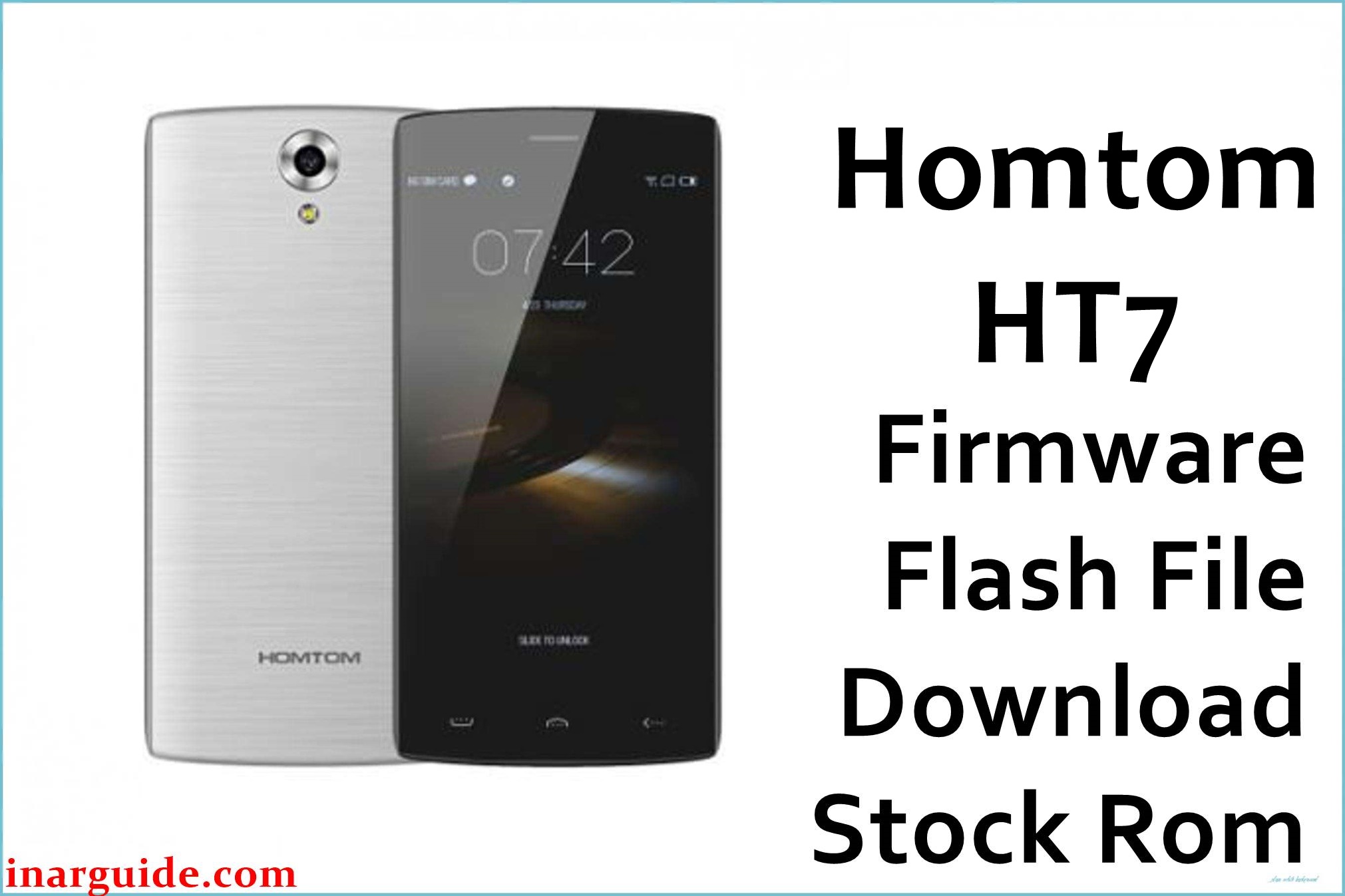
The HomTom HT7 is an entry-level Android smartphone built on the MediaTek MT6580 platform and shipped with Android 5.1 Lollipop, 1 GB RAM, and 8 GB internal storage. This model is often used as a secondary or budget daily phone, so failed OTAs, experimental rooting, and storage exhaustion can easily lead to bootloops or soft-bricks.
Installing the correct stock firmware for this device can help recover from software corruption, restore the original system, and resolve issues such as stuck boot animation, unstable custom ROMs, or repeated app crashes without guaranteeing a fix in every case.
HomTom HT7 Firmware Details
| Field | Details |
|---|---|
| Device Name | HomTom HT7 (also marketed as Doogee HomTom HT7) |
| Model Identifier | HT7 (MT6580, 1 GB RAM / 8 GB storage) |
| Codename | Commonly referenced as HT7 in MT6580 scatter-based ROMs |
| Chipset / Platform | MediaTek MT6580, quad-core Cortex-A7, Mali-400 GPU |
| Launch Android Version | Android 5.1 Lollipop |
| Current Firmware Line | Stock Android 5.1 ROM line, multiple maintenance builds (v2.x, M20_HT7_V7_… 2016-09-02, etc.) |
| Typical File Size Range | Approx. 550–650 MB for full SP Flash Tool scatter ROMs (this package ~581 MB compressed) |
| Firmware Type | Scatter-based stock ROM for SP Flash Tool (MT6580 platform) |
| Flashing Tool | SP Flash Tool (Smart Phone Flash Tool) for MediaTek devices |
| Bootloader Requirement | Typically flashes with the standard (locked) MTK bootloader via preloader and Download / Firmware Upgrade modes; no OEM fastboot unlock required for SP Flash Tool |
| Region / Branch Notes | Single hardware family with multiple software builds (e.g., early v2.x and later 2016/09 builds); cross-flashing HT7 Pro or other MT6580 models is unsafe due to different display/modem configurations |
⚠️ Flashing Risks & Disclaimer
Flashing this model carries several platform-specific risks because the HomTom HT7 uses a low-cost MT6580 board with tightly coupled display, touchscreen, and modem drivers. Using the wrong ROM (for example, a build intended for a different MT6580 device or for the HT7 Pro) can result in a black or flickering display, no cellular signal, or a complete no-boot (soft-brick) state.
On this device, SP Flash Tool “Format all + Download” can erase NVRAM and IMEI data, which may cause loss of network connectivity until the radio configuration is restored with specialized tools. Power loss or unstable USB connections during preloader or system flashing may also corrupt the boot chain and require reflashing from scratch.
All firmware packages referenced here are provided strictly for restoring original software on the HomTom HT7 and are intended only for owners of this phone. Firmware files, trademarks, and related assets remain the property of their respective rights holders; no modification, reverse engineering, or copyrighted content redistribution is claimed or encouraged.
Download Official Firmware for HomTom HT7
This package is an original stock ROM mirrored for preservation, as the manufacturer no longer provides public downloads for this model.
| Region / Variant | Filename | Build / Version | Android / Firmware Version | File Type | Build Date | File Size | Download Link |
|---|---|---|---|---|---|---|---|
| Global / Generic HT7 | Homtom_HT7_MT6580_20160902_5.1.zip | M20_HT7_V7_XP_V1.0.3_user_20160902-18_25_36 (stock ROM line for HT7) | Android 5.1 Lollipop stock ROM for HomTom HT7 (MT6580) | Compressed SP Flash Tool scatter package (.zip, contains MT6580 scatter and images) | 02 September 2016 build branch | ≈ 580.87 MB (compressed archive) | Download Global HT7 stock ROM (MediaFire mirror) |
Flashing Requirements
- PC & OS: A Windows PC (Windows 7 or later recommended) with administrator rights to install MediaTek USB VCOM drivers for the HT7.
- Drivers & Tools: Install the correct MTK VCOM/Preloader drivers and download a compatible version of SP Flash Tool suitable for MT6580 devices.
- Firmware Package: Use only stock ROMs explicitly marked for the HomTom HT7 (MT6580, Android 5.1) such as the 2016‑09‑02 build listed above; do not flash HT7 Pro, Doogee X5, or other MT6580 ROMs on this phone.
- Bootloader & USB Debugging: SP Flash Tool works through the preloader interface, so standard locked bootloader devices are supported; USB debugging is not required if the phone no longer boots.
- Battery & Power: Charge the battery to at least 40–50% and use a stable USB cable and port to reduce the chance of disconnection mid-flash.
- Backup & Data Loss: A full “Download Only” flash of system, boot, and related partitions may leave user data intact, but any “Firmware Upgrade” or “Format all + Download” operation can erase applications, settings, and NVRAM (IMEI, Wi‑Fi MAC), so backing up important data and noting IMEI values before flashing is strongly recommended.
- Device Verification: Before loading the scatter file in SP Flash Tool, verify that the device model printed under the battery is HT7 and that the board is MT6580; if in doubt, avoid cross-flashing and look up additional documentation for this board.
How to Flash the Firmware
- Download and extract the correct ROM: Download the HomTom_HT7_MT6580_20160902_5.1.zip package for the HomTom HT7, then extract it on the PC to reveal the MT6580 scatter file and partition images for SP Flash Tool.
- Install drivers and SP Flash Tool: Install MediaTek USB VCOM drivers for the device, then download and extract SP Flash Tool and launch it with administrator privileges on Windows.
- Load the MT6580 scatter file: In SP Flash Tool, select the “Download” tab and load the MT6580 scatter file from the extracted HT7 firmware directory, checking that partitions such as preloader, boot, recovery, and system are correctly mapped for this model.
- Connect the powered-off phone in preloader mode: With the HomTom HT7 fully powered off and battery inserted, click “Download” (or “Firmware Upgrade” if a full stock restore is desired), then connect the phone to the PC via USB and wait for the preloader port to be detected and the flashing process to complete.
- Wait for first boot and verify: After SP Flash Tool shows a success message, disconnect the phone and power it on; the first boot into Android 5.1 on this MT6580 device can take several minutes, after which basic setup, network, and display/touch functionality should be checked before reinstalling apps.
For a more detailed walkthrough of the SP Flash Tool process on MediaTek devices, see this external guide: SP Flash Tool Mediatek firmware flashing guide.
Frequently Asked Questions (FAQs)
Does this firmware work on the HomTom HT7 Pro or other MT6580 phones?
No. This stock ROM is specifically intended for the HomTom HT7 with MT6580, 1 GB RAM, and 8 GB storage; flashing it on the HT7 Pro or different MT6580 models can cause display, modem, or sensor malfunctions because of different drivers and partition layouts.
How can the correct HomTom HT7 variant be confirmed before flashing?
Check the model name printed under the battery (HT7), confirm the SoC is MediaTek MT6580 using system info apps when possible, and ensure the existing software and board information match known HT7 specifications like Android 5.1 and 1 GB RAM / 8 GB storage.
Will flashing this ROM erase all personal data on the device?
Using “Download Only” in SP Flash Tool to flash only system and boot partitions may leave user data intact, but “Firmware Upgrade” or “Format all + Download” will typically wipe applications, settings, and can also clear NVRAM (IMEI and network calibration), so important data should be backed up in advance.
Can this stock firmware help fix bootloops after a failed root or custom ROM?
Restoring the full stock ROM for this device via SP Flash Tool can often recover phones stuck on the boot logo or rebooting after an unsuccessful root, custom recovery, or third-party ROM installation, provided there is no underlying hardware damage.
Why is IMEI sometimes lost on the HomTom HT7 after flashing?
If the NVRAM partition is formatted or overwritten, IMEI and radio configuration for this MT6580-based phone can be erased, which leads to “invalid IMEI” and no network service until those values are restored with appropriate tools and methods.
Is it safe to flash newer or older builds than the currently installed firmware?
Moving between close firmware revisions within the same HT7 line (for example, earlier v2.x builds and the 2016‑09‑02 stock ROM) is generally possible, but care must be taken to avoid mismatched preloader images and to keep backups before downgrading to prevent compatibility issues or boot failure.
Does flashing via SP Flash Tool void the warranty for this device?
The HomTom HT7 is an older, discontinued model, so formal warranty coverage is usually no longer active; however, any unofficial flashing or modification can affect service decisions from sellers or repair centers, which may treat the phone as modified when stock software is manually reflashed.
What common SP Flash Tool errors occur with the HT7?
Typical issues include preloader handshake errors when drivers are missing, scatter configuration errors when loading ROMs for the wrong MT6580 device, and checksum mismatches if the download was corrupted, all of which should be resolved before attempting another flash to avoid partial writes.





