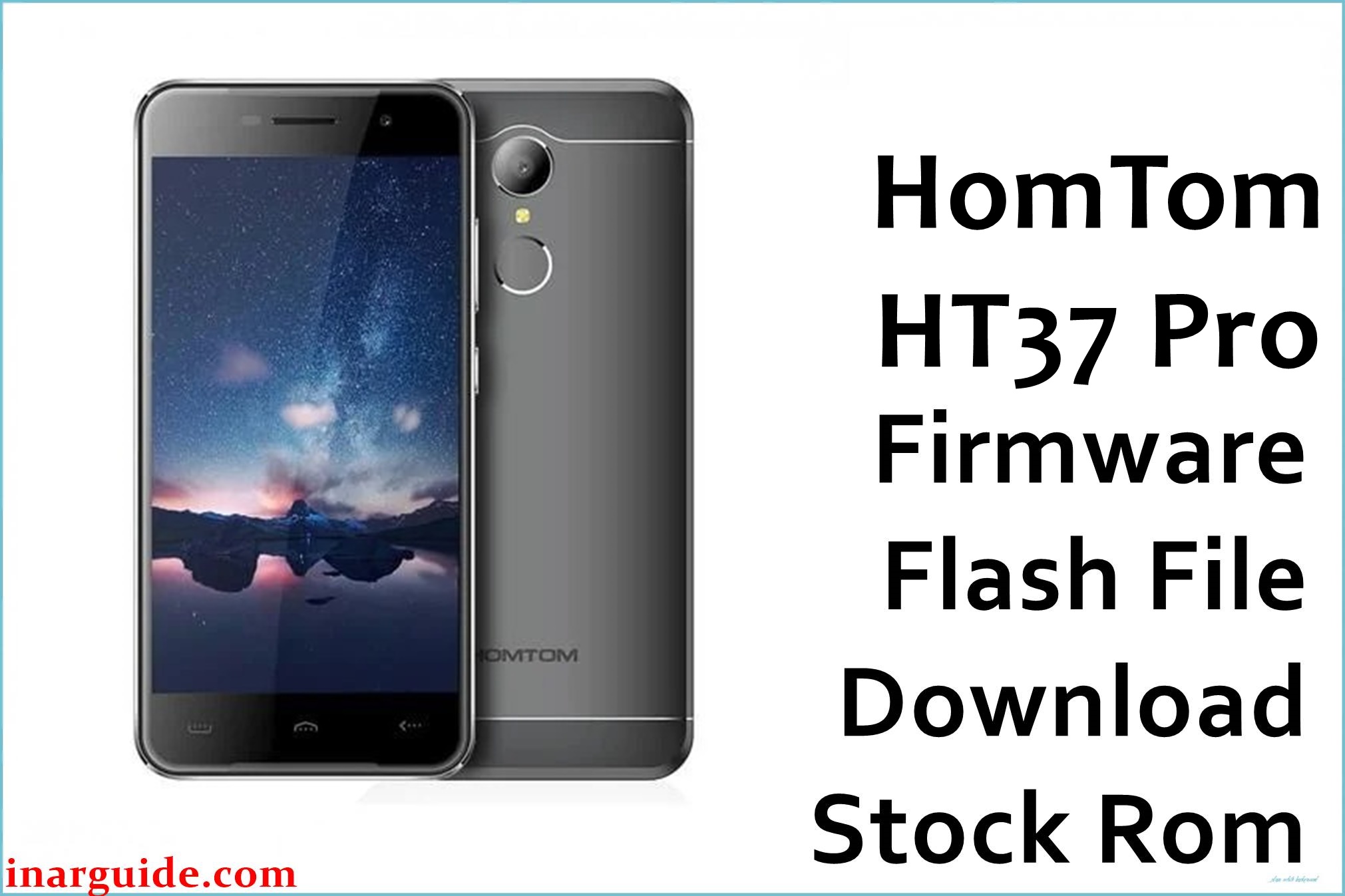
The Homtom HT37 Pro (MT6737M) is an entry-level Android 7.0 Nougat smartphone on the MediaTek MT6737M chipset, typically used as a budget daily device with modest storage and basic multitasking capabilities.
On this model, issues like failed OTA updates, storage exhaustion from app hoarding, or interrupted root attempts often cause bootloops, devices frozen on the Homtom logo, or persistent system crashes.
Restoring the original stock ROM can help recover the phone from these software problems, rebuild corrupted partitions, and return stability without fixing any physical hardware defects.
This page provides a preserved stock firmware package for the Homtom HT37 Pro MT6737M, suitable for scatter-based flashing tools on Android 7.0 devices. The package is mirrored from a legacy source and targeted at users comfortable with SP Flash Tool or compatible MediaTek utilities.
Homtom HT37 Pro Firmware Details
| Device Name | Homtom HT37 Pro |
| Model Identifier | HT37 Pro (HomTom_HT37_Pro) |
| Codename | HomTom_HT37_Pro_MT6737M |
| Chipset / Platform | MediaTek MT6737M, 64‑bit quad‑core Cortex‑A53 with LTE modem |
| Launch Android Version | Android 7.0 Nougat |
| Current Firmware Line | Stock Homtom Android 7.0 (non‑A/B, pre‑Treble) |
| Typical File Size Range | Around 800 MB – 1.0 GB for full stock ROM ZIP archives |
| Firmware Type | Scatter-based stock ROM (SP Flash Tool‑compatible ZIP archive) |
| Flashing Tool | SP Flash Tool or compatible MediaTek flashing utility |
| Bootloader Requirement | Factory (locked) bootloader; flashing via preloader/download interface |
| Region / Branch Notes | Single global hardware line for the HT37 Pro MT6737M variant |
⚠️ Flashing Risks & Disclaimer
Flashing the Homtom HT37 Pro with an incorrect MT6737M scatter ROM or power loss during the write process can result in a hard brick, IMEI loss, or a device that fails to charge properly. Given the phone’s reliance on board‑specific preloader, modem calibration, and storage partition layouts, using firmware from other Homtom or MT6737M models can lead to no signal, unresponsive touch, or corrupted eMMC storage that is challenging to recover.
This stock ROM is provided exclusively for repair and maintenance of legitimately owned Homtom HT37 Pro devices and remains the property of its original copyright and trademark holders. The package is an unmodified original stock ROM mirrored for preservation, as the manufacturer no longer offers direct public downloads, with all trademarks and copyrights belonging to their respective owners.
Download Official Firmware for Homtom HT37 Pro
This package is an original stock ROM mirrored for preservation, as the manufacturer no longer provides public downloads for this model.
| Region / Variant | Filename | Build / Version | Android Version | File Type | Build / Upload Context | File Size | Download Link |
|---|---|---|---|---|---|---|---|
| Global (Homtom HT37 Pro MT6737M) | HomTom_HT37_Pro_MT6737M_V1.0_20170728_7.0.zip | V1.0 – 2017‑07‑28 stock build line | Android 7.0 Nougat | ZIP archive (scatter-based stock ROM) | Legacy MediaFire download page | 919 MB | Download Homtom HT37 Pro V1.0 stock ROM (MediaFire mirror) |
Flashing Requirements
- PC & OS: Windows PC (Windows 7 or newer recommended) with administrator access to install MediaTek VCOM/USB drivers.
- Flashing Tool: SP Flash Tool prepared with the MT6737M scatter file from the Homtom HT37 Pro package.
- Drivers: MediaTek VCOM/CDC drivers installed to detect the powered‑off device in preloader or download mode via USB.
- Bootloader & Modes: OEM locked bootloader is sufficient; access download mode through preloader handshake when connecting the powered‑off phone.
- Data & Wipe Behavior: “Firmware Upgrade” or “Format All + Download” modes can wipe user data and NVRAM; back up files and, where possible, NVRAM/IMEI before starting.
- Device Verification: Verify the device is Homtom HT37 Pro MT6737M (check labels and About Phone) and confirm no conflicting hardware variants.
- Battery & Cable: Charge to at least 50% and use a stable USB cable/port to avoid interruptions, especially on devices with older batteries.
How to Flash the Firmware
- Download and extract the ROM: Get the HomTom_HT37_Pro_MT6737M_V1.0_20170728_7.0.zip for the Homtom HT37 Pro and extract it on the PC to access the MT6737M scatter file and partition images.
- Prepare SP Flash Tool and drivers: Install MediaTek VCOM drivers, open SP Flash Tool, and load the scatter file so the tool populates all partitions for this model.
- Configure flashing mode: Select “Download Only” for targeted recovery or “Firmware Upgrade” for a full clean install, avoiding unnecessary formatting of NVRAM or preloader.
- Enter download mode and flash: With the phone powered off, click “Download” in SP Flash Tool, then connect the Homtom HT37 Pro via USB for preloader detection and automatic flashing.
- First boot after flash: After SP Flash Tool confirms success, disconnect and power on; the initial Android 7.0 boot can take several minutes while caches rebuild and apps optimize.
For a detailed walkthrough of scatter flashing on MediaTek devices, refer to this SP Flash Tool guide: How to flash MediaTek firmware with SP Flash Tool.
Frequently Asked Questions (FAQs)
Can this ROM be used on the non‑Pro Homtom HT37?
No. The HT37 and HT37 Pro have distinct hardware and firmware requirements, so flashing this MT6737M package on the non‑Pro version can cause modem, display, or storage failures.
What issues can this V1.0 stock ROM help resolve on the HT37 Pro?
This firmware is effective for recovering from bootloops after OTAs, soft‑bricks due to storage overflow or root failures, and devices stuck on the logo from system partition corruption.
Does SP Flash Tool require bootloader unlocking for this device?
Typically not. SP Flash Tool uses the preloader interface on the Homtom HT37 Pro, allowing stock ROM restoration with the factory bootloader configuration intact.
Will flashing this update Android beyond 7.0 Nougat?
No. This package reinstalls the stock Android 7.0 firmware line and does not include an official path to newer Android versions for this model.
Is it safer to avoid formatting preloader on a device that enters download mode?
Yes, when preloader is functional, leaving it unchecked during flashing minimizes risks of board‑specific mismatches or hard bricks.
Does the MediaFire mirror affect the firmware’s integrity?
The package is an unmodified original stock ROM preserved on MediaFire since the official Homtom server downloads are no longer available.
Can data be preserved when flashing this ROM?
Selective flashing modes can sometimes keep data, but for severe software faults, a clean wipe is more reliable, so backups are essential.
Will this ROM impact any remaining service or warranty?
As a legacy device, warranty is likely expired; service centers will recognize this as a standard factory image if support is still provided.





