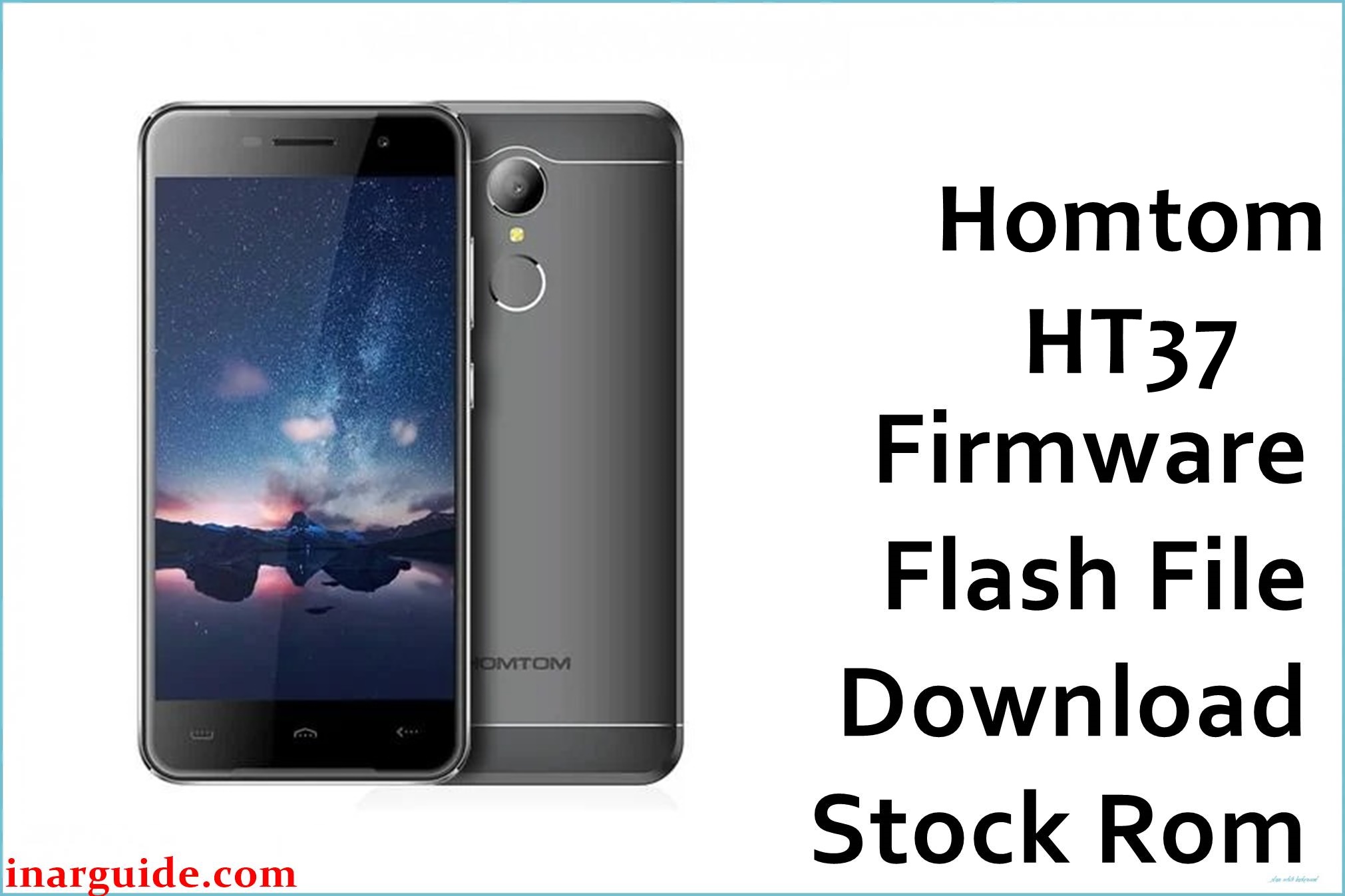
Homtom HT37 is a compact Android smartphone built on the MediaTek MT6580 platform and usually ships with Android 6.0 Marshmallow as a scatter-based stock ROM for SP Flash Tool. The Homtom_HT37_MT6580_V01_20170510_6.0 package is a full service firmware intended to recover this model from software faults such as bootloops, soft-bricks after modification, or corrupted system partitions by reinstalling a clean factory image.
Users of this phone commonly encounter issues after failed rooting attempts, incompatible custom apps, or incorrect factory resets that leave the device stuck at the logo or unable to boot system Android.
Installing the matching V01 2017-05-10 Android 6.0 ROM can help restore normal operation, provided the firmware is flashed with the correct MT6580 scatter file and the unit is genuinely the Homtom HT37.
Homtom HT37 Firmware Details
| Field | Details |
|---|---|
| Device Name | Homtom HT37 |
| Model Identifier | Homtom HT37 (single MT6580 hardware family, no major public sub‑codes) |
| Codename | HT37 (MT6580 board) |
| Chipset / Platform | MediaTek MT6580 (quad‑core, 3G‑only) |
| Launch Android Version | Android 6.0 Marshmallow |
| Current Firmware Line | Homtom stock Android 6.0 MT6580 branch, lightly customized UI |
| Typical File Size Range | Roughly 800 MB–2 GB compressed; this specific archive is listed as about 888 MB on MediaFire. |
| Firmware Type | Scatter-based stock ROM for SP Flash Tool (preloader, boot, system, and related partitions) |
| Flashing Tool | SP Flash Tool (Smart Phone Flash Tool) for MediaTek devices |
| Bootloader Requirement | Designed for low-level preloader access; normally flashable with locked bootloader via MTK Download mode |
| Region / Branch Notes | HT37 was sold mainly as a global budget model; cross‑variant risks are more about different display, camera, or memory configurations than strict region codes. |
⚠️ Flashing Risks & Disclaimer
On the HT37’s MT6580 board, the preloader, DRAM configuration, and display drivers are tuned to the specific hardware revision, so flashing a scatter file from a different Homtom model or another MT6580 device can result in no display, constant rebooting, or a phone that is only partially detected over USB.
Aggressive use of “Format All + Download” in SP Flash Tool may erase NVRAM and calibration data, causing permanent loss of IMEI and radio settings unless separate backups exist, while unplugging the cable during a write can leave the handset in a dead‑boot state requiring test‑point procedures.
This firmware is shared strictly as original stock content to assist with legitimate repair and restoration of the Homtom HT37. All trademarks and software remain owned by their respective manufacturers, and users must ensure compliance with local laws, software licenses, and any warranty terms when downloading and flashing this ROM.
Download Official Firmware for Homtom HT37
The table below lists the known stock Android 6.0 firmware for the Homtom HT37 MT6580, preserved on MediaFire because the original Homtom hosting endpoint is no longer available to the public.
| Region / Variant | Filename | Build / Version | Android / Firmware Version | File Type | Build Date | File Size | Download Link |
|---|---|---|---|---|---|---|---|
| Global (Homtom HT37 MT6580) | Homtom_HT37_MT6580_V01_20170510_6.0.zip | V01_20170510 | Android 6.0 Marshmallow stock ROM | MediaTek scatter firmware (SP Flash Tool package, ZIP archive) | 2017-05-10 (taken from build string) | ≈ 888 MB compressed (shown as 888.24 MB on MediaFire) | Download Global build (MediaFire mirror) |
This package is an original stock ROM mirrored for preservation, as the manufacturer no longer provides public downloads for this model.
Flashing Requirements
- A Windows PC (7/8/10 or newer) with a stable USB connection, plus installed MediaTek VCOM/Preloader drivers so the HT37 can expose its MTK preloader port for SP Flash Tool.
- SP Flash Tool (preferably a v5.x build compatible with MT6580) extracted to a folder on the PC, and the contents of Homtom_HT37_MT6580_V01_20170510_6.0.zip unpacked to reveal the MT6580 scatter file and partition images.
- A Homtom HT37 device with at least 40% battery charge, powered off and able to enter preloader/Download mode when connected to the PC via USB.
- Backups of any accessible personal data, since a full flash that rewrites system and related partitions typically wipes installed apps and can also clear user data depending on selected SP Flash Tool options.
- Verification that the device label, About phone information (if still bootable), or board marking confirms “Homtom HT37 MT6580” to reduce the risk of loading this ROM on a similar but different Homtom or MTK handset.
How to Flash the Firmware
This model uses a standard MediaTek MT6580 flashing workflow with SP Flash Tool and the scatter file included in the Homtom_HT37_MT6580_V01_20170510_6.0 archive.
- Confirm that the phone is the Homtom HT37 MT6580, then download the Homtom_HT37_MT6580_V01_20170510_6.0.zip firmware and extract it to a folder where the MT6580_Android scatter file is visible for SP Flash Tool to load.
- Install the correct MediaTek USB VCOM/Preloader drivers on the PC, extract SP Flash Tool, run it as administrator, and use the “Scatter-loading” option to open the MT6580 scatter from the HT37 firmware directory so all relevant partitions are listed.
- Select “Download Only” for most repair scenarios, leaving NVRAM untouched when possible, and only keep the preloader partition ticked if rescuing a non‑detected device where other attempts have failed.
- Power the phone off completely, click the Download button in SP Flash Tool, then connect the HT37 to the PC via USB (holding a volume key if necessary) and wait for the tool to detect the MTK preloader port and complete the flashing process with a green success check mark.
- Unplug the cable, boot the device, and allow extra time for the first startup, because Android 6.0 on this fresh ROM will re-optimize apps and rebuild caches, making the initial boot slower than usual.
For a detailed walkthrough of using SP Flash Tool with MediaTek scatter firmware, see the dedicated guide: SP Flash Tool MediaTek flashing guide.
Frequently Asked Questions (FAQs)
Is this Homtom HT37 ROM an official build?
Yes, it is a stock V01_20170510 Android 6.0 firmware for the Homtom HT37 MT6580, mirrored on MediaFire for preservation because the original Homtom server is no longer openly accessible.
Can this HT37 firmware be used on the HT30 or other MT6580 models?
No, the scatter configuration and drivers in this package are tailored to the HT37, so using it on the HT30 or any other MT6580 handset can lead to display, touch, radio, or boot problems.
Can this firmware resolve a bootloop after failed rooting or modifications?
If the device still enters preloader mode and the hardware is intact, flashing Homtom_HT37_MT6580_V01_20170510_6.0 can often recover a bootlooping or soft‑bricked HT37 by restoring clean system and boot images that match its MT6580 board.
Does the HT37 bootloader need to be unlocked for SP Flash Tool?
No, SP Flash Tool communicates with the MT6580 preloader layer, so this stock scatter firmware is usually flashable with the bootloader left locked, similar to other factory MTK repair flows.
Does this firmware upgrade Android beyond version 6.0?
No, the V01_20170510 build is an Android 6.0 Marshmallow ROM intended to restore the original platform rather than upgrade the HT37 to a newer Android generation.





