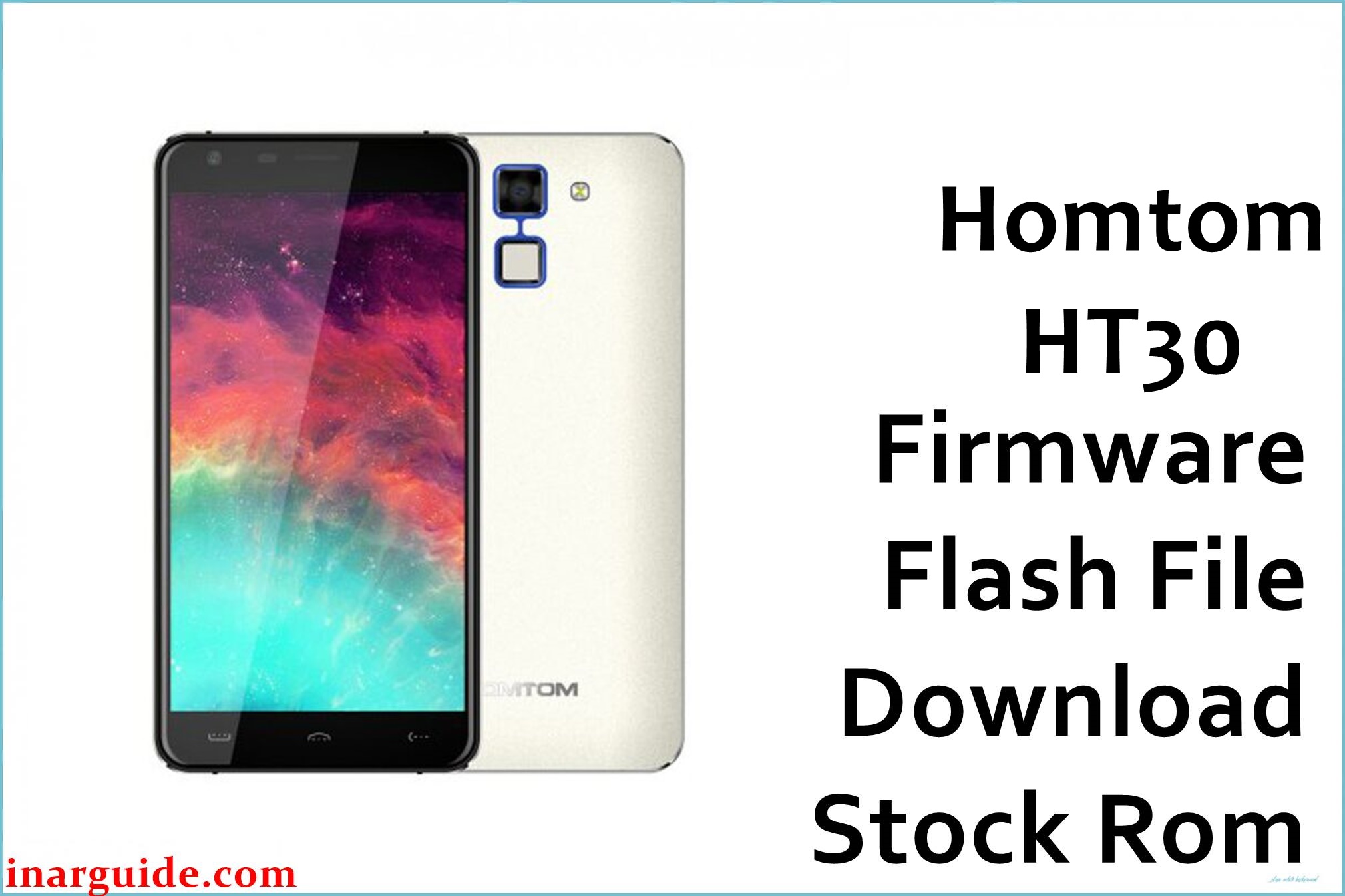
Homtom HT30 is a budget Android smartphone based on the MediaTek MT6580 platform, typically shipped with Android 6.0 Marshmallow and distributed as a scatter-based firmware package for SP Flash Tool. This Homtom HT30 MT6580 build is aimed at restoring a non-booting or unstable device running Android 6.0 after issues such as bootloops, failed rooting, or corrupted system partitions.
Flashing the stock ROM with the correct scatter firmware can help return the phone to its factory state, resolve many software-level faults, and provide a clean base for further OTA or manual updates, as long as the exact model and chipset match.
Homtom HT30 Firmware Details
| Field | Details |
|---|---|
| Device Name | Homtom HT30 |
| Model Identifier | Homtom HT30 (single MT6580 variant, no major regional sub‑codes known) |
| Codename | HT30 (MT6580 platform) |
| Chipset / Platform | MediaTek MT6580 (32‑bit, 3G‑only SoC) |
| Launch Android Version | Android 6.0 Marshmallow |
| Current Firmware Line | Stock Homtom MT6580 Android 6.0 branch (no major OEM skin generations beyond basic UI) |
| Typical File Size Range | Around 1.5–2.2 GB for full service scatter firmware archives; this package is listed as 2 GB on MediaFire. |
| Firmware Type | Scatter-based stock ROM for SP Flash Tool (includes preloader, boot, system, and related partitions) |
| Flashing Tool | SP Flash Tool (Smart Phone Flash Tool) for MediaTek devices |
| Bootloader Requirement | Standard MTK factory firmware, normally flashable with locked bootloader via preloader/DA handshake in SP Flash Tool |
| Region / Branch Notes | Homtom HT30 was primarily sold as a single global 3G model; region differences are minimal, but firmware should still match the exact board and display configuration to avoid touch or camera mismatches. |
⚠️ Flashing Risks & Disclaimer
On this MT6580-based HT30 platform, the preloader and DRAM configuration are tightly coupled to the specific board revision, so flashing an incompatible preloader or scatter file may prevent the phone from powering up or being detected correctly over USB. Using “Format All + Download” carelessly in SP Flash Tool can erase NVRAM and baseband calibration, which may lead to loss of IMEI and network connectivity that cannot be restored without additional backups or tools.
Interrupting the flash while system or boot partitions are written can leave the device stuck at the logo or in a dead boot state that requires advanced MTK recovery.
This firmware is provided strictly as original stock content for device restoration and repair, with all rights belonging to Homtom and associated rights holders. No ownership, modification, or redistribution claims are made, and it is the user’s responsibility to comply with local software, copyright, and warranty rules when downloading and flashing this ROM.
Download Official Firmware for Homtom HT30
The entry below corresponds to the known stock Android 6.0 scatter firmware for the Homtom HT30 MT6580, mirrored on MediaFire because the original Homtom download channel is no longer publicly available.
| Region / Variant | Filename | Build / Version | Android / Firmware Version | File Type | Build Date | File Size | Download Link |
|---|---|---|---|---|---|---|---|
| Global (Homtom HT30 MT6580) | Homtom_HT30_MT6580_V1.6_20170419_6.0.zip | V1.6_20170419 | Android 6.0 Marshmallow stock ROM | MediaTek scatter firmware (SP Flash Tool package, ZIP archive) | 2017-04-19 (as indicated in build name) | 2 GB (approx.) | Download Global build (MediaFire mirror) |
This package is an original stock ROM mirrored for preservation, as the manufacturer no longer provides public downloads for this model.
Flashing Requirements
- A Windows PC (Windows 7 or newer recommended) with a reliable USB port and cable, plus MediaTek VCOM/Preloader drivers installed so the HT30 can enter the preloader handshake state for SP Flash Tool.
- SP Flash Tool (v5.x or later) extracted on the PC, along with the contents of Homtom_HT30_MT6580_V1.6_20170419_6.0.zip unpacked to a separate folder that includes the MT6580 scatter file.
- A Homtom HT30 device with sufficient battery charge (ideally above 40%), powered off and able to connect via preloader mode; the bootloader is usually locked but does not need to be unlocked for standard MTK download operations.
- A full backup of personal data from the phone where possible, because a full “Download only” or clean installation of this MT6580 firmware will typically erase installed apps and user data on internal storage.
- Verification that the phone is indeed a Homtom HT30 MT6580 (check on the back label, in About phone if still booting, or by confirming the board and chipset) to avoid flashing this scatter ROM on another Homtom or MTK variant.
How to Flash the Firmware
The Homtom HT30 uses a standard MediaTek MT6580 flashing flow with SP Flash Tool and a scatter file included in the firmware ZIP.
- Confirm that the device is the Homtom HT30 based on MT6580, then download the Homtom_HT30_MT6580_V1.6_20170419_6.0.zip firmware and extract it to a folder where the MT6580_Android scatter file is visible to SP Flash Tool.
- Install MediaTek VCOM/Preloader drivers on the PC, extract SP Flash Tool, run the tool as administrator, and load the scatter file from the HT30 firmware folder so all relevant partitions (preloader, boot, system, etc.) are listed.
- In SP Flash Tool, choose the recommended flash mode (usually “Download Only” for repair without wiping NVRAM), ensure that the preloader checkbox is only kept enabled if it is necessary for recovery, then click the Download button to arm the tool.
- Power off the phone completely, disconnect and reconnect it to the PC via USB while holding the appropriate volume key if required; SP Flash Tool should detect the MT6580 preloader port and start writing the firmware, showing a progress bar until a green check mark appears.
- Disconnect the cable, power on the device, and allow extra time for the first boot after flashing, since Android 6.0 on this ROM will rebuild caches and optimize apps, which can make the initial startup noticeably slower than usual.
For a more detailed walkthrough of SP Flash Tool usage with MediaTek scatter firmware, see this guide: SP Flash Tool MediaTek flashing guide.
Frequently Asked Questions (FAQs)
Is this Homtom HT30 firmware an official stock ROM?
Yes, the package is a stock ROM for the Homtom HT30 MT6580, but it is hosted on MediaFire as a preservation mirror because the original Homtom download pages are no longer available publicly.
Can this firmware be used on other Homtom models or MT6580 phones?
No, this scatter ROM is specific to the Homtom HT30 and its board configuration; flashing it on a different model or even a similar MT6580 phone can cause display, touch, modem, or boot issues.
Does flashing Homtom_HT30_MT6580_V1.6_20170419_6.0.zip wipe my data?
A standard SP Flash Tool operation that rewrites system and related partitions will usually erase installed apps and user data; assume that internal storage will be wiped and back up any accessible files before flashing.
Can this firmware fix a bootloop after a failed modification or root?
If the HT30 still enters preloader mode and the hardware is intact, flashing this stock ROM can often recover a bootlooping or soft‑bricked device by restoring clean system and boot partitions that match the MT6580 platform.
Do I need to unlock the bootloader on the Homtom HT30 for this ROM?
MediaTek scatter firmware for the HT30 is designed for use with SP Flash Tool at a low level, so the bootloader typically remains locked and does not need to be unlocked for standard download operations.
What SP Flash Tool settings are recommended for this device?
For most repair cases, “Download Only” is safer than “Format All + Download” because it avoids wiping NVRAM; preloader flashing should be used carefully and mainly when the phone no longer responds or other repairs fail.
Will this update change the Android version on my HT30?
This build is an Android 6.0 Marshmallow ROM with version tag V1.6_20170419, so it is intended to restore or refresh the same major Android generation rather than upgrade to a newer platform.
Why is the file size shown as 2 GB on MediaFire?
The archive contains the full set of MT6580 partitions and resources needed to rebuild the HT30 system, so a compressed size of around 2 GB is normal for a complete service firmware package for this class of device.





