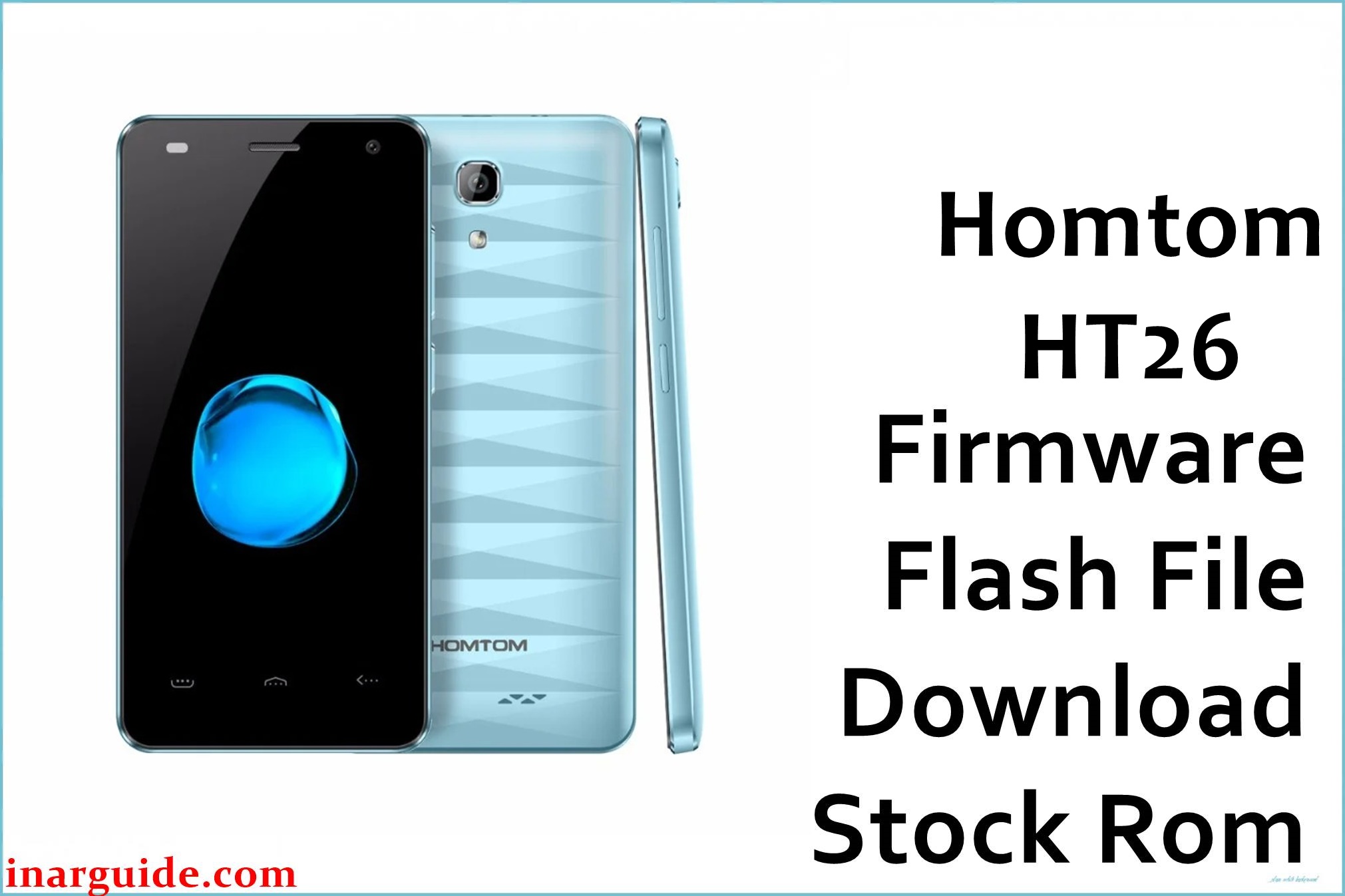
Homtom HT26 is a compact 4.5‑inch LTE smartphone built on the 64‑bit MediaTek MT6737/MT6737M platform with 1 GB RAM and 8 GB storage, shipping with Android 7.0 Nougat out of the box. The Homtom_HT26_MT6737M_R08_171019_7.0.zip archive is a stock scatter firmware for SP Flash Tool, sized at about 929 MB on MediaFire, intended to fully reinstall the system and recover this model from software issues such as bootloops, failed modifications, or corrupted partitions.
This phone often develops software faults after heavy app loads on limited storage, failed OTA updates, or unsuccessful root/customization attempts that leave it stuck at the Homtom logo or looping at boot.
Flashing the R08_171019_7.0 firmware can help restore a clean Android 7.0 system, improve stability, and return the device to a fresh factory state, provided the firmware matches the MT6737M SoC and HT26 hardware exactly.
Homtom HT26 Firmware Details
| Field | Details |
|---|---|
| Device Name | Homtom HT26 |
| Model Identifier | Homtom HT26, 1 GB RAM / 8 GB storage configuration. |
| Codename | HT26 (MT6737/MT6737M compact 4.5‑inch platform) |
| Chipset / Platform | MediaTek MT6737 / MT6737M, quad‑core Cortex‑A53 up to around 1.25–1.3 GHz with Mali‑T720 GPU. |
| Launch Android Version | Android 7.0 Nougat. |
| Current Firmware Line | Homtom stock Android 7.0 MT6737M line, R08 series build for HT26. |
| Typical File Size Range | Compressed SP Flash Tool packages for this class are typically 800 MB–2 GB; this specific archive is about 928–929 MB on MediaFire. |
| Firmware Type | Scatter-based stock ROM (preloader, lk, boot, system, and related images) for SP Flash Tool. |
| Flashing Tool | SP Flash Tool (Smart Phone Flash Tool) for MediaTek platforms. |
| Bootloader Requirement | Uses MTK preloader download mode; normally flashable with a locked bootloader via DA handshake, without needing fastboot OEM unlock. |
| Region / Branch Notes | HT26 is a low‑cost global LTE model; R08_171019_7.0 is tied to the Android 7.0 line and 1 GB / 8 GB memory layout, so mixing with other branches or capacities is not advised. |
⚠️ Flashing Risks & Disclaimer
The HT26 runs on a 64‑bit MT6737/MT6737M SoC, so flashing scatter firmware built for a different Homtom model or for a variant with another memory layout can cause bootloops, missing radio functionality, or a completely non‑booting phone. Using “Format All + Download” in SP Flash Tool without a backup may erase NVRAM and modem calibration, leading to loss of IMEI and LTE bands, while disconnecting the cable mid‑flash or using an incompatible preloader can leave the device stuck in deep brick where only test‑point or specialist tools can recover it.
All components inside the Homtom_HT26_MT6737M_R08_171019_7.0.zip archive remain the property of Homtom and associated rights holders and are provided solely for legitimate repair and restoration of this model. No modification, repackaging, or re‑licensing is implied, and users must ensure they follow local laws, license terms, and any warranty or carrier conditions when downloading and flashing this stock ROM.
Download Official Firmware for Homtom HT26
The table below lists the preserved stock Android 7.0 firmware for the Homtom HT26 MT6737M, hosted on MediaFire as a mirror because direct manufacturer download links are no longer available.
| Region / Variant | Filename | Build / Version | Android / Firmware Version | File Type | Build Date | File Size | Download Link |
|---|---|---|---|---|---|---|---|
| Global, 1 GB RAM / 8 GB storage | Homtom_HT26_MT6737M_R08_171019_7.0.zip | R08_171019_7.0 | Android 7.0 Nougat stock firmware for HT26. | MediaTek scatter firmware (SP Flash Tool ZIP package) | 2017-10-19 (from build string) | ≈ 928–929 MB compressed (listed as 928.47 MB on MediaFire). | Download Global build (MediaFire mirror) |
This package is an original stock ROM mirrored for preservation, as the manufacturer no longer provides public downloads for this model.
Flashing Requirements
- A Windows PC with reliable USB ports and installed MediaTek VCOM/Preloader drivers so the HT26 can present its MT6737M preloader interface to SP Flash Tool.
- SP Flash Tool (v5.x or newer) extracted on the PC, plus the fully downloaded Homtom_HT26_MT6737M_R08_171019_7.0.zip archive extracted into a folder containing the MT6737M scatter file and partition images.
- A Homtom HT26 handset with at least 40% battery charge that can power off completely and still be recognized in MTK Download mode when connected via USB, even if the Android system no longer boots.
- Backups of any accessible personal data, since a full system reinstall typically wipes installed apps and may also erase user data, especially when performing a clean repair flash.
- Verification that the device is indeed the Homtom HT26 (check box label, back cover, or, if possible, About phone) and not a different small MT6737 model, as cross‑flashing can cause display and modem problems.
How to Flash the Firmware
This device follows the typical MT6737M SP Flash Tool workflow, using the scatter file included in the R08_171019_7.0 firmware package.
- Confirm the phone is a Homtom HT26 with 1 GB RAM and 8 GB storage, then download Homtom_HT26_MT6737M_R08_171019_7.0.zip and extract it so the MT6737M scatter file and all partition images are in a convenient folder.
- Install MediaTek VCOM/Preloader drivers on the PC, extract SP Flash Tool, run it as administrator, and use the “Scatter-loading” button to select the HT26 MT6737M scatter file, allowing the tool to list preloader, boot, system, and associated partitions.
- In SP Flash Tool, choose “Download Only” for most repair cases to avoid erasing NVRAM, and only enable preloader if recovering a device that cannot otherwise boot or be detected; double‑check that the selected partitions match the intended repair scope.
- Power the phone off, click “Download” in SP Flash Tool, then connect the HT26 via USB (use volume keys if needed); wait while the tool establishes a preloader handshake with the MT6737M SoC and writes the firmware until a green success check mark appears.
- Disconnect the USB cable, turn the device on, and allow additional time for the first boot, because Android 7.0 will re‑optimize apps and rebuild caches, making startup slower than normal on this 1 GB RAM configuration.
For a step‑by‑step explanation of SP Flash Tool usage with MediaTek scatter ROMs, refer to this guide: SP Flash Tool MediaTek flashing guide.
Frequently Asked Questions (FAQs)
Is the Homtom_HT26_MT6737M_R08_171019_7.0.zip file an official stock ROM?
Yes, it is a stock Android 7.0 R08 firmware for the Homtom HT26 MT6737M, but the copy available here is a MediaFire mirror maintained for preservation rather than a current vendor‑hosted download.
Can this firmware be flashed on other Homtom or MT6737 phones?
No, this scatter ROM is tuned for the HT26’s 4.5‑inch display, 1 GB / 8 GB memory layout, and radio configuration; flashing it on other Homtom or generic MT6737 devices can break display, touch, or modem functionality.
Will flashing this ROM wipe all my data?
A full system reinstall via SP Flash Tool usually wipes installed applications and can also erase user data in internal storage, so important files should be backed up before starting the process where possible.
Can this firmware fix a bootloop or stuck logo on my HT26?
If the phone’s hardware is intact and it still enters MTK preloader mode, flashing the R08_171019_7.0 stock ROM can often resolve bootloops and stuck logo issues by restoring clean system and boot partitions.
Is bootloader unlocking necessary to flash this stock ROM?
No, SP Flash Tool writes the firmware via the MediaTek preloader interface, so the bootloader can typically remain locked while still allowing complete stock ROM installation.
Is it safe to use “Format All + Download” on the HT26?
This mode is not recommended unless absolutely necessary, because it erases NVRAM and other calibration data; it should only be used when simpler “Download Only” flashes fail and when you understand how to restore IMEI and radio settings afterwards.
Does this firmware change the Android version from what the phone shipped with?
No, the HT26 already ships with Android 7.0 Nougat and this ROM is part of the same Android 7.0 line, so its purpose is to restore the existing platform rather than upgrade or downgrade to a different Android generation.





