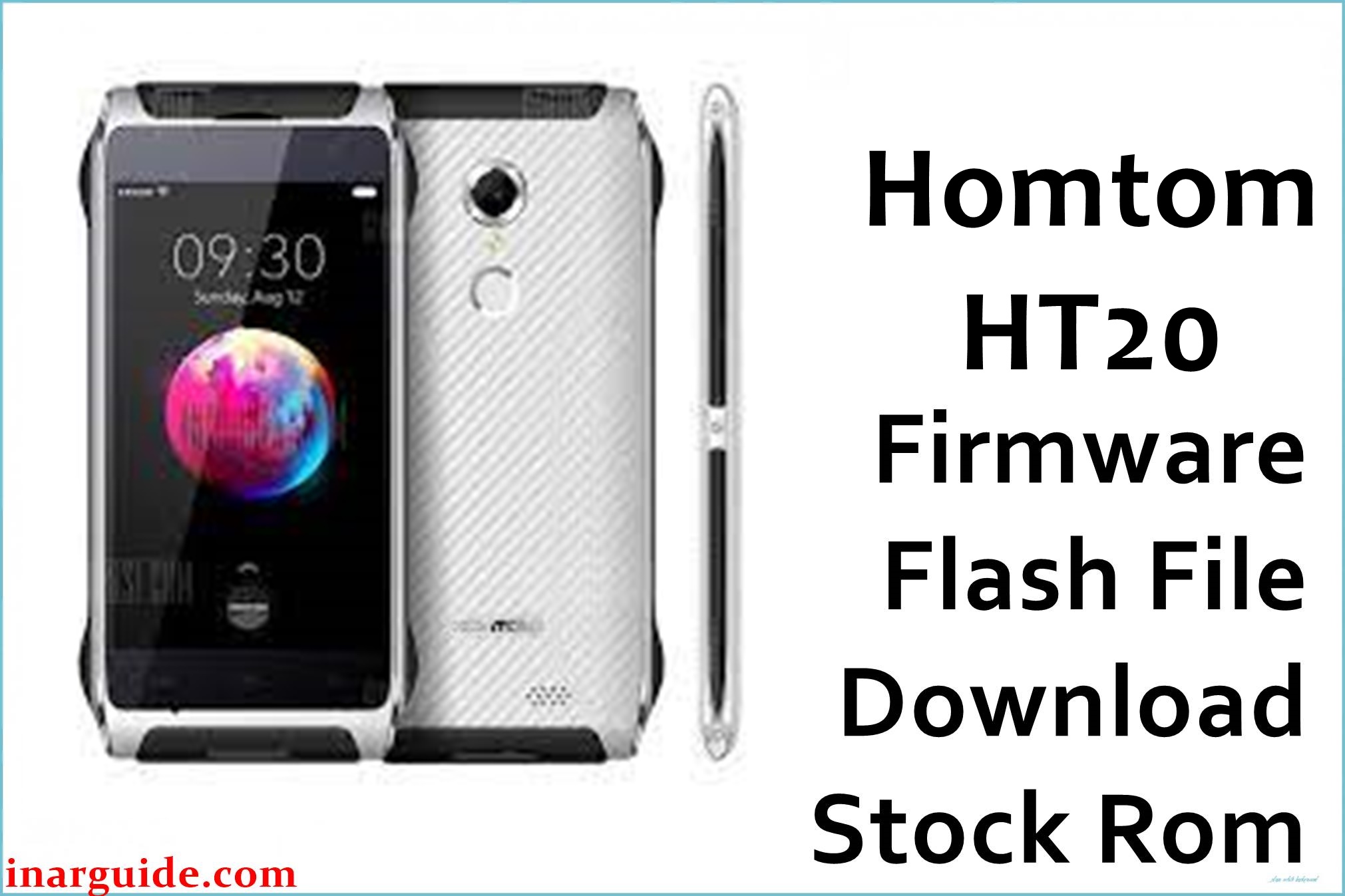
The Homtom HT20 (MT6737M) is a rugged 4.7‑inch Android 6.0 smartphone built on a MediaTek quad‑core platform and commonly used in harsh or outdoor environments where power loss and storage corruption are more frequent than on typical devices. When OTA updates fail, storage fills up, or experiments with root and custom recovery go wrong, this model can end up in bootloops, soft‑bricks, or unstable system states that standard resets do not resolve.
Flashing the original Android 6.0 stock firmware via SP Flash Tool can help restore the phone to a clean, factory‑like software state, recover from many software faults, and return the partition layout to its intended configuration, but success is never guaranteed for every issue.
This package is an original stock ROM mirrored for preservation, as the manufacturer no longer provides public downloads for this model.
Homtom HT20 Firmware Details
| Item | Details |
|---|---|
| Device Name | Homtom HT20 rugged smartphone |
| Model Identifier | HT20 (MT6737M variant only, as indicated in firmware name) |
| Codename | No widely used public codename; identified by model and MT6737M SoC |
| Chipset / Platform | MediaTek MT6737 / MT6737M, quad‑core Cortex‑A53, Mali‑T720 GPU |
| Launch Android Version | Android 6.0 Marshmallow out of the box |
| Current Firmware Line | Official Homtom Android 6.0 stock ROM (R08 and R09 builds) |
| Typical File Size Range | Approximately 1000–1010 MB per full firmware package (scatter + images) |
| Firmware Type | Scatter‑based flash package for SP Flash Tool (system, boot, recovery, etc.) |
| Flashing Tool | SP Flash Tool (SmartPhone Flash Tool) for MediaTek devices |
| Bootloader Requirement | Designed for the factory (locked) bootloader; no OEM unlocking required for stock restore on MTK |
| Region / Branch Notes | Single global hardware line; firmware marked “ONLY MT6737M” should not be cross‑flashed to other Homtom models or MT6737 variants. |
⚠️ Flashing Risks & Disclaimer
Flashing this MT6737M‑based phone with SP Flash Tool carries several device‑specific risks, especially because the HT20 uses a compact internal storage layout and relies on correct DRAM and display driver configuration in the scatter file.
Choosing the wrong scatter package, altering partition selections, or using modes like “Format All + Download” without a full NVRAM backup can lead to loss of IMEI, broken modem calibration, or a device that no longer boots or shows display output. Power interruptions are more likely on a rugged device used outdoors, so it is particularly important to avoid flashing with a low battery or unstable USB connection on this model.
All firmware packages linked here are original stock ROMs provided as preserved mirrors; no modifications are made to the system images, and all trademarks and software remain the property of their respective owners. Flashing should only be performed on hardware that legally belongs to the user, and any use of these files is at the user’s own risk and responsibility.
Download Official Firmware for Homtom HT20
| Region / Variant | Filename | Build / Version | Android Version | File Type | Build Date | File Size | Download Link |
|---|---|---|---|---|---|---|---|
| Global – HT20 (ONLY MT6737M) | Homtom_HT20_MT6737M_20161126_R08_6.0.zip | R08 (HOMTOM‑HT20‑Android_6.0‑R08‑20161126) | Android 6.0 Marshmallow | SP Flash Tool scatter package (ZIP archive) | 26 November 2016 | ≈ 1004 MB | Download global build (MediaFire mirror) |
| Global – HT20 (ONLY MT6737M) | Homtom_HT20_MT6737M_20170119_R09_6.0.zip | R09 (newer Android 6.0 build, 2017‑01‑19) | Android 6.0 Marshmallow | SP Flash Tool scatter package (ZIP archive) | 19 January 2017 | ≈ 1002 MB | Download newer global build (MediaFire mirror) |
This package is an original stock ROM mirrored for preservation, as the manufacturer no longer provides public downloads for this model.
Flashing Requirements
- PC & OS: A Windows PC (7/8/10/11) with administrator rights, a stable USB port, and enough free disk space to unpack roughly 1 GB firmware archives.
- Drivers & Tools: MediaTek VCOM / USB drivers plus a compatible SP Flash Tool build (v5.x recommended for MT6737M) are required to load the scatter file and communicate with the device in preloader mode.
- Bootloader Status: The HT20 stock ROM is designed to be flashed on the standard locked bootloader typical for MediaTek‑based Homtom devices; no extra OEM unlock toggle is normally needed for restoring factory firmware.
- Backup Considerations: A full user‑data backup is strongly recommended, as “Firmware Upgrade” or similar modes can wipe apps, internal storage content, and sometimes NVRAM if misconfigured; store backups off‑device to avoid data loss during a soft‑brick.
- Device Verification: Before flashing, confirm that the device is actually a Homtom HT20 with MT6737M by checking the model label and existing build information; do not cross‑flash HT20 Pro or other Homtom MT6737 devices that use different partition maps or modems.
How to Flash the Firmware
- Download the correct ZIP for the Homtom HT20 (preferably the newer R09 build) and extract it on the PC to reveal the MT6737M scatter file and image partitions used by SP Flash Tool.
- Install MediaTek VCOM / USB drivers, then launch SP Flash Tool, select the downloaded scatter file, and ensure that the preloader and other partitions relevant to a full stock restore are correctly loaded for this model.
- With the phone powered off, optionally remove and reinsert the battery if accessible, leave it switched off, and connect it to the PC via USB only after pressing the “Download” (or “Firmware Upgrade”) button in SP Flash Tool.
- Wait for SP Flash Tool to transfer the firmware to the HT20; a successful flash is usually indicated by a confirmation dialog (for example, a green checkmark), after which the phone can be disconnected and powered on for its first boot.
- Allow extra time for the first Android 6.0 startup after flashing, then complete the initial setup and verify basic functions such as cellular network registration, Wi‑Fi, and sensors before restoring personal data or re‑applying root changes.
For a detailed step‑by‑step SP Flash Tool tutorial tailored to MediaTek scatter‑based firmware, refer to the following external guide: How to flash MediaTek firmware using SP Flash Tool.
Frequently Asked Questions (FAQs)
Does this firmware work on all Homtom HT20 units?
The listed R08 and R09 Android 6.0 packages are intended for the Homtom HT20 with MT6737M, and should not be used on the HT20 Pro or other Homtom models that share similar names but different hardware.
Is it safe to flash R09 over an older R08 build?
R09 is a newer Android 6.0 stock build for the same device line, so it is typically suitable as an in‑place replacement for R08 when using SP Flash Tool in an appropriate mode such as “Firmware Upgrade”; however, as with any low‑level flash, a full backup is recommended and there is always some risk of data loss or failure.
Can this ROM fix bootloops after a failed OTA update?
A clean flash of the correct HT20 stock firmware can often resolve software bootloops caused by corrupted system partitions or failed OTA packages, because the scatter‑based flash rewrites the core Android partitions, but it cannot repair underlying hardware faults or damage to storage chips.
Will flashing these packages erase my IMEI or network settings?
Using aggressive modes like “Format All + Download” on MT6737M devices can remove NVRAM and IMEI data, leading to loss of network connectivity until those values are restored, so it is advisable to use safer modes and to back up NVRAM where possible before flashing.
Can the HT20 be cross‑flashed with HT20 Pro or other MT6737 firmware?
Cross‑flashing to a different Homtom model, even if it shares the MT6737 chipset, is not recommended because modem partitions, camera drivers, and display timings differ across devices, which may result in no signal, black screens, or non‑booting units.
Does this firmware change the phone’s rugged or IP rating?
The stock ROM affects only the software stack and does not alter the physical construction or sealing of the Homtom HT20, so its IP68 rugged characteristics are determined entirely by hardware and assembly, not by the firmware version installed.
What common SP Flash Tool errors occur with the HT20?
Users of MT6737M devices like this phone frequently report DRAM and preloader‑related error codes when incorrect scatter files or drivers are used, so matching the firmware to the exact HT20 variant and verifying that VCOM drivers are properly installed is essential before attempting another flash.





