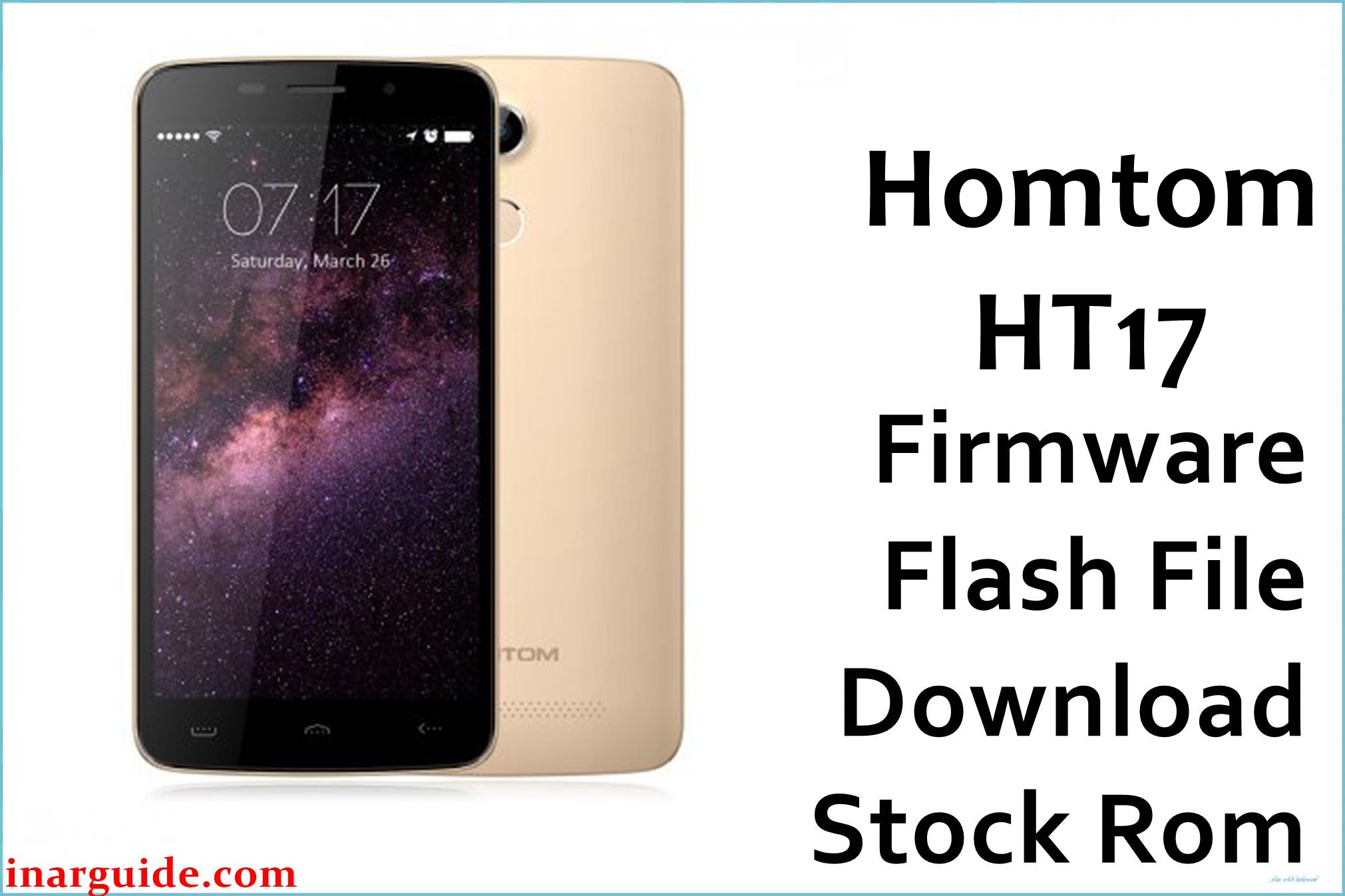
The HomTom HT17 is a 5.5‑inch budget smartphone built on the MediaTek MT6737 platform with Android 6.0 Marshmallow, 1 GB RAM, and 8 GB internal storage. As the device ages and storage fills up, users commonly encounter software issues such as bootloops after failed OTAs, unstable behavior after rooting, or persistent app crashes when background services are killed too aggressively.
Reflashing the stock MT6737 scatter firmware can help restore normal boot, recover from soft‑brick situations, or return the phone to its original software configuration when modifications have gone wrong.
HomTom HT17 Firmware Details
| Device Name | HomTom HT17 |
|---|---|
| Model Identifier | HomTom HT17 (1 GB RAM / 8 GB storage variant) |
| Codename | Not publicly documented; MT6737‑based HomTom HT17 board |
| Chipset / Platform | MediaTek MT6737, 64‑bit quad‑core Cortex‑A53 with Mali‑T720 GPU |
| Launch Android Version | Android 6.0 Marshmallow (stock UI) |
| Current Firmware Line | Official HomTom HT17 stock Android 6.0 builds; no widely documented official upgrades beyond Marshmallow for this model. |
| Typical File Size Range | Approximately 800–900 MB compressed for full MT6737 scatter ROMs |
| Firmware Type | Scatter‑based stock ROM (SP Flash Tool package) for MediaTek MT6737 devices |
| Flashing Tool | SP Flash Tool (Smart Phone Flash Tool) using MT6737 Android scatter files |
| Bootloader Requirement | Standard locked MTK bootloader; OEM unlock generally not required for flashing official scatter stock ROMs via SP Flash Tool on this device class. |
| Region / Branch Notes | Single global HT17 Marshmallow branch; distinct from HT17 Pro firmware, which targets a related model with upgraded hardware. |
⚠️ Flashing Risks & Disclaimer
On the HT17, the MT6737 platform uses a scatter‑defined partition layout; loading an incorrect scatter file or ROM (for example, HT17 Pro or another MT6737 phone) can corrupt preloader, NVRAM, or modem partitions, causing no‑boot, loss of IMEI, or complete loss of cellular connectivity.
Misusing SP Flash Tool options such as Format All + Download, flashing with an unstable USB connection, or interrupting the process mid‑write can leave the phone in a deep soft‑brick state that may require advanced tools to recover. Always verify that the firmware explicitly matches the HomTom HT17 and MT6737 platform before flashing, and avoid editing the scatter or image files unless fully certain of the implications.
This package is an original HT17 stock ROM mirrored for preservation, because direct HomTom download channels for this legacy model are no longer reliably available. All included software and trademarks remain the property of their respective owners, and the package is provided solely to restore devices already owned by users, without any modification or endorsement from the original manufacturer.
Download Official Firmware for HomTom HT17
This stock ROM is hosted on a third‑party mirror as a preserved copy of the original HomTom HT17 MT6737 Android 6.0 firmware, intended for repairs and recovery when official servers are not accessible.
| Region / Variant | Filename | Build / Version | Android / Firmware Version | File Type | Build Date | File Size | Download Link |
|---|---|---|---|---|---|---|---|
| Global HomTom HT17 (MT6737) | Homtom_HT17_MT6737_20170724_6.0.zip | 20170724 MT6737 board firmware for HT17 Marshmallow line | Android 6.0 Marshmallow | Compressed scatter‑based ROM (SP Flash Tool package) | 2017‑07‑24 (based on build tag) | ~863 MB | Download HomTom HT17 stock ROM (preserved mirror) |
Flashing Requirements
- A Windows PC (Windows 7/8/10/11) with sufficient free space to extract the Homtom_HT17_MT6737_20170724_6.0.zip and run SP Flash Tool stably.
- Installed MediaTek USB VCOM/Preloader drivers so the powered‑off HT17 can be detected correctly in preloader/download mode.
- SP Flash Tool (Smart Phone Flash Tool) configured with the MT6737 Android scatter file from the extracted HT17 firmware package.
- Battery charge level of at least 40–50% to reduce risk of shutdown while preloader, boot, and system partitions are being written.
- Bootloader status: the HT17’s stock locked bootloader is generally sufficient for official scatter‑based flashing via SP Flash Tool; no separate OEM unlock step is usually required.
- Backup of any available personal data beforehand, since a full system flash or Firmware Upgrade operation can erase apps, settings, and sometimes internal storage content.
- Device verification that the phone is the HomTom HT17 (not HT17 Pro) by checking labels, packaging, or About phone information, as cross‑flashing HT17 Pro firmware can cause instability.
How to Flash the Firmware
- Download the Homtom_HT17_MT6737_20170724_6.0.zip package to the PC and extract it, confirming that an MT6737 Android scatter file and image files for the HT17 are present in the output folder.
- Install the MediaTek VCOM/Preloader drivers, then open SP Flash Tool and use the Scatter‑loading button to select the MT6737 scatter file from the extracted directory.
- Choose an appropriate mode in SP Flash Tool (commonly Download Only for partial repair or Firmware Upgrade for a more thorough rewrite), making sure the partition list matches expectations for the HT17, and then power the phone off completely.
- Click the Download button in SP Flash Tool, connect the powered‑off HomTom HT17 to the PC via USB, and allow the flashing process to complete; do not disconnect the cable or power off the PC while preloader or system partitions are being written.
- When SP Flash Tool shows a success confirmation, disconnect the device and boot it up; the first Android 6.0 start after a full MT6737 stock flash may take several minutes while the system initializes and optimizes applications.
For detailed SP Flash Tool usage with MTK scatter packages, see this external guide: How to flash MediaTek firmware with SP Flash Tool.
Frequently Asked Questions (FAQs)
Is this firmware compatible with the HomTom HT17 Pro?
No. The HT17 Pro uses its own MT6737‑based firmware series and often has different memory configuration and camera stack; using HT17 firmware on HT17 Pro (or vice versa) can lead to instability or no‑boot.
How can I confirm that my device is the standard HT17 and not HT17 Pro?
Check the model name printed on the retail box or under Settings > About phone, and compare hardware details such as RAM (HT17 is usually 1 GB) and storage (8 GB) versus the Pro’s typical 2 GB / 16 GB configuration.
Will flashing this ROM erase my installed apps and files?
Any operation that fully rewrites system and related partitions, especially using Firmware Upgrade mode, should be treated as a clean install that can remove installed apps, accounts, and user data from internal storage.
Can this stock firmware package fix the airplane‑mode error or notification issues some HT17 users reported?
Rolling back or reinstalling stock Marshmallow firmware can help resolve software‑level bugs introduced by later updates or modifications, such as recurring “process has stopped” errors after exiting airplane mode, provided the problem is not hardware‑related.
What should I do if SP Flash Tool shows a scatter file invalid or similar error?
This often indicates a mismatch between SP Flash Tool version and the MT6737 scatter, or a corrupted extract; try a newer SP Flash Tool build, re‑extract the Homtom_HT17_MT6737_20170724_6.0.zip, and ensure the path contains no non‑ASCII characters.
Is this MediaFire‑hosted ROM an official HomTom server download?
No. It is a preserved mirror of the original HT17 stock firmware; official vendor download links for this legacy model are difficult to access or have been removed, so third‑party hosting is used for continuity.
Will flashing stock firmware restore my original IMEI automatically?
Flashing stock images normally does not regenerate IMEI if NVRAM has already been erased; always record the printed IMEI and, where legally allowed, use MTK‑specific tools to restore it if required.
Why does the first boot after flashing take so long on the HT17?
After a full MT6737 firmware flash, Android 6.0 performs filesystem checks, initializes services, and optimizes apps, which can significantly extend the first boot time compared to later startups.





