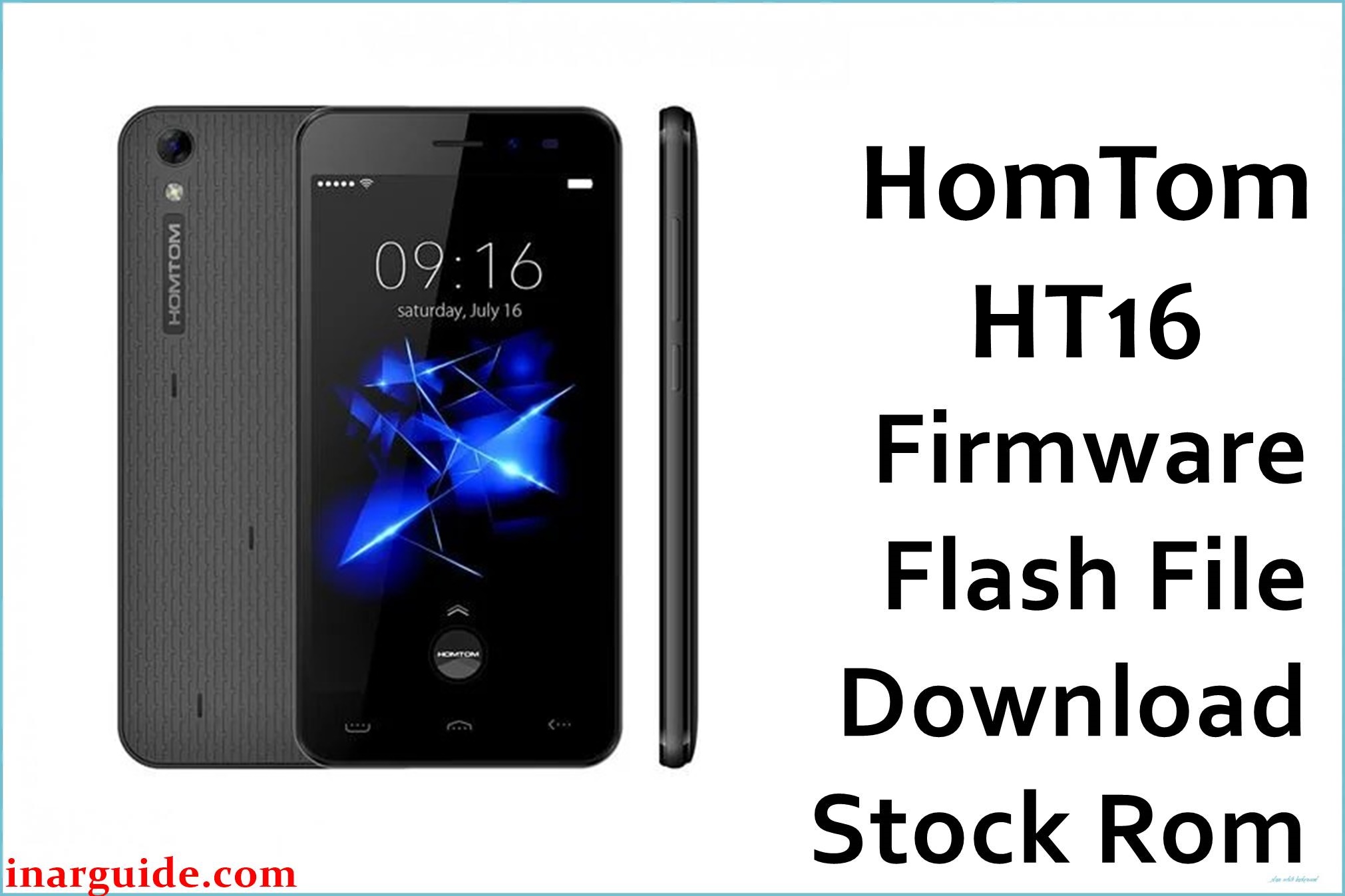
The HomTom HT16 is a compact 5.0‑inch Android smartphone powered by the MediaTek MT6580 quad‑core platform, launched with Android 6.0 Marshmallow, 1 GB RAM, and 8 GB internal storage.
This entry‑level model often faces software issues like bootloops from failed OTA updates, root attempts via Magisk or SuperSU, or low storage causing app crashes and performance degradation. The three preserved stock firmware packages listed below can help restore factory software stability, recover from soft‑bricks, or revert custom modifications, provided the problem is software‑related.
These packages are original stock ROMs mirrored for preservation, as the manufacturer no longer provides public downloads for this model.
HomTom HT16 Firmware Details
| Device Name | HomTom HT16 |
|---|---|
| Model Identifier | HT16 (1 GB RAM, 8 GB storage) |
| Codename | m8_ht16 (internal reference for MT6580 variant) |
| Chipset / Platform | MediaTek MT6580, quad‑core ARM Cortex‑A7 @1.3 GHz with Mali‑400 MP2 GPU |
| Launch Android Version | Android 6.0 Marshmallow (HomTom UI) |
| Current Firmware Line | Official Android 6.0 stock ROM series; V6.x and V9.x builds for recovery and updates. |
| Typical File Size Range | 700–850 MB per scatter ROM; these packages range from 749 MB to 812 MB (ZIP). |
| Firmware Type | Scatter‑based stock ROM for SP Flash Tool (system, boot, recovery, userdata images). |
| Flashing Tool | SmartPhone Flash Tool (SP Flash Tool) for MT6580 devices. |
| Bootloader Requirement | Flashes via preloader with locked bootloader; no fastboot unlock needed for stock recovery. |
| Region / Branch Notes | Global single/dual SIM; no strict regional variants documented. |
⚠️ Flashing Risks & Disclaimer
Flashing the HomTom HT16 affects low‑level MT6580 partitions including preloader, boot, system, and userdata, which manage the boot process, storage allocation, and modem initialization. On this low‑RAM platform, using firmware from a different model or version can cause USB detection failures or persistent boot issues due to mismatched partition tables or DRAM timings.
Power interruptions during SP Flash Tool operations or formatting NVRAM may erase IMEI and network calibration, potentially requiring specialized repair tools afterward.
These firmware files are provided exclusively for repairing and maintaining owned devices. No claims to copyright or redistribution rights are made; all original software belongs to its manufacturers.
Download Official Firmware for HomTom HT16
| Region / Variant | Filename | Build / Version | Android / Firmware Version | File Type | Build Date | File Size | Download Link |
|---|---|---|---|---|---|---|---|
| Global MT6580 | HomTom_HT16_MT6580_V6.1.4_20170825.zip | m8_ht16_android_m_u_V6.1.4 (stock line) | Android 6.0 Marshmallow | Scatter stock ROM (SP Flash Tool) | 25 August 2017 | ~777 MB (ZIP) | Download V6.1.4 (MediaFire mirror) |
| Global MT6580 | HomTom_HT16_MT6580_V9.1.1_20170919.zip | m8_ht16_V9.1.1 (stock line) | Android 6.0 Marshmallow | Scatter stock ROM (SP Flash Tool) | 19 September 2017 | ~749 MB (ZIP) | Download V9.1.1 (MediaFire mirror) |
| Global MT6580 | Homtom_HT16_MT6580_20180428_6.0.zip | m8_ht16_android_6.0_20180428 (stock line) | Android 6.0 Marshmallow | Scatter stock ROM (SP Flash Tool) | 28 April 2018 | ~812 MB (ZIP) | Download 20180428 (MediaFire mirror) |
These packages are original stock ROMs mirrored for preservation, as the manufacturer no longer provides public downloads for this model.
Flashing Requirements
- PC and OS: Windows PC (Windows 7/8/10/11) with admin rights, USB 2.0/3.0 port, and quality USB‑A to micro‑USB cable.
- Drivers: MediaTek VCOM/Preloader drivers so the phone is detected in preloader mode.
- Flashing tool: SP Flash Tool compatible with MT6580 scatter files.
- Bootloader / security: Locked bootloader is standard; preloader USB mode handles stock flashing without fastboot unlock.
- Data backup: Full flash with userdata selected wipes apps, data, and internal storage; back up if accessible.
- Device verification: Verify MT6580, 1 GB RAM, 8 GB storage via settings; avoid cross‑flash with HT16 Pro or other HomTom MT6580 models.
- Battery charge: Charge to 50%+ to avoid interruptions on the 3000 mAh battery.
How to Flash the Firmware
- Download and extract one of the HomTom HT16 ROM ZIPs (e.g., V6.1.4), confirming the folder has MT6580 scatter file and images like
system.img. - Install drivers and SP Flash Tool with MediaTek VCOM drivers and a MT6580‑compatible SP Flash Tool version.
- Load scatter in SP Flash Tool “Download” tab, verify MT6580 platform, and select partitions for restore (e.g., boot, system, userdata).
- Preloader flash: Power off the HT16, click “Download” (“Download Only” for most cases), connect USB to detect preloader mode and begin flashing.
- Complete and boot: Await green success in SP Flash Tool, disconnect, power on; first boot takes longer due to cache optimization on low‑RAM setup.
For MediaTek scatter flashing details, see: How to flash MediaTek firmware with SP Flash Tool .
Frequently Asked Questions (FAQs)
Which firmware version should I choose for my HomTom HT16?
Select based on the original build if known (check retail box or recovery logs); V6.1.4 (Aug 2017) or V9.1.1 (Sep 2017) for early units, 20180428 for later ones—all Android 6.0 for MT6580. Newer builds may include minor bug fixes but are interchangeable for basic recovery.
Can these ROMs fix app crashes due to low RAM?
A clean stock flash can resolve crashes from corrupted apps or system files exacerbated by the 1 GB RAM limit, restoring optimized factory behavior. Persistent issues may stem from storage exhaustion rather than flashable software.
Does flashing restore IMEI on the HomTom HT16?
Stock ROMs repopulate modem partitions but if NVRAM was wiped, IMEI requires separate repair with SN Write Tool post‑flash. Always use the original IMEI from the device label.
Is the HT16 Pro firmware compatible with HT16?
No—the HT16 Pro has different hardware specs despite sharing MT6580; use only these HT16‑specific packages to avoid bricking. Verify 1 GB RAM/8 GB storage model.
Will a full flash erase my microSD card?
No, flashing targets internal eMMC partitions only; microSD (up to 64 GB) remains untouched. However, userdata wipe clears internal storage data.
Can I flash V9.1.1 over V6.1.4 without issues?
Yes, as both are Android 6.0 stock builds for the same m8_ht16 codename, a clean flash from any to another should work for recovery. Use “Firmware Upgrade” mode if updating without wipe.
Why does SP Flash Tool fail to detect my HT16?
Ensure VCOM drivers are installed, phone is fully off, correct cable used, and preloader is selected; low battery or wrong USB port can also prevent detection.
Are these ROMs safe after rooting attempts?
Yes, they overwrite root modifications in boot/recovery/system, returning to locked stock state; bootloader remains as‑is.





