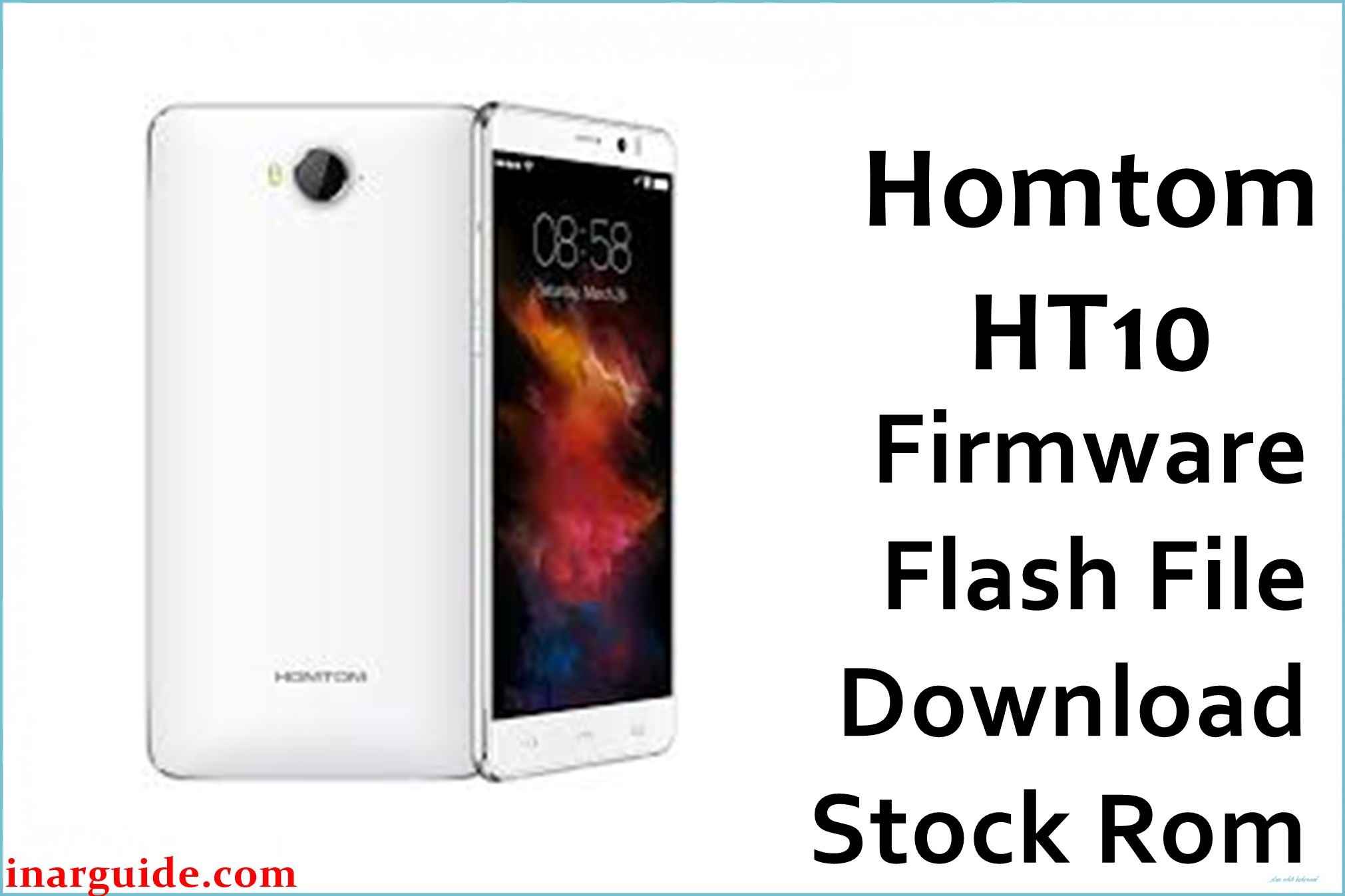
The HomTom HT10 is a 5.5‑inch Android smartphone based on the MediaTek Helio X20 MT6797 platform, launched with Android 6.0 Marshmallow, 4 GB RAM, and 32 GB storage. On this model, users commonly encounter software issues after failed OTA updates, experimental custom ROMs such as LineageOS, or aggressive performance tweaks that can leave the phone stuck at boot or unstable.
Installing the stock firmware package listed below can help return the device to a clean factory system, recover from soft‑bricks, or undo problematic modifications, as long as the issue is limited to software.
This package is an original stock ROM mirrored for preservation, as the manufacturer no longer provides public downloads for this model.
HomTom HT10 Firmware Details
| Device Name | HomTom HT10 |
|---|---|
| Model Identifier | HT10 (4 GB RAM, 32 GB storage) |
| Codename | Not publicly standardized; MT6797 Helio X20 board variant |
| Chipset / Platform | MediaTek Helio X20 MT6797, deca‑core CPU with Mali‑T880 MP4 GPU |
| Launch Android Version | Android 6.0 Marshmallow with HomTom UI customizations |
| Current Firmware Line | Official Android 6.0 stock ROM line; 2017 system builds for maintenance and recovery. |
| Typical File Size Range | Approximately 900 MB–1.2 GB per full scatter ROM; this package is around 1.06 GB (ZIP). |
| Firmware Type | Scatter‑based stock ROM for SP Flash Tool (includes preloader, system, boot, recovery and related images). |
| Flashing Tool | SmartPhone Flash Tool (SP Flash Tool) for MediaTek devices. |
| Bootloader Requirement | Typically flashed via preloader with bootloader locked; fastboot unlock is not required for standard stock restore on this platform. |
| Region / Branch Notes | Sold mainly as a global LTE device; separate regional firmware branches are not widely documented. |
⚠️ Flashing Risks & Disclaimer
Flashing this deca‑core Helio X20 device rewrites low‑level partitions such as preloader, lk, boot, system, and userdata, which directly control how the phone boots and how the modem and display are initialized. On MT6797 boards, using a scatter or preloader from a different model can prevent the device from being detected over USB, making recovery difficult without test‑point methods, so only firmware confirmed for the HomTom HT10 should be used.
SP Flash Tool operations that format NVRAM or NVDATA can also remove IMEI and radio calibration, which may break network connectivity until the correct values are restored with appropriate tools.
All firmware links provided are intended solely for servicing legitimately owned devices and preserving access to original stock software. No ownership of the ROM code is claimed, and all trademarks, images, and firmware remain the property of their respective holders.
Download Official Firmware for HomTom HT10
| Region / Variant | Filename | Build / Version | Android / Firmware Version | File Type | Build Date | File Size | Download Link |
|---|---|---|---|---|---|---|---|
| Global – MT6797 Helio X20 | Homtom_HT10_MT6797_20170510_V01_6.0.zip | V01 20170510 – Android 6.0 stock ROM line for HT10 | Android 6.0 Marshmallow | Scatter‑based stock ROM (SP Flash Tool package) | 10 May 2017 (V01 build) | ~1.06 GB (ZIP archive) | Download Global build (MediaFire mirror) |
This package is an original stock ROM mirrored for preservation, as the manufacturer no longer provides public downloads for this model.
Flashing Requirements
- PC and OS: Windows PC (Windows 7/8/10/11) with administrator access, a stable USB 2.0/3.0 port, and a reliable USB‑A to micro‑USB cable.
- Drivers: MediaTek VCOM / Preloader drivers installed so the HT10 can be recognized in preloader (Download) mode when powered off and connected.
- Flashing tool: Compatible version of SP Flash Tool capable of handling MT6797 Helio X20 scatter ROMs.
- Bootloader / security: Standard stock flashing for this device family is conducted with the bootloader locked, communicating through the preloader interface rather than fastboot.
- Data backup: A typical full flash with userdata selected will erase installed apps, accounts, and user data stored on internal memory; backup is strongly advised if the smartphone still boots into Android or custom recovery.
- Device verification: Confirm the model is HomTom HT10 with Helio X20 MT6797, 4 GB RAM and 32 GB storage via settings or the device label; do not use this ROM on other HomTom or Helio X20 devices.
- Battery charge: Where possible, charge the battery to at least 50% to minimize the risk of shutdown during flashing, as the HT10’s 3200 mAh pack is not easily replaced mid‑process.
How to Flash the Firmware
- Download and extract the “Homtom_HT10_MT6797_20170510_V01_6.0.zip” archive on the PC, then confirm the extracted directory contains an MT6797‑compatible scatter file and partition images such as
system.img,boot.img, and optionallypreloader.bin. - Install drivers and SP Flash Tool by setting up the MediaTek VCOM/Preloader drivers and extracting a recent SP Flash Tool build that supports Helio X20 devices.
- Load the scatter file inside SP Flash Tool’s “Download” tab, ensuring the platform and memory settings match MT6797, and select only the partitions that need to be restored for the chosen repair scenario.
- Enter preloader mode and start flashing by powering the HT10 completely off, clicking “Download” in SP Flash Tool (usually “Download Only” mode for routine unbrick), then connecting the phone via USB so the tool detects it and begins transferring the images.
- Wait for the success prompt and first boot; when SP Flash Tool shows the green confirmation icon, disconnect the cable, power on the phone, and allow extra time for the first Android 6.0 boot as the system rebuilds Dalvik/ART caches and optimizes apps.
For a detailed SP Flash Tool walkthrough tailored to MediaTek scatter ROMs, refer to: How to flash MediaTek firmware with SP Flash Tool .
Frequently Asked Questions (FAQs)
Is this firmware compatible with all HomTom HT10 units?
The ROM targets the HomTom HT10 with Helio X20 MT6797, 4 GB RAM and 32 GB internal storage, which covers the known global hardware variant. It must not be used on other HomTom or Helio X20 phones that have different display panels, modems, or partition layouts.
Can this ROM recover a device stuck on the HomTom logo after a custom ROM?
A full stock flash can help recover from software bootloops caused by incompatible custom ROMs or kernels, as it replaces the modified boot and system partitions with the original factory images. This assumes that the bootloop is not caused by failing storage or other hardware faults.
Does the package upgrade Android or only restore Marshmallow?
This build is an Android 6.0 Marshmallow stock ROM and is intended to restore the original software generation shipped with the phone, not to upgrade to a newer Android version. It can be used both after downgrades and after experimental upgrades to return to the official baseline.
Will flashing this firmware delete my internal storage content?
When userdata is selected in SP Flash Tool, the process performs a clean flash that erases apps, settings, and user data stored on the internal partition of the device. To keep data, the userdata box would need to be unchecked, but that can leave behind misconfigurations that a full wipe would otherwise clear.
Is it necessary to flash the preloader image on the HomTom HT10?
Flashing preloader is only recommended if the exact image for this device is known and there is a clear boot‑related reason to replace it, because a wrong preloader may prevent the phone from being recognized over USB. Many routine unbrick procedures on MT6797 prefer to leave preloader unchecked.
Does this firmware restore IMEI and LTE bands automatically?
The stock ROM includes modem and related partitions but generally does not reconstruct IMEI and all calibration parameters if the NVRAM area has already been wiped. In such cases, IMEI repair with tools like SN Write or similar utilities is often required after flashing.





