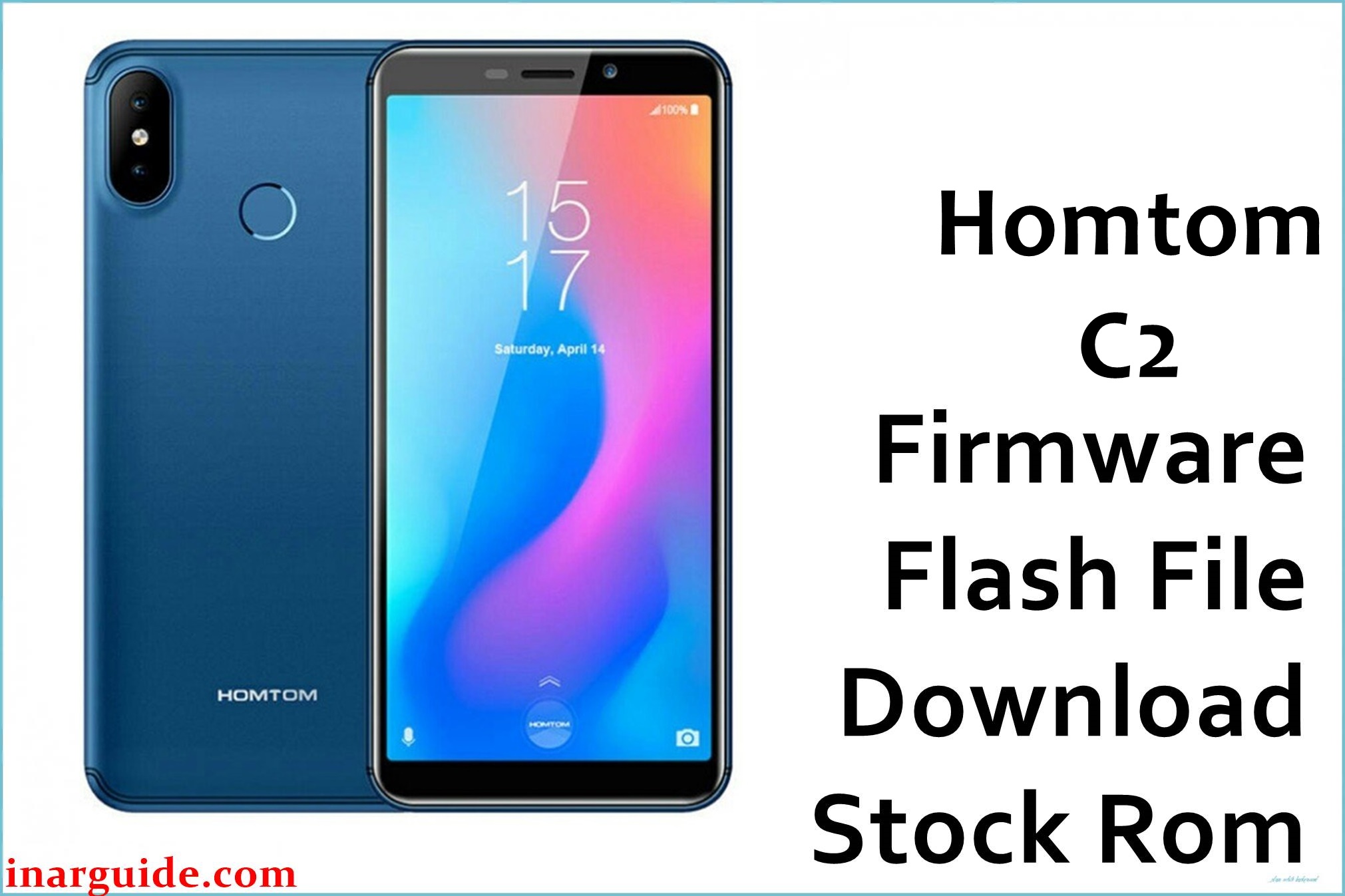
The HomTom C2 (MT6739) is an entry-level 4G smartphone built on the MediaTek MT6739 platform with Android 8.1 Oreo, typically paired with 2 GB RAM and 16 GB storage for basic daily use such as calls, messaging, and light apps.
Because this model has limited internal storage and usually receives few OTA updates, failed app installs, interrupted local updates, or experimental modifications can easily lead to bootloops, soft-bricks, or unstable performance.
Flashing the stock firmware package below can help recover a non-booting device, resolve persistent software errors after a failed update, or return the phone to a clean factory software state, provided the correct build and tool are used.
HomTom C2 Firmware Details
| Device Name | HomTom C2 |
|---|---|
| Model Identifier | HomTom C2 (2 GB RAM / 16 GB storage variant) |
| Codename | Not publicly documented; MT6739-based HomTom C2 board |
| Chipset / Platform | MediaTek MT6739, quad-core Cortex-A53, LTE Cat.4 platform |
| Launch Android Version | Android 8.1 Oreo (shipped on retail units) |
| Current Firmware Line | Stock HomTom Android 8.1 builds, no major OS upgrades reported for this model |
| Typical File Size Range | Approximately 1 GB compressed for full scatter-based ROM packages |
| Firmware Type | Scatter-based stock ROM (Flash Tool package) for MediaTek devices |
| Flashing Tool | SP Flash Tool (Download / Firmware Upgrade modes) or equivalent MTK flashing utility |
| Bootloader Requirement | Standard locked MTK bootloader; no OEM unlock is normally required for official stock packages flashed with SP Flash Tool on this device class |
| Region / Branch Notes | Single global/European style variant; no distinct regional firmware branches are widely documented for the HomTom C2. |
⚠️ Flashing Risks & Disclaimer
Flashing the HomTom C2 carries real risk because the MT6739 platform relies on a scatter-defined partition layout; using an incorrect firmware or scatter file can overwrite preloader, NVRAM, or modem partitions and make the device fail to boot or lose network connectivity.
On low-storage models like this phone, interrupted downloads, unstable USB connections, or selecting the wrong SP Flash Tool mode (for example, Format All + Download) may lead to IMEI loss or require advanced restoration that casual users may find difficult. Always verify the device model and match the firmware package exactly before flashing, and avoid modifying the included images or scatter configuration.
This page references original stock ROM materials provided by HomTom or historic firmware channels and mirrors them purely for preservation and repair use; all trademarks and software are the property of their respective owners. No modifications are applied to the files, and there is no claim of affiliation with or endorsement by the original manufacturer.
Download Official Firmware for HomTom C2
This package is an original stock ROM mirrored for preservation, as the manufacturer no longer provides public downloads for this model.
| Region / Variant | Filename | Build / Version | Android / Firmware Version | File Type | Build Date | File Size | Download Link |
|---|---|---|---|---|---|---|---|
| Global / Single SIM & Dual SIM HomTom C2 | Homtom_C2_MT6739_V1.1_180913.zip | V1.1_180913 (stock MT6739 board firmware) | Android 8.1 Oreo | Compressed scatter-based ROM (Flash Tool package) | 2018-09-13 (based on build tag) | ~1 GB | Download HomTom C2 stock ROM (preserved mirror) |
Flashing Requirements
- A Windows PC (Windows 7/8/10/11) with administrator rights, capable of running SP Flash Tool or a compatible MTK flashing suite for the MT6739 platform.
- Installed MediaTek VCOM/Preloader USB drivers so the HomTom C2 can be detected properly in powered-off state during firmware download.
- SP Flash Tool (recommended) configured with the correct scatter file from the Homtom_C2_MT6739_V1.1_180913.zip package, using Download Only or Firmware Upgrade depending on the repair scenario.
- Battery charged to at least 40–50% to minimize the risk of shutdown while the flash process is writing system and preloader partitions.
- Bootloader status: standard locked bootloader is normally sufficient for official MTK scatter-based flashing; no OEM unlocking is typically required for this class of stock ROM.
- Full backup of personal data whenever possible, as a clean firmware flash or Firmware Upgrade can erase user apps, settings, and sometimes internal storage depending on selected options.
- Verification that the phone is indeed a HomTom C2 (MT6739) by checking the model label, about phone screen, or original packaging; avoid using this package on similarly named HomTom models such as C1 or C8.
How to Flash the Firmware
- Download the Homtom_C2_MT6739_V1.1_180913.zip package for the HomTom C2 and extract it on the PC, confirming that a valid MT6739 scatter file and partition images are present in the folder.
- Install the required MediaTek USB VCOM/Preloader drivers, then launch SP Flash Tool and load the scatter file from the extracted firmware directory, ensuring that the correct MT6739 configuration is displayed.
- In SP Flash Tool, choose the appropriate mode (typically Download Only for standard recovery, or Firmware Upgrade when rewriting more partitions), then power off the phone completely and disconnect it from USB.
- Click the Download button in SP Flash Tool, connect the switched-off HomTom C2 to the PC via USB, and allow the flashing process to run until a success message appears; do not interrupt the connection during preloader or system writes.
- Once flashing is complete, disconnect the cable and boot the phone; the first startup after installing a full MT6739 stock ROM may take longer than usual while Android 8.1 rebuilds caches and optimizes apps.
For a more detailed walkthrough of using SP Flash Tool with scatter-based MediaTek firmware, refer to this external guide: How to flash MediaTek firmware with SP Flash Tool.
Frequently Asked Questions (FAQs)
Can this firmware be used on any HomTom device?
No. This package is intended only for the HomTom C2 based on the MT6739 platform and should not be flashed to other HomTom models such as the C1, C8, or T-series phones, which use different hardware and partition layouts.
How can I confirm that my phone is the HomTom C2 (MT6739)?
Check the model name printed on the retail box or under Settings > About phone, and verify that known specifications such as 2 GB RAM, 16 GB storage, 5.5-inch HD+ display, and MT6739 chipset match this device before flashing.
Does flashing this ROM wipe user data on the HomTom C2?
Flashing with SP Flash Tool using Download Only can sometimes preserve user data, but Firmware Upgrade or any operation involving a full system rewrite should be treated as a clean install that may erase installed apps and personal files.
Can this firmware fix a bootloop after a failed app or OTA update?
Reinstalling the full stock ROM can help recover a HomTom C2 stuck on the boot logo or restarting after software changes, as long as the issue is not caused by underlying hardware faults.
Is it safe to cross-flash this build with other MT6739 phones that look similar?
No. Even though many low-end MT6739 devices share a similar chipset, their display drivers, modem calibration, and NVRAM layouts differ; cross-flashing this HomTom C2 firmware to another brand may cause display issues, no signal, or complete non-boot.
What if SP Flash Tool does not detect the HomTom C2 when connected?
Install the correct MediaTek VCOM drivers, try a different USB port or cable, and ensure the phone is fully powered off before connecting; some PCs may also require driver signature enforcement to be disabled temporarily for older MTK drivers.
Will flashing this stock ROM update Android beyond version 8.1?
No. Available stock builds for the HomTom C2 are based on Android 8.1, and there is no widely documented official upgrade path to a newer major Android release for this model.
Does flashing this firmware affect warranty or service?
Because HomTom devices are often sold without extensive regional service coverage and this model is relatively old, warranty implications vary by seller; in general, unofficial servicing centers treat stock ROM flashing as standard maintenance, but this cannot replace manufacturer policy or local consumer law.





