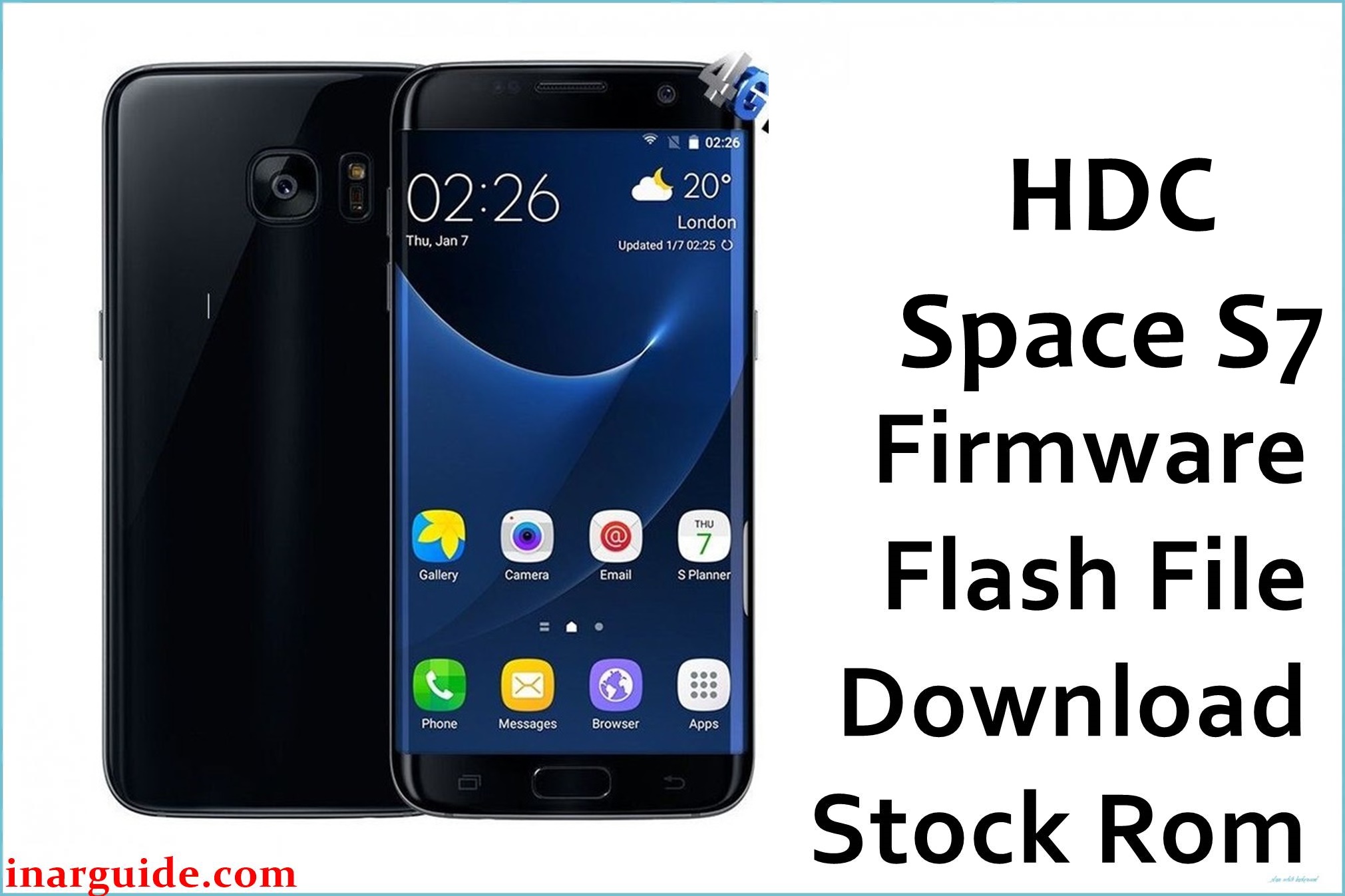
The HDC Space S7 EX is a Galaxy S7–style Android smartphone based on the MediaTek MT6735 series platform, shipping with Android 6.0 Marshmallow and a 5.1‑inch HD IPS display. On this type of clone device, software issues such as bootloops after a failed modification, soft-bricks from incorrect rooting attempts, or problems after flashing an incompatible ROM are common. Installing the correct stock firmware for this model can help restore the phone to a bootable factory state, recover from system corruption, and provide a clean base for further maintenance.
HDC Space S7 EX Firmware Details
| Field | Details |
|---|---|
| Device Name | HDC Space S7 EX (Galaxy S7 clone) |
| Model Identifier | HDC Space S7 / Space S7 EX family (MT6735 platform) |
| Codename | Not officially published; treated as MT6735/MT6735M-based S7 clone |
| Chipset / Platform | MediaTek MT6735 / MT6735M, Quad‑Core Cortex‑A53 with Mali‑T720 GPU |
| Launch Android Version(s) | Android 6.0 Marshmallow (skinned to resemble Samsung TouchWiz) |
| Current Firmware Line | Android 6.0 stock ROM line for HDC Space S7 EX |
| Typical File Size Range | Approximately 700–800 MB per full SP Flash Tool package (scatter ROM) |
| Firmware Type | Scatter-based flashable ROM (SP Flash Tool package, includes MT6735M scatter file) |
| Flashing Tool | SP Flash Tool (Smartphone Flash Tool) for MediaTek devices |
| Bootloader Requirement | Flashes via preloader/Download mode; typical MTK SP Flash packages do not require an officially “unlocked” bootloader but can overwrite all partitions including preloader and NVRAM. |
| Region / Branch Notes | Single unofficial clone branch; no formal regional SKUs. Firmware should only be used on the matching HDC Space S7 / Space S7 EX hardware revision. |
⚠️ Flashing Risks & Disclaimer
Flashing the HDC Space S7 EX with an SP Flash Tool scatter ROM carries specific risks tied to the MediaTek MT6735/MT6735M platform and the way these clone devices are built. Because the preloader, modem, and NVRAM layouts are not standardized across different S7‑style clones, using a package intended for a different MT6735 phone can hard-brick the device or break RF calibration and IMEI storage.
This stock package can overwrite critical partitions such as PRELOADER, NVRAM/NVDATA, and MODEM, which may result in loss of IMEI, baseband errors, or complete non-boot if mismatched. Only users comfortable with SP Flash Tool, MTK drivers, and backup of NVRAM/IMEI should proceed, and all operations are at the user’s own risk.
Download Official Firmware for HDC Space S7 EX
| Region / Variant | Filename | Build / Version | Android / Firmware Version | File Type | Build Date | File Size | Download Link |
|---|---|---|---|---|---|---|---|
| Generic / Global Clone | HDC_Space_S7_EX_170129093306_MT6735M_6.0.zip | 170129093306 (Android 6.0 line for Space S7 EX) | Android 6.0 Marshmallow (SP Flash scatter ROM) | ZIP archive (contains MT6735M_Android_scatter.txt and partition images) | January 2017 (timestamp 20170129 inferred from build string) | ≈ 740 MB | Download Space S7 EX build (MediaFire) |
This package is intended for the MT6735M-based HDC Space S7 / Space S7 EX only and should not be flashed on other HDC S7 variants such as HDC S7 MMB29M or SM‑G930F clones.
Flashing Requirements
- PC and OS: A Windows PC (Windows 7 or newer) with administrator rights to install MTK USB drivers and run SP Flash Tool.
- Drivers: MediaTek VCOM / Preloader drivers correctly installed so the phone is detected in preloader mode when powered off and connected by USB.
- Main flashing tool: A compatible SP Flash Tool v5.x build that supports MT6735/MT6735M scatter files.
- Bootloader / mode: This device uses the standard MTK preloader “Download” mode; no OEM-unlock command is required, but the tool can write protected partitions, so care is needed.
- Battery level: At least 50% charge is recommended to avoid shutdown during flashing.
- Data backup: A full backup of user data (if the device still boots) and, more importantly, a backup of NVRAM/NVDATA and IMEI via MTK tools or SP Flash Tool readback before flashing.
- Device verification: Confirm that the phone reports as an HDC Space S7/Space S7 EX MT6735 device (for example, via app-based hardware info) and not another HDC S7 variant or different chipset.
- Cable and ports: Use a reliable USB cable and a direct USB port on the PC (avoid unstable hubs) to reduce the risk of transfer errors during the flash.
How to Flash the Firmware
- Download and extract the ROM package. Download the HDC Space S7 EX MT6735M Android 6.0 ZIP and extract it on the PC; confirm that the folder contains
MT6735M_Android_scatter.txtand multiple partition images such assystem.img,boot.img, andrecovery.img. - Install MTK drivers and prepare SP Flash Tool. Install MediaTek VCOM/Preloader drivers, then download and extract a recent SP Flash Tool v5.x build; run
flash_tool.exeas administrator and open the “Download” tab. - Load the HDC scatter file and choose mode. Click “Scatter-loading” in SP Flash Tool, select
MT6735M_Android_scatter.txtfrom the firmware folder, and let the tool populate the partition list; for most recovery scenarios on this MT6735M device, “Download Only” is safer, while “Firmware Upgrade” may be used only if a full layout refresh is required and NVRAM has been backed up. - Connect the powered-off phone and start flashing. With the phone completely powered off, click the green “Download” button in SP Flash Tool, then connect the HDC Space S7 EX to the PC via USB; a red, then purple, then yellow progress bar should appear until a green success symbol is shown.
- Reboot and complete the first Android 6.0 boot. Disconnect the cable, power on the phone, and wait several minutes for the first Android 6.0 Marshmallow boot on this model; afterwards, go through setup, verify that IMEI and baseband are present, and only then restore user data.
For a more detailed walkthrough of SP Flash Tool usage with MediaTek scatter firmware, refer to the following external guide: How to flash MediaTek firmware with SP Flash Tool.
Frequently Asked Questions (FAQs)
Does this firmware work on all HDC S7 clones?
No. This package is built for the MT6735M-based HDC Space S7 / Space S7 EX and should not be used on other HDC S7 variants like HDC S7 MMB29M or SM‑G930F clones that may use different layouts or chipsets.
How can the correct hardware variant be confirmed before flashing?
Check hardware information using an app or previous firmware details to verify that the device reports a MediaTek MT6735/MT6735M SoC and belongs to the HDC Space S7 family, and avoid flashing if there are signs of a different chipset (Qualcomm, Exynos, or other MTK codes).
Will flashing this ROM erase IMEI and network configuration?
Flashing can overwrite NVRAM and modem partitions on this MT6735M device, which may remove IMEI or RF calibration if those sections are not preserved or restored; backing up NVRAM and IMEI before writing is strongly recommended.
Can this package be used as an update over a working system?
While SP Flash Tool can flash over a working system, it behaves more like a full restore than an OTA; user data may be wiped depending on which partitions are selected, so it is safer to treat this as a clean flash rather than an in-place update.
Is a bootloader unlock needed for the HDC Space S7 EX?
SP Flash Tool communicates with the MT6735 preloader at a low level and typically does not require an OEM-unlocked bootloader, but it bypasses many of the protections seen on branded devices, meaning incorrect use can still permanently brick the phone.
Can this firmware be cross-flashed between different regions?
This clone device line does not follow branded regional SKUs, so region naming is less formal; nonetheless, cross-flashing between different HDC S7 builds or unrelated MT6735 products is not advised because of differing preloader and modem configurations.
Does flashing this stock ROM affect warranty?
HDC clone devices usually lack formal manufacturer warranty policies comparable to major OEMs, but any third-party warranty or service agreement may consider unauthorized firmware flashing as grounds to refuse support.





