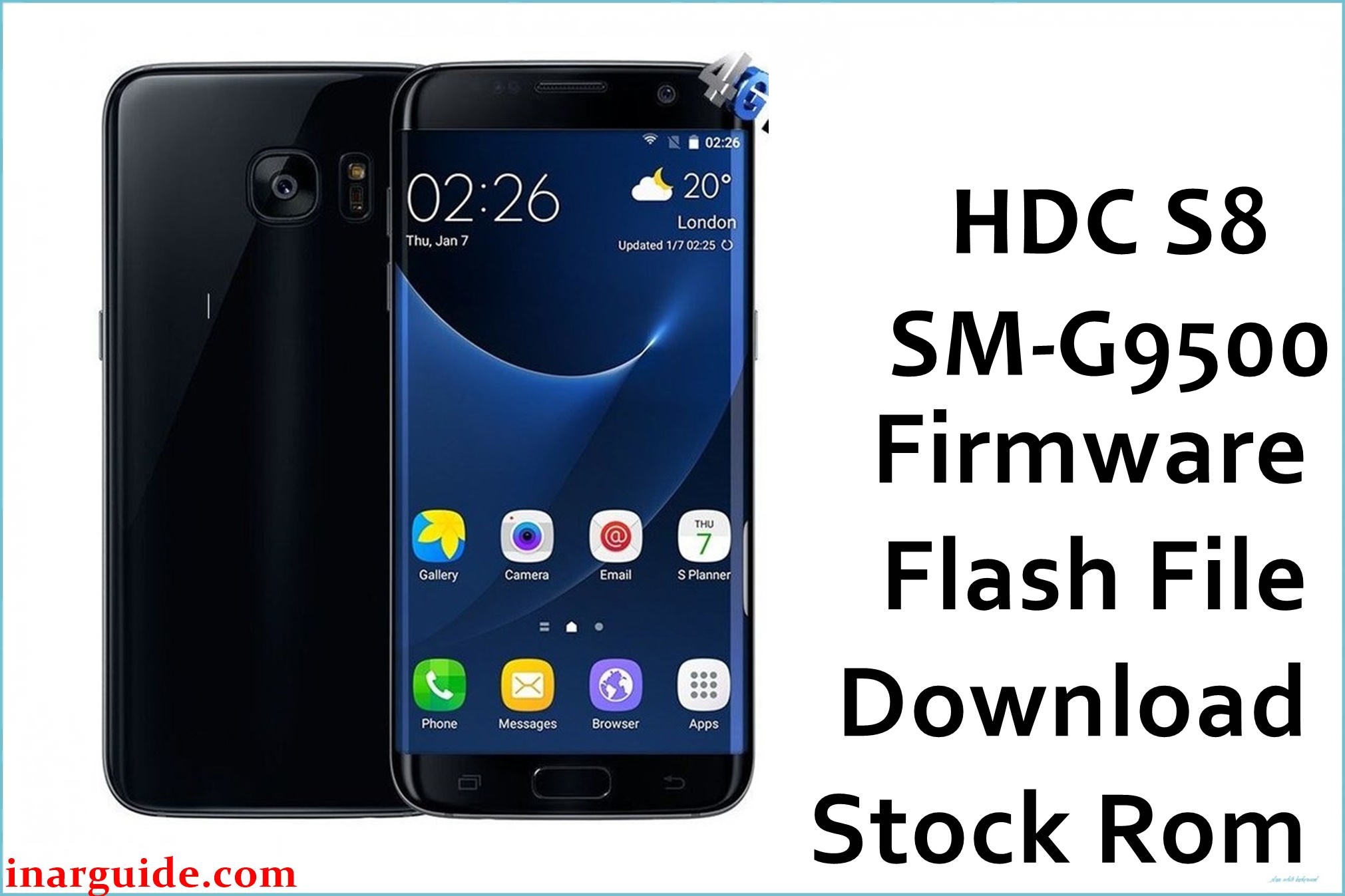
The HDC S8 SM-G9500 is a Samsung Galaxy S8 clone based on the MediaTek MT6580 platform and typically ships with Android 6.0 or Android 7.0–style firmware, distributed as SP Flash Tool–ready packages with scatter files. This type of clone phone often develops software issues such as bootloops after failed modifications, unstable custom ROMs, or soft-bricks when the wrong MT6580 firmware is flashed.
Installing one of the official MT6580 stock ROMs listed below can help recover the device from software corruption, restore the original system, or perform a clean downgrade/upgrade between close builds.
HDC S8 SM-G9500 Firmware Details
| Device Name | HDC S8 SM-G9500 (Samsung Galaxy S8 clone) |
|---|---|
| Model Identifier | SM-G9500 (clone board ID varies by batch) |
| Codename | Commonly mapped to hero2qltechn / HDC S8 MT6580 in clone firmware databases |
| Chipset / Platform | MediaTek MT6580, 32‑bit Cortex‑A7 with integrated 3G modem |
| Launch Android Version | Android 6.0–style build on early units, later batches with Android 7.0‑based ROMs |
| Current Firmware Line | Android 7.0 MT6580 line (2017 builds: 20170329 / 20170426 / 20170606) |
| Typical File Size Range | Approximately 990MB – 1.05GB per full SP Flash Tool package (system, boot, userdata, etc.) |
| Firmware Type | Scatter‑based stock ROM in ZIP archive, for SP Flash Tool (Download / Firmware Upgrade mode) |
| Flashing Tool | SP Flash Tool (MTK Smart Phone Flash Tool) for Windows or Linux |
| Bootloader Requirement | Factory MTK preloader; no fastboot unlocking needed, but preloader must match the exact board to avoid hard brick |
| Region / Branch Notes | Single generic MT6580 clone branch; not tied to official Samsung regions (CHC/TGY/etc.). Do not mix with real Samsung Odin firmware. |
⚠️ Flashing Risks & Disclaimer
The HDC S8 SM-G9500 uses a MediaTek MT6580 preloader, so flashing an incompatible scatter package can prevent the phone from being detected as a preloader device and may lead to a non‑booting or hard‑brick state. Because clone S8 boards often differ slightly between production runs, even within the same SM-G9500 label, cross‑flashing MT6580 ROMs from other clones or random “S8 clone” ZIP files can cause display issues, no network, or a permanent bootloop.
Always verify that the ROM is built specifically for the HDC S8 SM-G9500 MT6580 series listed here and avoid checking “Format All + Download” in SP Flash Tool unless there is a complete NVRAM backup available, as erasing modem partitions may remove IMEI and network calibration data. Flashing stock firmware can help resolve software problems but also carries inherent risk; proceed only if comfortable with SP Flash Tool usage and accept full responsibility for any data loss or device malfunction.
Download Official Firmware for HDC S8 SM-G9500
The table below lists Android 7.0 MT6580 stock ROMs for this clone S8, all packed as ZIP archives suitable for extraction and use with SP Flash Tool.
| Region / Variant | Filename | Build / Version | Android Version | File Type | Build Date | File Size | Download Link |
|---|---|---|---|---|---|---|---|
| Global clone MT6580 | HDC_S8_SM-G9500_MT6580_20170329_7.0.zip | 20170329_7.0 MT6580 line | Android 7.0 (clone build) | ZIP (SP Flash Tool scatter package) | 29 March 2017 | ~1.0GB (998.14MB reported) | Download 20170329 build (MediaFire) |
| Global clone MT6580 | HDC_S8_SM-G9500_MT6580_20170426_7.0.zip | 20170426_7.0 MT6580 line | Android 7.0 (clone build) | ZIP (SP Flash Tool scatter package) | 26 April 2017 | ~1001MB | Download 20170426 build (MediaFire) |
| Global clone MT6580 | HDC_S8_SM-G9500_MT6580_20170606_7.0.zip | 20170606_7.0 MT6580 line | Android 7.0 (clone build) | ZIP (SP Flash Tool scatter package) | 06 June 2017 | ~1.01GB (1009.75MB reported) | Download 20170606 build (MediaFire) |
Flashing Requirements
- PC and OS: A Windows PC (Windows 7 or newer recommended) with administrator rights and a stable USB port for MTK VCOM communication.
- Drivers: Install MediaTek VCOM / Preloader USB drivers so the MT6580 preloader is detected when the powered‑off phone is connected.
- Main flashing tool: SP Flash Tool (Smart Phone Flash Tool) compatible with MT6580 scatter firmware; avoid very old flashtool builds that may not handle Android 7.0 partitions correctly.
- Bootloader / security: The HDC S8 clone does not use fastboot or OEM unlock like genuine Samsung devices; access is via preloader mode, so no unlock code is required, but secure boot variants of MTK tools should be avoided unless the ROM specifically requires them.
- Backup: Flashing these full ROMs in “Download Only” or “Firmware Upgrade” mode may wipe system and user data; take a full backup of personal files and, where possible, read back NVRAM and IMEI partitions before flashing.
- Device verification: Confirm the device really is an MT6580‑based S8 clone (check CPU info and board with tools like CPU‑Z or existing scatter file) and avoid mixing firmware for other HDC or Samsung clone models such as SM-G950 or different board IDs.
How to Flash the Firmware
- Download the correct HDC S8 SM-G9500 MT6580 firmware ZIP from the table above (for example, the 20170606 Android 7.0 package) and extract it on the PC until the scatter.txt file and partition images are visible.
- Install MTK VCOM drivers, then launch SP Flash Tool and load the MT6580 scatter file included in the selected ROM so the tool maps the preloader, boot, system, and other partitions for this device.
- In SP Flash Tool, choose the desired mode: for most users, “Download Only” is safer; use “Firmware Upgrade” only when migrating between HDC S8 20170329, 20170426, and 20170606 lines and keeping the same MT6580 board revision.
- Power off the phone completely, remove and reinsert the battery if removable, then click “Download” in SP Flash Tool and connect the HDC S8 SM-G9500 via USB so the MT6580 preloader is detected and the flashing process starts.
- Wait for the progress bar to reach 100% and a success dialog to appear, then disconnect the cable and power on the phone; the first boot after a full MT6580 Android 7.0 flash may take several minutes while the system optimizes apps and rebuilds cache.
For a more detailed walkthrough of using SP Flash Tool with MTK scatter firmware, see this external flashing guide: How to flash MediaTek firmware with SP Flash Tool.
Frequently Asked Questions (FAQs)
Can these ROMs be used on an original Samsung Galaxy S8 SM-G9500?
No. These packages are for an MT6580‑based HDC S8 clone and are incompatible with the genuine Snapdragon or Exynos Galaxy S8, which use Odin‑based Samsung firmware.
How can the device model and chipset be confirmed before flashing?
Boot the phone (if possible) and check system info with apps such as CPU‑Z to verify MT6580, or read the existing scatter file from a backup; real Samsung S8 devices will not show MT6580 and will instead report Samsung chipsets.
Is it safe to cross‑flash between 20170329, 20170426, and 20170606 builds?
These three ROMs target the same HDC S8 SM-G9500 MT6580 line, but board revisions can differ; if the device originally shipped with one of these dates, flashing another close date usually works, though mismatches can cause minor issues like different boot animation or sensor behavior.
Will flashing erase personal data on this clone S8?
Using SP Flash Tool to write system and userdata typically wipes installed apps and user data, especially when “Firmware Upgrade” is selected, so personal files should be backed up to an SD card or PC first.
Does flashing these MT6580 ROMs unlock the network or fix IMEI problems?
Stock ROMs for the HDC S8 SM-G9500 mainly restore system partitions and do not automatically repair erased NVRAM; if IMEI is already lost, additional tools or backups are needed after flashing.
Is bootloader unlocking required for the HDC S8 SM-G9500?
No. This clone relies on MTK preloader mode, not fastboot OEM unlock mechanisms, so SP Flash Tool can write partitions without any unlock code as long as the correct drivers and scatter are used.
Can these ROMs be installed through recovery instead of SP Flash Tool?
The packages listed are raw MT6580 scatter firmware, not signed recovery update ZIPs, so they are intended for SP Flash Tool on a PC rather than stock recovery sideload.





