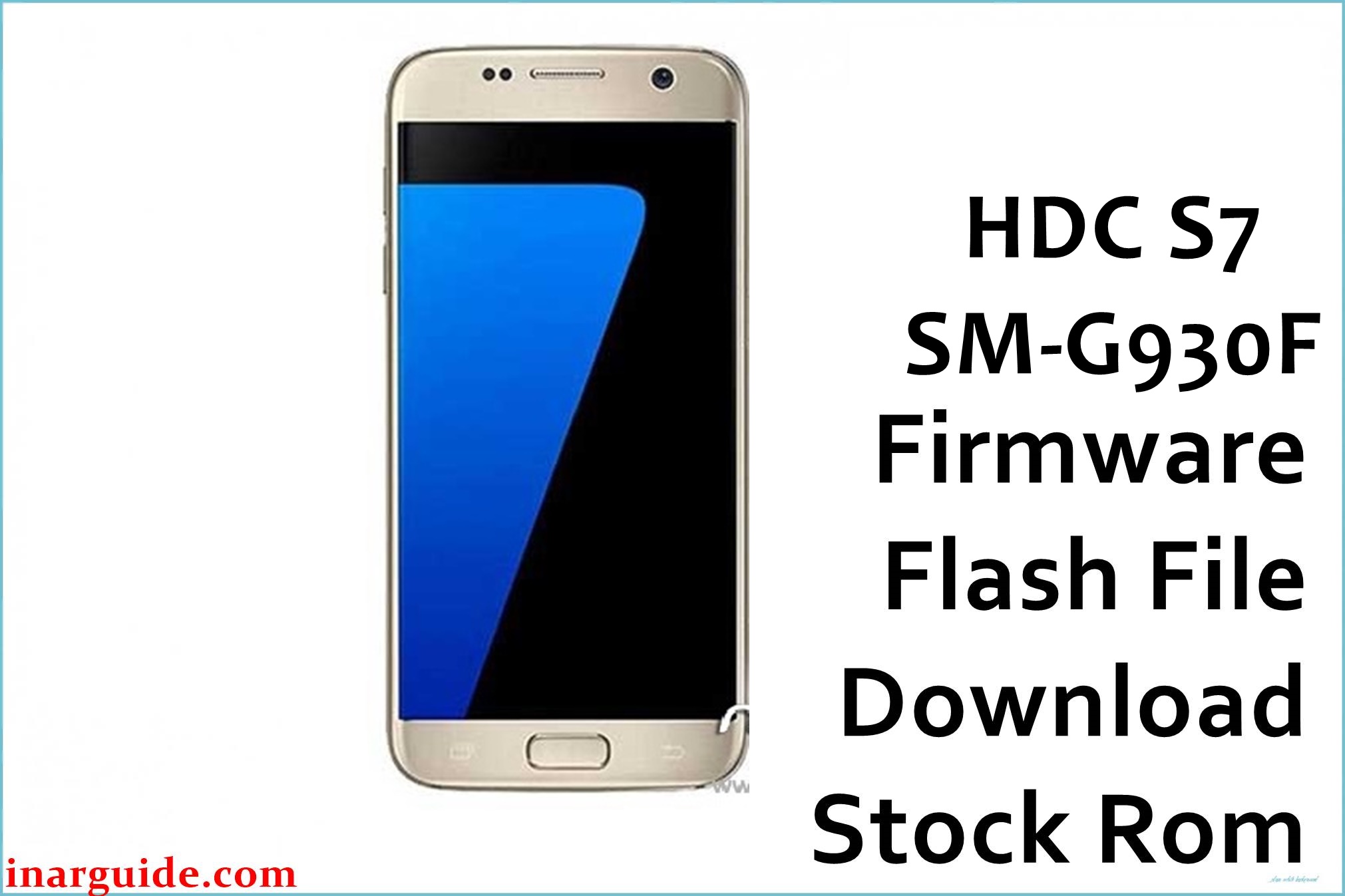
The HDC S7 SM-G930F is a Samsung Galaxy S7 clone based on the MediaTek MT6580 platform, usually shipped with an Android 6.0–themed interface running on an Android 5.1 base and distributed as SP Flash Tool scatter firmware. This phone commonly develops software problems such as bootloops after incorrect ROM flashes, failed root attempts, or soft‑bricks when Odin firmware meant for the real SM‑G930F is mistakenly used.
Flashing the correct HDC S7 MT6580 Android 5.1 stock ROM below can help revive a non‑booting unit, return the system to factory condition, or clean up instability caused by heavily modified software.
Last updated: January 2026
HDC S7 SM-G930F Firmware Details
| Device Name | HDC S7 SM-G930F (Samsung Galaxy S7 clone) |
|---|---|
| Model Identifier | SM-G930F (clone label; internal board ID varies by batch) |
| Codename | Often referenced as HDC S7 / hero2qlte MT6580 in clone firmware threads |
| Chipset / Platform | MediaTek MT6580, quad‑core Cortex‑A7 with 3G modem |
| Launch Android Version | Android 5.1 base with Samsung‑style Android 6.0 UI (“Android 6.0 (real 5.1)”) |
| Current Firmware Line | Android 5.1 MT6580 line dated 29‑04‑2016 for HDC S7 SM‑G930F |
| Typical File Size Range | Roughly 550MB – 900MB for full MT6580 S7 clone SP Flash packages; this build is ~616MB. |
| Firmware Type | ZIP archive containing MT6580 scatter‑based stock ROM for SP Flash Tool |
| Flashing Tool | SP Flash Tool (Smart Phone Flash Tool) for MediaTek devices |
| Bootloader Requirement | Uses MT6580 preloader/BROM access; no Samsung download/Odin mode or fastboot unlock is involved. |
| Region / Branch Notes | Single generic MT6580 clone branch; not compatible with official Samsung SM‑G930F Odin firmwares. |
⚠️ Flashing Risks & Disclaimer
Because this clone relies on an MT6580 preloader and its own partition layout, flashing an incompatible scatter ROM (for example, another S7 clone or MT6580 build) can stop the device from entering normal preloader mode and may lead to a deep brick requiring hardware‑level recovery. Attempting to use genuine Samsung SM‑G930F Odin firmware or mixing HDC S7 packages with different LCD/touch panel variants can also cause a black screen, non‑functional touch, or persistent bootloop even if the flash reports success.
Only use this ROM on a confirmed HDC S7 SM‑G930F MT6580 device and avoid “Format All + Download” in SP Flash Tool unless a full NVRAM and IMEI backup has already been taken. Flashing stock firmware can help resolve software‑related faults but always carries risk of data loss and potential device malfunction, so any flashing should be done carefully and at the user’s own responsibility.
Download Official Firmware for HDC S7 SM-G930F
The package below is an Android 5.1‑based MT6580 stock ROM for this phone, distributed as a single ZIP file to be extracted and used with SP Flash Tool.
| Region / Variant | Filename | Build / Version | Android Version | File Type | Build Date | File Size | Download Link |
|---|---|---|---|---|---|---|---|
| Global clone MT6580 | HDC_S7_SM-G930F_MT6580_29042016_5.1.zip | 29042016_5.1 MT6580 line (Android 6.0 UI / real 5.1) | Android 5.1 (Samsung S7‑style interface) | ZIP (SP Flash Tool scatter package) | 29 April 2016 | ~616MB | Download 29‑04‑2016 build (MediaFire) |
Flashing Requirements
- PC and OS: A Windows PC (Windows 7 or newer recommended) with stable USB ports for MT6580 preloader communication.
- Drivers: Install MediaTek USB VCOM / preloader drivers so the powered‑off HDC S7 is detected correctly when connected.
- Flashing tool: Use a recent SP Flash Tool v5.x build that explicitly supports MT6580 scatter firmware to avoid compatibility issues.
- Bootloader / modes: This model does not use Samsung download mode or Odin; firmware is written through MTK preloader/BROM mode triggered automatically when connecting the powered‑off device.
- Backup: A full backup of user data and, where possible, NVRAM/IMEI is strongly advised because “Download Only” or “Firmware Upgrade” can still wipe apps and configuration, and formatting will erase modem data.
- Device verification: Confirm that the phone reports MT6580 and an S7‑clone identity (for example via MTK engineering tools or prior scatter) and do not cross‑flash with other S7 MT6580 clones that use different LCD or memory layouts.
How to Flash the Firmware
- Download the HDC_S7_SM-G930F_MT6580_29042016_5.1.zip package and extract it on the PC until the MT6580 scatter file and partition images for this HDC S7 are visible.
- Install MTK VCOM drivers, open SP Flash Tool, and use the “Scatter‑loading” button to load the MT6580 scatter file from the extracted folder so the tool maps preloader, boot, system, recovery, and other partitions for this model.
- Select “Download Only” for a standard reinstall, or “Firmware Upgrade” if specifically updating from another close HDC S7 MT6580 build, making sure that the preloader checkbox is only enabled if the ROM is known to match the exact hardware revision.
- Power off the phone completely, remove and reinsert the battery if it is removable, click “Download” in SP Flash Tool, then connect the HDC S7 SM‑G930F via USB so the MT6580 preloader is detected and the flash begins.
- Wait until SP Flash Tool displays a success message, disconnect the cable, and boot the device; the first startup after flashing this Android 5.1 MT6580 ROM can take several minutes while the system optimizes apps and rebuilds cache.
For a detailed explanation of using SP Flash Tool with MediaTek scatter firmware, see this guide: How to flash MediaTek firmware with SP Flash Tool.
Frequently Asked Questions (FAQs)
Can this HDC S7 MT6580 ROM be used on the original Samsung Galaxy S7 SM‑G930F?
No. This firmware targets an MT6580‑based clone, while the genuine Galaxy S7 uses Samsung chipsets and Odin‑format firmware; cross‑flashing will not work and may damage the device.
Why does the system show “Android 6.0” if the ROM is listed as 5.1?
The software is themed to mimic Android 6.0 but the underlying base is Android 5.1, a common pattern on HDC S7 builds described as “Android 6.0 (real 5.1) ONLY MT6580”.
How can this clone be distinguished from a real SM‑G930F before flashing?
The clone exposes MT6580 hardware and typically boots into a factory/Chinese recovery or SP Flash–friendly layout, while the genuine S7 reports Samsung chipsets and uses download/Odin mode instead of MTK preloader.
Will flashing this ROM fix bootloops caused by wrong Samsung Odin firmware?
If the device is still detected as an MTK preloader port, flashing the correct HDC S7 MT6580 ROM can often recover software‑induced bootloops, but success depends on whether partitions or NVRAM were previously damaged.
What SP Flash Tool errors are common with HDC S7 MT6580 clones?
Users frequently encounter BROM errors or “PMT changed” messages when the scatter layout does not match the phone; these usually indicate an incompatible firmware or partition table.
Can this firmware be installed via recovery instead of SP Flash Tool?
No. The package is a raw SP Flash Tool scatter ROM rather than a signed recovery update.zip, so a PC and SP Flash Tool are required.





