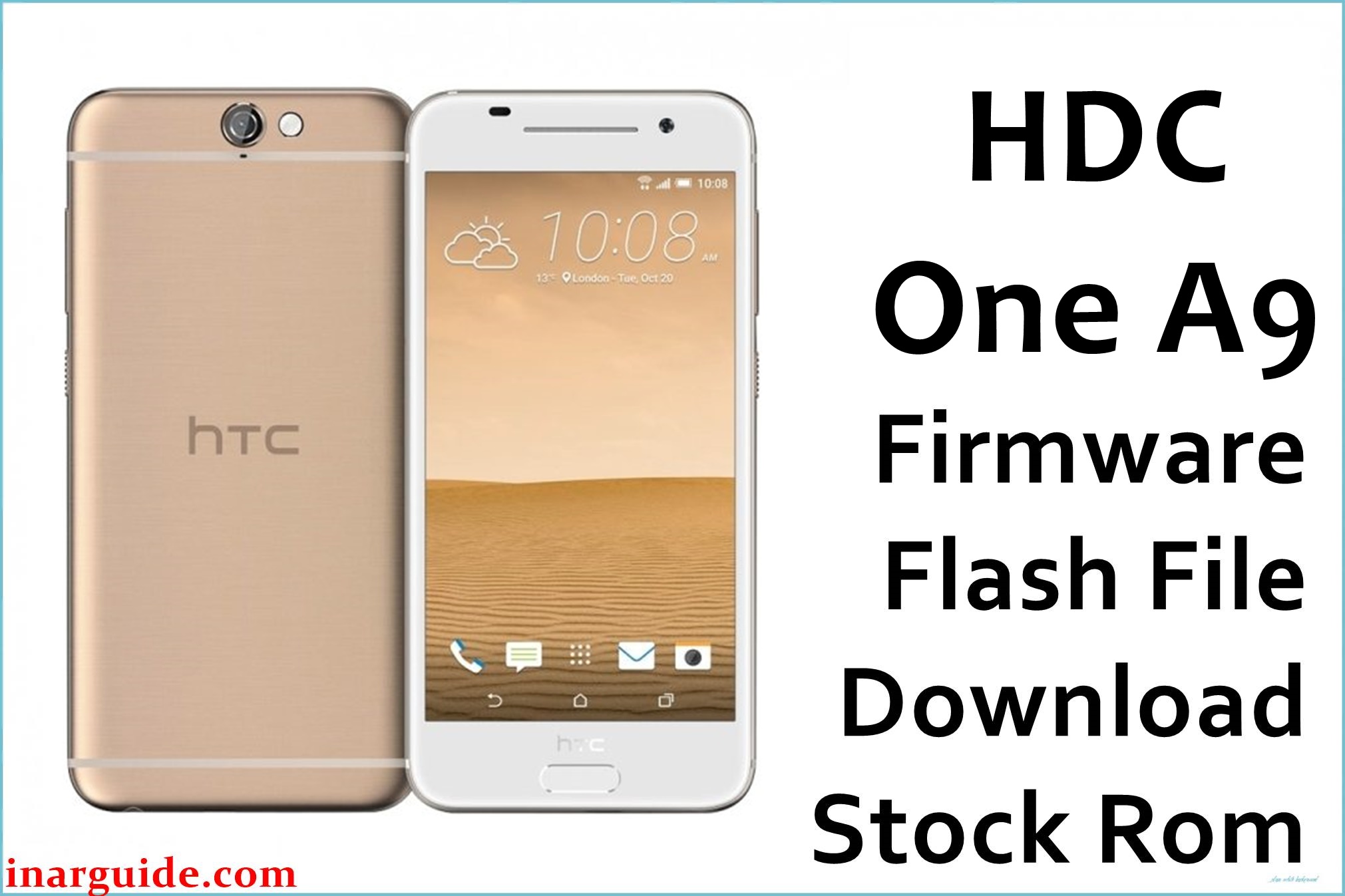
The HDC One A9 is a MediaTek MT6580-based Android smartphone that ships with an Android 6.x Marshmallow-style firmware tuned for clone HTC hardware. On this type of device, failed rooting attempts, wrong custom ROMs, or interrupted flashing can leave the phone stuck on the logo, bootlooping, or unable to boot into the system.
Installing a compatible stock ROM such as the HDC_One_A9_MT6580_05032016_6.0 build can help recover from software-level faults, revert unsupported modifications, and restore a stable base system.
HDC One A9 Firmware Details
| Device Name | HDC One A9 (clone) |
|---|---|
| Model Identifier | HDC One A9, MT6580-only hardware line |
| Codename | Not officially published; MT6580 clone platform |
| Chipset / Platform | MediaTek MT6580, 32-bit quad-core |
| Launch Android Version(s) | Android 6.0 (sometimes reported as 5.1/6.0 hybrid ROM) |
| Current Firmware Line | Official HDC One A9 stock ROM line, e.g. A9_EN_V0.0.1_2016_0304_2055 and related 2016-03 builds |
| Typical File Size Range | Approximately 700–800 MB per full MT6580 scatter firmware package |
| Firmware Type | Scatter-based stock ROM (preloader, boot, system, recovery, etc.) in ZIP/RAR archive |
| Flashing Tool | SP Flash Tool (Windows / Linux) |
| Bootloader Requirement | Standard MTK preloader download mode; no user-facing OEM unlock toggle |
| Region / Branch notes | Single HDC clone branch, not tied to HTC or carrier region codes; “ONLY MT6580” firmware compatibility note applies. |
⚠️ Flashing Risks & Disclaimer
Flashing this model writes directly to MT6580 partitions using an Android scatter file, so using a ROM not built for this exact hardware can result in a non-booting system, mismatched LCD or touchscreen drivers, or missing baseband. On this clone platform, flashing an incorrect preloader or formatting all partitions via SP Flash Tool may lead to a hard brick where the phone no longer enumerates as a MediaTek device over USB.
The firmware listed here is intended for HDC One A9 units explicitly labeled as MT6580-only; attempting to flash it on different HDC models, other chipsets, or genuine HTC One A9 hardware can cause serious software damage. Flashing is done entirely at the user’s risk, and a full backup of NVRAM/IMEI and user data is strongly recommended before proceeding.
Download Official Firmware for HDC One A9
| Region / Variant | Filename | Build / Version | Android / Firmware Version | File Type | Build Date | File Size | Download Link |
|---|---|---|---|---|---|---|---|
| Global clone variant (ONLY MT6580) | HDC_One_A9_MT6580_05032016_6.0.zip | HDC One A9 stock line, A9_EN_V0.0.1_2016_0304_2055 family | Android 6.0 / 5.x-based HDC One A9 ROM | ZIP archive with MT6580 scatter firmware for SP Flash Tool | 05 March 2016 build branch | ≈772–775 MB | Download HDC One A9 stock build (MediaFire mirror) |
This package is a full stock ROM for the HDC One A9 MT6580 line and is designed for use with SP Flash Tool on compatible devices only.
Flashing Requirements
- PC & operating system: A Windows PC (Windows 7 or newer) or a Linux machine capable of running SP Flash Tool.
- Flashing tool: SP Flash Tool, preferably a recent v5 build with MT6580 support and scatter loading capability.
- Drivers: MediaTek USB VCOM / preloader drivers must be installed so the phone can enter MTK preloader download mode when connected while powered off.
- Cable & ports: Stable USB data cable; direct connection to a mainboard USB port is recommended to avoid random disconnects during flashing.
- Backups: User data and application data in internal storage can be erased by full scatter flashes; NVRAM/IMEI should be backed up before writing modem-related partitions whenever possible.
- Device verification: Confirm the phone is branded or identified as HDC One A9 with an MT6580 SoC and that any board labels or previous ROM info indicate “ONLY MT6580”, as highlighted in firmware listings.
How to Flash the Firmware
- Download and extract the correct HDC One A9 package. Save the HDC_One_A9_MT6580_05032016_6.0.zip to the PC and extract it into its own folder, verifying that the MT6580_Android_scatter.txt file and accompanying images (preloader, boot, system, recovery) are present.
- Install MT6580 drivers and open SP Flash Tool. Install MediaTek VCOM / preloader drivers, then start SP Flash Tool and use the “Scatter-loading” button to select the MT6580_Android_scatter file from the extracted One A9 firmware directory.
- Configure the flashing mode for this model. In SP Flash Tool, choose “Download Only” for a standard restore of system components, leaving advanced options such as “Firmware Upgrade” or “Format All + Download” only for situations where a targeted approach has failed and backups exist.
- Enter download mode and start the flash. Power the phone off completely, remove and reinsert the battery if it is removable, click “Download” in SP Flash Tool, then connect the HDC One A9 via USB so the preloader interface is detected and the flashing process begins.
- Complete flashing and allow a longer first boot. After SP Flash Tool reports a successful operation, disconnect the cable, power on the device, and expect the first Android 6.0 boot to take several minutes while the system initializes and optimizes apps; interrupting this process can cause additional boot issues.
For a more detailed explanation of SP Flash Tool usage with MediaTek firmware, see this external step-by-step guide: How to flash MediaTek firmware with SP Flash Tool.
Frequently Asked Questions (FAQs)
Is this firmware compatible with all HDC One A9 units?
It is intended only for HDC One A9 devices built on the MT6580 platform; firmware listings explicitly state “ONLY MT6580”, and using it on other chipsets or different HDC models can cause boot failure or hardware mismatch.
Can this ROM be used on the official HTC One A9?
No. The official HTC One A9 uses a different hardware platform and signed HTC firmware; this clone ROM is built for MT6580 and must not be flashed to genuine HTC devices.
What happens if the wrong MT6580 ROM is flashed?
On MT6580-based clones, mismatched ROMs can produce issues such as inverted or non-working touchscreens, no network due to incompatible modem files, or complete boot failure requiring another compatible scatter package.
What common SP Flash Tool errors occur with MT6580 devices?
Errors such as invalid scatter (status 8417) or authentication issues are seen when using incompatible tool versions, edited scatter files, or wrong DA; ensuring an unmodified MT6580 scatter and supported SP Flash Tool build usually resolves them.
Will this ROM restore my IMEI and network signal?
Reinstalling stock firmware can repair some modem-related corruption, but IMEI numbers are often stored in NVRAM and may need to be restored separately with dedicated tools and the original values from the device label.





