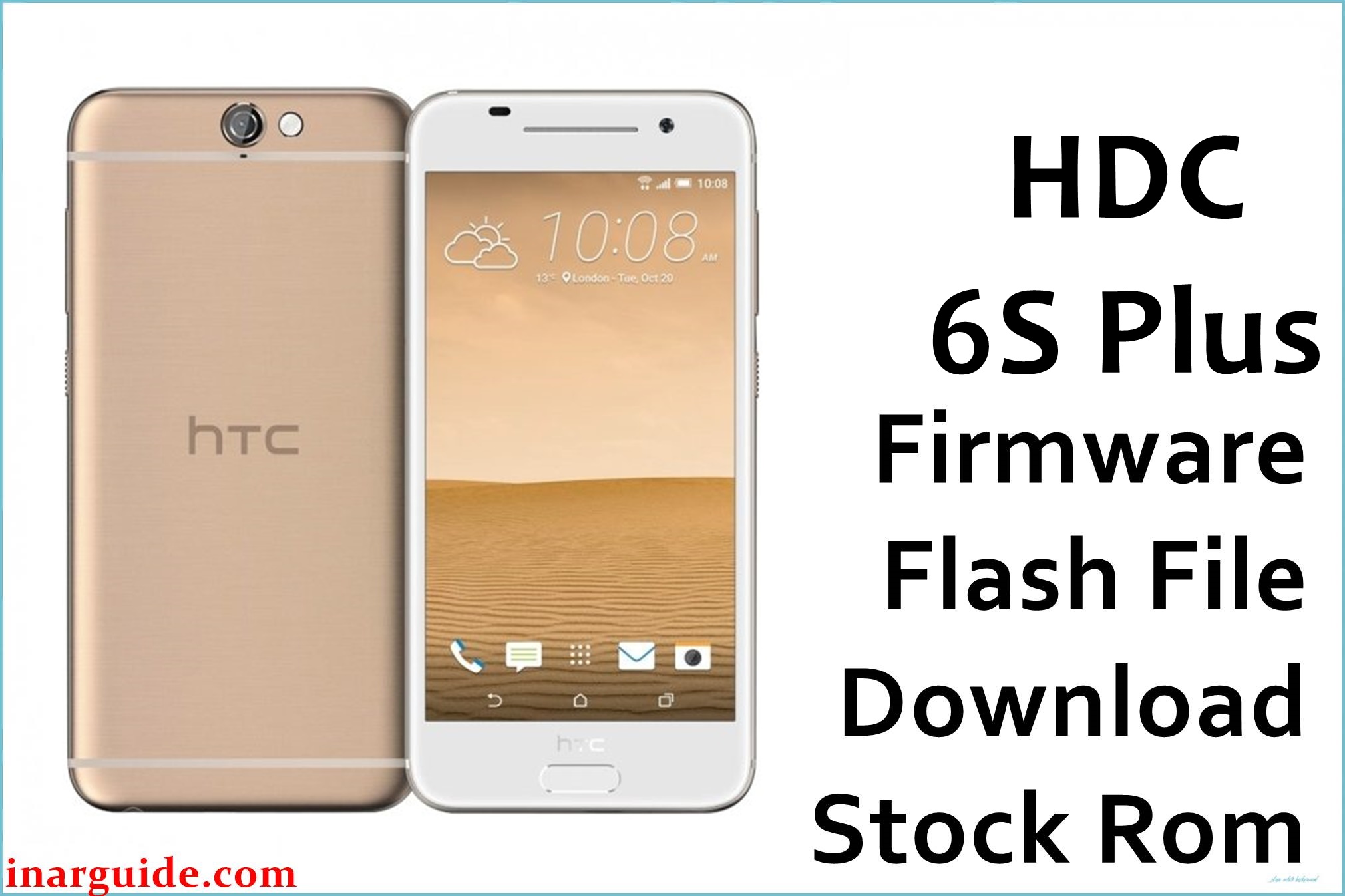
The firmware package below is a full stock ROM for the HDC 6S Plus MT6582 clone, intended for recovery and clean flashing via SP Flash Tool on MediaTek devices.
HDC 6S Plus Firmware Details
| Device Name | HDC 6S Plus (iPhone 6S Plus MTK clone) |
|---|---|
| Model Identifier | HDC 6S Plus MT6582 board (Apple-style clone branding) |
| Codename | HDC_6S_Plus_MT6582_16052016_5.0 firmware line |
| Chipset / Platform | MediaTek MT6582, quad-core Cortex-A7, EMMC storage, SP Flash Tool-compatible |
| Launch Android Version | Android 5.0 Lollipop branch for HDC 6S Plus (many clones may internally report lower bases) |
| Current Firmware Line | Stock MT6582 ROM tagged 16052016_5.0 for HDC 6S Plus |
| Typical File Size Range | ≈ 600 MB – 700 MB per full MT6582 ROM; this package is around 679 MB compressed |
| Firmware Type | Full stock ROM, SP Flash Tool scatter package (system, boot, recovery, and related partitions) |
| Flashing Tool | SP Flash Tool (SmartPhone Flash Tool) for MediaTek MT6582 devices |
| Bootloader Requirement | Standard MTK bootrom / preloader; no user-facing OEM unlock menu on typical HDC 6S Plus clones |
| Region / Branch notes | Designed only for HDC 6S Plus MT6582 iPhone-style clones; not for genuine Apple hardware or other MTK 6S variants |
⚠️ Flashing Risks & Disclaimer
This MT6582-based HDC 6S Plus platform relies on a scatter-partitioned EMMC layout, so flashing an incorrect preloader, lk, or other core images can leave the device stuck on a black screen or fully dead to normal key combinations. Board revisions and different clone batches may share similar names while using incompatible displays, touch panels, or radio configs, so cross-flashing ROMs from other 6S / 6S Plus MT6582 devices can cause no display, no touch, missing baseband, or permanent boot failure.
The package provided here is meant exclusively for HDC 6S Plus MT6582 clones and must not be used on genuine iPhone or other non-MediaTek phones. Flashing full firmware through SP Flash Tool generally erases system partitions and can wipe user data, and all operations are performed at the user’s own risk without any guarantee of recovery in severe brick scenarios.
Download Official Firmware for HDC 6S Plus MT6582
| Region / Variant | Filename | Build / Version | Android / Firmware Version | File Type | Build Date (Tag) | File Size | Download Link |
|---|---|---|---|---|---|---|---|
| Global HDC 6S Plus MT6582 | HDC_6S_Plus_MT6582_16052016_5.0.zip | HDC 6S Plus MT6582, 16-05-2016 Lollipop branch | Android 5.0 Lollipop-based stock firmware for HDC 6S Plus clone | Full SP Flash Tool scatter ROM (ZIP) | 16 May 2016 (16052016 tag) | ≈ 679 MB | Download HDC 6S Plus MT6582 16052016 (MediaFire) |
Use this firmware only when the device is clearly identified as HDC 6S Plus MT6582, and avoid flashing it on different MT6582 iPhone-style clones that use other ROM tags or scatter layouts. Matching the board, touchscreen behavior, and original software information reduces the risk of display, touch, or modem issues after flashing.
Flashing Requirements
- PC & OS: Windows PC (Windows 7 or later recommended) with administrator privileges to install MediaTek VCOM / Preloader drivers for MT6582.
- Main Tool: SP Flash Tool (SmartPhone Flash Tool), preferably a stable v5.x release that supports MT6582 scatter files.
- Drivers: Install MTK VCOM / Preloader drivers so the HDC 6S Plus clone is detected properly in preloader mode when powered off and connected by USB.
- Bootloader / Modes: This device uses MTK bootrom and does not rely on OEM unlock toggles; SP Flash Tool typically attaches when the powered-off phone is connected with Download mode already armed in the tool.
- Data & Backup: A complete flash with this MT6582 ROM can overwrite system, boot, and possibly userdata or cache; always assume that apps, settings, and stored data may be erased. Whenever possible, create backups of user data and NVRAM / NVDATA before writing firmware to an HDC handset.
- Device Verification: Confirm that the phone is labeled as HDC 6S Plus or similar, and that tools or info apps show MT6582 rather than other chipsets. About phone entries, board markings, and existing firmware tags close to “HDC_6S_Plus_MT6582” help ensure compatibility with this 16052016_5.0 package.
How to Flash the Firmware
- Download and extract the HDC 6S Plus ROM: Get the HDC_6S_Plus_MT6582_16052016_5.0.zip file, then extract it on the PC and confirm that an
MT6582_Android_scatter.txtfile is present with the partition images. - Set up SP Flash Tool and drivers: Install MTK VCOM / Preloader drivers, launch SP Flash Tool, and use “Scatter-loading” to open the
MT6582_Android_scatter.txtfrom the extracted firmware folder so the tool populates the partition list automatically. - Choose an appropriate flashing mode: Select “Download Only” in SP Flash Tool for typical repairs so that core partitions from the HDC 6S Plus MT6582 ROM are written without formatting the entire EMMC, and only tick preloader if the board is confirmed to match this exact firmware line.
- Connect the powered-off device: With SP Flash Tool ready and the Download button pressed, connect the powered-off HDC 6S Plus to the PC via USB; the phone should enter MT6582 preloader mode, allowing the tool to push the images and show progress until a success prompt appears.
- First boot and validation: After flashing, disconnect the device and power it on; the first boot to Android 5.0 on this MT6582 firmware may take several minutes while caches are rebuilt. Once the system is loaded, test the touchscreen, display, network, IMEI, cameras, and general responsiveness to ensure the ROM matches the hardware revision.
For a step‑by‑step walkthrough of flashing MediaTek scatter firmware with SP Flash Tool, see this guide: How to flash MediaTek firmware with SP Flash Tool.
Frequently Asked Questions (FAQs)
Can this HDC 6S Plus MT6582 firmware be used on genuine iPhone 6S Plus hardware?
No. This ROM is for HDC 6S Plus MT6582 Android clones only and is not compatible with genuine Apple devices. Flashing or attempting to use it on a real iPhone is impossible with normal tools and completely unsupported.
How can the correct HDC 6S Plus MT6582 clone be identified before flashing?
Check with information apps or service tools that the chipset is MT6582 and that the device branding or board labels mention HDC 6S Plus or similar. Firmware tables listing HDC 6S Plus MT6582 as a separate entry also confirm that this ROM targets that specific clone.
What are the risks of flashing a different MT6582 iPhone-style ROM on this device?
Using ROMs built for other MT6582 clones can result in black or distorted display, non-working touch, missing network, or complete boot failure due to mismatched drivers and partition layouts. In some cases, writing an incompatible preloader can require advanced tools or test points to recover the device.
Does this Android 5.0 MT6582 firmware perform an in-place update or a clean reinstall?
SP Flash Tool usually performs a low-level write of the selected partitions, which behaves more like a clean reinstall than a standard OTA update. While userdata can sometimes be preserved by unticking relevant entries, safest practice is to expect a full wipe when repairing software issues on HDC clones.
Is it necessary to back up NVRAM or modem data before flashing this ROM?
Yes. MTK NVRAM / NVDATA partitions store IMEI and radio configuration, so backing them up before writing firmware helps recover network functions if anything goes wrong. Dedicated HDC NVRAM collections are often used alongside stock ROMs to repair lost signal or invalid IMEI on these models.
Which SP Flash Tool errors are commonly seen with HDC 6S Plus MT6582 flashing?
Users frequently encounter BROM or COM port errors from missing VCOM drivers, scatter mismatch messages when using wrong ROMs, or write failures if the cable or USB port is unstable. Reinstalling drivers, trying other USB ports, and verifying that the scatter file matches the HDC 6S Plus MT6582 package usually resolves these issues.
Can this firmware be used to unbrick a device stuck on the HDC logo or bootloop?
When the device hardware matches the HDC 6S Plus MT6582 and the bootrom is still responsive, flashing this full ROM through SP Flash Tool can often recover bootloops caused by corrupt system or failed modifications. However, success depends on the fault type, and deep hardware or storage damage may not be fixable with software alone.





