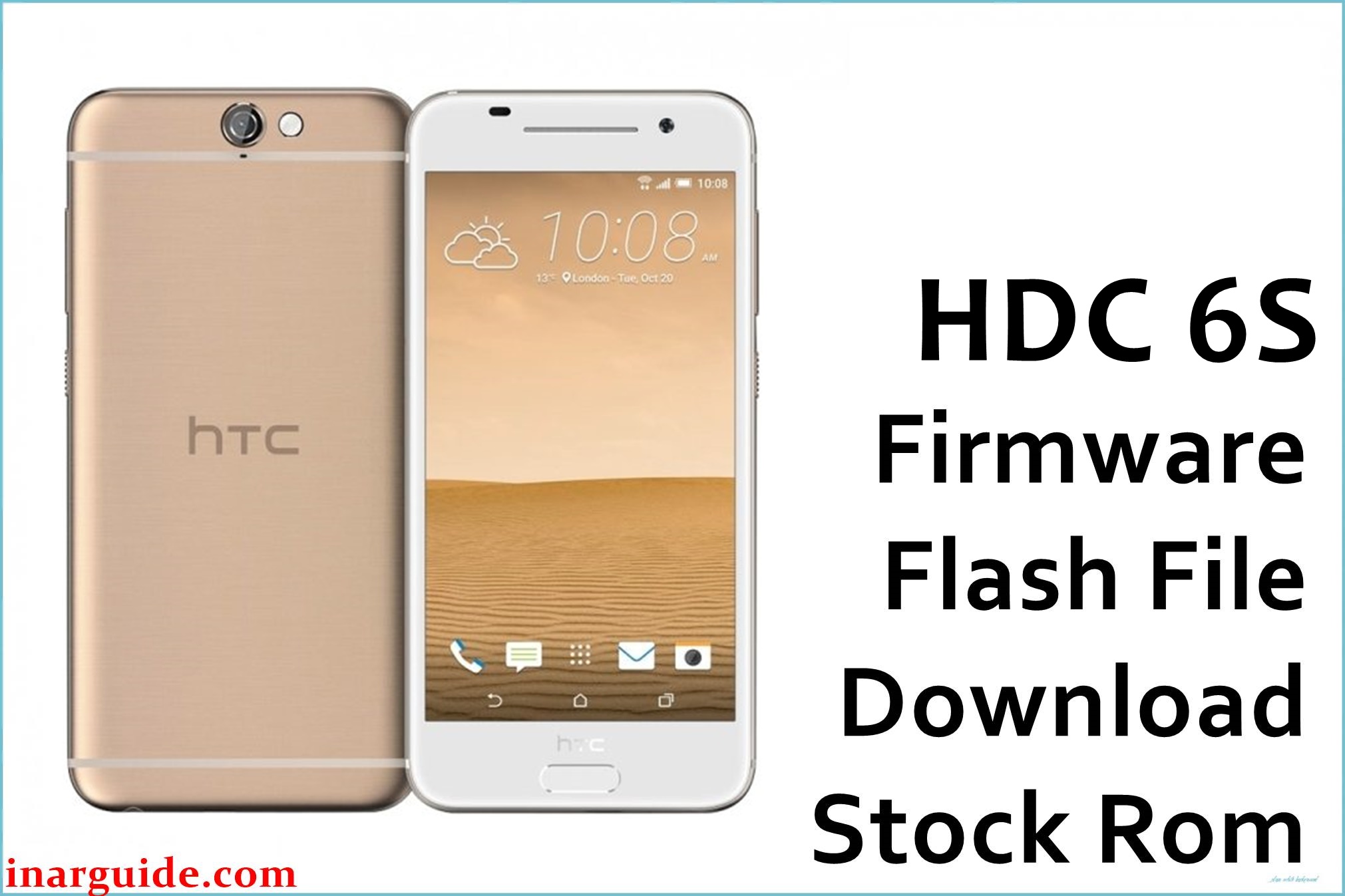
The HDC 6S is a MediaTek MT6582-based Android smartphone running Android 5.0, typically configured with 1 GB RAM and 8 GB internal storage. On this type of clone device, failed rooting, incorrect custom ROMs, or interrupted OTA-style updates can lead to bootloops, soft-bricks, or unstable system behavior.
Flashing a compatible stock ROM such as the HDC_6S_MT6582_18052016_5.0 build can help restore normal boot, system stability, and baseline performance when the problems are software-related.
HDC 6S Firmware Details
| Device Name | HDC 6S |
|---|---|
| Model Identifier | HDC 6S (Galaxy S6 clone family, MTK) |
| Codename | Not officially specified; MT6582-based clone platform |
| Chipset / Platform | MediaTek MT6582, 32-bit quad-core |
| Launch Android Version(s) | Android 5.0 Lollipop |
| Current Firmware Line | Stock ROM Android 5.0 builds (e.g., 2016-05-18 line) |
| Typical File Size Range | Approximately 500–550 MB per full scatter package (ZIP/RAR) |
| Firmware Type | Scatter-based stock ROM package (preloader, system, boot, recovery, etc.) |
| Flashing Tool | SP Flash Tool for Windows or Linux |
| Bootloader Requirement | Standard MTK download mode; no user OEM unlock mechanism |
| Region / Branch Notes | Single clone line; not tied to official Samsung region codes or CSCs |
⚠️ Flashing Risks & Disclaimer
Flashing this model involves direct writes to MT6582 partitions using scatter files, which carries real risk if the package does not exactly match the device hardware configuration. Using an incorrect ROM on this phone can cause non-booting state, invalid touchscreen calibration, loss of baseband, or “no service” issues due to mismatched modem partitions.
On MTK clone devices like this model, flashing the wrong preloader or formatting all partitions may lead to a hard brick that cannot be recovered over USB in normal conditions. Firmware packages here are intended for advanced users who can confirm board compatibility and are prepared to restore NVRAM/IMEI with appropriate tools if needed.
Download Official Firmware for HDC 6S
| Region / Variant | Filename | Build / Version | Android / Firmware Version | File Type | Build Date | File Size | Download Link |
|---|---|---|---|---|---|---|---|
| Global clone variant (MT6582, 1 GB / 8 GB) | HDC_6S_MT6582_18052016_5.0.zip | 18052016 stock ROM line for HDC 6S | Android 5.0 Lollipop stock | ZIP archive with MT6582 scatter firmware (SP Flash Tool) | 18 May 2016 build branch | ≈523–524 MB | Download HDC 6S stock build (MediaFire mirror) |
This package corresponds to a full stock ROM for the HDC 6S and is suitable for SP Flash Tool flashing on compatible MT6582-based units.
Flashing Requirements
- PC & OS: A Windows PC (Windows 7 or newer) or Linux machine with administrator rights to install drivers.
- Drivers: MediaTek USB VCOM / preloader drivers must be installed so the phone can enter MTK download mode over USB.
- Main Tool: SP Flash Tool (recent v5 branch is typically used for MT6582 scatter firmware).
- Connection: Good quality USB data cable; direct connection to a rear USB port on desktop systems is preferable.
- Bootloader status: This phone uses a classic MTK preloader path; there is no OEM-unlock style toggle, but secure boot variants may reject unsigned DA or images.
- Battery: At least 40–50% charge is recommended to reduce risk of power loss during flashing.
- Backup: A full backup of user data, plus NVRAM/IMEI where possible, is strongly recommended; typical scatter flashes can wipe apps, settings, and sometimes radio-related partitions.
- Verification: Confirm that the device is an HDC 6S with MT6582, 1 GB RAM and 8 GB storage, and that there are no board revisions requiring a different ROM variant (check existing firmware prints or board IDs when possible).
How to Flash the Firmware
- Download and extract the correct package. Obtain the HDC_6S_MT6582_18052016_5.0 ZIP and extract it on the PC, ensuring the MT6582 scatter file and partition images are visible in a single folder for SP Flash Tool.
- Prepare SP Flash Tool and drivers. Install MediaTek VCOM drivers, then launch SP Flash Tool and load the MT6582_Android_scatter.txt from the extracted HDC 6S firmware directory. Verify that the paths for preloader, boot, system, and recovery are populated correctly.
- Select an appropriate flashing mode. In SP Flash Tool, choose “Download Only” for a typical restore, or use more invasive modes only when necessary and with full backups, as MT6582 clone devices are sensitive to formatting errors.
- Enter download mode and start flashing. Power off the phone completely, disconnect and reconnect the battery if removable, then click “Download” in SP Flash Tool and connect the device via USB so the preloader port is detected and the flash sequence begins.
- Wait for completion and first boot. After SP Flash Tool shows a success prompt, disconnect the cable, power on the phone, and allow extra time for the first Android 5.0 boot as the system rebuilds caches and optimizes applications. Avoid interrupting this initial boot process.
For a more detailed walkthrough of SP Flash Tool usage with MediaTek scatter firmware, refer to this external guide: How to flash MediaTek firmware with SP Flash Tool.
Frequently Asked Questions (FAQs)
Does this firmware work on every HDC 6S clone?
No. It is intended for HDC 6S units built on MT6582 with 1 GB RAM and 8 GB storage; other HDC phones or different memory layouts may require separate ROMs to avoid display, touchscreen, or radio issues.
Can this ROM be flashed on official Samsung Galaxy S6 models?
No. This firmware targets a MediaTek-based clone and is incompatible with genuine Samsung Galaxy S6 devices, which use Exynos or Qualcomm platforms and require Odin packages instead.
Is an unlocked bootloader required for the HDC 6S?
This device family relies on MTK preloader-based flashing and does not use the OEM unlock mechanisms found on many mainstream brands, but secure boot variants might still restrict which DA or images are accepted.
What if SP Flash Tool does not detect the phone?
On MT6582 phones, missing VCOM drivers, bad cables, or connecting the device before clicking “Download” are common causes; reinstalling drivers and trying other USB ports usually helps.
Can this package be used for incremental updates like OTA?
No. It is a full scatter-based stock ROM meant for flashing via PC; incremental OTA-style updates, when present, are normally applied from the recovery environment and use different packaging.





