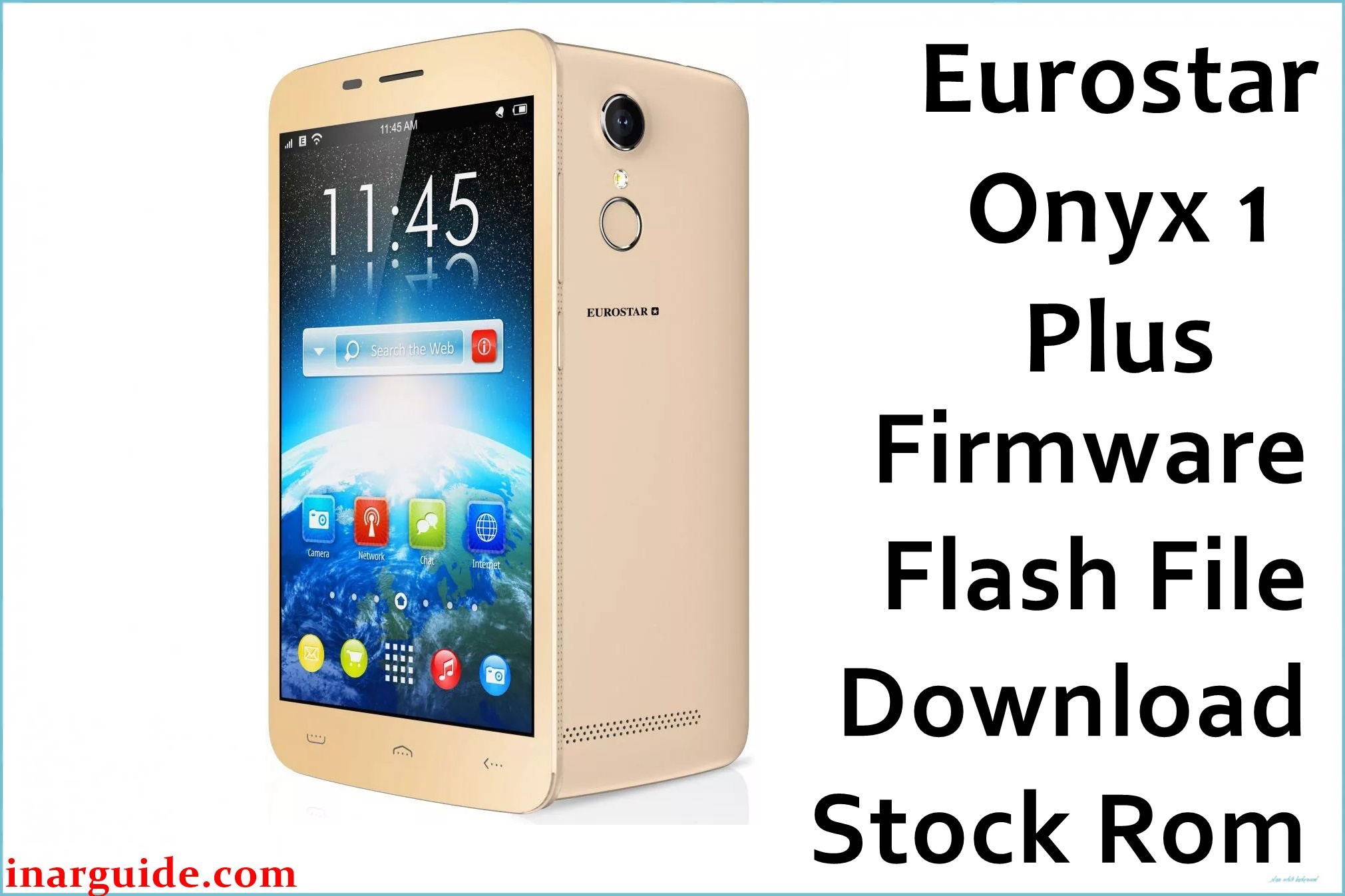
Eurostar Onyx 1 Plus is a 5‑inch Android smartphone running Android 6.0 Marshmallow on a quad‑core 1.3 GHz platform, widely deployed in entry‑level markets. On this model, software issues such as bootloops after a failed modification, soft‑bricks from incompatible apps, or system instability after OTA updates are common scenarios where a full firmware flash can help restore normal operation.
The firmware package below provides an official MT6580 scatter ROM that can be used to return the device to a clean, factory software state, which may resolve system boot problems and other software‑level faults without addressing any underlying hardware issues.
Eurostar Onyx 1 Plus Firmware Details
| Device Name | Eurostar Onyx 1 Plus |
|---|---|
| Model Identifier | Onyx 1 Plus (Eurostar) |
| Codename | Not publicly specified; MT6580 Eurostar Onyx 1 Plus line |
| Chipset / Platform | MediaTek MT6580, quad‑core 1.3 GHz |
| Launch Android Version | Android 6.0 Marshmallow |
| Current Firmware Line | Stock Eurostar ROM based on Android 6.0 (MT6580_06262017 build) |
| Typical File Size Range | Approximately 700–800 MB for full scatter packages (this build ~741–742 MB) |
| Firmware Type | Scatter‑based stock ROM for SP Flash Tool (MediaTek) |
| Flashing Tool | SP Flash Tool (MediaTek Download Tool) |
| Bootloader Requirement | Standard MTK preloader; bootloader unlock is typically not required for stock service flashing |
| Region / Branch Notes | Single generic Eurostar build; no explicit region segmentation is documented for this package |
⚠️ Flashing Risks & Disclaimer
Flashing scatter firmware on a MediaTek MT6580 device such as this model carries real risk if the package or settings do not precisely match the hardware. Using an incorrect preloader, formatting the wrong partitions, or interrupting the SP Flash Tool process can result in a completely dead phone that is no longer detected by a PC, sometimes requiring specialized hardware to recover. Always verify that the firmware is explicitly intended for Eurostar Onyx 1 Plus with MT6580 and avoid cross‑flashing packages made for related devices like Onyx 1S or Onyx 3, which use similar but not identical configurations.
All user data on the device is usually erased when performing a full flash with this MT6580_06262017_6.0 ROM, so internal storage contents should be backed up beforehand where possible. Firmware installation can help resolve software faults such as boot loops, system crashes, or failed OTA updates, but it cannot fix hardware problems (for example, damaged displays, failing batteries, or physical mainboard faults). Flashing operations are performed at the user’s own risk and may affect warranty status depending on local service policies.
Download Official Firmware for Eurostar Onyx 1 Plus
| Region / Variant | Filename | Build / Version | Android / Firmware Version | File Type | Build Date | File Size | Download Link |
|---|---|---|---|---|---|---|---|
| Generic / Global | Eurostar_Onyx_1_Plus_MT6580_06262017_6.0.zip | MT6580_06262017_6.0 (Eurostar stock ROM) | Android 6.0 Marshmallow | ZIP package with MTK scatter firmware | 26 June 2017 | ≈ 741–742 MB | Download official build (MediaFire) |
This package is referenced in Eurostar firmware collections and third‑party stock ROM listings specifically for Onyx 1 Plus with MT6580 and Android 6.0, confirming its intended device match.
Flashing Requirements
- PC & OS: A Windows PC (Windows 7 or later recommended) with administrative access to install drivers and run SP Flash Tool.
- Tools: SP Flash Tool compatible with MT6580 devices, plus the extracted MTK scatter firmware from the ZIP package.
- Drivers: MediaTek VCOM or Eurostar USB drivers installed so that the phone is recognized correctly in preloader mode.
- Bootloader / Security: Standard Eurostar MTK configuration; service flashing of signed stock ROMs typically works on locked bootloaders, but local variations may apply.
- Battery & Power: Recommended battery level of at least 50% and a stable USB connection to reduce the risk of interruption during download.
- Backup: A complete backup of user data (internal storage, contacts, app data) where possible, because a full scatter flash with the “Download Only” or “Firmware Upgrade” modes generally wipes user partitions.
- Device Verification: Confirm in Android settings or recovery that the device is Eurostar Onyx 1 Plus running Android 6.0 and, if possible, check MT6580 as the platform to avoid cross‑flashing firmware for other Onyx models or chipsets.
How to Flash the Firmware
- Download and extract the correct ROM: Obtain the Eurostar Onyx 1 Plus MT6580_06262017_6.0 firmware ZIP and extract it on the PC to reveal the scatter file and partition images used by SP Flash Tool.
- Prepare SP Flash Tool and drivers: Install MediaTek VCOM / Eurostar USB drivers, then launch a compatible SP Flash Tool build and load the MT6580 Android scatter file from the extracted firmware directory.
- Configure download options: In SP Flash Tool, select the appropriate mode (commonly “Download Only” or “Firmware Upgrade” for this device family) and confirm that all required partitions for the Onyx 1 Plus are correctly mapped before proceeding.
- Connect the powered‑off phone: Power off the phone completely, disconnect and remove the battery if the design allows, then reconnect via USB so the MT6580 preloader can be detected and SP Flash Tool can begin writing the firmware.
- Start flashing and first boot: Click the Download button in SP Flash Tool, wait for the progress bar and green confirmation dialog, then disconnect and power on the device; the first boot after flashing this Android 6.0 stock ROM can take several minutes while the system rebuilds caches.
For a more detailed SP Flash Tool walkthrough that applies to MT6580 devices such as this model, see the following external guide: How to flash MediaTek firmware with SP Flash Tool.
Frequently Asked Questions (FAQs)
Can this firmware be used on Eurostar Onyx 1S or other Onyx models?
No. This MT6580_06262017_6.0 package is listed specifically for Eurostar Onyx 1 Plus, while related devices like Onyx 1S and Onyx 3 have their own separate builds and should not share scatter files. Cross‑flashing between different Onyx variants may lead to serious boot issues or complete device failure.
Does the firmware support all regions or carriers?
The package is referenced as a generic Eurostar Onyx 1 Plus stock ROM without explicit region labels, and is typically used across markets where this phone is sold. However, local operator customizations (such as APNs or pre‑installed apps) may differ and might need manual adjustment after flashing.
Will flashing this ROM update the Android version or just reinstall it?
This firmware keeps the device on Android 6.0 Marshmallow, matching the original platform for the Eurostar Onyx 1 Plus. It is intended as a clean reinstall or recovery solution rather than an upgrade to a newer Android generation.
What common SP Flash Tool errors can appear with MT6580 Eurostar devices?
Users commonly encounter errors related to incorrect or missing VCOM drivers, wrong scatter selection, or preloader communication failures when working with MT6580 devices. Ensuring proper driver installation, using the exact scatter from this package, and testing different USB ports often resolves these issues.
Can this firmware fix bootloops after a failed root or modification?
A clean flash of the stock Android 6.0 ROM can often help recover a device that entered a bootloop due to system partition modifications, incompatible root methods, or unsuccessful custom recovery installations. Success depends on the absence of underlying hardware damage and on using the correct firmware for the Eurostar Onyx 1 Plus.
Is OTA updating still possible after flashing this package?
If the flashed system matches an official Eurostar release and no further modifications are made, OTA updates may work when offered for this model. However, many devices at this age no longer receive new OTAs, so the stock ROM is mainly used as a maintenance or recovery baseline.





