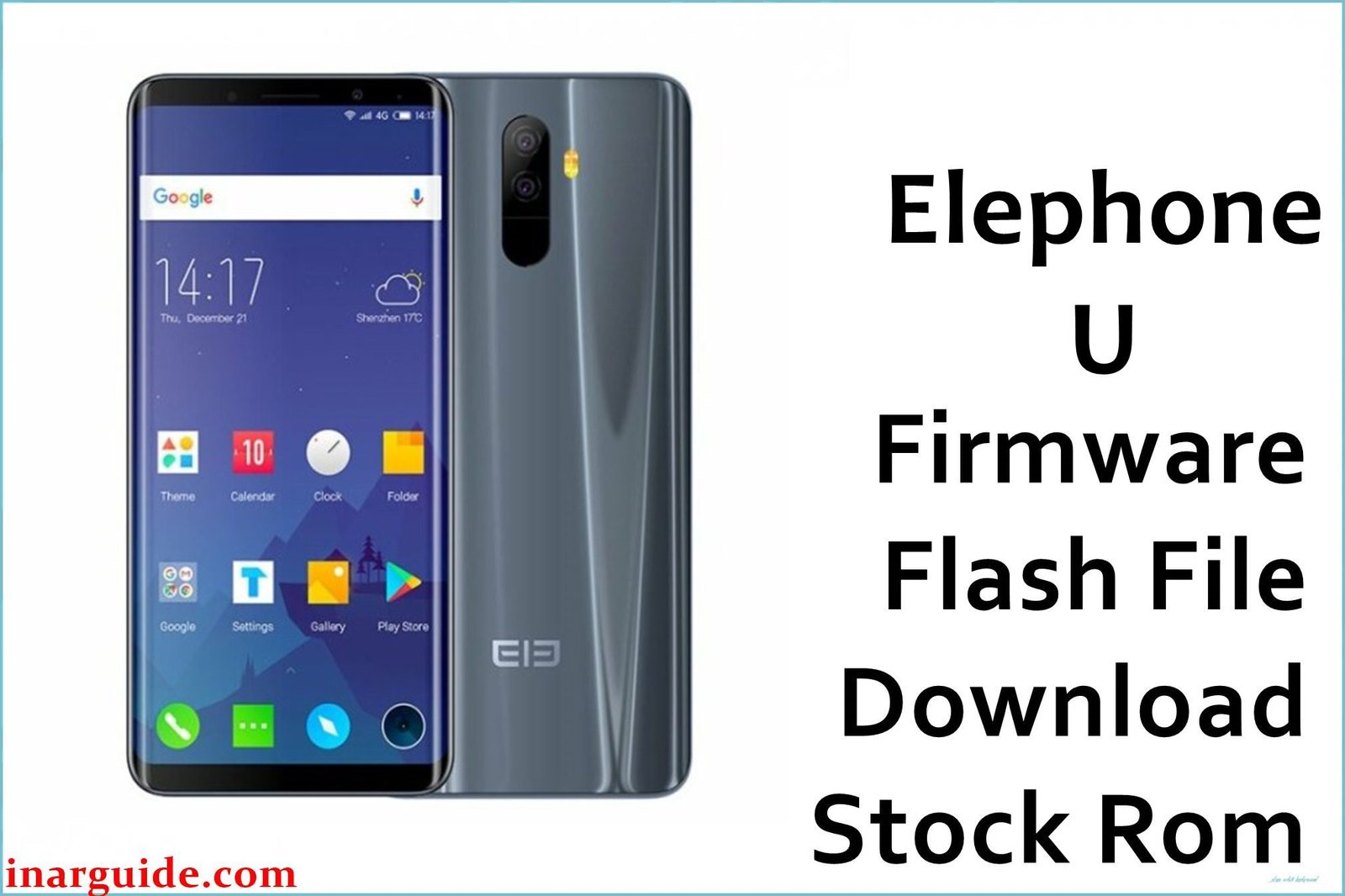
In Beijing, China, software developer Li Wei relies on his Elephone U smartphone (MediaTek MT6763) for mobile development and testing. Following a failed custom ROM flash, his device fell into a boot loop, fingerprint sensor stopped working, and the camera app crashed on launch. Community insights from XDA Developers and Chinese forums (MIUI, CNX) guided this successful recovery using the official Firmware 7.1.1 V180416.
Case File: Symptoms & Early Clues
- Boot Loop: Elephone logo for 5 seconds, then restart
- Fingerprint Sensor Inoperative: “Fingerprint hardware not available” error
- Camera Crash: “Camera failed to connect” on launch
- Network Drops: 4G disconnects after unlocking
- XDA Thread: “Elephone U MTK ROM brick” blamed corrupted
system.img
⚠️ Critical Warning
Flashing wrong cust.img or nvram.img can erase IMEI and custom partition data. Always back up important partitions before flashing.
Issues Resolved by Firmware 7.1.1 V180416
- Boot Loop Fix: Replaces corrupted
system.imgto restore boot sequence - Fingerprint Sensor Recovery: Installs correct vendor driver in
vendor.img - Camera Stability: Fixes HAL mismatch causing camera crashes
- Network Reliability: Updates modem firmware to prevent 4G drops
- Audio Sync: Corrects A/V desync in video playback
Firmware Package Details
| Filename | Elephone_U_MT6763_180416_7.1.1.zip |
|---|---|
| Size | 1.18 GB |
| Android Version | 7.1.1 Nougat |
| Key Files | MT6763_ElephoneU_scatter.txt, preloader.bin, boot.img, system.img, vendor.img, nvram.img |
Device Specifications
| Specification | Details |
|---|---|
| Model | Elephone U |
| Chipset | MediaTek MT6763 (Octa-core Cortex-A53 up to 2.0 GHz) |
| GPU | Mali-G71 MP2 |
| RAM/Storage | 4 GB RAM / 64 GB eMMC |
| Display | 5.99″ FHD+ AMOLED |
| Battery | 3000 mAh Li-Polymer |
| Biometrics | Side-mounted fingerprint sensor |
Required Tools & Drivers
- SP Flash Tool v5.1924
- MediaTek USB VCOM Drivers v1.0.26
- Windows 10 PC, USB 2.0 cable
- Disable antivirus and use a direct USB port
For detailed flashing instructions for MediaTek devices, see: How to Flash Stock Firmware to MediaTek MTK Smartphones.
Step-by-Step Flashing Procedure
- Backup NVRAM & Cust:
- In SP Flash Tool → Readback → add
nvramandcustpartitions → click → save backups.
- In SP Flash Tool → Readback → add
- Load Scatter File:
- Click Scatter-loading → select
MT6763_ElephoneU_scatter.txt.
- Click Scatter-loading → select
- Configure Download Mode:
- Uncheck
preloader.bin→ select Download Only → save profile “ElephoneU-7.1.1”.
- Uncheck
- Connect Device Safely:
- Power off phone → hold Volume Down → connect USB → wait for COMx detection.
- Execute Flash:
- Click Download → monitor progress → complete when Download OK.
- First Boot & Validation:
- Disconnect → power on → allow up to 5 minutes → verify fingerprint, camera, and network function.
Recovery Results
✅ Success Metrics
- Boot Loop Eliminated: Phone boots to home in 40 seconds
- Fingerprint Sensor: Recognizes fingerprints consistently
- Camera Function: Launches without crashing
- Network Stability: 4G remains connected through multiple areas in Beijing
- Audio Sync: Video playback and calls free from distortion
Join the Discussion
Did this guide unbrick your Elephone U? Share your logs, unique fixes, and performance results below to enrich our global firmware recovery community!





