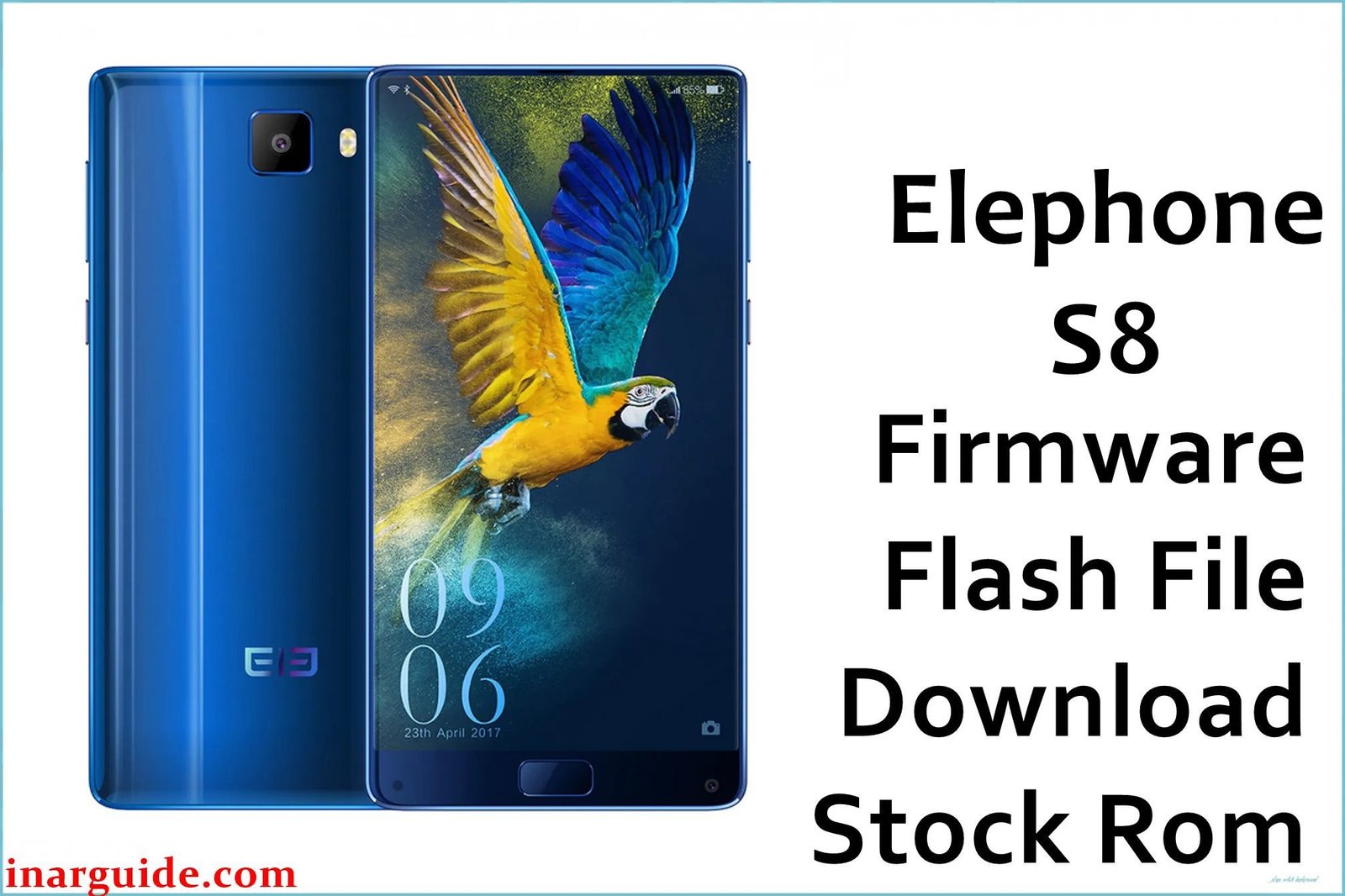
The Elephone S8 is a flagship-tier smartphone from 2017 that gained significant attention for its stunning “tri-bezel-less” 6-inch 2K display. It was powered by the high-performance deca-core MediaTek Helio X25 (MT6797) processor and ran Android 7.1 Nougat. Despite its impressive hardware, some users reported software issues over time. For owners looking to restore the phone to its original factory state, fix persistent bugs, or unbrick a faulty device, flashing the official stock firmware is the most reliable solution.
This guide provides the official firmware packages and a clear, safe path to reinstalling the software on your device.
Elephone S8 Firmware Details
Below are the key specifications for these official firmware packages. The newer version (20180621) is generally recommended as it contains important bug fixes and stability improvements.
| Attribute | Details |
|---|---|
| 📱 Device | Elephone S8 |
| 🆔 Chipset | MediaTek MT6797 (Helio X25) |
| 🤖 Android OS | 7.1 Nougat |
| 📂 File Type | Scatter Firmware |
| 💻 Flashing Tool | SP Flash Tool |
Why Flash the Stock Firmware?
Reinstalling the official firmware can resolve several known software-related issues on the Elephone S8:
- Fix Camera & Focus Issues: Addresses complaints of the 21MP camera’s slow autofocus and poor performance.
- Resolve Sudden Battery Drain: A clean firmware install can fix bugs causing the 4000mAh battery to drain rapidly.
- Improve System Stability: Solves general performance issues and overheating during light use.
- Fix Network Connectivity: Can address problems where 4G LTE or Wi-Fi is unstable.
- Unbrick Your Phone: Revives a device that fails to boot past the Elephone logo.
⚠️ Important Prerequisites
Before you begin, ensure you have the necessary tools. A full backup of your device data is highly recommended as this process will erase everything. You will need:
- The correct MediaTek VCOM USB drivers installed on your PC.
- The latest version of the SP Flash Tool.
Download Official Firmware for Elephone S8
- Build Date: 20180621 (Latest Recommended)
- File Name: Elephone_S8_MT6797_20180621.zip
- Size: 1.12 GB
- 🔗 Download Link: Download Here
- Build Date: 20171018
- File Name: Elephone_S8_MT6797_20171018.zip
- Size: 1.36 GB
- 🔗 Download Link: Download Here
How to Flash the Firmware
This device’s firmware must be installed using the SP Flash Tool. Here is a summary of the main steps:
- Download and extract your chosen firmware package.
- Install the correct MediaTek VCOM USB drivers on your PC.
- Launch the SP Flash Tool and load the
MT6797_Android_scatter.txtfile from the extracted folder. - Power off your Elephone S8 completely.
- Set the flashing mode to “Download Only” and click the “Download” button.
- Connect the device to your computer via USB to begin the flash.
For a complete, step-by-step tutorial with screenshots and troubleshooting, please follow our master guide:
( → How to Flash Stock Firmware to MediaTek (MTK) Smartphones)
Disclaimer: Flashing firmware carries inherent risks. If instructions are not followed precisely, it could damage your device. We are not responsible for any data loss or damage. Proceed with caution.





