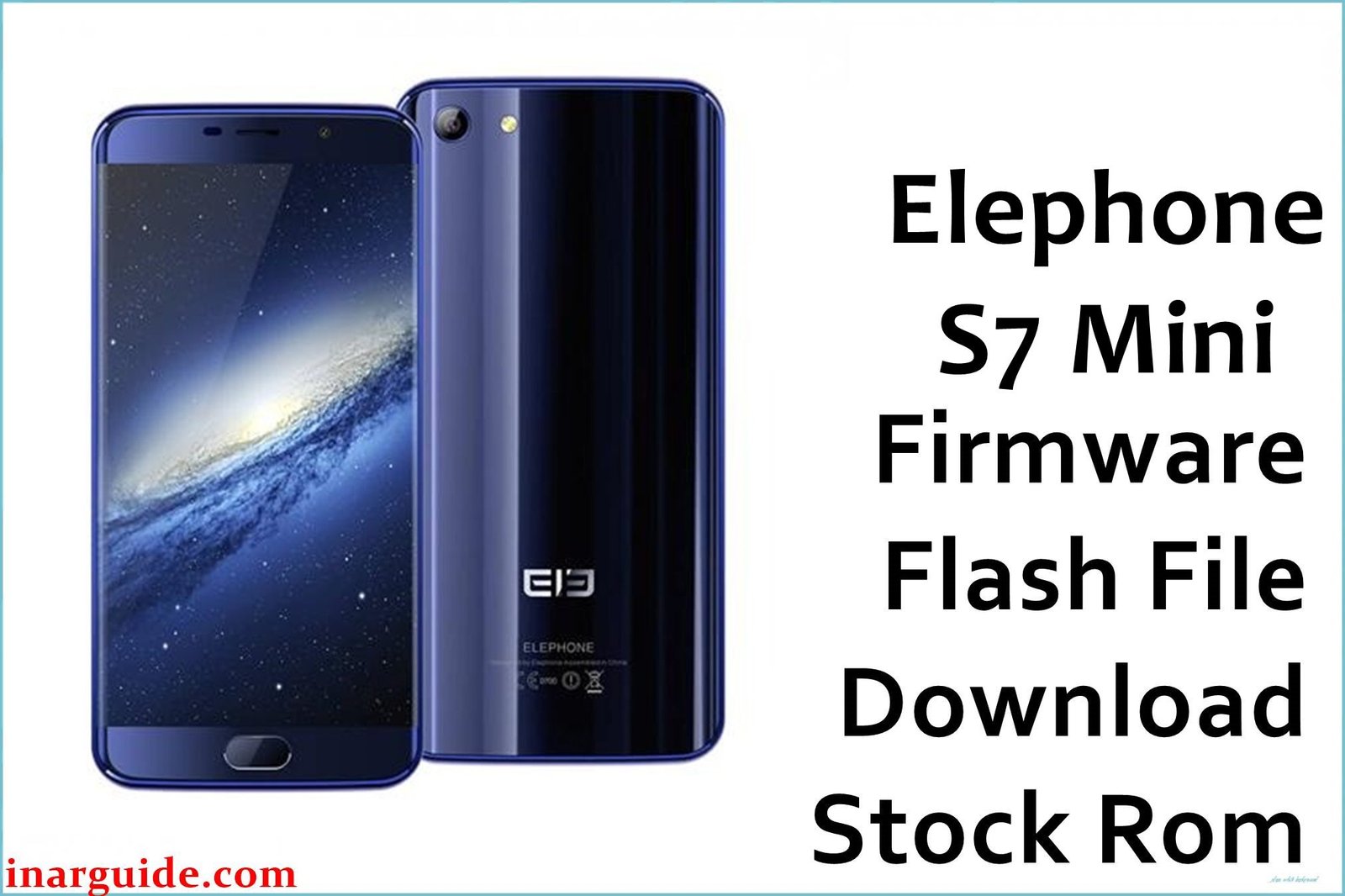
The Elephone S7 Mini is the compact and more affordable variant of the popular Elephone S7, released in late 2016. It features a vibrant 5.2-inch 1080p display with the same stylish 3D curved glass design as its larger sibling. The device is powered by a MediaTek MT6737T quad-core processor and originally ran on Android 6.0 Marshmallow. While praised for its design, some users encountered software-related issues over its lifespan. For those looking to fix bugs, address performance lag, or unbrick a device stuck in a bootloop, reinstalling the official stock firmware is the most effective solution.
This guide provides the official stock ROM packages for the Elephone S7 Mini, allowing you to restore your phone to its original software state.
Elephone S7 Mini Firmware Details
Below are the key specifications for these official firmware packages. The two build dates are only one day apart, suggesting the newer version (20170206) is a minor hotfix. It is the recommended version to install.
| Attribute | Details |
|---|---|
| 📱 Device | Elephone S7 Mini |
| 🆔 Chipset | MediaTek MT6737T |
| 🤖 Android OS | 6.0 Marshmallow |
| 📂 File Type | Scatter Firmware |
| 💻 Flashing Tool | SP Flash Tool |
Why Flash the Stock Firmware?
Reinstalling the official stock ROM can resolve a variety of common software problems on the Elephone S7 Mini, including:
- Fix Bootloop Issues: Restores a phone that is stuck on the Elephone logo during startup.
- Improve System Performance: Addresses general lag, freezing, and random reboots by providing a clean software installation.
- Resolve App Crashes: Fixes instability issues with native and third-party applications.
- Restore to Factory State: Removes all custom ROMs, root access, and modifications, returning the phone to its official software.
- Unbrick Your Device: Can revive a phone that has become unresponsive due to a failed software update or incorrect flashing procedure.
⚠️ Important Prerequisites
Before proceeding, ensure you have the necessary tools and have prepared your device. A full backup of your personal data is crucial, as the flashing process will completely erase the phone’s internal storage.
- The latest version of the SP Flash Tool.
- The correct MediaTek VCOM USB drivers installed on your Windows PC.
Download Official Firmware for Elephone S7 Mini
- Build Date: 20170206 (Latest Recommended)
- File Name: Elephone_S7_Mini_MT6737T_V1.1.4_M_20170206.zip
- Size: 835MB
- 🔗 Download Link: Download Here
- Build Date: 20170205
- File Name: Elephone_S7_Mini_MT6737T_V1.1.4_M_20170205.zip
- Size: 856MB
- 🔗 Download Link: Download Here
How to Flash the Firmware
The firmware for this device is packaged with a scatter file and must be installed using the SP Flash Tool. Below is a summary of the flashing process:
- Download and extract your chosen firmware package to a folder on your computer.
- Ensure the correct MediaTek VCOM USB drivers are installed on your PC.
- Launch the SP Flash Tool application.
- Click on the “Scatter-loading” button and navigate to the extracted firmware folder to select the
MT6737T_Android_scatter.txtfile. - Turn off your Elephone S7 Mini completely.
- Select “Download Only” from the dropdown menu in SP Flash Tool and click the green “Download” button.
- Immediately connect your powered-off phone to the computer via USB cable to start the flashing process.
For a complete, step-by-step tutorial with screenshots and troubleshooting, please follow our master guide:
→ How to Flash Stock Firmware to MediaTek (MTK) Smartphones
Disclaimer: Flashing firmware is an advanced procedure that carries risks. If instructions are not followed precisely, it can damage your device. We are not responsible for any data loss or damage to your phone. Proceed with caution.





