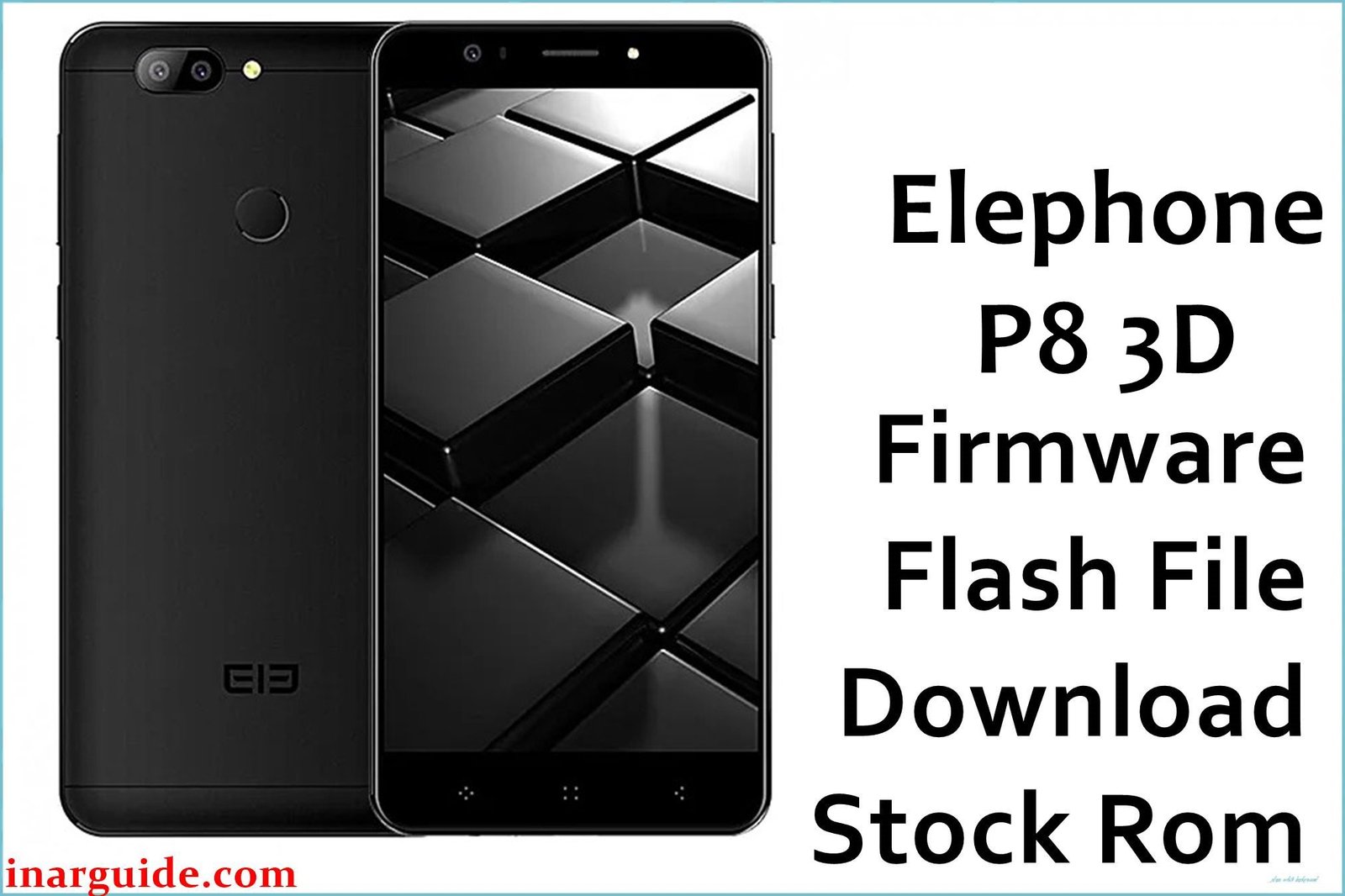
The Elephone P8 3D was a unique and ambitious smartphone from 2017, celebrated for its innovative glasses-free 3D display. Using a dedicated front camera to track the user’s eyes, the device could adjust the 5.5-inch Full HD screen in real-time to create a convincing 3D effect without special eyewear. It was powered by a MediaTek MT6750T octa-core processor with a generous 4GB of RAM and ran on Android 7.0 Nougat. While the 3D technology was impressive, its software complexity sometimes led to performance bugs or high battery drain. For users looking to resolve these specific issues or restore a bricked phone, reinstalling the official stock firmware is the best solution.
This guide provides the official stock ROM for the Elephone P8 3D, allowing you to perform a clean software installation.
Elephone P8 3D Firmware Details
Below are the key specifications for the Elephone P8 3D. This firmware is the official software release for the MT6750T variant of the device.
| Attribute | Details |
|---|---|
| 📱 Device | Elephone P8 3D |
| 🆔 Chipset | MediaTek MT6750T |
| 🤖 Android OS | 7.0 Nougat |
| 📂 File Type | Scatter Firmware |
| 💻 Flashing Tool | SP Flash Tool |
Why Flash the Stock Firmware on Your Elephone P8 3D?
Flashing the official stock ROM can resolve the unique software issues associated with this device’s specialized hardware:
- Fix 3D Display Glitches: A clean install can resolve software bugs causing the glasses-free 3D effect to flicker, not activate properly, or cause visual artifacts.
- Resolve High Battery Drain: Can fix background processes related to the eye-tracking camera that may cause the 4050mAh battery to drain excessively.
- Improve System Stability: Addresses general performance lag, app crashes, and freezing that can result from the complex 3D software.
- Fix Bootloop Errors: The most reliable method to fix a phone that is stuck on the Elephone startup logo.
- Unbrick Your Device: Revives a phone that has become completely unresponsive due to a failed software update or other errors.
⚠️ Important Prerequisites
Before you start, it is critical to back up any important data from your phone. This flashing process will completely erase all user files and settings.
- The latest version of the SP Flash Tool.
- The correct MediaTek VCOM USB drivers installed on your PC.
Download Official Firmware for Elephone P8 3D
- Build Date: 20180315
- File Name: Elephone_P8_3D_MT6750_20180315.zip
- Size: 1.1 GB
- 🔗 Download Link: Download Here
How to Flash the Firmware
This firmware must be installed using the SP Flash Tool. The process involves loading a scatter file from the firmware package. Here is a summary of the steps:
- Download and extract the
Elephone_P8_3D_MT6750_20180315.zipfile to a dedicated folder on your computer. - Ensure the necessary MediaTek VCOM USB drivers are properly installed on your PC.
- Launch the SP Flash Tool software.
- Click the “Scatter-loading” button and choose the
MT6750_Android_scatter.txtfile from the folder you just extracted. - Completely power off your Elephone P8 3D.
- In the SP Flash Tool, ensure the mode is set to “Download Only,” then click the green “Download” button.
- Connect your powered-off phone to the computer via USB cable to initiate the flashing process.
For a complete, step-by-step tutorial with screenshots and troubleshooting, please follow our master guide:
→ How to Flash Stock Firmware to MediaTek (MTK) Smartphones
Disclaimer: Flashing firmware is an advanced procedure with inherent risks. If instructions are not followed precisely, it can damage your device. We are not responsible for any data loss or hardware issues. Proceed with caution.





