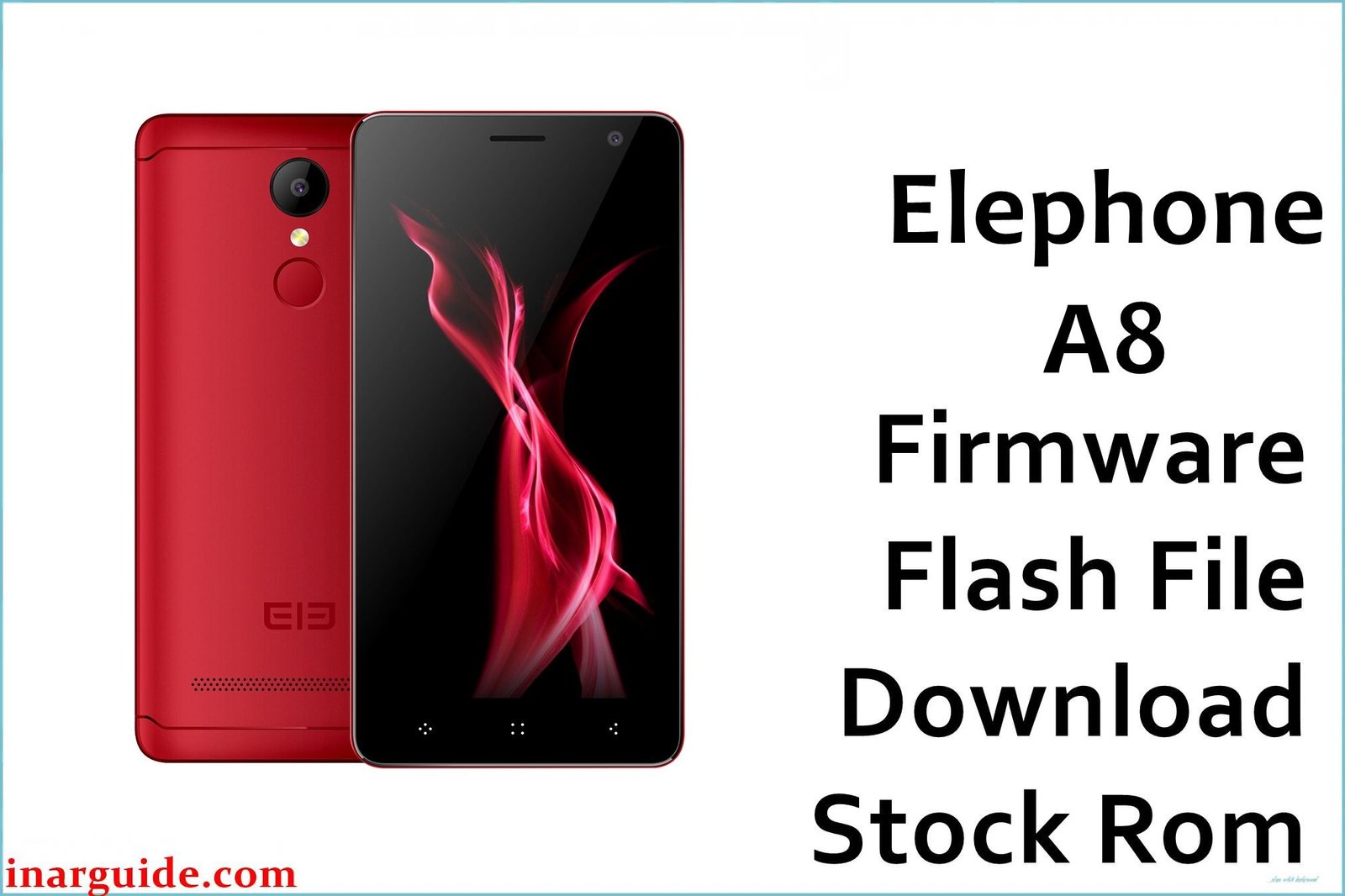
The Elephone A8 was an ultra-budget smartphone released in 2017, designed to offer the core Android experience at the lowest possible price point. It features a 5.0-inch display and is powered by the entry-level MediaTek MT6580 quad-core processor, paired with 1GB of RAM and 8GB of internal storage. Running on Android 7.0 Nougat, the device’s minimal hardware meant that performance could degrade significantly over time. For owners looking to restore the phone to a usable state, fix bugs, or resolve a bootloop, reinstalling the official stock firmware is the most effective solution.
This guide provides the official stock ROM for the Elephone A8, allowing you to perform a clean software installation and reset the device to its factory condition.
Elephone A8 Firmware Details
Below are the key specifications for the Elephone A8. This firmware is the official software release for the MT6580 variant of the device.
| Attribute | Details |
|---|---|
| 📱 Device | Elephone A8 |
| 🆔 Chipset | MediaTek MT6580 |
| 🤖 Android OS | 7.0 Nougat |
| 📂 File Type | Scatter Firmware |
| 💻 Flashing Tool | SP Flash Tool |
Why Flash the Stock Firmware on Your Elephone A8?
Due to its very limited 1GB of RAM and 8GB of storage, the Elephone A8 is highly susceptible to software issues. Flashing the stock firmware is the best way to address these problems:
- Fix Extreme Sluggishness: A clean OS install is essential for clearing out junk files and resource-heavy processes that make the device almost unusable.
- Resolve “Insufficient Storage” Errors: Wipes the device clean, freeing up the limited internal storage for essential apps.
- Stop Constant App Crashes: Addresses “force close” errors and instability caused by low memory and software conflicts.
- Fix Bootloop Errors: The only reliable way to fix a phone that is stuck on the Elephone startup animation.
- Unbrick Your Device: Revives a phone that has become completely unresponsive after a failed update or other software error.
⚠️ Important Prerequisites
Before beginning, ensure you back up any data you can access. This process will completely erase the phone’s internal storage, including photos, contacts, and apps.
- The latest version of the SP Flash Tool.
- The correct MediaTek VCOM USB drivers installed on your PC.
Download Official Firmware for Elephone A8
- Build Date: 20171010
- File Name: Elephone_A8_MT6580_20171010.zip
- Size: 659 MB
- 🔗 Download Link: Download Here
How to Flash the Firmware
This firmware must be installed using the SP Flash Tool. The process involves loading a scatter file from the firmware package. Here is an overview of the steps:
- Download and extract the
Elephone_A8_MT6580_20171010.zipfile to a dedicated folder on your PC. - Ensure the necessary MediaTek VCOM USB drivers are properly installed on your computer.
- Launch the SP Flash Tool software.
- Click the “Scatter-loading” button and choose the
MT6580_Android_scatter.txtfile from the folder you just extracted. - Completely power off your Elephone A8.
- In the SP Flash Tool, ensure the mode is set to “Download Only,” then click the green “Download” button.
- Connect your powered-off phone to the computer via USB cable to start the flashing process.
For a complete, step-by-step tutorial with screenshots and troubleshooting, please follow our master guide:
→ How to Flash Stock Firmware to MediaTek (MTK) Smartphones
Disclaimer: Flashing firmware is an advanced procedure with inherent risks. If instructions are not followed precisely, you could damage your device. We are not responsible for any data loss or hardware issues. Proceed with caution.





