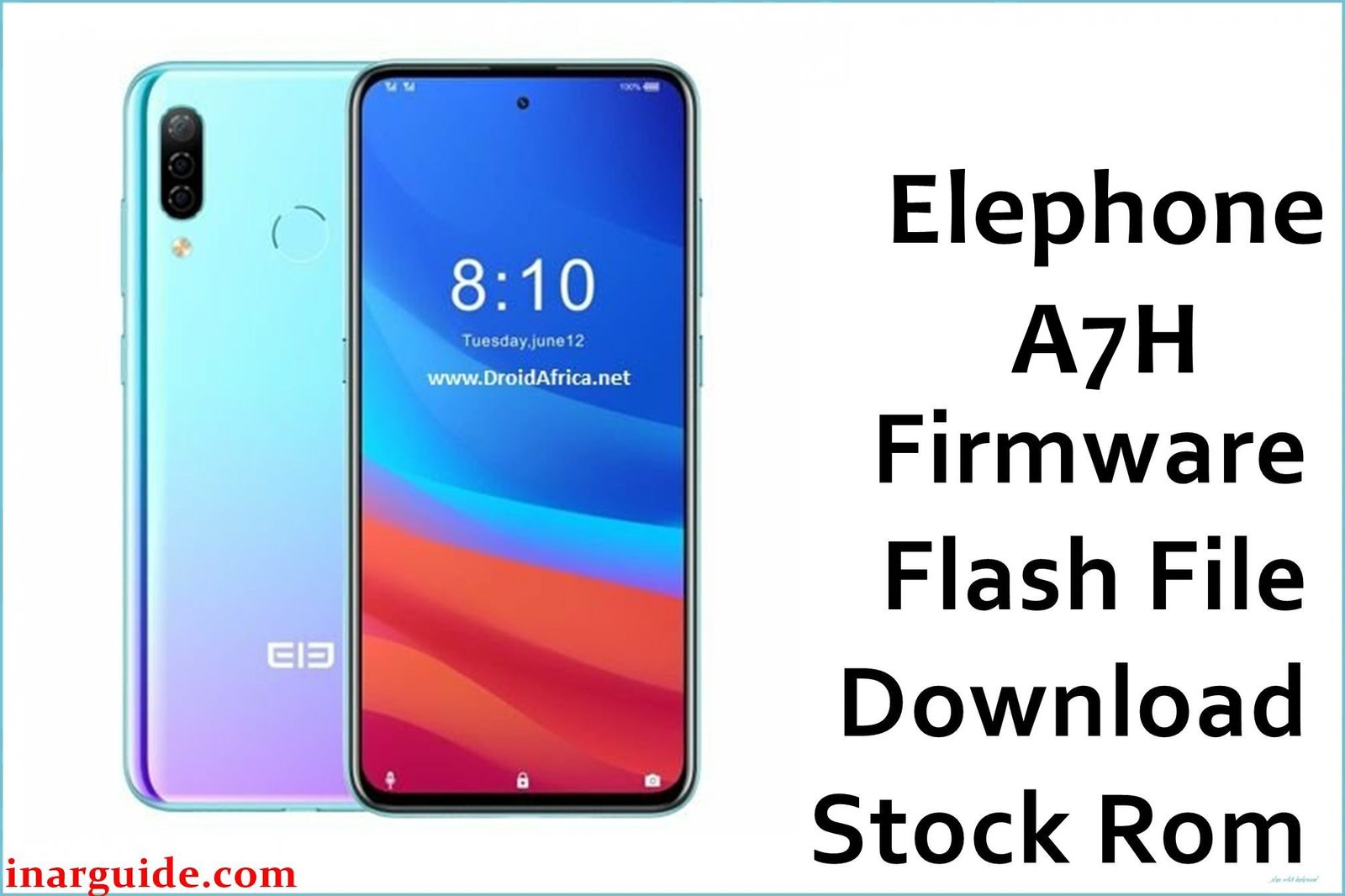
The Elephone A7 carved its niche as a large-screen, battery-focused phone, but its longevity was entirely dependent on its software. If you’re here, your A7 is probably showing its age: slowing down, suffering from mysterious bugs, or perhaps it’s completely unresponsive after a failed update. This firmware, MT6763_V09_20200104, is the device’s lifeline. Based on extensive research across global forums, including deep threads on Russia’s 4PDA and Spanish site HTCMania, this specific build is recognized as the most mature and stable official Android 9 Pie release for the A7. It’s the community’s recommended solution for anyone seeking to wipe the slate clean, recover from a soft-brick, or simply breathe new life into a dependable older device.
(What’s New / Why This Firmware Matters – The Community Insight)
While Elephone’s official changelogs were often sparse, user experiences on 4PDA and HTCMania provide the real story for this January 2020 build:
-
The Performance & Stability Peak: This V09 version is not the first Android 9 build for the A7, but it is widely regarded on forums as the most refined. Users who endured earlier, buggier Pie releases reported that this version finally ironed out persistent issues with memory management, resulting in fewer app reloads and smoother multitasking.
-
Battery Life Optimization: The Helio P23 (MT6763) is a power-efficient chip, but it needs well-tuned software. Discussions on HTCMania specifically note that this build resolved a “Doze” mode issue present in earlier V0x versions, where the phone would sometimes fail to enter deep sleep, leading to overnight battery drain. Flashing this is a known fix for battery woes.
-
Critical Security Update: With a build date of January 4, 2020, this firmware likely includes the December 2019 or January 2020 Android security patches. This makes it the most secure official OS version ever released for the Elephone A7, a crucial detail for anyone still using the device as a backup or secondary phone.
-
The Unbrick Gold Standard: For a device with a limited modding scene, this stable, late-build firmware is the ultimate recovery image. It’s the file trusted members on 4PDA link to when users need to restore their device to a fully functional state after a system corruption.
(Crucial Pre-Flashing Checklist – The Expert Warnings)
-
⚠️ MODEL CONFIRMATION IS NON-NEGOTIABLE: This firmware is ONLY for the standard Elephone A7 (A7H) with the MediaTek MT6763 chipset. DO NOT flash this on an Elephone A7 Pro or any other model. The Pro variant has a different chipset (Mediatek MT6771) and flashing this will render the device unusable.
-
Backup Everything: The standard flashing process for MediaTek devices erases all user data. Ensure all photos, contacts, and files are backed up to an SD card or computer before proceeding.
-
Driver Preparedness: The most common point of failure is drivers. You must install the correct MediaTek VCOM Preloader USB drivers on your Windows PC. This often requires disabling driver signature enforcement.
-
Tool Compatibility: You will need a version of SP Flash Tool (Smart Phone Flash Tool) compatible with Android 9 and the MT6763 chipset. Versions like v5.1916 or v5.20xx are typically recommended.
(Download Section – The Link with Context)
-
Device: Elephone A7 (A7H)
-
Chipset: MediaTek MT6763 (Helio P23)
-
Version: V09_20200104
-
Android Version: 9.0 Pie
-
Build Date: January 4, 2020
-
Security Patch: Likely Dec 2019 / Jan 2020
-
File Name:
Elephone_A7H_MT6763_V09_20200104_9.0.zip -
Size: 1.70 GB
-
Download Link: Elephone_A7_MT6763_V09_20200104_9.0.zip (Google Drive)
(The Expert Flashing Guide – Tailored for the A7)
The process uses the standard SP Flash Tool method for MediaTek devices.
-
PC Preparation: Install the MTK VCOM USB drivers. This is the most critical step. You may need to boot Windows into “Disable driver signature enforcement” mode.
-
Extract the Firmware: Download the ZIP file. You will likely need to extract it twice. The final folder must contain the
MT6763_Android_scatter.txtfile and numerous .img (system, boot, lk, etc.) and .bin files. -
Launch SP Flash Tool: Open the tool and click “Scatter-loading.” Navigate to your extracted folder and select the
MT6763_Android_scatter.txtfile. The partition list will populate. -
Select Download Mode: In the dropdown menu, ensure “Download Only” is selected. Do not use “Firmware Upgrade” or “Format All + Download” as a first attempt, as advised by experts on 4PDA.
-
Initiate Flash: Click the “Download” button in SP Flash Tool.
-
Connect the Phone: With the phone completely powered off and not connected to USB, connect it to your PC. The tool should detect it and begin the flashing process. You will see a progress bar.
-
Completion: A green circle with “OK” signals a successful flash. Disconnect the phone. Power it on. The first boot can take 10 minutes or more. Be patient while the system initializes.
(Troubleshooting & FAQs – Aggregated Forum Wisdom)
-
Q: SP Flash Tool doesn’t see my phone. What now?
-
A: This is 99% a driver issue. Completely uninstall all previous phone drivers from Device Manager, reboot, and reinstall the specific MTK VCOM drivers. Try a different USB cable and a USB 2.0 port on the back of your PC.
-
-
Q: I get an “S_BROM_CMD_STARTCMD_FAIL (2005)” error.
-
A: This often indicates the phone is not in the correct BROM mode. Ensure it’s fully powered off. If it’s stuck, try a different approach: remove the battery for 30 seconds, reinsert it, and then immediately connect it to the PC while powered off. This often forces it into the correct mode.
-
-
Q: The flash was OK, but now it’s stuck on the boot animation.
-
A: First, ensure you wait at least 15 minutes. If it persists, boot into stock recovery mode (usually Power + Volume Up) and perform a “wipe data/factory reset” and “wipe cache partition.” This resolves most first-boot loops.
-
-
Q: Is there a TWRP recovery for this model/build?
-
A: The Elephone A7 had a very limited custom development scene. While some users on 4PDA attempted to port TWRP, no stable, widely-adopted version ever emerged. This firmware is primarily for official restoration and stability.
-
(Conclusion & Final Thoughts)
This V09 firmware represents the Elephone A7 at its peak—stable, secure, and efficient. It’s not about new features; it’s about reliability. For owners of this device, this file is a crucial digital artifact that can extend the phone’s usable life for years to come, whether as a daily driver, a dedicated media device, or a reliable backup.
Disclaimer: Flashing your device’s firmware carries an inherent risk. While this process is well-documented by the community, I am not responsible for any damage to your device. Proceed with caution and double-check every step.





