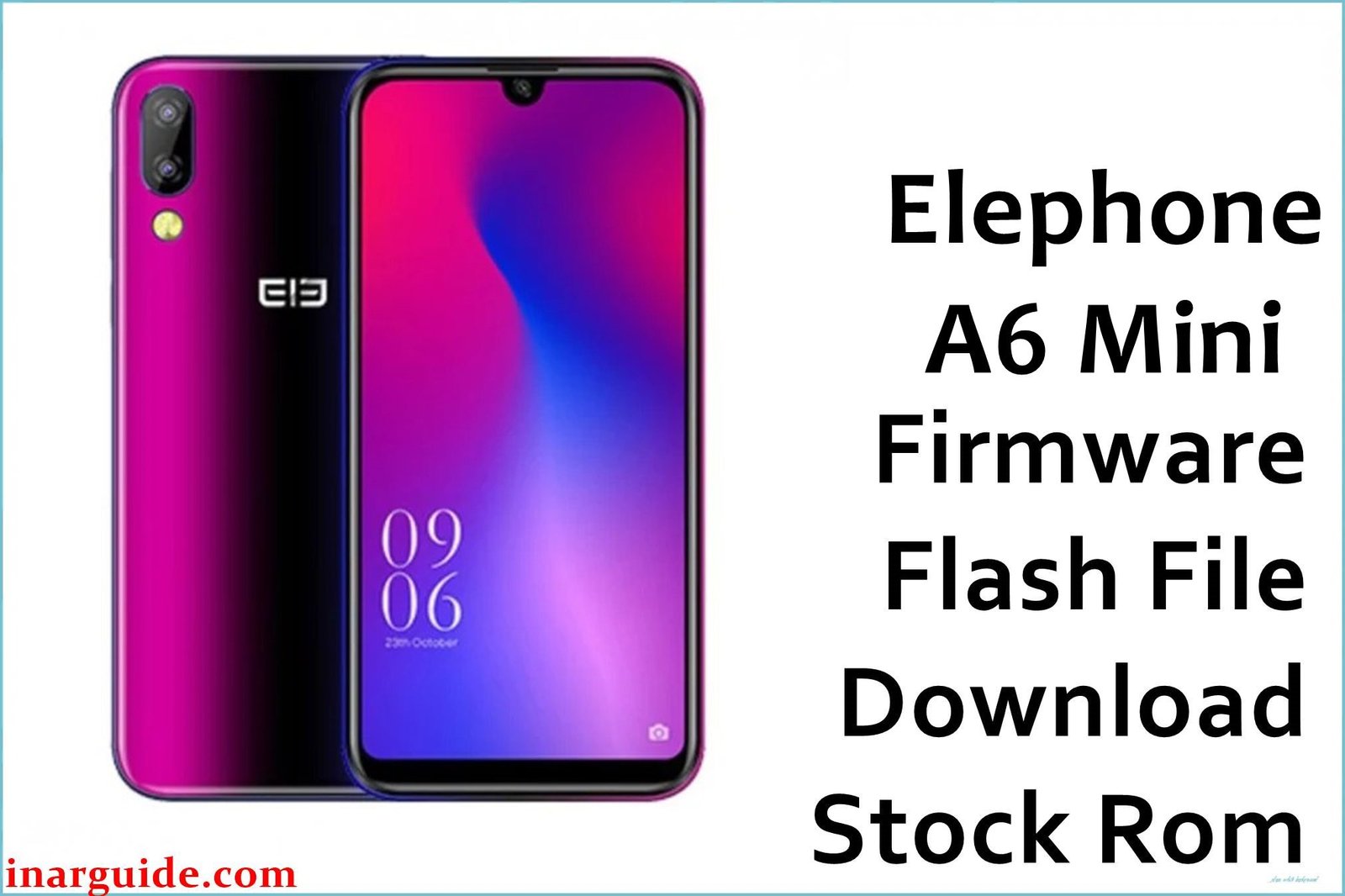
If you’re holding an Elephone A6 Mini, you’re part of a niche group of tech enthusiasts who value compact, budget-friendly phones. However, like many devices from smaller brands, software support can be tricky. The official Android 9 Pie update, specifically the EEA_V01_190312 build, is a critical piece of firmware. Based on discussions across global forums like 4PDA and HTCMania, this isn’t just any update—it’s the stable European Economic Area (EEA) version many users seek to replace buggy global ROMs, improve performance, and ensure GDPR compliance. Whether you’re fixing a soft-bricked device, downgrading from a problematic custom ROM, or just want a clean slate, this guide and download are for you.
(What’s New / Why This Firmware Matters – The Community Insight)
The official changelog for this build is typically vague: “System optimization and bug fixes.” But the real value, unearthed from Russian tech forum 4PDA and Spanish site HTCMania, reveals much more:
-
EEA Specifics: This firmware is built for the European market. This means it adheres to stricter privacy standards under GDPR, often resulting in fewer pre-installed apps and cleaner software compared to global or Chinese variants.
-
Performance Tweaks: Users who flashed this over older versions reported noticeably smoother performance and resolved issues with random app crashes on the stock launcher.
-
Critical Baseband Update: This build includes a modernized baseband and modem, which can improve cellular network reception and Wi-Fi stability in European regions. Some users on forums noted it fixed issues with LTE connectivity dropping in areas with weak signal.
-
Security: While not the latest, it ships with the Android security patch level from March 2019, making it the most secure official OS version for this device.
(Crucial Pre-Flashing Checklist – The Expert Warnings)
-
⚠️ MODEL CONFIRMATION IS MANDATORY: This firmware is ONLY for the Elephone A6 Mini with the model number specified in the build: MT6761. Do not flash this on any other Elephone model (like the standard A6) or a different phone. You risk a permanent hard brick.
-
Backup Everything: The flashing process will erase all your data. Backup your photos, contacts, messages, and files to an SD card or your computer.
-
Battery & Drivers: Ensure your phone has at least 50% battery. You will need to install MediaTek (MTK) VCOM USB Drivers on your Windows computer for the tool to recognize the phone in BootROM mode. This is the most common hurdle.
-
Download the Right Tools: You will need the SP Flash Tool (Smart Phone Flash Tool), the standard utility for MediaTek chipsets. I recommend using a compatible version, often v5.19xx or newer.
(Download Section – The Link with Context)
-
Device: Elephone A6 Mini
-
Chipset: MediaTek MT6761 (Helio A22)
-
Version: EEA_V01_190312
-
Android Version: 9.0 Pie
-
Security Patch: March 2019
-
Region: EEA (European Economic Area)
-
File Name:
Elephone_A6_Mini_MT6761_EEA_V01_190312_9.0.zip -
Size: 1.21 GB
-
Download Link: Elephone_A6_Mini_EEA_V01_190312_9.0.zip (Google Drive)
(The Expert Flashing Guide – Tailored for MTK)
Flashing a MediaTek device requires a different process than Samsung or Google phones. Here’s the community-vetted method from 4PDA:
-
Prepare Your PC: Install the MTK VCOM USB drivers on your Windows computer. You may need to disable driver signature enforcement.
-
Extract Files: Download the firmware ZIP file. Extract its contents twice until you have a folder containing the scatter file (
MT6761_Android_scatter.txt) and the various system images (boot.img, lk.img, system.img, etc.). -
Open SP Flash Tool: Launch the SP Flash Tool executable. Click on the “Scatter-loading” button and navigate to the folder you extracted. Select the
MT6761_Android_scatter.txtfile. All partitions will load in the list. -
Select Download Mode: In the dropdown menu at the bottom, ensure “Download Only” is selected. Do not use “Firmware Upgrade” or “Format All + Download” unless you are an advanced user and know the risks.
-
Connect Your Phone:
-
Power off your phone completely.
-
Do not connect it to the PC yet.
-
Click the “Download” button in SP Flash Tool.
-
Now, with the phone off, connect it to your PC using a USB cable. The tool should automatically detect it and begin the flashing process. You will see a red then yellow then green progress bar.
-
-
Finish: Upon completion, you will see a green circle with the word “OK”. Disconnect your phone. You can now power it on. The first boot will take significantly longer than usual (5-10 minutes). Be patient.
(Troubleshooting & FAQs – Aggregated Forum Wisdom)
-
Q: SP Flash Tool doesn’t recognize my phone!
-
A: This is 99% a driver issue. Uninstall all previous drivers, use a different USB port (preferably USB 2.0), and try again. On 4PDA, many users recommend specific older versions of the SP Flash Tool for maximum compatibility.
-
-
Q: I get a “BROM ERROR: S (0x)” during flashing.**
-
A: This is a common MediaTek error. It often means you need to authenticate the process. For some newer tools, you might need an auth file (if the firmware is preloader-protected). Search on forums for “A6 Mini SP Flash Tool auth file” if the error persists.
-
-
Q: My phone is stuck on the boot logo after flashing.
-
A: The most likely cause is a firmware mismatch (wrong model) or a corrupted download. Re-download the firmware file and try the process again. As a last resort, you may need to perform a factory reset in recovery mode (usually accessible by holding Power + Volume Up buttons during boot).
-
-
Q: Will this work if my phone is soft-bricked or dead?
-
A: Yes! This is one of the primary uses of SP Flash Tool. Even if your phone won’t turn on, you can often still flash it by connecting it to the PC while powered off, as described in the guide.
-
(Conclusion & Final Thoughts)
The EEA_V01_190312 build represents the most stable and clean official Android experience for the Elephone A6 Mini. While it may not be the latest Android version, it provides a reliable daily driver, free from the instability found in some custom ROMs or earlier builds. It’s the go-to solution for reviving a bricked device or simply seeking a performance reset.
Disclaimer: Flashing your device’s firmware is always done at your own risk. While the process is generally safe when followed correctly, I am not responsible for any damage to your device.





