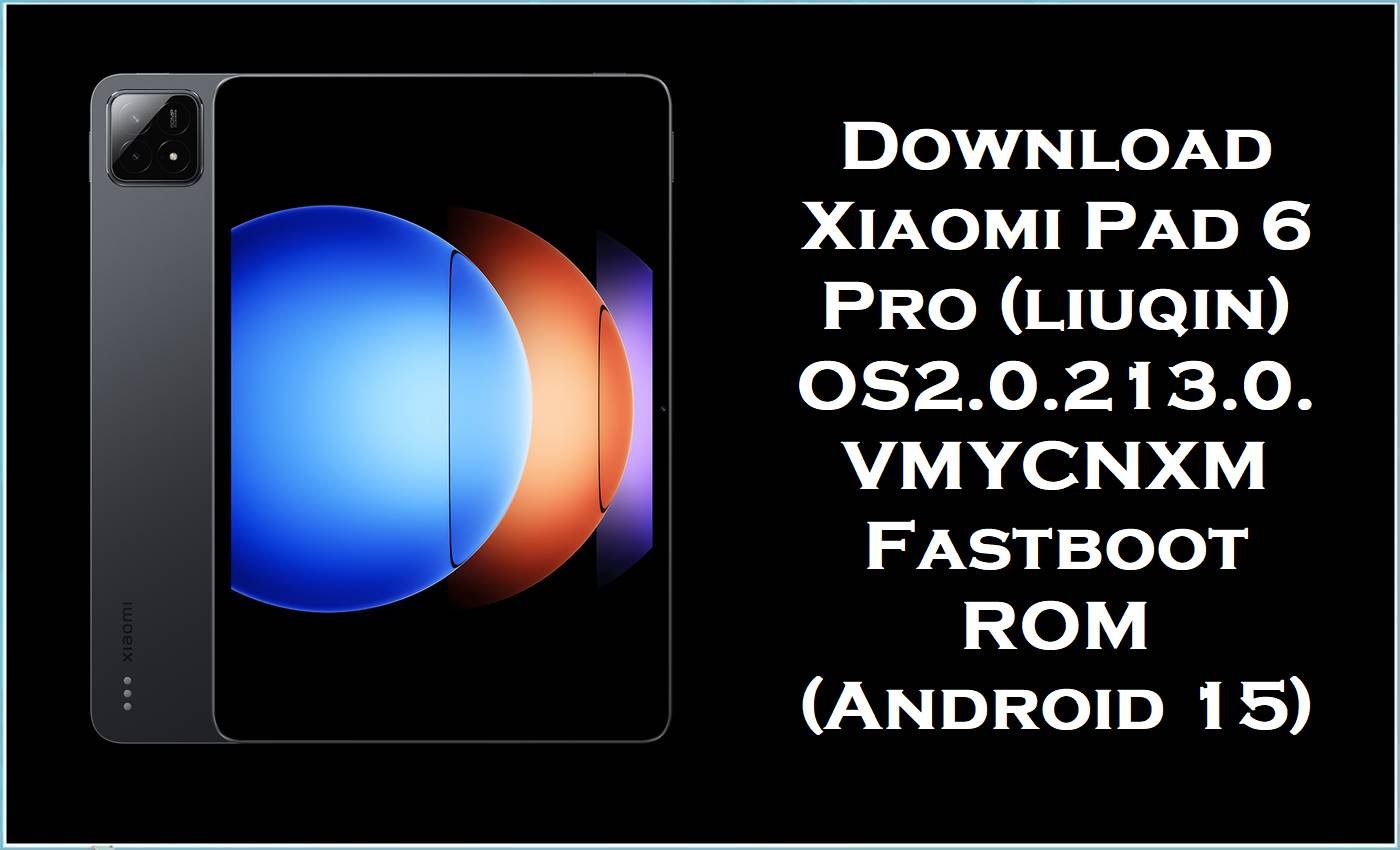
Xiaomi Pad 6 Pro (codename liuqin) is a flagship Android tablet built around the Snapdragon 8+ Gen 1 platform, and it’s commonly updated through HyperOS fastboot packages like the one shared here. Some owners report post-update problems such as battery drain and heating, while others hit serious software trouble like boot logo/bootloop situations that require flashing the correct ROM. The liuqin_images_OS2.0.213.0.VMYCNXM package is an official fastboot firmware build for the China branch, and a clean flash can restore system partitions and stabilize the tablet when OTA updates or resets aren’t enough.
Xiaomi Pad 6 Pro Firmware Details
| Device Name | Xiaomi Pad 6 Pro |
|---|---|
| Codename | liuqin |
| Chipset | Qualcomm Snapdragon 8+ Gen 1 (SM8475) |
| Android Version | Android 15 |
| Firmware Version | OS2.0.213.0.VMYCNXM (China / CNXM) |
| Build Date | 2025-11-06 (from filename) |
| File Size | 6.90GB |
| File Type | .tgz (Stable Fastboot / images package) |
| Flashing Tool Required | Xiaomi Mi Flash Tool (Fastboot flashing) |
| Bootloader Status | Many China devices are bootloader-locked; flashing the wrong ROM or flashing while locked can trigger “system destroyed”/boot failures. |
| Notes | This build is for Xiaomi Pad 6 Pro (liuqin) China branch only. |
Warning/Disclaimer: Flashing Xiaomi Pad 6 Pro (liuqin) firmware is risky and advanced. Wrong ROM/region/variant or improper flashing may brick the device, erase data, cause boot failure/instability, security issues, and void warranty. All files/guides/tools are provided “as is” without warranties; no liability for damage or loss. Verify model/region, back up data, and proceed at your own risk.
How This Firmware Helps Fix Issues
- Battery drain & heating after updates: Users have reported battery draining and heating after updating Xiaomi tablets, which is a common reason to move to a newer stable build or re-flash cleanly when the system becomes inconsistent.
- Stuck on boot logo / bootloop: Boot logo loops on Xiaomi Pad 6/Pad 6 Pro are often addressed by flashing a full ROM (fastboot/recovery), especially when the OS partition or boot image is corrupted.
- Wrong-ROM / locked-bootloader problems: Pad 6 Pro users can get “system destroyed” symptoms when the wrong ROM is flashed or when the bootloader situation blocks proper flashing, so matching the exact device and branch matters.
Download Official Firmware for Xiaomi Pad 6 Pro (liuqin)
| Filename | File Size | Build Date | Build Version | Android Version | Flashing Type | Download Link |
|---|---|---|---|---|---|---|
| liuqin_images_OS2.0.213.0.VMYCNXM_20251106.0000.00_15.0_cn_3c0a69fd89.tgz | 6.90GB | 2025-11-06 | OS2.0.213.0.VMYCNXM (CNXM / China) | Android 15 | Fastboot ROM (.tgz images) | Download OS2.0.213.0.VMYCNXM (Xiaomi BigOTA) |
Flashing Requirements
- Windows PC + a stable USB cable (fastboot flashing is PC-based for this package type).
- Xiaomi Mi Flash Tool installed.
- Extract the.tgz fully until you have the ROM folder MiFlash can load.
- Bootloader awareness: CN devices may be locked, and flashing the wrong package can cause “system destroyed” behavior.
- Backup of important data (flashing may wipe data depending on method/options).
How to Flash the Firmware
- Download the fastboot ROM and extract the .tgz until you can select the ROM folder in MiFlash.
- Install Xiaomi drivers (if needed) and open Xiaomi Mi Flash Tool on Windows.
- Boot Xiaomi Pad 6 Pro (liuqin) into Fastboot mode and connect it to the PC.
- In MiFlash, select the extracted ROM folder, refresh device detection, and start flashing without disconnecting.
- Reboot and allow extra time for first boot; if problems persist, re-check that the ROM branch is correct (CNXM) and the device is truly liuqin.
For a complete step-by-step guide with pictures and videos, follow: How to Flash Android Smartphones with Xiaomi MI Flash Tool, then apply it to this exact file: liuqin_images_OS2.0.213.0.VMYCNXM.
Frequently Asked Questions (FAQs)
Is liuqin_images_OS2.0.213.0.VMYCNXM only for Xiaomi Pad 6 Pro?
Yes—liuqin is listed as the Xiaomi Pad 6 Pro codename, and VMYCNXM indicates the China branch, so it should not be flashed on other models/regions.
What Android version is OS2.0.213.0.VMYCNXM for Xiaomi Pad 6 Pro?
HyperOS builds for liuqin such as OS2.x are listed on Android 15 in fastboot form.
Can this stock ROM fix Xiaomi Pad 6 Pro battery drain and heating?
Battery drain/heating after updates has been reported by Xiaomi tablet users, and updating to a newer stable build (or reflashing cleanly) is a common troubleshooting step when the system becomes unstable.
What if Xiaomi Pad 6 Pro is stuck on the boot logo?
Guides for Pad 6/Pad 6 Pro boot-logo issues commonly recommend flashing a full ROM via fastboot/recovery when software corruption is suspected.





