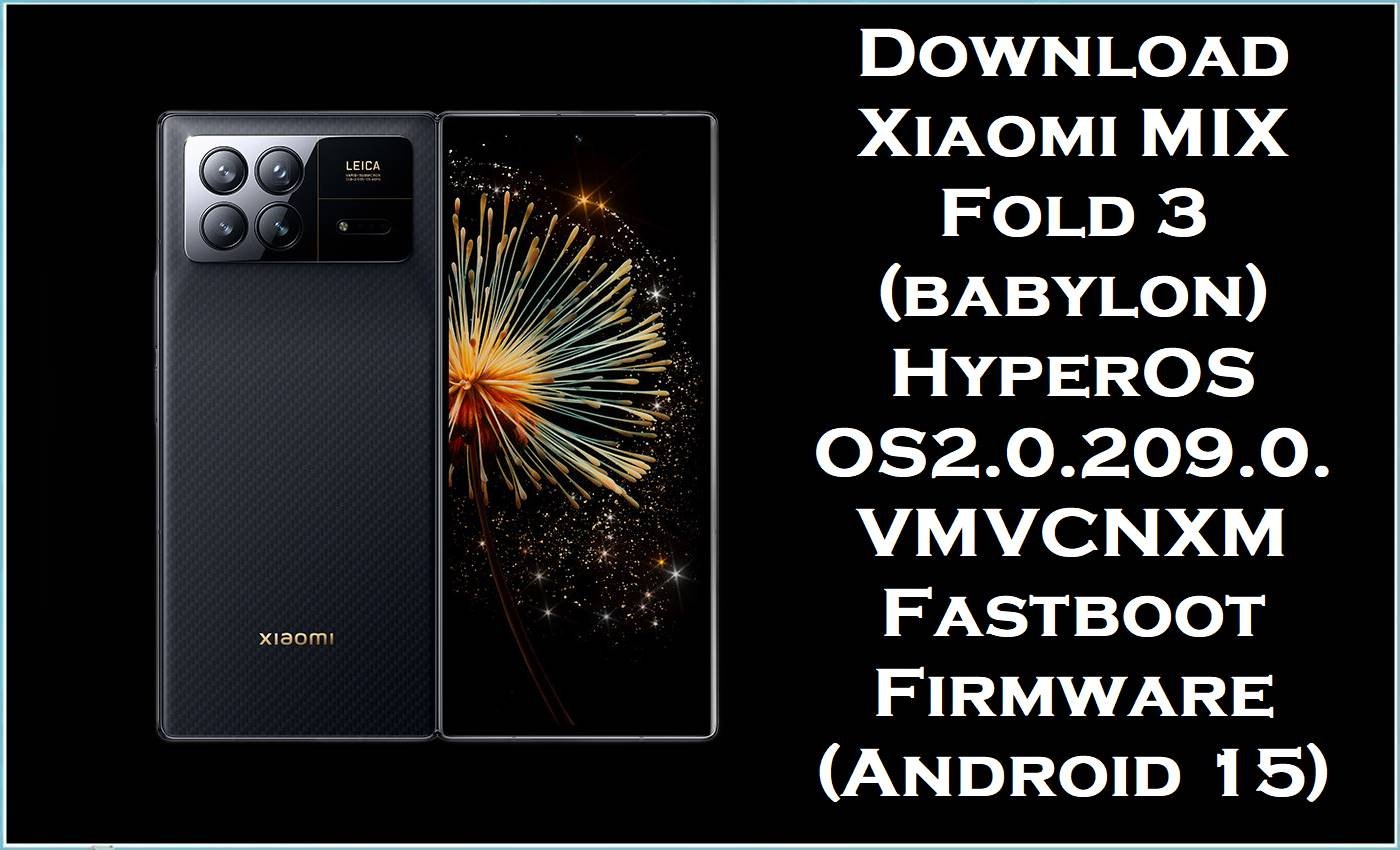
Xiaomi MIX Fold 3 (codename: babylon) is a premium foldable powered by Snapdragon 8 Gen 2, and it receives HyperOS updates through stable builds like OS2.0.x.x.VMVCNXM. However, real-world user feedback around HyperOS updates often mentions problems like overheating and unusually fast battery drain, plus recurring connectivity/charging/screen-recording bugs highlighted in Xiaomi’s weekly bug reporting.
Installing the correct OS2.0.209.0.VMVCNXM fastboot package can help by upgrading you to a newer stable build and reinstalling core system partitions (a common fix path for software corruption, boot issues, and persistent instability after updates).
Warning (Xiaomi MIX Fold 3 / babylon): Flashing firmware is advanced and risky. Wrong ROM/region/variant or improper steps can brick the device, wipe data, cause boot failure, instability, security issues, and void warranty. Files/tools are provided “as is” with no warranties; authors/providers accept no liability for damage or loss. Verify exact model/region, back up data, and proceed only if you understand flashing—at your own risk.
Xiaomi MIX Fold 3 Firmware Details
| Device Name | Xiaomi MIX Fold 3 (China) |
|---|---|
| Codename | babylon |
| Model Identifier (common) | 2308CPXD0C |
| Chipset | Qualcomm Snapdragon 8 Gen 2 (SM8550-AB) |
| Android Version | Android 15 |
| MIUI/HyperOS Version | HyperOS Stable OS2.0.209.0.VMVCNXM |
| Region / Branch | China (CNXM), Stable Fastboot ROM |
| Build Date | 2025-10-28 (from filename) |
| File Size | 8.30 GB |
| File Type | .tgz (Fastboot “images” package) |
| Flashing Tool Required | Xiaomi Mi Flash Tool (Windows) |
| Bootloader Status | Typically requires an unlocked bootloader for fastboot flashing on Xiaomi devices (recommended to confirm before proceeding). |
| Keywords (for search) | stock ROM, flash file, stock firmware, official firmware |
Why This Firmware Matters
Across HyperOS user discussions, one of the most repeated complaints after certain updates is severe battery drain and overheating during normal tasks. Xiaomi’s own weekly bug-report posts also routinely track issues such as Wi‑Fi problems, charging anomalies, and screen recording bugs (with fixes arriving in later builds), which is why moving to a newer stable build can be worthwhile when an older one is misbehaving.
- Performance & stability refresh: A fastboot ROM reinstall replaces core system components, which can help when the OS was damaged by a failed update, mod, or incomplete OTA.
- Bug-fix uplift: OS2.0.209.0.VMVCNXM is listed as the latest stable HyperOS build for MIX Fold 3 (babylon) in China channels, meaning you’re not stuck on earlier 2.0 builds that may carry older bugs.
- Cleaner recovery path: When settings tweaks don’t solve persistent drain/heat or random glitches, reflashing the official package is a common “reset-to-factory-software” approach that users rely on before hardware servicing.
Download Official Firmware for Xiaomi MIX Fold 3
| Filename | File Size | Build Date | Build Version | Android Version | Flashing Type | Download Link |
|---|---|---|---|---|---|---|
| babylon_images_OS2.0.209.0.VMVCNXM_20251028.0000.00_15.0_cn_33c60fe880.tgz | 8.30GB | 2025-10-28 | OS2.0.209.0.VMVCNXM (China / CNXM) | Android 15 | Fastboot ROM (.tgz images) | Download OS2.0.209.0.VMVCNXM (Xiaomi BigOTA) |
Flashing Requirements
- Windows PC and a reliable USB cable.
- Xiaomi USB drivers installed on the PC.
- Xiaomi Mi Flash Tool (MiFlash) installed.
- The extracted fastboot firmware folder (from the downloaded.tgz).
- Full backup of personal data (photos, chats, files), because flashing can erase everything.
How to Flash the Firmware
Method: Xiaomi Mi Flash Tool (Fastboot ROM.tgz)
- Download the OS2.0.209.0.VMVCNXM.tgz and extract it until you can see the firmware/images folder structure.
- Install Xiaomi USB drivers and launch Xiaomi Mi Flash Tool on Windows.
- Boot the MIX Fold 3 (babylon) into Fastboot/“download mode” and connect it to the PC.
- In Mi Flash Tool, select the extracted firmware folder (not the archive), then start flashing and do not interrupt the process.
- After completion, reboot and allow extra time for the first boot; then complete initial setup and monitor heat/battery behavior for a full day of normal use.
For a complete step-by-step guide (with pictures/videos) for this exact fastboot flashing method, use: How to Flash Android Smartphones with Xiaomi MI Flash Tool. If you prefer the script approach (where applicable), also see the “Flash.bat” guide listed in the guides section of your site.
Frequently Asked Questions (FAQs)
Is OS2.0.209.0.VMVCNXM firmware only for Xiaomi MIX Fold 3 (babylon)?
Yes—VMVCNXM builds and the “babylon” codename are specifically associated with Xiaomi MIX Fold 3 China firmware channels, so it should only be used on the correct variant.
Will flashing this Xiaomi MIX Fold 3 stock ROM fix battery drain and overheating?
It can help if the drain/heat is caused by a corrupted system update, broken system apps, or lingering bugs fixed in newer builds, since OS2.0.209.0.VMVCNXM is a newer stable HyperOS release for babylon.
What flashing tool is required for babylon_images_OS2.0.209.0.VMVCNXM_20251028.0000.00_15.0_cn_33c60fe880.tgz?
This is a Xiaomi fastboot “images” package in.tgz format, commonly flashed using Xiaomi Mi Flash Tool on Windows.





