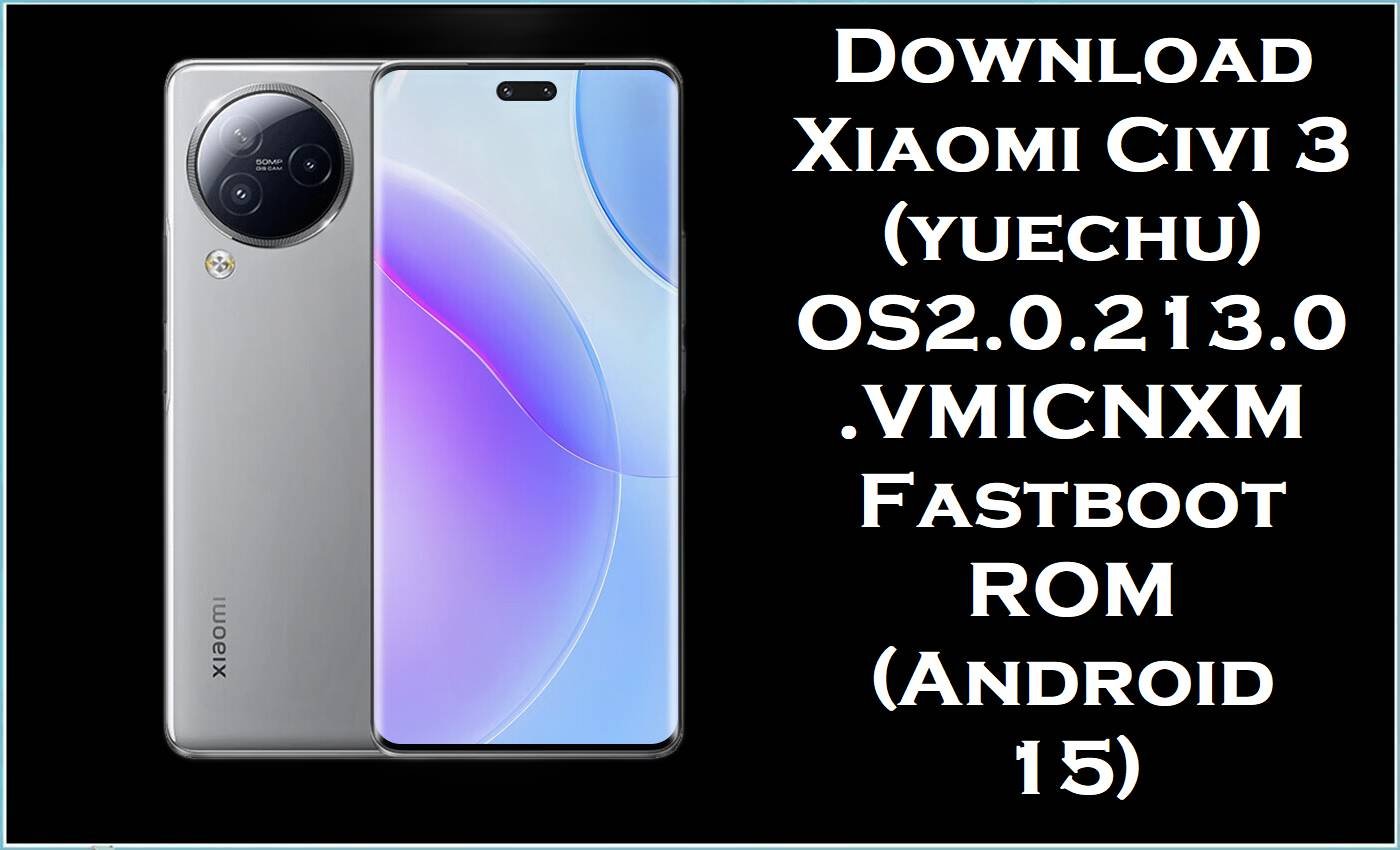
Xiaomi Civi 3 (codename yuechu) is a China-market premium midrange known for its Dimensity 8200 Ultra performance and selfie-focused design. Even with solid hardware, users still report software problems like overheating, fast battery drain, lag/stutters, and occasional connectivity quirks—especially after major HyperOS updates.
The OS2.0.213.0.VMICNXM fastboot firmware you shared reinstalls core system partitions and moves the phone to a newer stable HyperOS 2 build, which is often the most effective way to fix stubborn update corruption, boot issues, and persistent system instability.
Xiaomi Civi 3 Firmware Details
| Device Name | Xiaomi Civi 3 |
|---|---|
| Codename | yuechu |
| Chipset | MediaTek Dimensity 8200 Ultra (4nm) |
| Android Version | Android 15 (HyperOS 2 / “15.0” branch) |
| Firmware Version | OS2.0.213.0.VMICNXM (China / CNXM) |
| Build Date | 2025-12-02 (from filename) |
| File Size | 8.07GB |
| File Type | .tgz fastboot “images” package |
| Flashing Tool Required | Xiaomi Mi Flash Tool (Windows) |
| Bootloader Status | Fastboot flashing commonly requires an unlocked bootloader (verify before flashing). |
| Notes (compatibility) | This is a China (CNXM) build for Xiaomi Civi 3 (yuechu) only. |
Warning (Xiaomi Civi 3 / yuechu): Flashing firmware is risky and advanced. Wrong ROM/region/variant or improper steps can brick your phone, erase data, cause boot failure/instability, security issues, and void warranty. Files, tools, and guides are provided “as is” without warranties; no liability is accepted. Verify model/region, back up data, and proceed only at your own risk.
How This Firmware Fixes Real Issues
Battery drain and heat complaints are a recurring theme across HyperOS releases, and Xiaomi-focused reporting has documented cases where updates caused excessive drain that was addressed in later builds. General Civi 3 troubleshooting reports also list overheating, fast battery drain, laggy UI, network problems, and charging-related issues as common user pain points. When problems persist after a factory reset, reflashing a clean fastboot package is often used to replace corrupted system components and restore stability.
This package is the official firmware branch (CNXM) for Xiaomi Civi 3, so it’s the best choice when you want to return to a genuine Xiaomi software baseline.
Download Official Firmware for Xiaomi Civi 3 (yuechu)
| Filename | File Size | Build Date | Build Version | Android Version | Flashing Type | Download Link |
|---|---|---|---|---|---|---|
| yuechu_images_OS2.0.213.0.VMICNXM_20251202.0000.00_15.0_cn_641311f4d2.tgz | 8.07GB | 2025-12-02 | OS2.0.213.0.VMICNXM (China / CNXM) | Android 15 | Fastboot ROM (.tgz images) | Download OS2.0.213.0.VMICNXM (Xiaomi BigOTA) |
Flashing Requirements
- Windows PC and a stable USB cable for data transfer during flashing.
- Xiaomi Mi Flash Tool installed (MiFlash).
- The ROM extracted from.tgz into a folder MiFlash can load (do not flash the archive directly).
- Unlocked bootloader (commonly required for Xiaomi fastboot flashing—confirm for your device).
- A full backup, because fastboot flashing can wipe user data depending on flash options and device state.
How to Flash the Firmware
- Download the yuechu fastboot ROM and fully extract the.tgz until you can see the ROM/images folder.
- Install Xiaomi drivers (if needed) and open Xiaomi Mi Flash Tool on Windows.
- Boot Xiaomi Civi 3 (yuechu) into Fastboot mode and connect it to the PC.
- In MiFlash, select the extracted ROM folder, refresh device detection, then start flashing and do not interrupt the process.
- After the first boot, allow extra time for optimization and then re-check battery, heat, and stability over normal daily use.
For the full step-by-step guide with pictures and videos, follow: How to Flash Android Smartphones with Xiaomi MI Flash Tool, and apply it to your downloaded OS2.0.213.0.VMICNXM fastboot ROM.
Frequently Asked Questions (FAQs)
Is yuechu_images_OS2.0.213.0.VMICNXM meant for Xiaomi Civi 3 only?
Yes, “yuechu” is the codename for Xiaomi Civi 3, and VMICNXM indicates the China branch, so this firmware should only be used on the matching device/region.
Will flashing OS2.0.213.0.VMICNXM fix overheating and battery drain on Xiaomi Civi 3?
It can help when drain/heat is caused by software bugs or corrupted updates, because later HyperOS builds often address reported battery issues and a clean fastboot flash reinstalls core partitions.
Is data loss guaranteed when flashing the Xiaomi Civi 3 stock ROM?
Data loss is possible (and common in many flashing scenarios), so backups should be treated as mandatory before installing this stock firmware.
What’s the safest way to choose the correct official firmware for Civi 3?
Match both the device codename (yuechu) and the ROM branch (CNXM) and never cross-flash builds meant for other regions or models.





