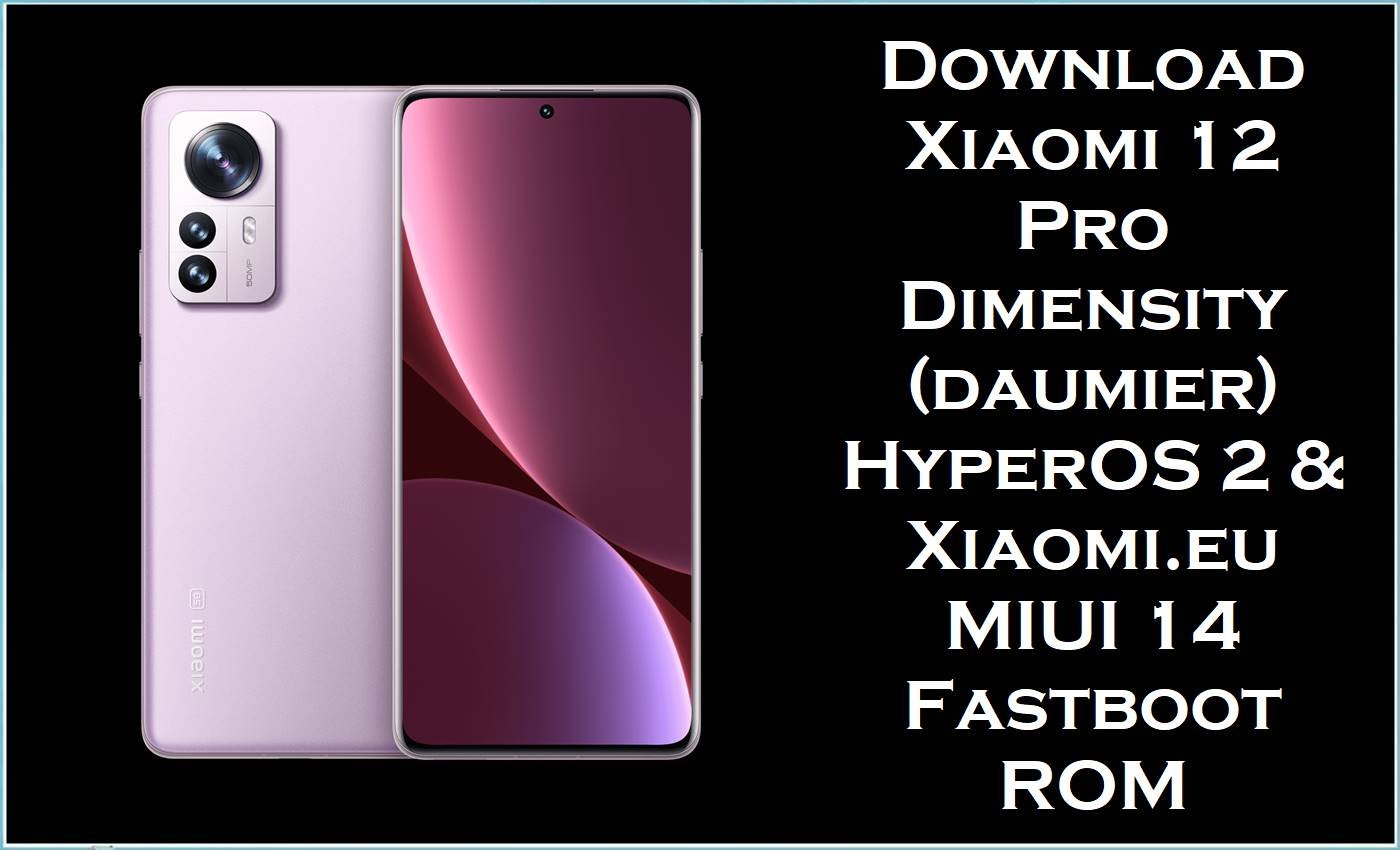
The Xiaomi 12 Pro Dimensity Edition (codename daumier) is a China‑only flagship featuring the MediaTek Dimensity 9000+ chipset, 120 Hz AMOLED display, fast charging, and premium camera hardware built for high‑end performance. Users of the Xiaomi 12 Pro Dimensity daumier often report issues such as random UI stutters, occasional overheating, battery drain, network glitches, and instability after major MIUI/HyperOS updates or heavy customization.
The official HyperOS 2 fastboot stock firmware OS2.0.6.0.ULGCNXM and the Xiaomi.eu MIUI 14 Android 13 fastboot ROM help restore a clean, stable system, fix bootloops or soft‑bricks, and provide a feature‑rich alternative firmware experience on the Xiaomi 12 Pro Dimensity.
Xiaomi 12 Pro Dimensity (daumier) Firmware Details
| Field | Details |
|---|---|
| Device Name | Xiaomi 12 Pro Dimensity Edition |
| Codename / Model | daumier – model 2207122MC (China‑market Dimensity variant). |
| Chipset | MediaTek Dimensity 9000+ (4 nm), flagship SoC with integrated 5G. |
| Display | 6.73″ AMOLED, QHD‑class resolution, 120 Hz refresh rate, HDR support. |
| Battery / Charging | High‑capacity battery with very fast wired charging (up to 120 W in some variants). |
| Base OS | MIUI based on Android 12/13 initially; upgraded to HyperOS 2 Android 14, with HyperOS 3/Android 15 on roadmap. |
| Official Stock Firmware Here | HyperOS 2 China stable fastboot ROM OS2.0.6.0.ULGCNXM for Xiaomi 12 Pro Dimensity daumier. |
| Custom ROM Here | xiaomi.eu MIUI 14 Android 13 fastboot ROM based on V14.0.4.0.TLGCNXM China firmware for daumier. |
| File Types | .tgz HyperOS fastboot stock ROM,.zip Xiaomi.eu multi fastboot custom ROM (hybrid fastboot package). |
| Flashing Tools | Mi Flash Tool for stock ROM fastboot images; Xiaomi.eu fastboot script, platform‑tools (fastboot), or custom recovery method for Xiaomi.eu ROM. |
| Bootloader | Bootloader unlock required for both HyperOS clean fastboot flashing and Xiaomi.eu installation; official OTA/recovery ROMs rely on locked bootloader. |
| Typical Use Cases | Fix bootloops, remove root or mods, repair system corruption, upgrade to HyperOS 2, or switch to Xiaomi.eu MIUI 14 with extended features and Google services. |
Download Official Firmware for Xiaomi 12 Pro Dimensity (daumier)
The table below lists the HyperOS 2 China stable stock ROM fastboot package and a Xiaomi.eu MIUI 14 Android 13 fastboot ROM for Xiaomi 12 Pro Dimensity daumier. The stock ROM is ideal for returning to pure official firmware, while the Xiaomi.eu ROM targets advanced users who want a customized MIUI experience with additional languages and Google services preintegrated.
| Filename | Type / Variant | Build Version | Android / OS | Build Date | File Size | Flashing Type | Download Link |
|---|---|---|---|---|---|---|---|
| daumier_images_OS2.0.6.0.ULGCNXM_20250617.0000.00_14.0_cn_f4b2ee1623.tgz | Official China stock firmware for Xiaomi 12 Pro Dimensity daumier (HyperOS 2 stable). | OS2.0.6.0.ULGCNXM | Android 14.0 / HyperOS 2.0 China stable. | 2025‑06‑17 package timestamp (series of HyperOS 2 stable updates for daumier). | 6.86 GB | Fastboot ROM stock firmware – flash with Mi Flash Tool (fastboot). | Download OS2.0.6.0 HyperOS 2 (Mi Cloud) |
| xiaomi.eu_multi_DAUMIER_V14.0.4.0.TLGCNXM_v14-13-fastboot.zip | Xiaomi.eu MIUI 14 custom ROM for Xiaomi 12 Pro Dimensity daumier, based on China V14.0.4.0.TLGCNXM. | V14.0.4.0.TLGCNXM (Xiaomi.eu multi build) | Android 13.0 / MIUI 14 (modified Xiaomi.eu ROM). | Built from the MIUI 14 V14.0.4.0.TLGCNXM base (2023 Android 13 cycle). | 4.6 GB | Hybrid fastboot ROM – flash via Xiaomi.eu fastboot script (PC) or, if supported, via custom recovery (method depends on package type). | Download Xiaomi.eu MIUI 14 (Android File Host) |
The HyperOS 2.0.6.0.ULGCNXM stock ROM integrates Android 14 core improvements, updated security patches, and Xiaomi’s HyperOS optimizations aimed at improving smoothness, multitasking, animations, and power efficiency on Xiaomi 12 Pro Dimensity daumier. Meanwhile, the Xiaomi.eu MIUI 14 Android 13 fastboot ROM offers bloat‑reduced, multi‑language firmware with Google services and tweaks that many users find more responsive than vendor‑modified Chinese stock firmware while still remaining close to official MIUI.
Flashing Requirements
- Correct device: Only Xiaomi 12 Pro Dimensity Edition with codename daumier and model 2207122MC; verify via About phone or
fastboot getvar productbefore flashing any stock ROM or flash file. - Windows PC with stable USB ports, installed Xiaomi/MediaTek USB drivers, and Mi Flash Tool for HyperOS fastboot firmware; platform‑tools (ADB/Fastboot) and Xiaomi.eu scripts for Xiaomi.eu fastboot ROM.
- Original or high‑quality USB‑C cable to maintain a stable connection while the Xiaomi 12 Pro Dimensity is in fastboot mode.
- Unlocked bootloader required to flash HyperOS fastboot ROM cleanly and mandatory for Xiaomi.eu MIUI 14 installation; follow Xiaomi’s official bootloader unlock instructions beforehand.
- Battery charged to at least 60% and a full backup of all important data, because both stock firmware and Xiaomi.eu fastboot ROM flashing can wipe internal storage.
How to Flash the Firmware
On Xiaomi 12 Pro Dimensity daumier, the HyperOS 2 fastboot ROM and Xiaomi.eu MIUI 14 fastboot ROM use different but related flashing flows. The high‑level steps below outline each method without going into excessive technical detail.
Quick Steps – HyperOS 2 Stock Fastboot ROM (OS2.0.6.0.ULGCNXM) via Mi Flash Tool
- Download daumier_images_OS2.0.6.0.ULGCNXM_20250617.0000.00_14.0_cn_f4b2ee1623.tgz and extract the archive to a simple folder path on the PC (for example, C:\ROM\daumier_OS2.0.6.0).
- Install Xiaomi/MediaTek USB drivers and Mi Flash Tool, power off the Xiaomi 12 Pro Dimensity, and boot into fastboot mode by holding Volume Down + Power.
- Connect the phone to the PC, open Mi Flash Tool, click “select,” and point to the extracted HyperOS fastboot ROM folder that contains the daumier stock firmware images.
- Choose the desired option (usually “clean all” for a fresh installation), click “flash,” and wait until Mi Flash Tool completes successfully without disconnecting the device.
- Reboot the smartphone and allow several minutes for HyperOS 2 Android 14 to complete first boot and optimize apps on the Xiaomi 12 Pro Dimensity.
Quick Steps – Xiaomi.eu MIUI 14 Android 13 Fastboot ROM
- Unlock the bootloader of the Xiaomi 12 Pro Dimensity daumier, then download xiaomi.eu_multi_DAUMIER_V14.0.4.0.TLGCNXM_v14-13-fastboot.zip to the PC and extract it to a new folder.
- Install platform‑tools (ADB/Fastboot) and any required drivers, then boot the phone into fastboot mode (Volume Down + Power) and connect it to the PC.
- In the extracted Xiaomi.eu folder, run the provided fastboot script for the operating system (for example,
windows_fastboot_first_install_with_data_format.batfor a clean install), following the on‑screen prompts. - Wait until the script finishes pushing partitions and reports completion without errors, then let the device reboot automatically into the Xiaomi.eu MIUI 14 system.
- After the first boot, complete setup, sign in to accounts, and restore user data from backups as needed.
For users who prefer a fully illustrated walkthrough for Xiaomi.eu fastboot and recovery‑based installations—including hybrid ROM explanation, bootloader unlock steps, and troubleshooting—check these resources and videos explaining how to flash Xiaomi.eu ROMs on supported Xiaomi/Redmi/POCO devices.
Frequently Asked Questions (FAQs)
What is the daumier_images_OS2.0.6.0.ULGCNXM HyperOS firmware used for?
The daumier_images_OS2.0.6.0.ULGCNXM fastboot package is the official HyperOS 2 Android 14 China stable stock ROM for Xiaomi 12 Pro Dimensity daumier. It is used to perform a clean upgrade, repair corrupted systems, fix bootloops, remove root or custom ROMs, and return the device to fully official stock firmware.
Is the xiaomi.eu_multi_DAUMIER_V14.0.4.0.TLGCNXM_v14-13-fastboot.zip an official stock ROM?
No, the Xiaomi.eu_multi_DAUMIER_V14.0.4.0.TLGCNXM_v14-13-fastboot.zip is a community‑maintained custom ROM based on the official MIUI 14 V14.0.4.0.TLGCNXM China firmware but modified for extra languages, Google integration, and optimizations. It is not official firmware from Xiaomi and requires an unlocked bootloader plus fastboot or custom‑recovery‑based installation.
Does flashing HyperOS 2 or Xiaomi.eu MIUI 14 erase data on Xiaomi 12 Pro Dimensity daumier?
Clean fastboot flashes of HyperOS 2 OS2.0.6.0.ULGCNXM and Xiaomi.eu fastboot scripts that format data typically wipe apps, settings, and internal storage on the Xiaomi 12 Pro Dimensity. Creating full backups before flashing any stock ROM or flash file is strongly recommended to avoid permanent data loss.
Can HyperOS 2 OS2.0.6.0.ULGCNXM fix performance and battery issues reported on earlier builds?
HyperOS 2 updates for Xiaomi 12 Pro Dimensity daumier deliver kernel and system optimizations, new security patches, and bug fixes that target lag, battery drain, and system stability problems seen on prior MIUI and early HyperOS versions. A clean install of the latest stock firmware often offers a smoother experience than incremental OTAs on a heavily modified or long‑used system.
How can users verify that these firmware packages are compatible with their device?
Compatibility is confirmed by matching the codename daumier, model 2207122MC, and appropriate version string (OS2.0.6.0.ULGCNXM or V14.0.4.0.TLGCNXM‑based Xiaomi.eu) with the information in About phone or fastboot output. Flashing firmware for a different codename or device may lead to flashing errors or irreversible hard‑brick.
Is it possible to return from Xiaomi.eu MIUI 14 to pure HyperOS 2 stock firmware on Xiaomi 12 Pro Dimensity?
Yes, returning to pure stock is usually done by flashing the official HyperOS fastboot ROM daumier_images_OS2.0.6.0.ULGCNXM with Mi Flash Tool in clean‑all mode after ensuring the bootloader remains unlocked. This process overwrites the Xiaomi.eu ROM with stock firmware and effectively restores Xiaomi 12 Pro Dimensity daumier to an official HyperOS configuration.





